This repository demonstrates a concise way of enabling TAB-key navigation in QML
without using FocusScope.
Qt has had FocusPolicy and Qt::TabFocus since the
"beginning of time".
That still exists. QML controls such as Button and CheckBox already (by
default) have activeFocusOnTab set to true.
This repository shows how you can achieve the same outcome for any arbitrary custom QML item you design.
Prerequisite: install Qt/QML 5.12 or higher
git clone https://github.com/219-design/keyboard-focus-and-navigation-in-qml.git keyboard-focus-and-navigation-in-qml
cd keyboard-focus-and-navigation-in-qml
QML_DEMO_ROOT=$PWD
cd $QML_DEMO_ROOT/compare-approaches/verbose-approach/
qmlscene main.qml
cd $QML_DEMO_ROOT/compare-approaches/concise-approach/
qmlscene main.qml
cd $QML_DEMO_ROOT/extra-example/
qmlscene main.qml
- Something that Qt calls "FocusPolicy" can configure a widget for tab focus.
- The only kinds of QML elements that expose FocusPolicy are subtypes of "Control"
- We often use "Rectangle" as the basis of our custom components, but "Rectangle" is not a subtype of Control. grrrr....
- Guess what? "Pane" is a subtype of Control.
- According to this Qt tutorial: "Pane is basically a rectangle whose color comes from the application's style."
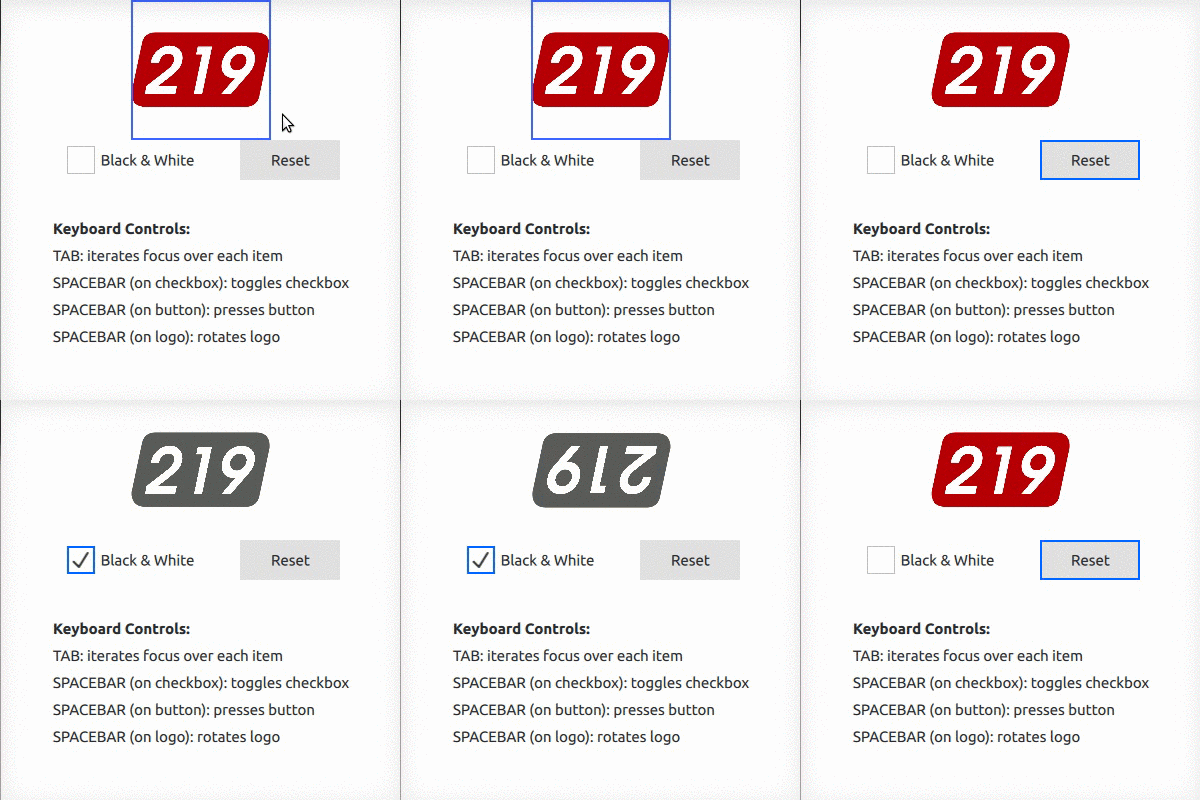
Backstory shared on our blog.