Redact images with pixels
Works with Python >= 2.6, Python >= 3.2.
pip install pixelate-redactorpixelate-redactor \
--input=img/example_img_original.png \
--output=img/example_img_redacted.png \
--pixel-size=10 \
--start-x=90 \
--start-y=180 \
--size-x=150 \
--size-y=150pixelate-redactor \
--input=img/example_img_original.png \
--output=img/example_img_redacted.png \
--pixel-size=10 \
--boxes=img/boxes.jsonwith img/boxes.json:
{
  "__box_name_1__": {
    "px": 90,
    "py": 180,
    "sx": 150,
    "sy": 150
  },
  "__box_name_2__": {
    "px": 90,
    "py": 180,
    "sx": 150,
    "sy": 150
  }
}
(the values are the same, to keep the same result from the single box example)
px-> Position Xpy-> Position Ysx-> Size Xsy-> Size Y
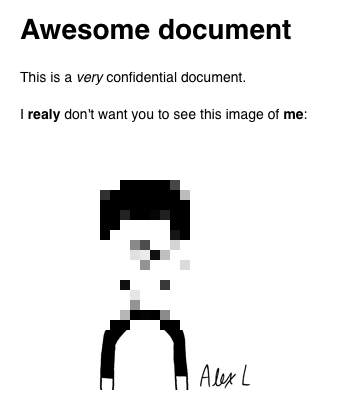
From this:
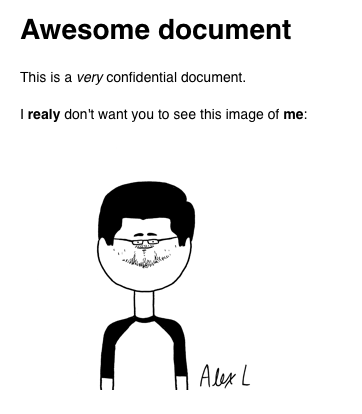
To this: