Multiple timeseries charts with linked x-axes #587

Description

Is it possible to implement multiple stacked charts that have linked x-axes in Victory? If yes, this could be a useful example to include in the documentation. I am plotting multiple timeseries datasets and would like to be able to scroll and zoom them at the same time.
An example GIF of what I'm trying to accomplish using the react-timeseries-charts library:
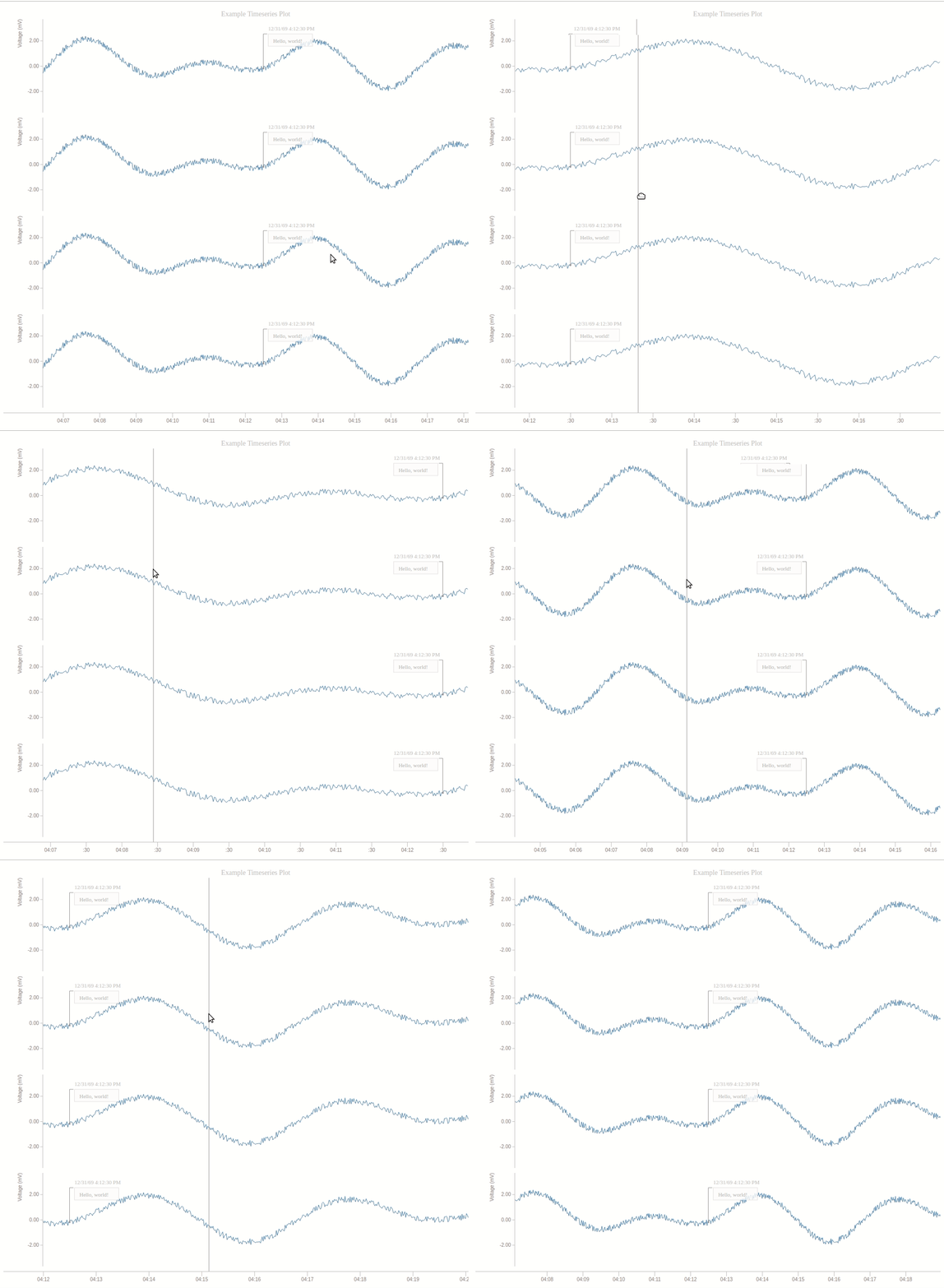
In terms of actually implementing this example, I've tried modifying the example code here to pass this.state.zoomedXDomain into each chart's VictoryZoomContainer as the zoomDomain prop, but this causes unexpected behavior -- when one plot is zoomed the other plot's data domain constricts (correctly so), but the data doesn't stretch to fill the plot:
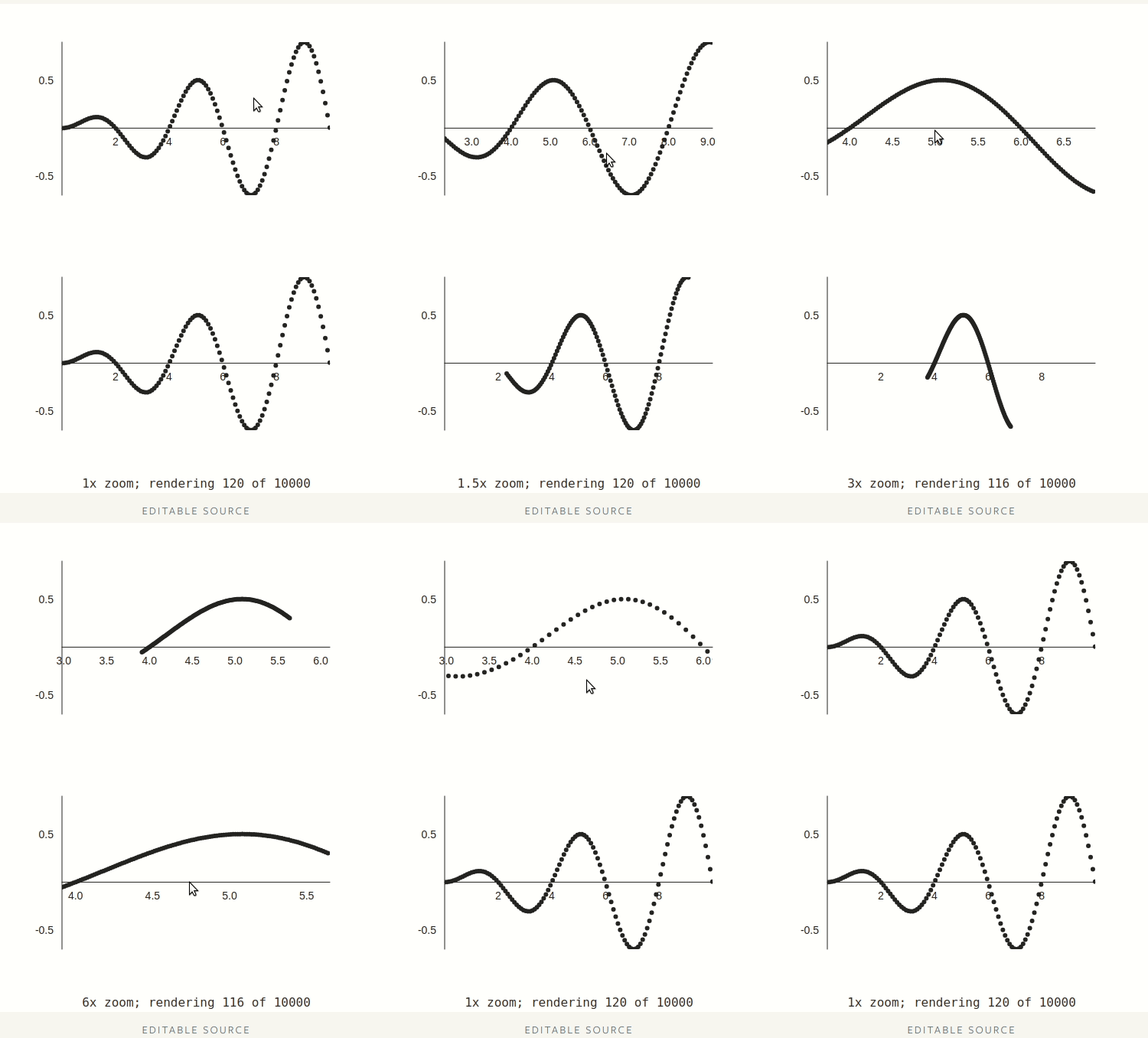
Here's the modified example code (the only part modified was the render method: I just set the zoomDomain prop of VictoryZoomContainer with the zoomedXDomain value stored in state):
class CustomChart extends React.Component {
    // ... truncated ...
    render() {
        const renderedData = this.getData();
        return (
            <div>
                <VictoryChart
                    domain={this.entireDomain}
                    containerComponent={<VictoryZoomContainer
                        zoomDimension="x"
                        zoomDomain={this.state.zoomedXDomain}
                        onZoomDomainChange={this.onDomainChange.bind(this)}
                        minimumZoom={{x: 1/10000}}
                    />}
                >
                    <VictoryScatter data={renderedData} />
                </VictoryChart>
                <VictoryChart
                    domain={this.entireDomain}
                    containerComponent={<VictoryZoomContainer
                        zoomDimension="x"
                        zoomDomain={this.state.zoomedXDomain}
                        onZoomDomainChange={this.onDomainChange.bind(this)}
                        minimumZoom={{x: 1/10000}}
                    />}
                >
                    <VictoryScatter data={renderedData} />
                </VictoryChart>
                <div>
                    {this.getZoomFactor()}x zoom;
                    rendering {renderedData.length} of {this.props.data.length}
                </div>
            </div>
        );
    }
}