

This is a C library with C++ helpers that brings up the libcanard, platform-specific drivers and serialization together to build a minimal DroneCAN application.
A minimal application includes the following protocol-features:
| № | type | message |
|---|---|---|
| 1 | broadcast | uavcan.protocol.NodeStatus |
| 2 | RPC-service | uavcan.protocol.GetNodeInfo |
| 3 | RPC-service | uavcan.protocol.param.* |
| 4 | RPC-service | uavcan.protocol.RestartNode |
| 5 | RPC-service | uavcan.protocol.GetTransportStats |
The following auxiliary features should be provided as well:
- actuator
- airspeed
- baro
- circuit status
- fuel tank
- esc
- ice
- indication
- power
- rangefinder
- gnss
- mag
- etc
The library should support the following platforms:
- Ubuntu: socketcan
- stm32f103: BXCAN based on platform specific
- stm32g0: FDCAN based on STM32 HAL
- stm32f103: DroneCAN/Serial based on STM32 HAL
- libparams v0.8.4 library.
- dronecan/libcanard
Add the following lines into CMakeLists.txt of your project:
# 1. libdcnode
add_subdirectory(${ROOT_DIR} ${CMAKE_BINARY_DIR}/libdcnode)

# 2. libcanver
set(CAN_PLATFORM socketcan) # Options: bxcan, fdcan or socketcan
include(${ROOT_DIR}/platform_specific/${CAN_PLATFORM}/config.cmake)

# 3. libparams
set(LIBPARAMS_PLATFORM    ubuntu) # Options: stm32f103, stm32g0b1, ubuntu
include(libparams.cmake)

# 4. Application
add_executable(${PROJECT_NAME}
    ...
    ${DRONECAN_PLATFORM_SOURCES}
    ...
)
target_include_directories(${PROJECT_NAME} PRIVATE
    ...
    ${DRONECAN_PLATFORM_HEADERS}
    ...
)
target_link_libraries(${PROJECT_NAME} PRIVATE
    libdcnode::libdcnode
)1. Initialize
Include dronecan.h header and call uavcanInitApplication in the beginning of the application. Call uavcanSpinOnce periodically.
// Include dronecan.h header file
#include "libdcnode/dronecan.h"

// Initialize the library somewhere
const uint8_t node_id = 42;
auto init_res = uavcanInitApplication(node_id);
if (init_res < 0) {
    // handle error here
}

// Spin it periodically:
while (true) {
    ...
    uavcanSpinOnce();
    ...
}
2. Add publisher
Adding a publisher is very easy. Include publisher.hpp header, create an instance of the required publisher and just call publish when you need. Here is a BatteryInfo publisher example:
#include "libdcnode/dronecan.h"
#include "libdcnode/publisher.hpp"

// Create an instance of the publisher
DronecanPublisher<BatteryInfo_t> battery_info_pub;

// Modify the message
battery_info_pub.msg.voltage = 10.0f;

// Publish the message
battery_info_pub.publish();
Alternatively, you can create a periodic publisher:
const auto PUBLISH_RATE_HZ = 1.0f;
DronecanPeriodicPublisher<BatteryInfo_t> battery_info_pub(PUBLISH_RATE_HZ);

while (true) {
    ...
    battery_info_pub.spinOnce();
    ...
}
3. Add subscriber
Adding a subscriber is easy as well. Let's consider a RawCommand subscriber example. Include subscriber.hpp header, create a callback for your application and instance of the required subscriber, then initilize it.
// Include necessary header files
#include "libdcnode/dronecan.h"
#include "libdcnode/subscriber.hpp"

// Add a callback handler function
void rc_callback(const RawCommand_t& msg) {
    std::cout << "Get RawCommand with " << (int)msg.size << " commands." << std::endl;
}

// Add the subscription:
DronecanSubscriber<RawCommand_t> raw_command_sub;
if (raw_command_sub.init(&rc_callback) < 0) {
    // handle error
}
Sometimes for subscriber you want to specify a filter. For example, you may want to subscribe on a specific command channel or sensor ID. Let's consider an ArrayCommand example with filter that will only pass the messages with actuator ID = 0.
static const uint8_t FILTER_ACTUATOR_ID = 0;

void ac_callback(const ArrayCommand_t& msg) {
    std::cout << "Get ArrayCommand_t with " << msg.size << "commands." << std::endl;
}
bool ac_filter(const ArrayCommand_t& msg) {
    for (size_t idx = 0; idx < msg.size; idx++) {
        if (msg.commands[idx].actuator_id == FILTER_ACTUATOR_ID) {
            return true;
        }
    }
    return false;
}

DronecanSubscriber<ArrayCommand_t> array_command_sub;
array_command_sub.init(&ac_callback, &ac_filter);
Run example
You can run a provided example in SITL mode. Just run:
git clone git@github.com:PonomarevDA/dronecan_application.git --recursive
make ubuntu
In gui_tool you will see:
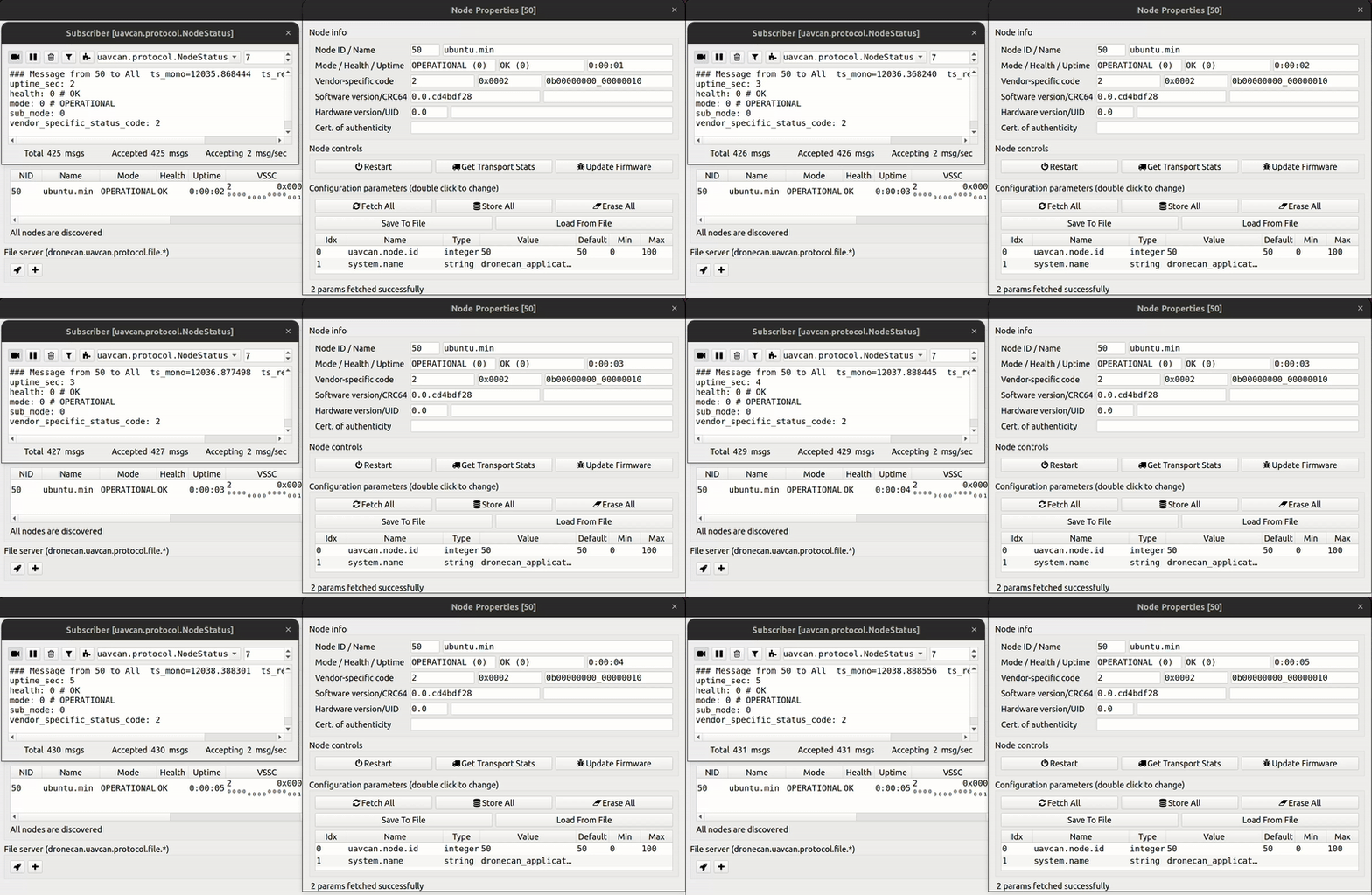
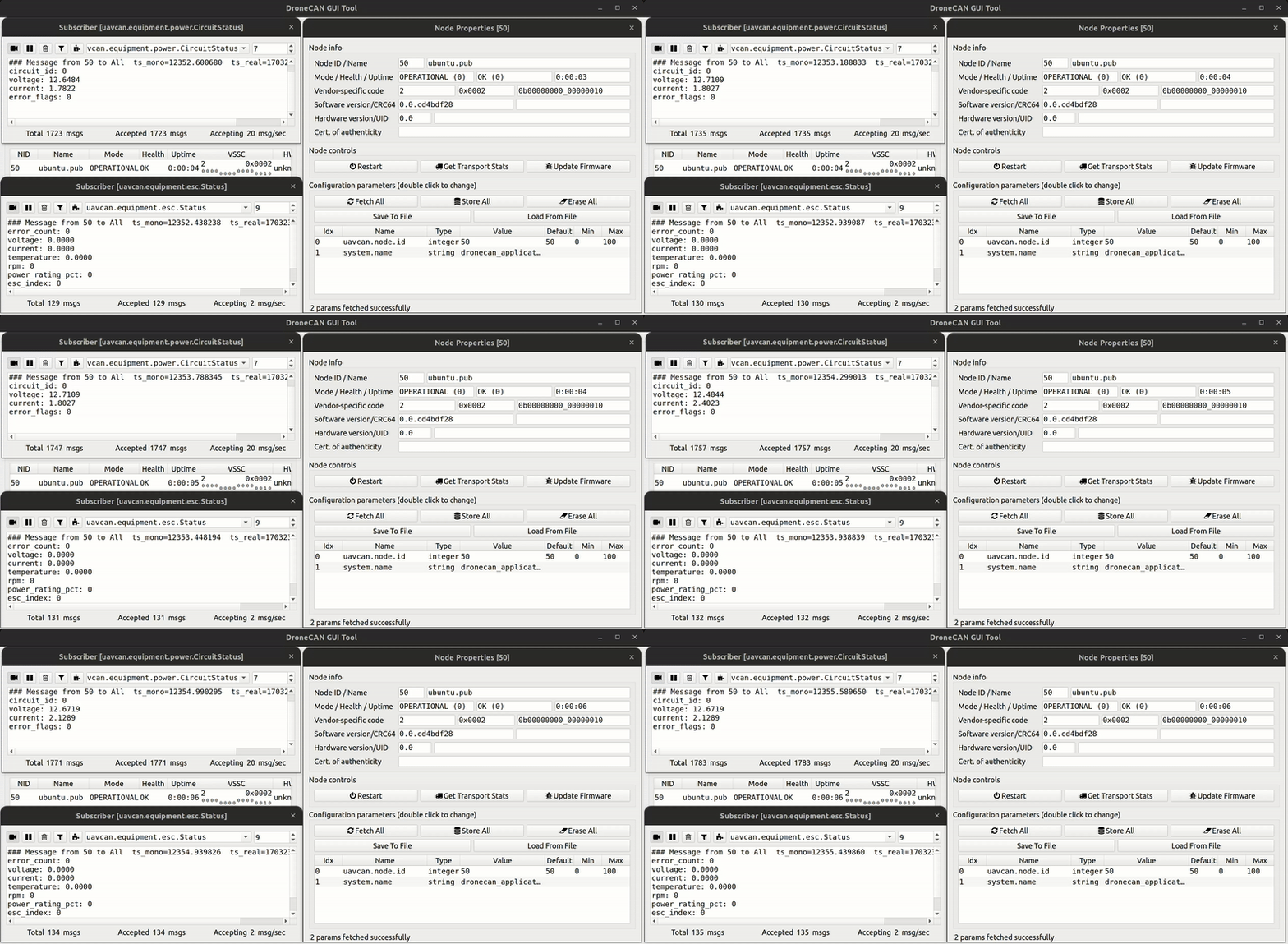
You can find the provided SITL application in examples/ubuntu folder.
There are a few functions that require an implementation. They are declared in include/application/internal.h.
A user must provide the following function implementation:
/**
  * @return the time in milliseconds since the application started.
  * @note This function must be provided by a user!
  */
uint32_t platformSpecificGetTimeMs();
A user may also provide the implementation of the optional functions. These function have a weak implementation in src/weak.c.
/**
  * @return whether the request will be processed
  * True  - the application will be restarted soon.
  * False - the restarted is not supported or can't be handled at the moment.
  * @note Implementation is recommended, but optional.
  */
bool platformSpecificRequestRestart();

/**
  * @param[out] out_id - hardware Unique ID
  * @note Implementation is recommended, but optional.
  */
void platformSpecificReadUniqueID(uint8_t out_uid[16]);The software is distributed under term of MPL v2.0 license.