| Title | Deploy a smart contract |
|---|---|
| Description | Deploy a smart contract using QuickNode's RPC's |
| Keywords | 1. Contract 2. Remix 3. Deploy 4. QuickNode |
In this project, We will create a "Local.sol" smart contract using Remix IDE(https://remix.ethereum.org/), Javascript, Solidity. We will deploy our smart contract to QuickNode using Ethereum Georli as our test network.
- Metamask should be installed.
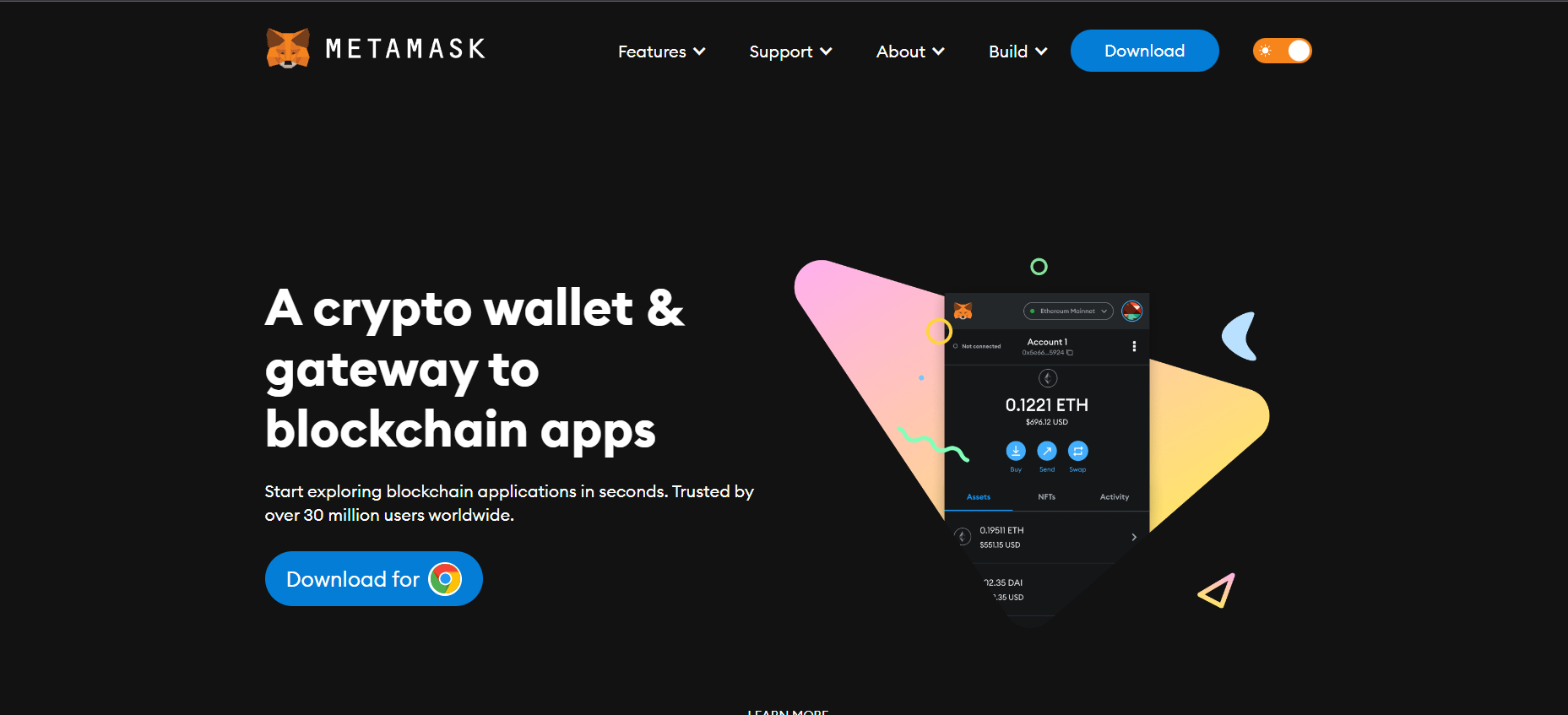 And set up your metamask account. Also remember in mind to "Safe the Seed Phrase".
 - Now, to deploy our contract we need some test ether for this go to the Georli Faucet(https://goerlifaucet.com/)
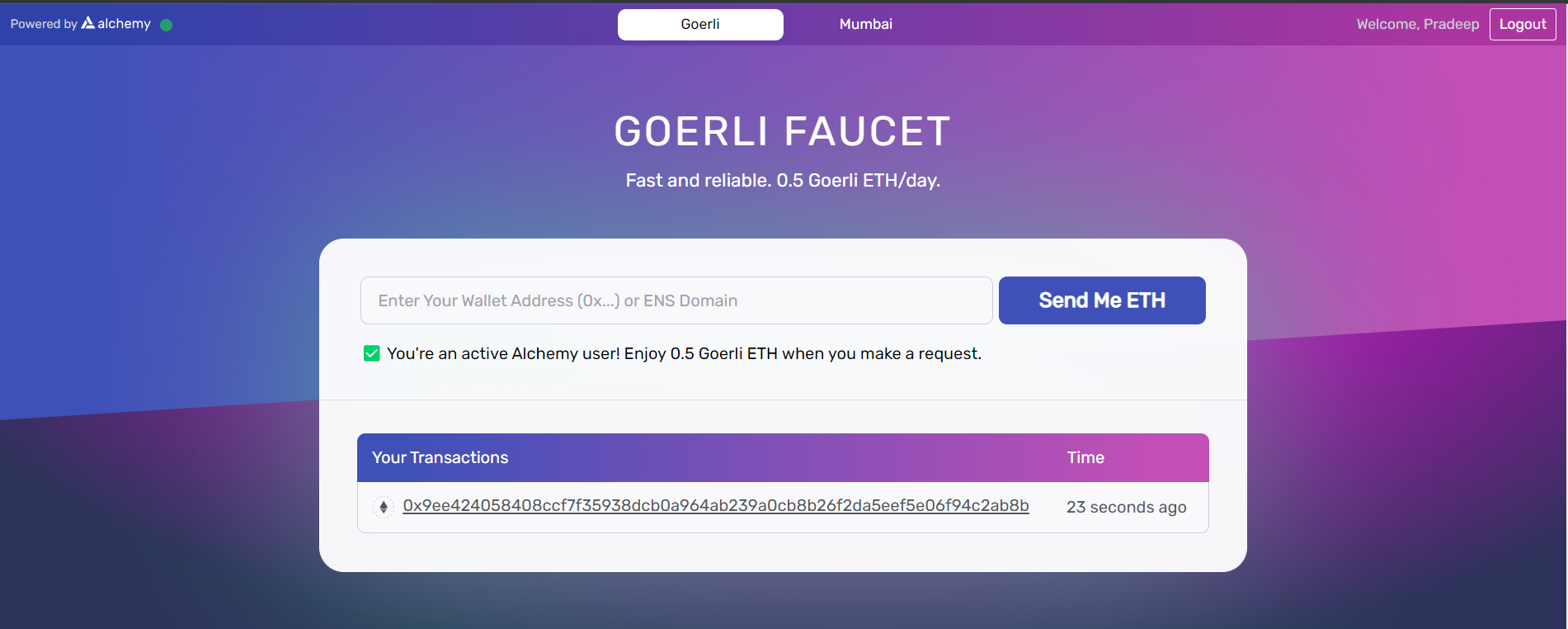 .
. - And ask some test ether by giving your metamask address.
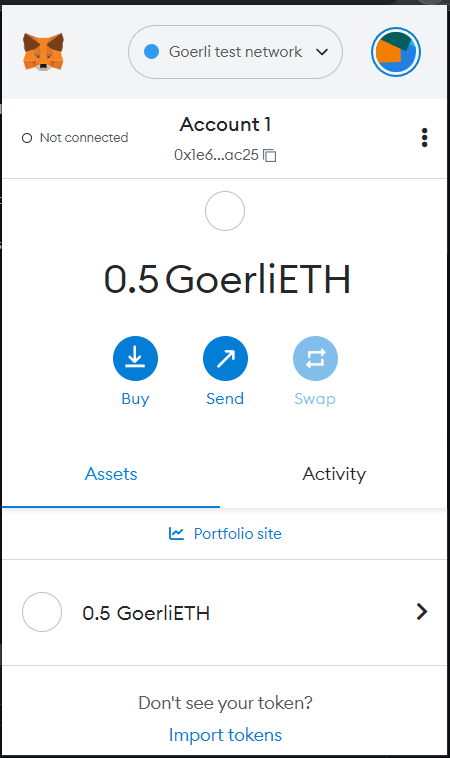
- Now we will go to Remix IDE and write our contract.
- And go to the "create a new file".
- Name your file.
- Write down the contract. It will look like this
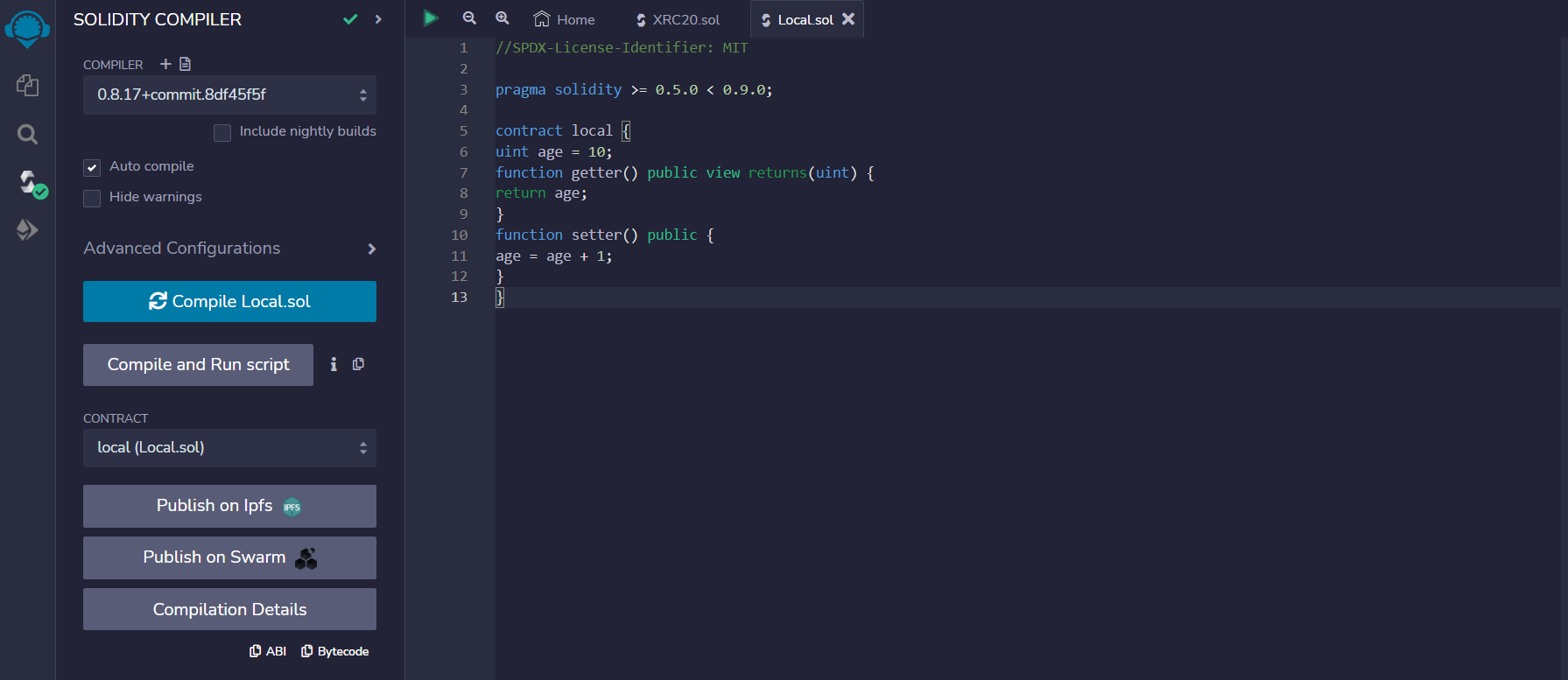
- After this compile it. And after it will show compile sign like as shown in above fig.
- Now we will deploy it.
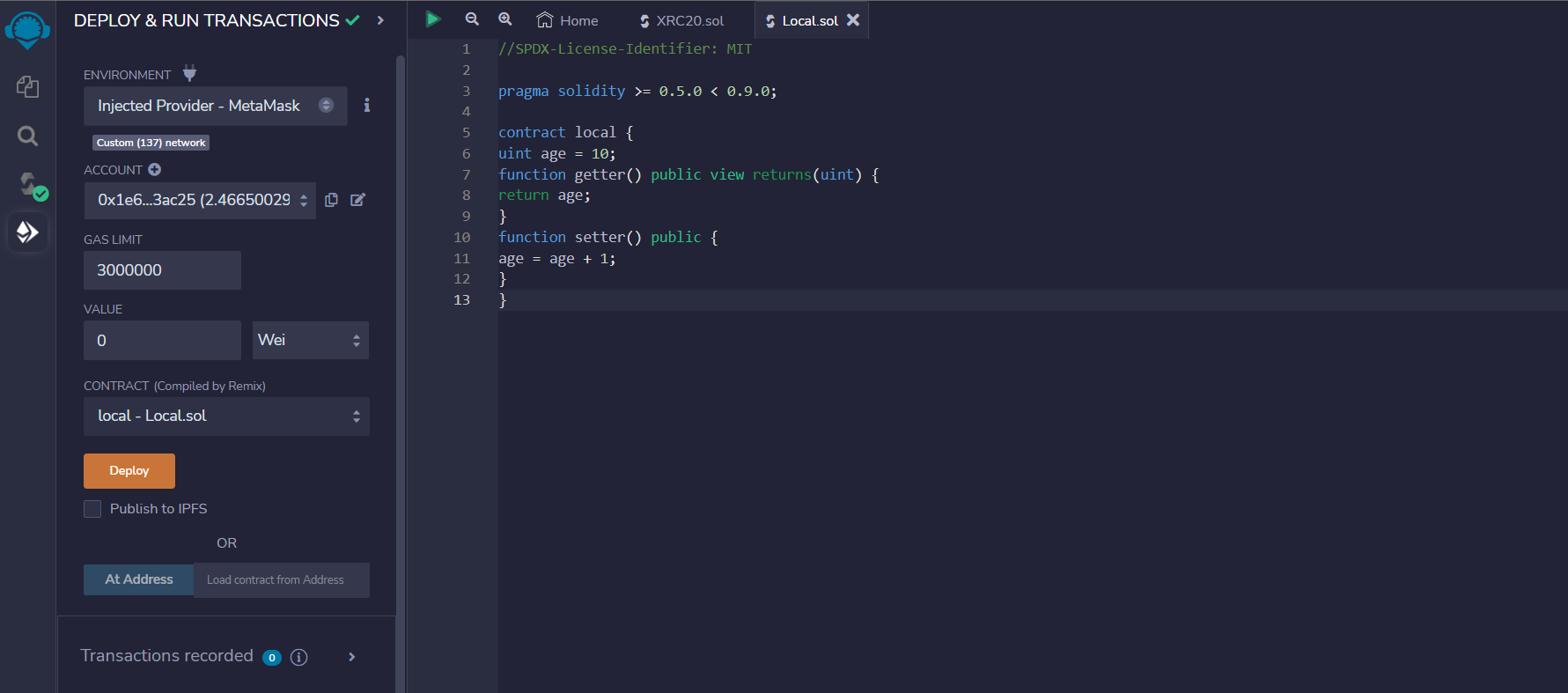
- When we will deploy it a popup will appear for transaction like this
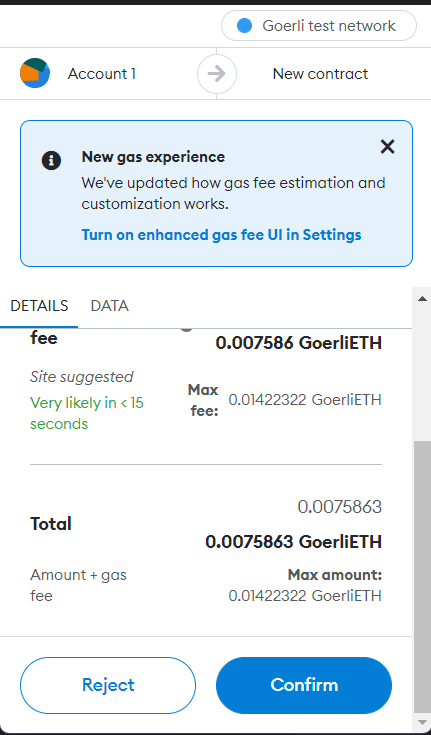
We successfully deployed our contract and we can check our deployed contract on Etherscan(https://goerli.etherscan.io/).