


gitvers-tool is a script designed for efficient git usage, saving time with single commands replacing multiple manual inputs, ideal for small projects. Prior understanding of git basics is essential to avoid issues. Git installation is necessary. A directory is generated for reference, usually in ~/Projects, with files located outside this directory not being recognized by gitvers-tool.
Run the following command to install gitvers-tool (Linux only):
curl https://raw.githubusercontent.com/RajaRakoto/gitvers-tool/master/setup > setup && chmod +x setup && ./setupUninstall gitvers-tool (Linux only):
sudo rm -r /usr/local/bin/gitvers-tool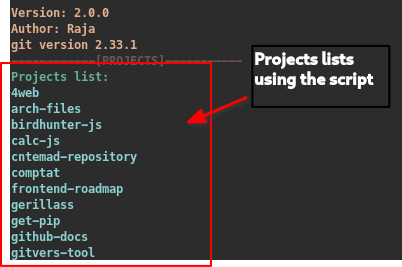
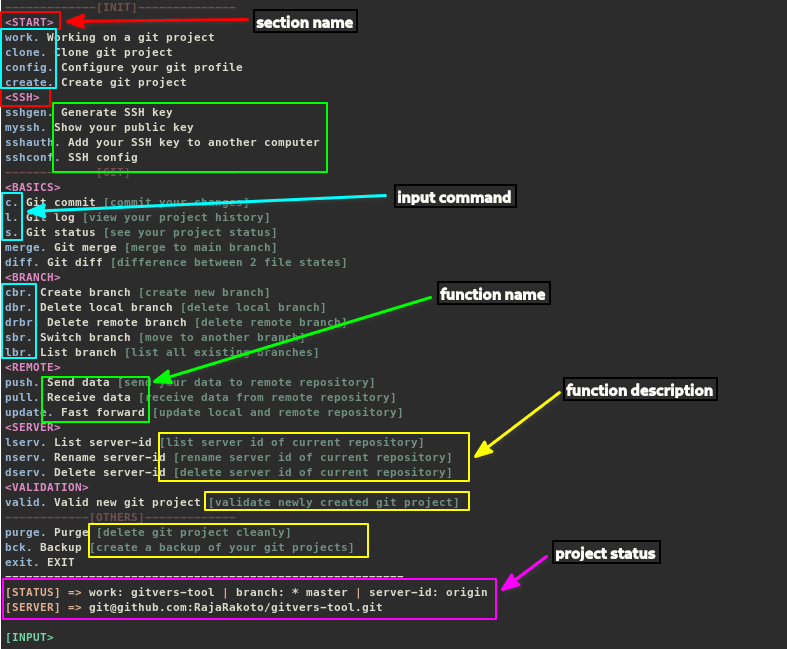



Here is a snippet of using gitvers-tool, you can also do other things like pull, fast forward, merge branches, clone projects, and many more ...
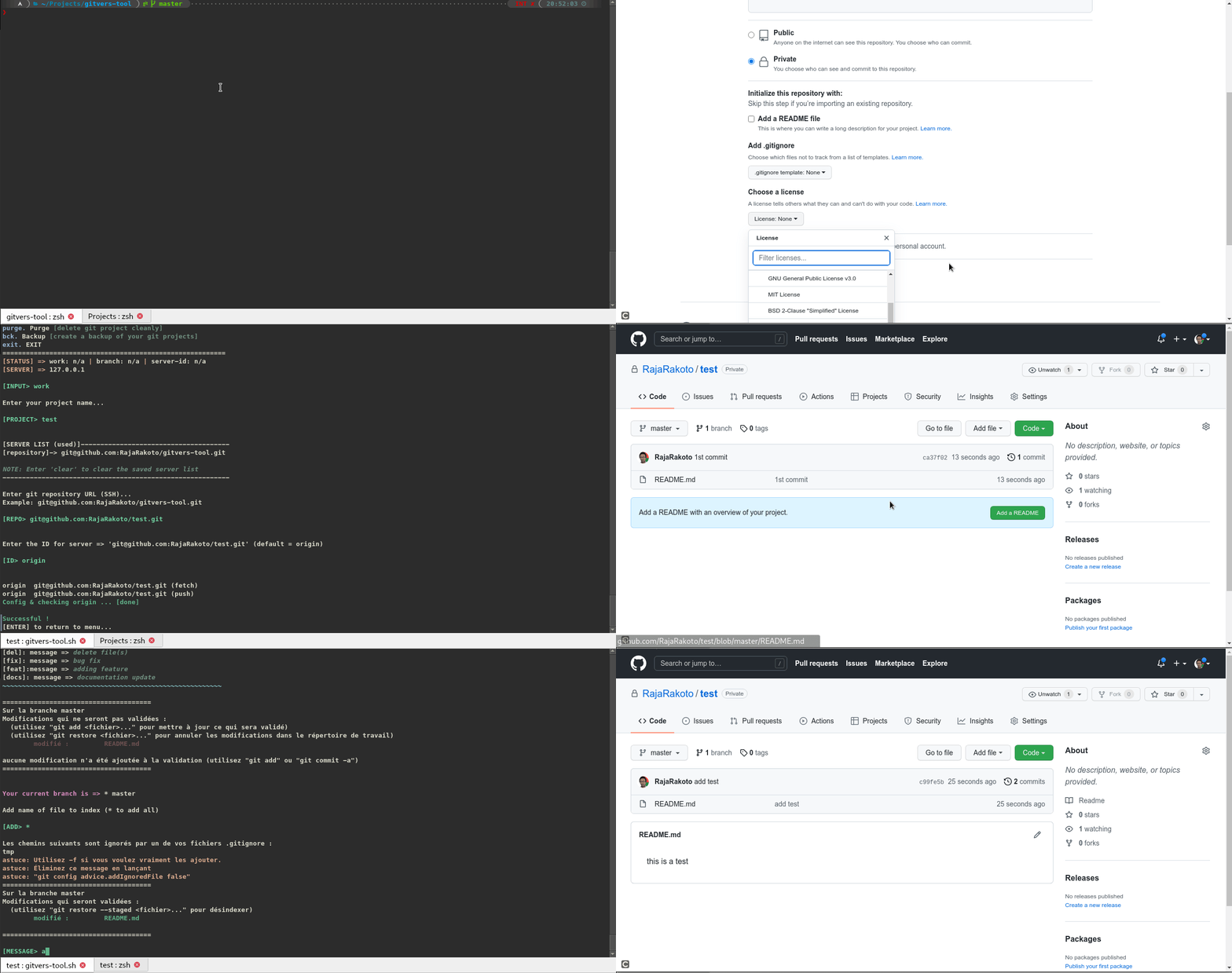
Ungit and gitvers-tool together create a powerful version control tool for managing git repositories with ease. gitvers-tool speeds up project initialization, while ungit provides enhanced project visibility. Combining both offers flexibility and efficiency in managing projects.
$ sudo -H npm install -g ungit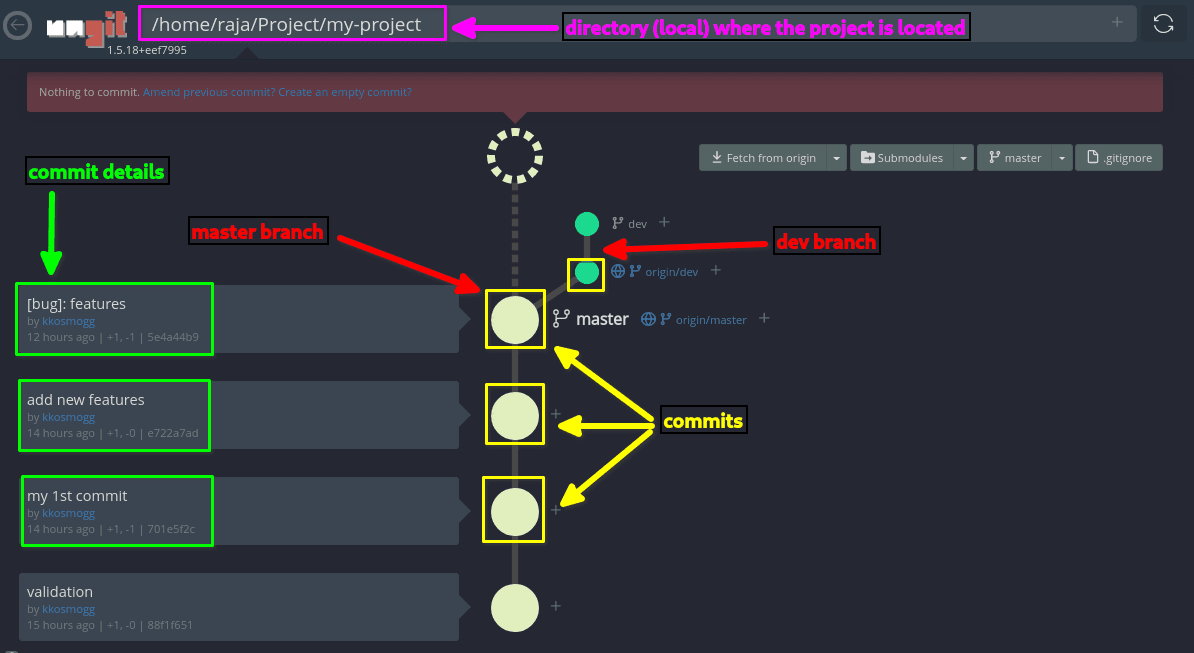
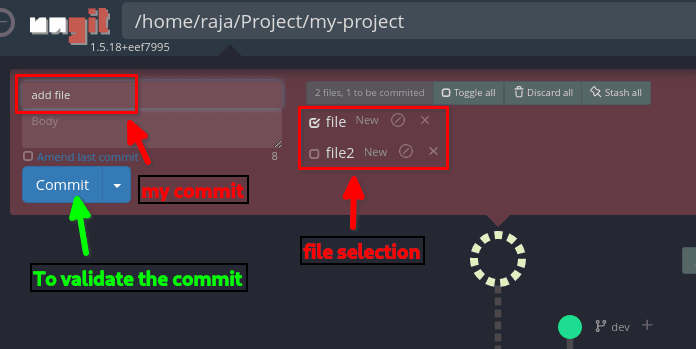
Performing a commit, the advantage with ungit is that you can more easily select the file to commit
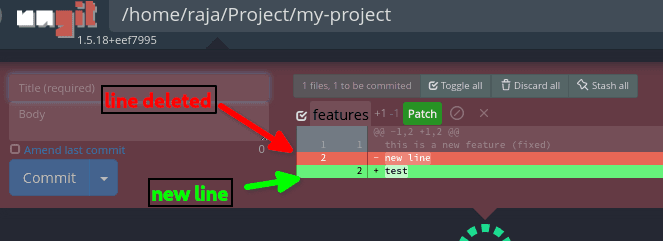
To display the modification made to a file
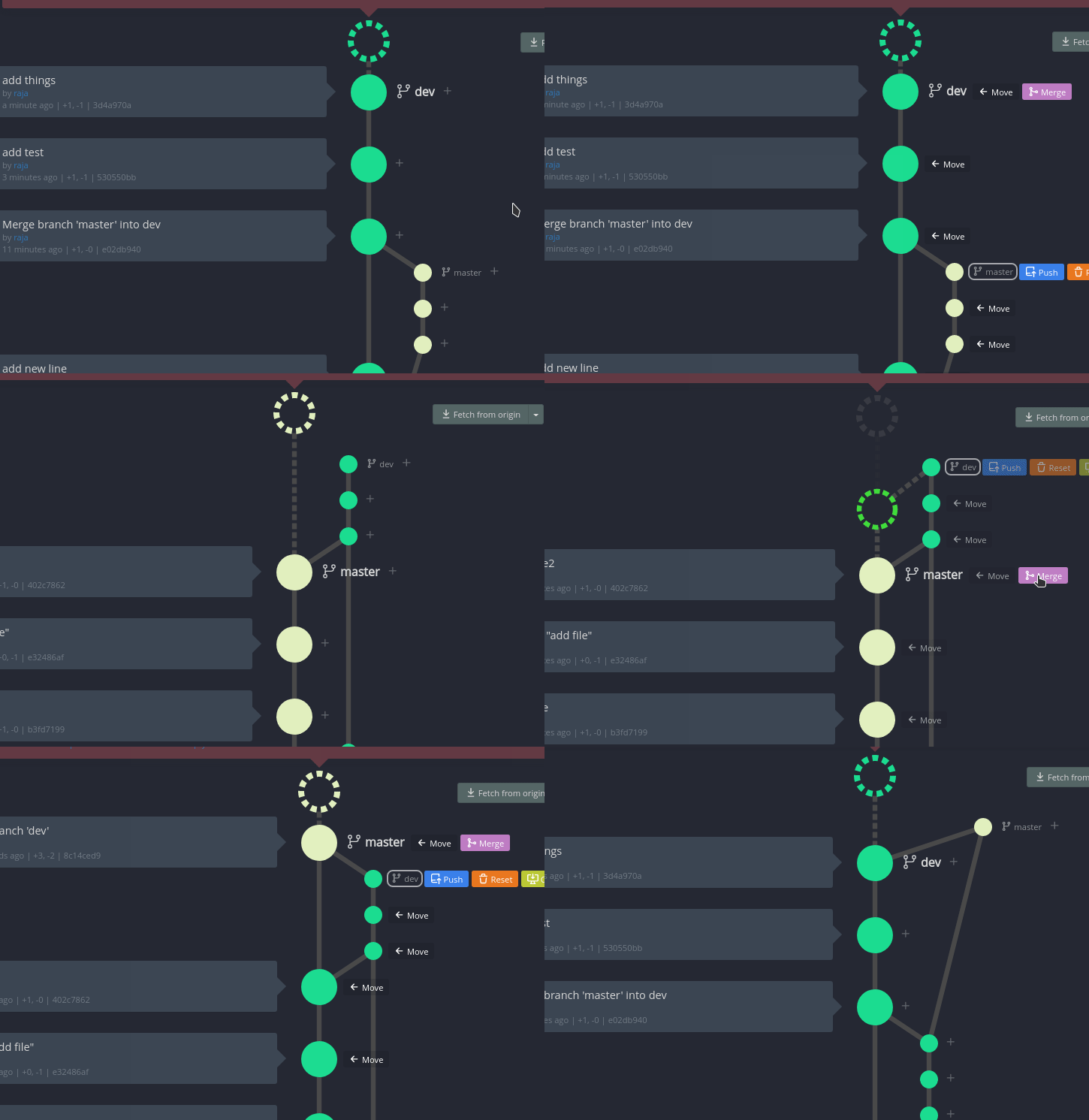
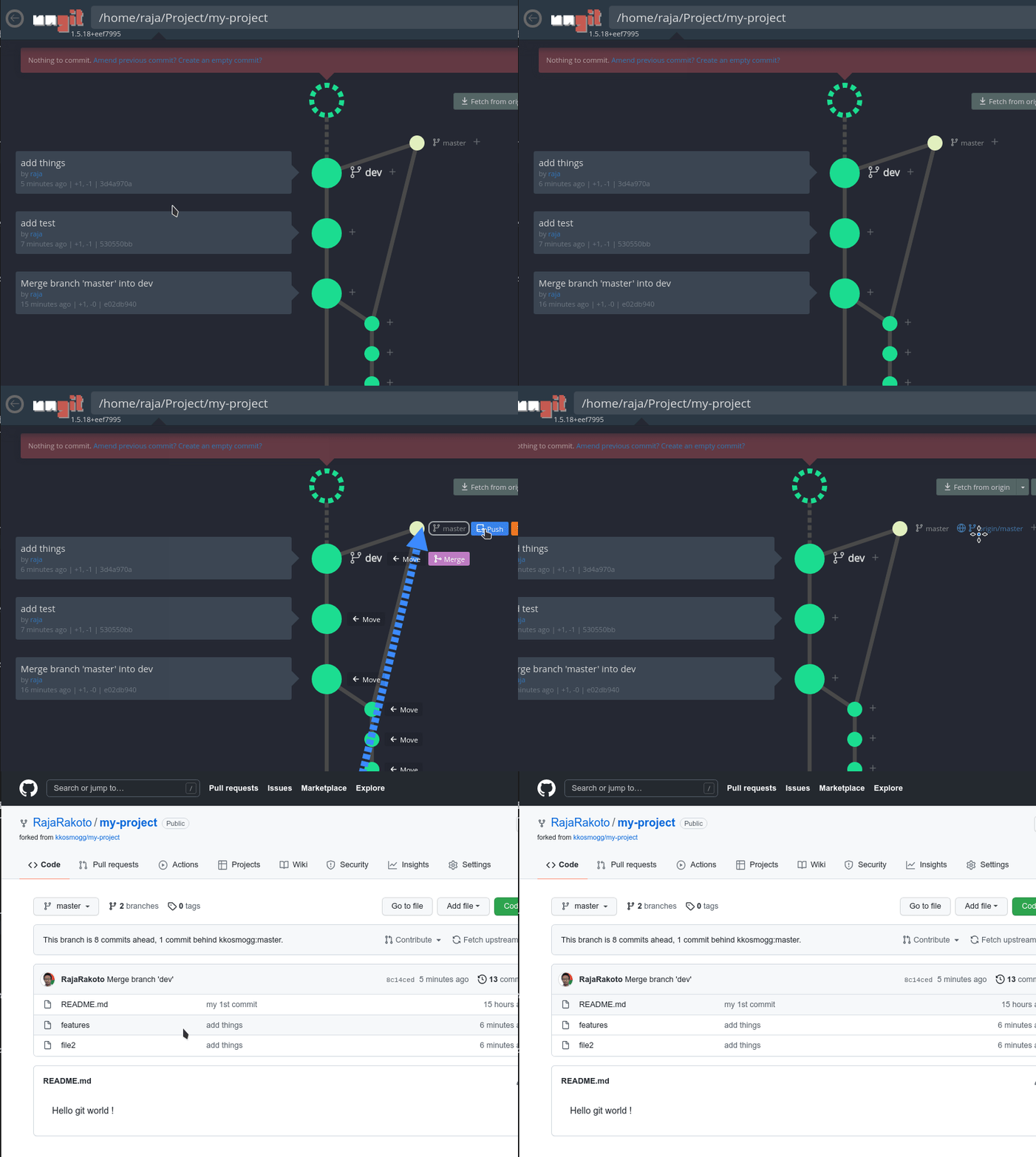
To change branches and merge one branch to another
To deploy a modification on the remote server (push)
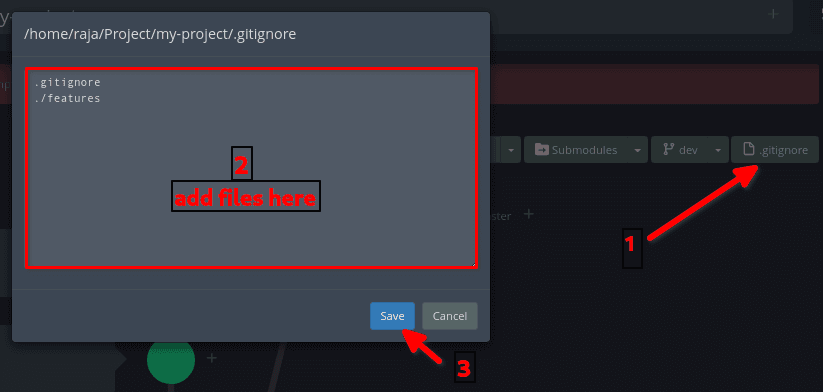
To quickly edit the .gitignore file