| layout | default |
|---|---|
| title | Commanding Spot |
| parent | Tutorials |
| nav_order | 2 |
| mathjax | true |
Last Updated: 2021-06-11
🚧 Work In Progress {: .label .label-yellow}
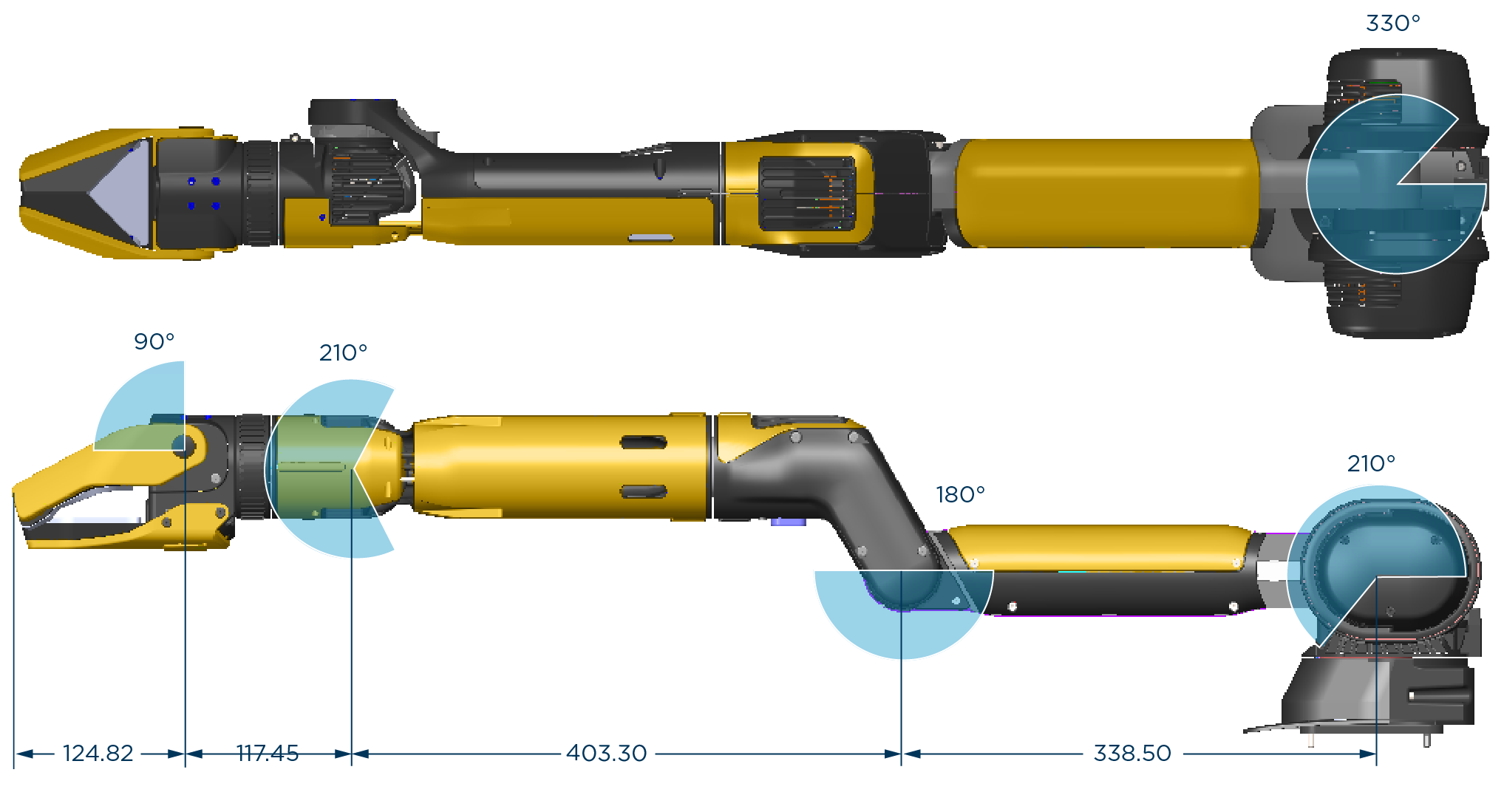
- Follow the BD Quickstart Tutorial first.
- Possible issues:
- Issue: "InternalServerError"
- Fix: Restart robot
- Issue: "CommandFailedError('Stand (ID X) no longer processing...)"
- Fix: Physically orient the robot on its legs.
1. SDK Init:
import bosdyn.client
sdk = bosdyn.client.create_standard_sdk('rosario')
robot = sdk.create_robot('192.168.80.3')
2. Authentication:
robot.authenticate('user', 'password')3. Clear E-stop:
estop_keep_alive = bosdyn.client.estop.EstopKeepAlive(estop_endpoint)
print(estop_client.get_status())
4. Acquire Lease:
lease_client = robot.ensure_client('lease')
lease_client.take() # forcefully takes lease (equiv to using 'hijack' in the teleop interface)
lease_keep_alive = bosdyn.client.lease.LeaseKeepAlive(lease_client)
print(lease_client.list_leases())
5. Power On:
robot.power_on(timeout_sec=20)
print(robot.is_powered_on())
6. Time Sync:
robot.time_sync.wait_for_sync()7. Stand Up:
from bosdyn.client.robot_command import RobotCommandClient, blocking_stand
command_client = robot.ensure_client(RobotCommandClient.default_service_name)
blocking_stand(command_client, timeout_sec=10
8. Power Off:
robot.power_off(cut_immediately=False