Introduction: Installation and Briefs
All the Clones of the famous website made in ReactJS
- Install and update NodeJS by using
npm i -g npm@latest && npm cache clean -f - Use the command
npx create-react-app appto create a new react application into the root folder. - Use
cd appto navigate to the react application. - Use
npm install --save react-router-domto install routing in React App - Use
codeto open the currently active folder in VSCode. - (optional)Open GitHub and Sync Repository for version control.
-
Click on
Add Project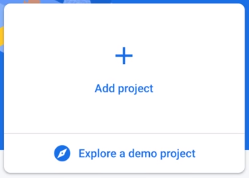
-
Name your project as
amazon-cloneand clickContinue. (amazon-clonebeing your project name)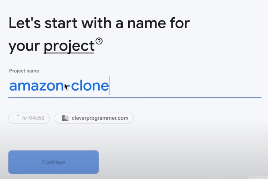
-
Accept and Select Configuration for Google Analytics to add to your project and wait until this screen appears on your screen.

-
You'll have this showing up on your screen.
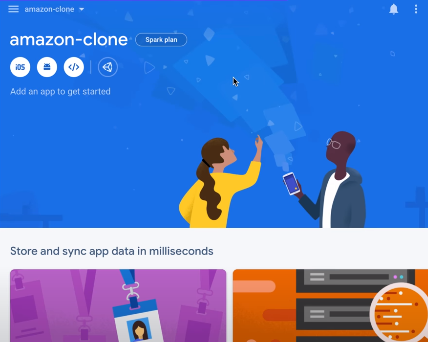
Then click on the
</>icon to add and set up a new WebApp. -
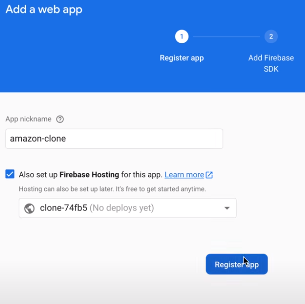
Set a name for your WebApp and choose.