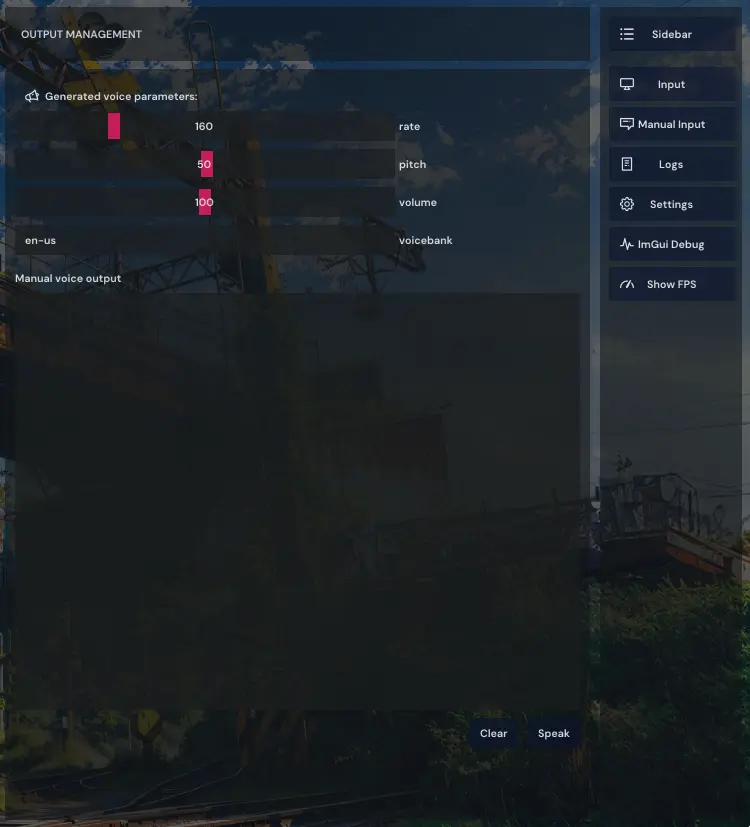
Konamask is an offline voice-masking tool that converts live microphone input into a generated (synthetic) voice and exposes it through a virtual microphone. It is intended for use with communication apps (for example: Discord) where users want to avoid using their real voice.
-
Real-time voice masking (word-by-word or per sentence).
-
Virtual microphone output (so other apps receive only the generated audio).
-
Local/offline operation - no internet connection required for synthesis (uses local models).
-
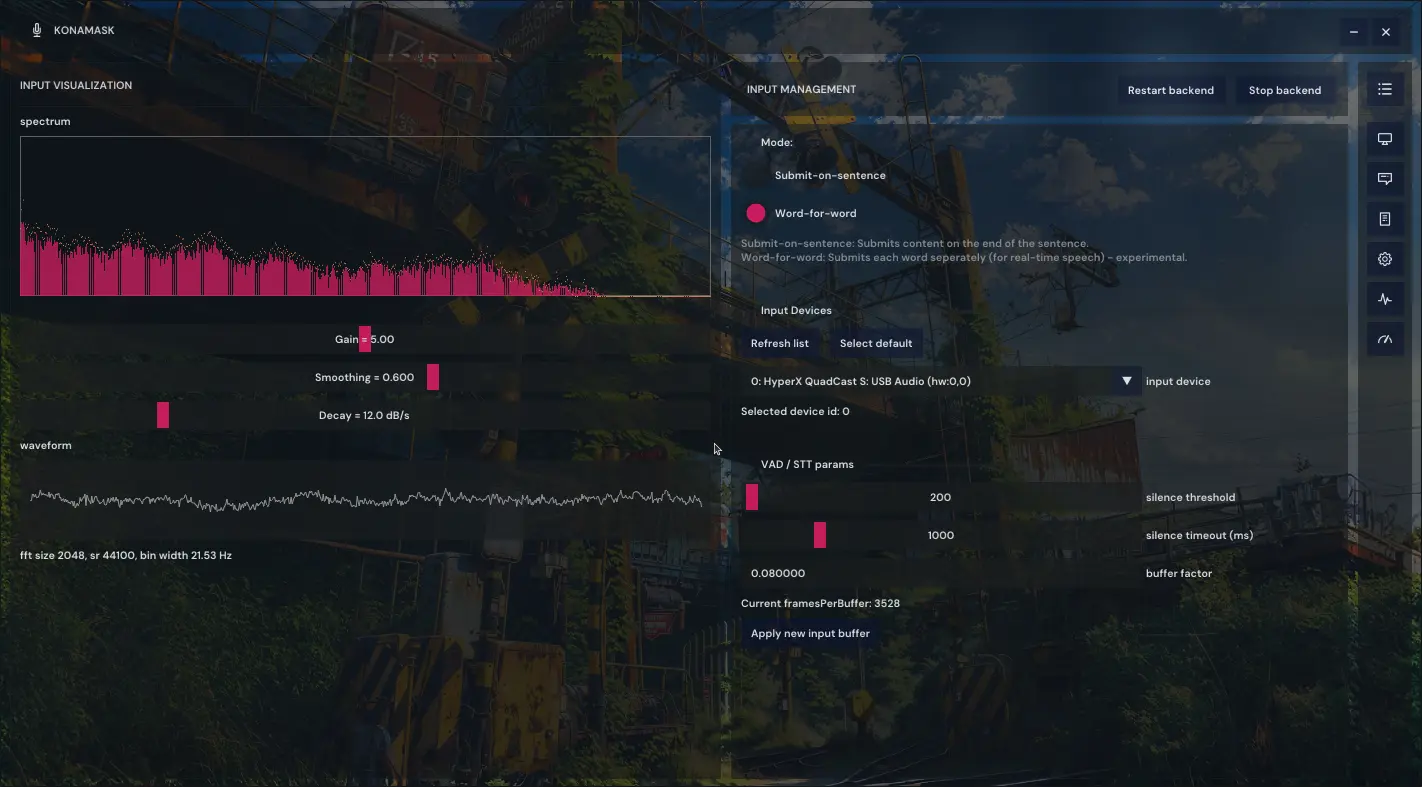
Graphical user interface (Vulkan + ImGui) with:
-
Input device selection and visualization (gain, smoothing, decay),
-
manual text-to-speech output,
-
adjustable voice parameters (rate, pitch, volume, voicebank),
-
log viewer and debug tools.
-
Backend control (start/stop/restart) for the speech recognition + synthesis pipeline.
-
-
Not a cloud service — everything runs locally.
-
Some languages are not yet implemented.
A list of supported languages can be found here: https://alphacephei.com/en/
-
Modern C++ toolchain (C++17 or newer)
-
Vulkan SDK (for GUI rendering)
-
ImGui (GUI library)
-
Offline speech models (e.g. VOSK-compatible models)
-
A virtual audio driver (virtual microphone, OS-specific)
-
Audio I/O library (e.g. PortAudio or equivalent) — implementation dependent
If your Vulkan dependencies (SDK) don't link successfully (or you get a different graphics card related issue) for any reason, you can disable the graphical interface in the config.ini file (set
enable_user_interface = false).The configuration file is located at "/home/{username}/.config/konacode/config.ini".
# clone the repository
git  clone https://github.com/kona-code/konamask
cd  konamask

# install needed dependencies (you can do this manually too)
sudo chmod 754 ./install_dependencies.sh
sudo ./install_dependencies.sh

# build the project
make

# run the program
# (all executable files can be found in the "output" directory of the repository)
./konamask
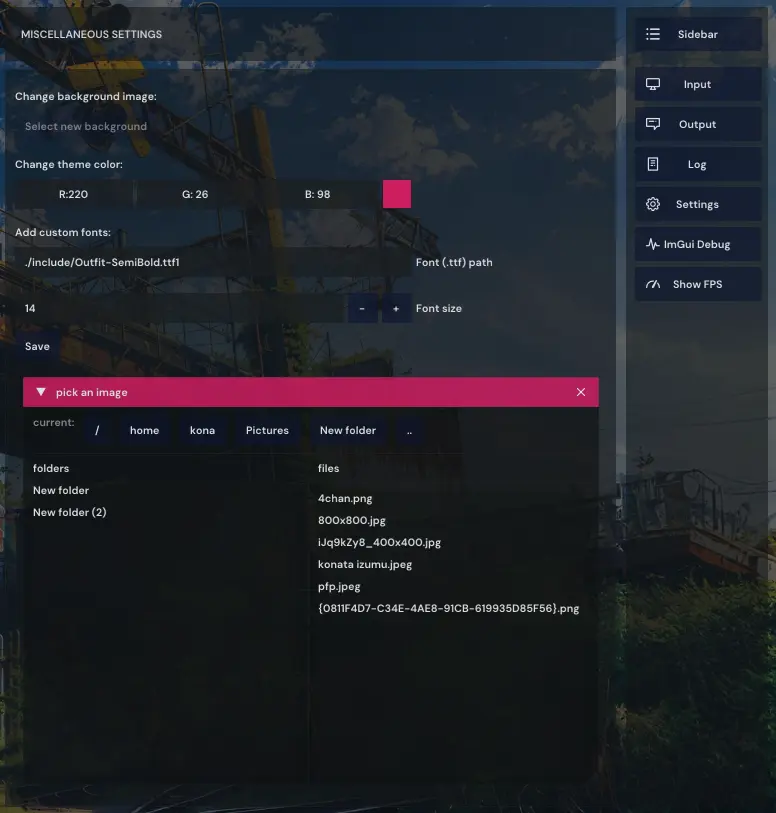
Most customizations can be made using the config file. I've added comments to the more "unusual" settings for clarity.
You can also change it from the GUI (it's not as reliable tho):