
A sleek, customizable QR code generator built with PySide6. Instantly create, preview, and save QR codes with a beautiful UI.
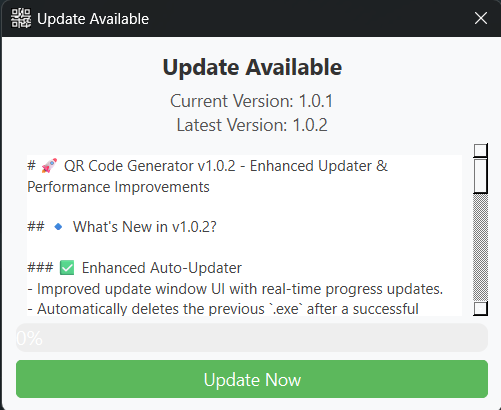
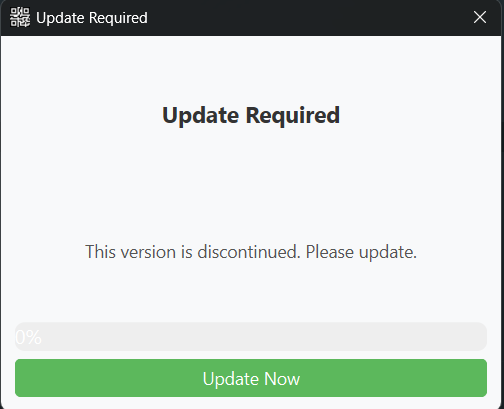
- 🎨 Customizable QR Codes – Modify version, box size, border, fill color, and background color.
- ⚡ Real-time Preview – QR codes update instantly with your settings.
- 💾 Save as PNG – Export QR codes directly to image files.
- 🧑💻 User-friendly Interface – Clean and modern design styled with QSS.
- 🛠️ Cross-platform – Works on Windows, macOS, and Linux.
QRCodeGenerator/
├── prj_img/
│   ├── qr_code_generator.png
│   └── version/
│       └── #images
├── resources/
│   ├── config.ini
│   ├── icons/
│   │   └── qrcode_icon.ico
│   └── styles/
│       └── style.qss
├── src/
│   ├── __init__.py
│   ├── app_logic/
│   │   ├── __init__.py
│   │   ├── logger.py
│   │   ├── config.py
│   │   ├── qrcode_logic.py
│   │   └── update_logic.py
│   └── app_ui/
│       ├── __init__.py
│       ├── ui_qrcode.py
│       └── ui_update_window.py
├── app.log
├── main.py
├── Jenkinsfile
├── requirements.txt
├── README.md
└── LICENSE
-
Clone the repository:
git clone https://github.com/pyapril15/QRCodeGenerator.git cd QRCodeGenerator -
Create and activate a virtual environment:
python -m venv venv
venv\Scripts\activate  # On Windows
source venv/bin/activate  # On macOS/Linux
-
Install the required packages:
pip install -r requirements.txt
-
Run the application:
python main.py
- Enter text: Type the text you want to encode.
- Customize settings: Adjust QR code settings using sliders and color pickers.
- Generate QR Code: Click "Generate QR Code" to preview.
- Save QR Code: Click "Save QR Code" to store the image in
saved_qrcodes.
The config.ini file stores default settings:
DEFAULT_VERSION = 1DEFAULT_BOX_SIZE = 10DEFAULT_BORDER_SIZE = 4DEFAULT_FILL_COLOR = blackDEFAULT_BACK_COLOR = white
QSS_PATH = resources/styles/style.qssICON_PATH = resources/icons/qrcode_icon.ico
The application logs events and errors to app.log, aiding in debugging and maintenance.
Some dependencies included during packaging (e.g., posix, pwd, grp) are related to Unix-like systems. They do not affect core functionality on Windows.
Contributions are welcome! Feel free to open an issue or submit a pull request.
This project is licensed under the MIT License. See LICENSE for details.
Author: codelabpraveen
Email: praveen885127@gmail.com