Manage images of spatie's media library package. Upload multiple images and order them by drag and drop.
- Install
- Model media configuration
- Generic file management
- Single image upload
- Multiple image upload
- Names of uploaded images
- Custom properties
- Media Field (Video)
composer require ebess/advanced-nova-media-libraryLet's assume you configured your model to use the media library like following:
use Spatie\MediaLibrary\Models\Media;

public function registerMediaConversions(Media $media = null)
{
    $this->addMediaConversion('thumb')
        ->width(130)
        ->height(130);
}

public function registerMediaCollections()
{
    $this->addMediaCollection('main')->singleFile();
    $this->addMediaCollection('my_multi_collection');
}
In order to be able to upload and handle generic files just go ahead and use the Files field.
use Ebess\AdvancedNovaMediaLibrary\Fields\Files;

Files::make('Single file', 'one_file'),
Files::make('Multiple files', 'multiple_files')->multiple(),
use Ebess\AdvancedNovaMediaLibrary\Fields\Images;

public function fields(Request $request)
{
    return [
        Images::make('Main image', 'main') // second parameter is the media collection name
            ->thumbnail('thumb') // conversion used to display the image
            ->rules('required'), // validation rules
    ];
}If you enable the multiple upload ability, you can order the images via drag & drop.
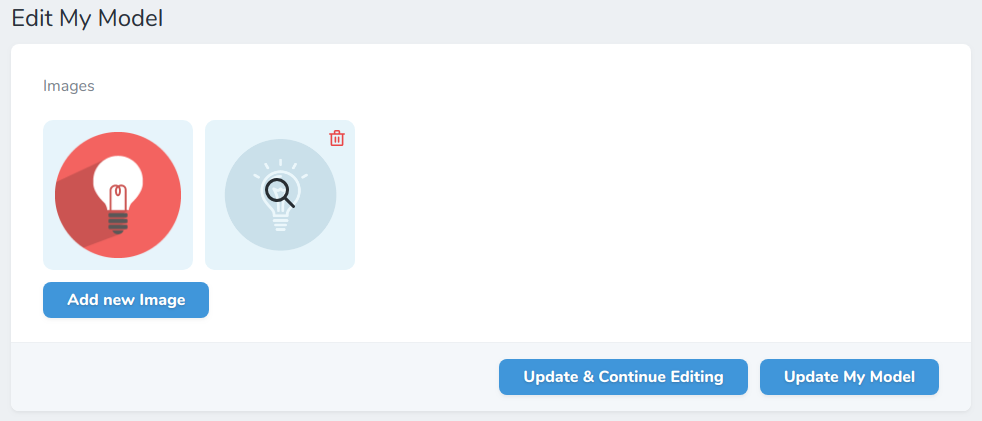
use Ebess\AdvancedNovaMediaLibrary\Fields\Images;

public function fields(Request $request)
{
    return [
        Images::make('Images', 'my_multi_collection') // second parameter is the media collection name
            ->conversion('medium-size') // conversion used to display the "original" image
            ->conversionOnView('thumb') // conversion used on the model's view
            ->thumbnail('thumb') // conversion used to display the image on the model's index page
            ->multiple() // enable upload of multiple images - also ordering
            ->fullSize() // full size column
            ->rules('required', 'size:3') // validation rules for the collection of images
            // validation rules for the collection of images
            ->singleImageRules('dimensions:min_width=100'),
    ];
}The default filename of the new uploaded file is the original filename. You can change this with the help of the function setFileName, which takes a callback function as the only param. This callback function has three params: $originalFilename (the original filename like Fotolia 4711.jpg), $extension (file extension like jpg), $model (the current model). Here are just 2 examples of what you can do:
// Set the filename to the MD5 Hash of original filename
Images::make('Image 1', 'img1')
    ->setFileName(function($originalFilename, $extension, $model){
        return md5($originalFilename) . '.' . $extension;
    });

// Set the filename to the model name
Images::make('Image 2', 'img2')
    ->setFileName(function($originalFilename, $extension, $model){
        return str_slug($model->name) . '.' . $extension;
    });
By default, the "name" field on the Media object is set to the original filename without the extension. To change this, you can use the setName function. Like setFileName above, it takes a callback function as the only param. This callback function has two params: $originalFilename and $model.
Images::make('Image 1', 'img1')
    ->setName(function($originalFilename, $model){
        return md5($originalFilename);
});If you want to use responsive image functionality from the Spatie MediaLibrary, you can use the withResponsiveImages() function on the model.
Images::make('Image 1', 'img1')
    ->withResponsiveImages();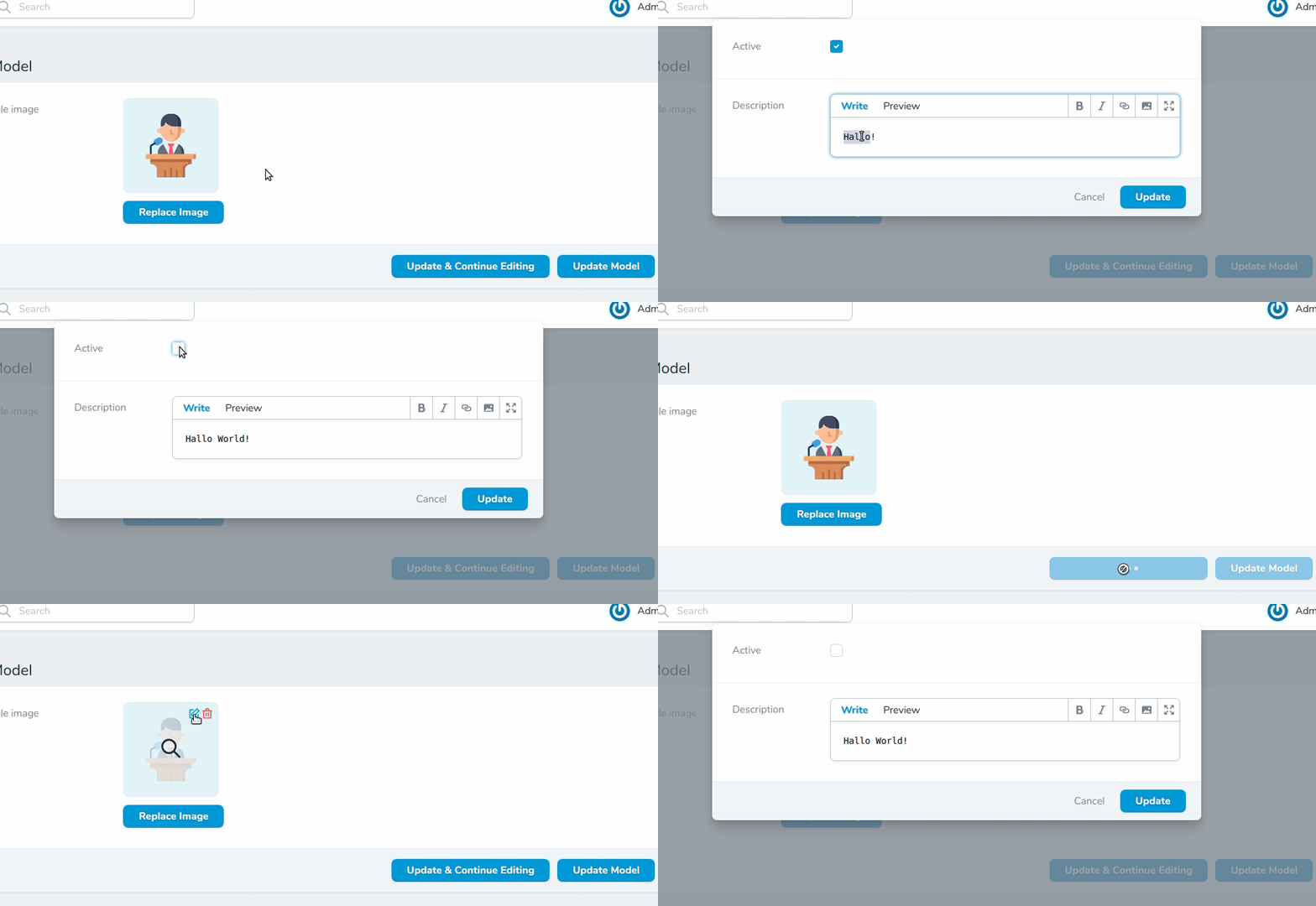
Images::make('Gallery')
    ->customPropertiesFields([
        Boolean::make('Active'),
        Markdown::make('Description'),
    ]);

Files::make('Multiple files', 'multiple_files')->multiple()
    ->customPropertiesFields([
        Boolean::make('Active'),
        Markdown::make('Description'),
    ]);

// custom properties without user input
Files::make('Multiple files', 'multiple_files')->multiple()
    ->customProperties([
        'foo' => auth()->user()->foo,
        'bar' => $api->getNeededData(),
]);In order to handle videos with thumbnails you need to use the Media field instead of Images. This way you are able to upload videos as well.
use Ebess\AdvancedNovaMediaLibrary\Fields\Media;

class Category extends Resource
{
    public function fields(Request $request)
    {
        Media::make('Gallery') // media handles videos
            ->thumbnail('thumb')
            ->singleMediaRules('max:5000'); // max 5000kb
    }
}

// ..

class YourModel extends Model implements HasMedia
{
    public function registerMediaConversions(Media $media = null)
    {
        $this->addMediaConversion('thumb')
            ->width(368)
            ->height(232)
            ->extractVideoFrameAtSecond(1);
    }
}