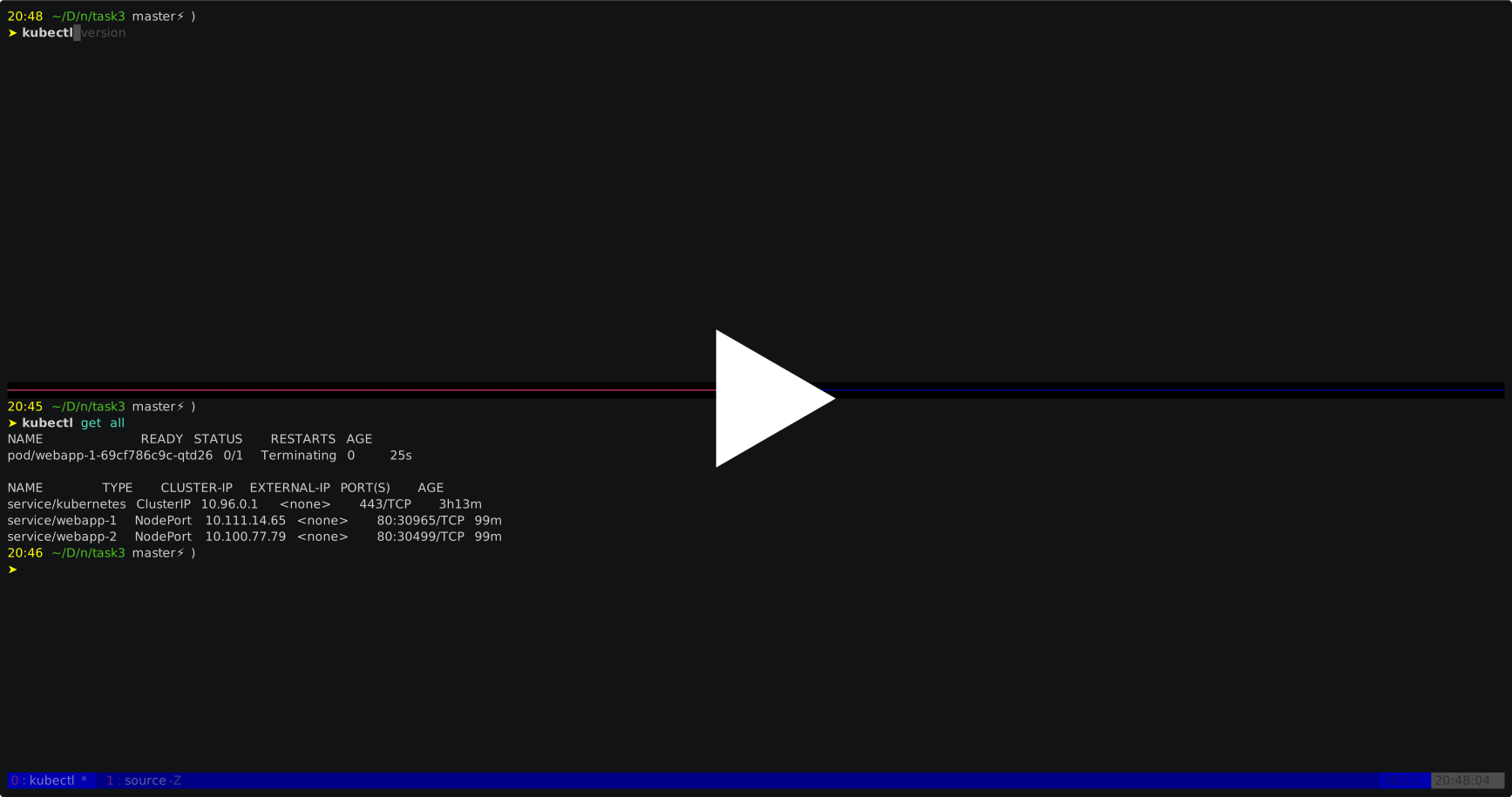
Init k8s with kind on your local desktop ➤ kind create cluster --name dev
Creating cluster "dev" ...
✓ Ensuring node image (kindest/node:v1.17.0) 🖼
✓ Preparing nodes 📦
✓ Writing configuration 📜
✓ Starting control-plane 🕹️
✓ Installing CNI 🔌
✓ Installing StorageClass 💾
Set kubectl context to "kind-dev"
You can now use your cluster with:
kubectl cluster-info --context kind-dev
Have a nice day! 👋
17:40 ~/D/w/task3 [master]
➤ kubectl cluster-info --context kind-dev
Kubernetes master is running at https://127.0.0.1:32768
KubeDNS is running at https://127.0.0.1:32768/api/v1/namespaces/kube-system/services/kube-dns:dns/proxy
To further debug and diagnose cluster problems, use 'kubectl cluster-info dump'.
17:40 ~/D/w/task3 [master]
➤ kubectl config get-contexts
CURRENT NAME CLUSTER AUTHINFO NAMESPACE
docker-desktop docker-desktop docker-desktop
docker-for-desktop docker-desktop docker-desktop
* kind-dev kind-dev kind-dev
17:40 ~/D/w/task3 [master]
create secret for private docker rrgistry kubectl create secret docker-registry regcred --docker-server=docker.pkg.github.com --docker-username=[USERNAME] --docker-password=[ACCESS_TOKEN]
* Please refer to [pipenv official website](https://pipenv.kennethreitz.org/en/latest/)
* then login pipenv, `pipenv shell && pipenv sync`
docker desktop version: 2.1.0.5
kubectl client: v1.16.3
kubectl server: v1.14.8
kubectl config get-contexts
CURRENT   NAME                          CLUSTER          AUTHINFO           NAMESPACE
*         docker-desktop                docker-desktop   docker-desktop
          docker-for-desktop            docker-desktop   docker-desktop
curl http://localhost:8080/