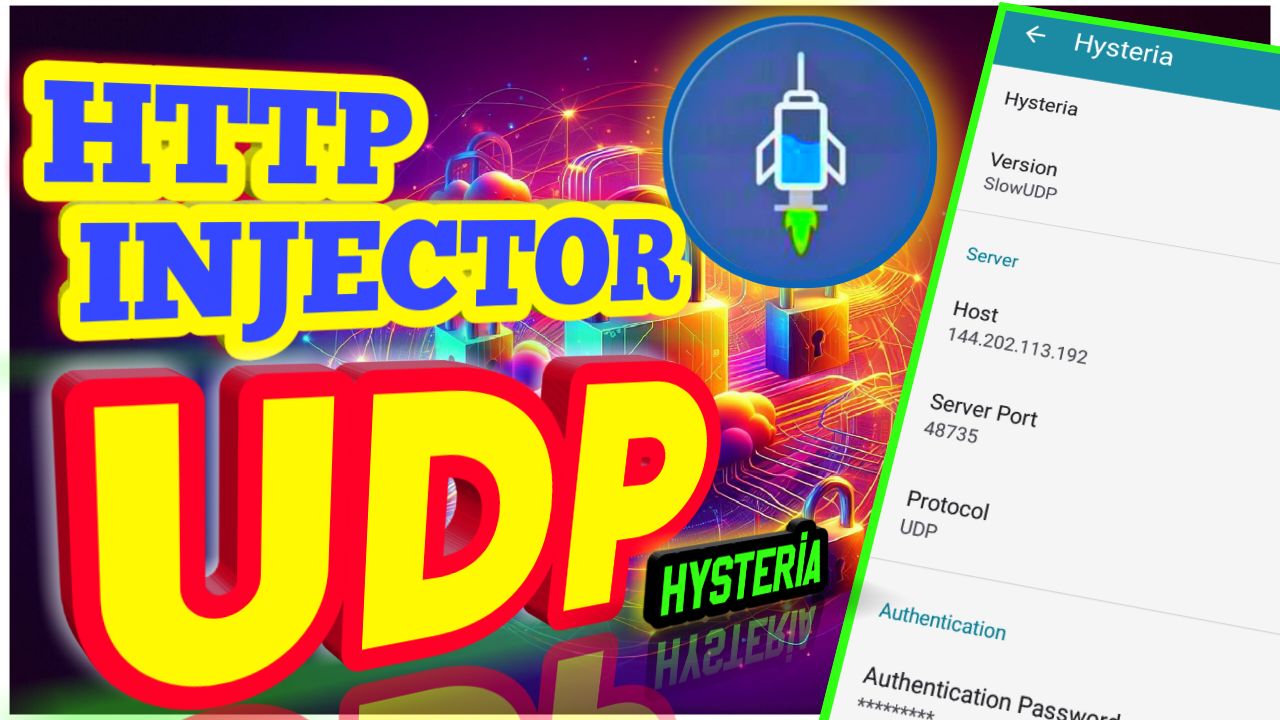
Looking to boost your browsing security and privacy? Consider setting up a custom UDP Hysteria server on HTTP Injector. Here's a quick overview of the process:
-
Download and Install HTTP Injector: Find the app on your device's app store, install it, and launch it.
-
Configure Tunnel Type: Access the tunnel section in the app, select "Hysteria" as the tunnel type, and save your settings.
-
Import Custom UDP Hysteria Server: Return to the app's home screen, navigate to "Hysteria Settings," and either manually enter server details or import them from the clipboard.
-
Start VPN Connection: Simply tap the "Start" button within the HTTP Injector app to initiate the VPN connection. It should connect within seconds.
-
Additional Resources: Explore the linked videos for default server settings and creating your own UDP server.
Ready to dive in? For detailed instructions, read the full article by visiting the link below.
https://125tech.online/how-to-setup-http-injector-hysteria-for-udp/