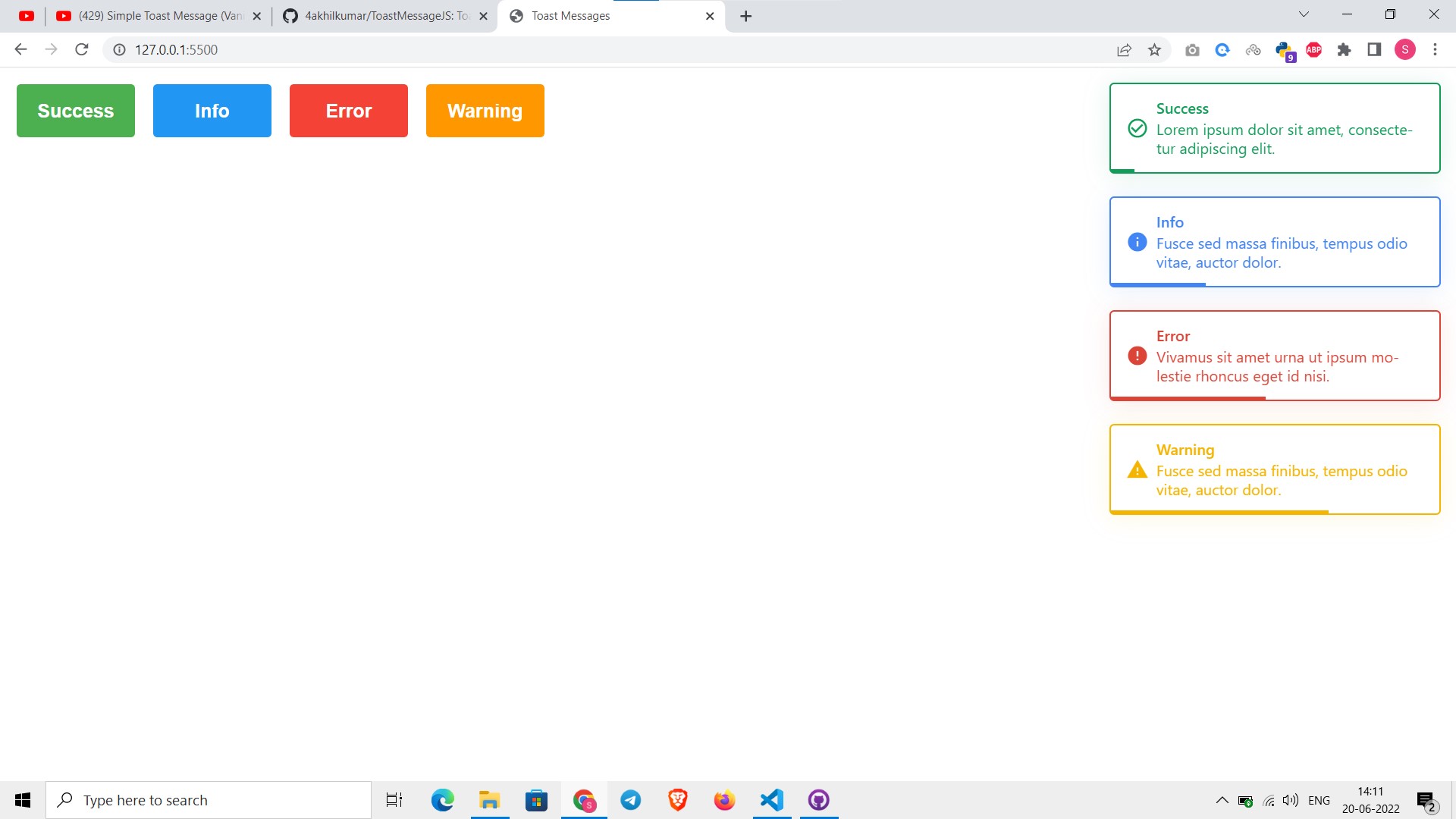
Toast Messages using Vanilla JavaScript and CSS
<link href="https://fonts.googleapis.com/icon?family=Material+Icons" rel="stylesheet">

<script src="https://cdn.rawgit.com/4akhilkumar/ToastMessageJS/master/toastmessage.js" defer></script>
<script>
  generateToast({
    status: 'success', // 'error' or 'info' or 'warning'
    message: "Ya sure about that? Ya sure about that?",
  });
</script>
npm Integration ToastMessageJS
<link href="https://fonts.googleapis.com/icon?family=Material+Icons" rel="stylesheet">
npm i toastmessage-js
import { generateToast } from 'toastmessage-js'

generateToast({
  status: 'success', // 'error' or 'info' or 'warning'
  message: "Ya sure about that? Ya sure about that?",
});
Using Parcel
-
npm install parcel -g - Create a HTML (
index.html) and JavaScript(index.js) files - Follow npm Integration and Installation
- In
index.jswrite the code which is in Use generateToast to display the message - Import
index.jsinindex.htmlwithtype="module"<body> <script type="module" src="index.js"></script> </body> -
parcel index.html