Note: We used Compostnet as our dataset.
We created a bin, known as the SARB(self automated recycling bin), using the raspberry pi, that sorts out different types of waste materials automatically. The person has to put the item in the bin and then it will land on a slab of wood inside the bin. The item will be detected at first by a PIR sensor attached to our Raspberry PI. This sends a notification to the Camera Module(v2), which scans the object and then uses an image recognition software known as tensorflow (coded into our raspberry pi 4b) to work out whether the item is recyclable or not. A motor attached to the raspberry pi is instructed to move a lever, which is connected to a pivot, towards the required side of the right bin. Then the slab of wood collapses to put the item in its respective bin. We aim to reduce the amount of waste sent to landfills and incinerators and conserve natural resources. As recycling saves energy it also reduces greenhouse gas emissions, which helps to tackle climate change. Our automated recycling bin could be a step in the right direction to solve climate change. The steps to replicating the code that we used are below.
Clone the GitHub onto a raspberry pi, using 'git clone ' on the raspberry pi terminal.
The datasets.md page has a link to the google drive here the train and test folders are. on your raspberry pi, download the folders onto the pi and then save them in the folder which has the cloned Github repository.
all you have to do is run SARBnet.ipynb: images should be 64,64,3.
Download all required modules and specify the constants you need
Run the code in the Taking Picture and Running PIR Sensor/PiCamera/Servo Motor Code. This code combines the PIR Sensor signal of a movement with the Camera Module V2, whcih takes a photo. then the photo is classified and depending on its classification, the servo motor will be instructed to move a certain direction. Also, make sure you have a copy of the trained model (linked to on 'train_model(h5).md') in the same folder as SARBnet_2.ipynb.
if you do not want to train the CNN/ neural network at all, you can skip SARBnet_1.ipynb.
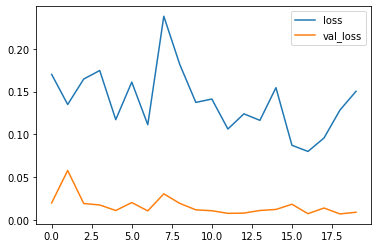
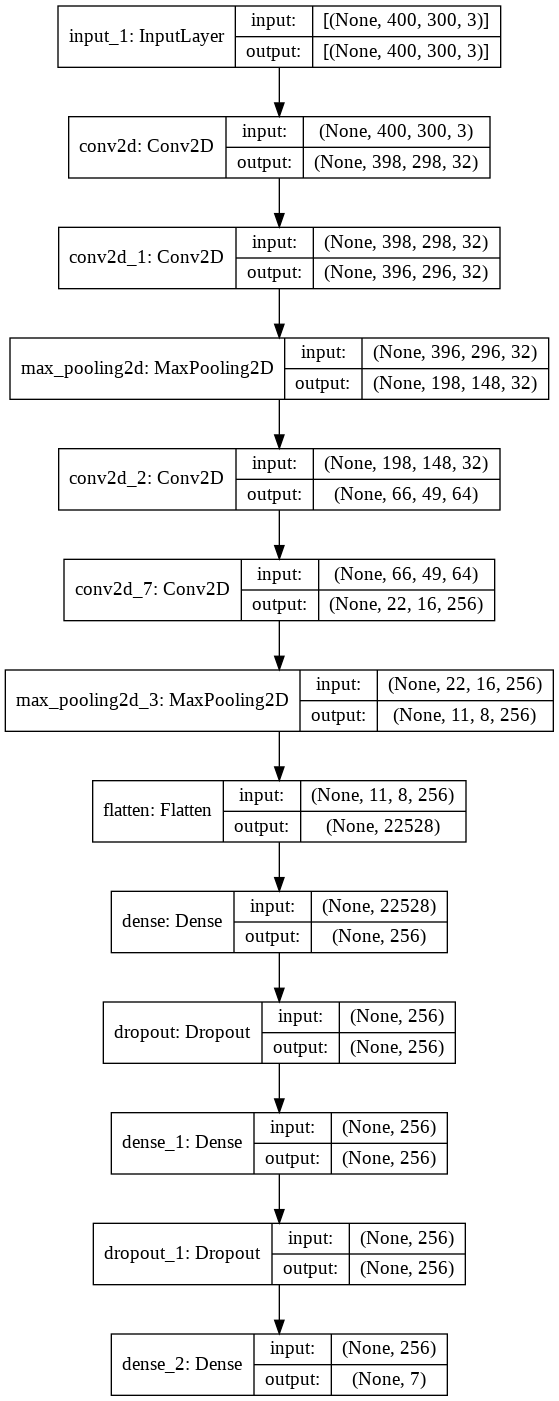
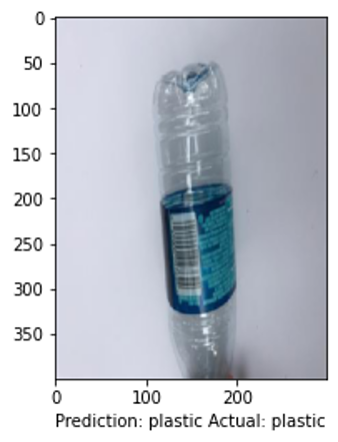
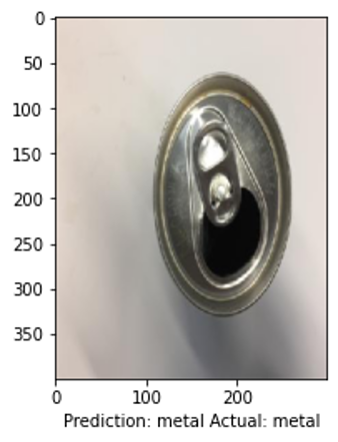
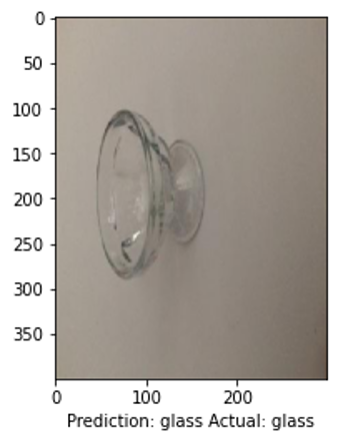
These are the predictions that the SARBnet.ipynb code produced.



The link to SARBnet,ipynb is: here The link to SARBnet_2.ipynb is: here