


You can use this extension to get the full path of the key where your cursor is on.
Use Cmd-Shift-P (Mac) or Ctrl-Shift-P (Windows/Linux).
There are two commands:
YAML: Get full key: See the full keyYAML: Copy full key to clipboard: Copy the full key to clipboard
Example:
Use YAML: Get full key like below
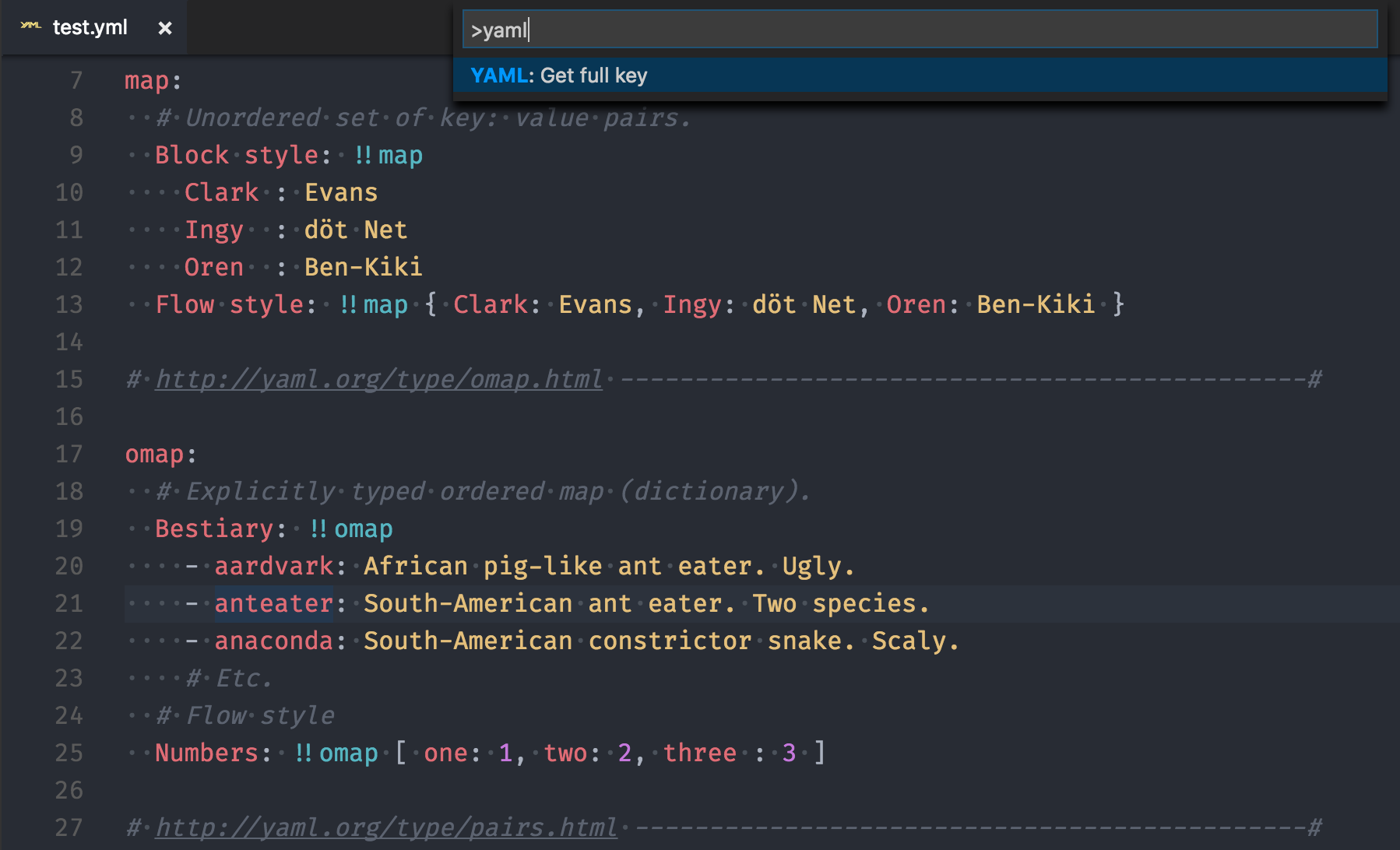
Then, it will show the full path the key where your cursor is on.
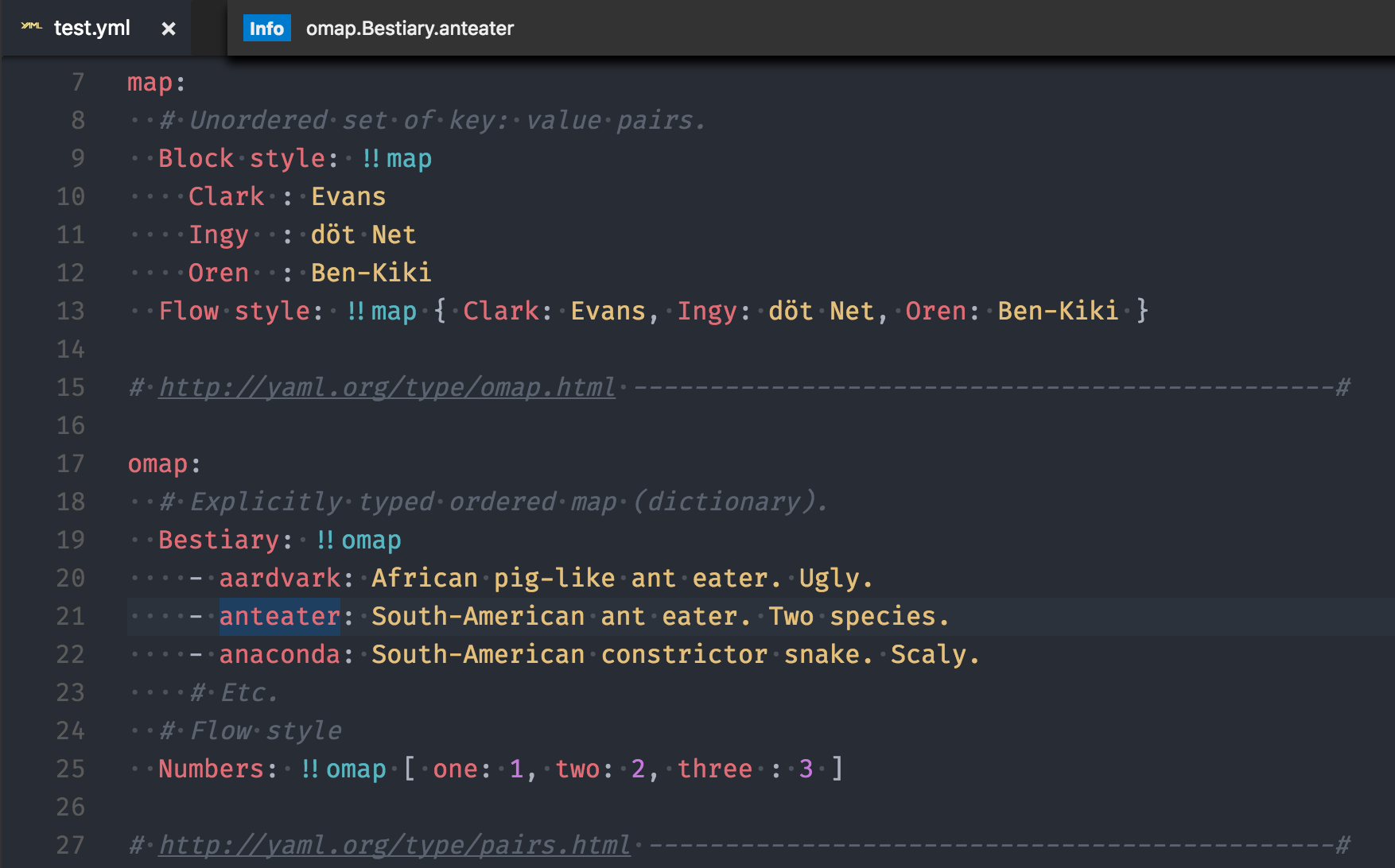
- Install Visual Studio Code
- Launch Code
- From the command palette
Ctrl-Shift-P(Windows, Linux) orCmd-Shift-P(OSX) - Select
Install Extension - Choose the extension
YAML key viewer - Reload Visual Studio Code