StyleGAN2 is an GAN architecture which provides state-of-the-art results in data-driven unconditional generative image modeling. This implementation is based on a research paper from NVIDIA from 2020
Two neural networks contest with each other in a game. Given a training set, this technique learns to generate new data with the same statistics as the training set. Learn more about GAN here
We are a project group within the student organization Cogito at NTNU (Norwegian University of Science and Technology). The group has worked on this through the fall of 2020.
We wanted to get a better understanding of the hottest image creation technology right now, and NVIDIA had published extremely good results in a paper just months before. We were also unable to find anyone else who had tried to recreate StyleGAN2 so we saw it as a good challange to take.
Early results were plagued by mode collapse, which means that two vastly different latent vectors gave almost exactly the same output image. We got more success by tuning the learning rate down by a thousand.
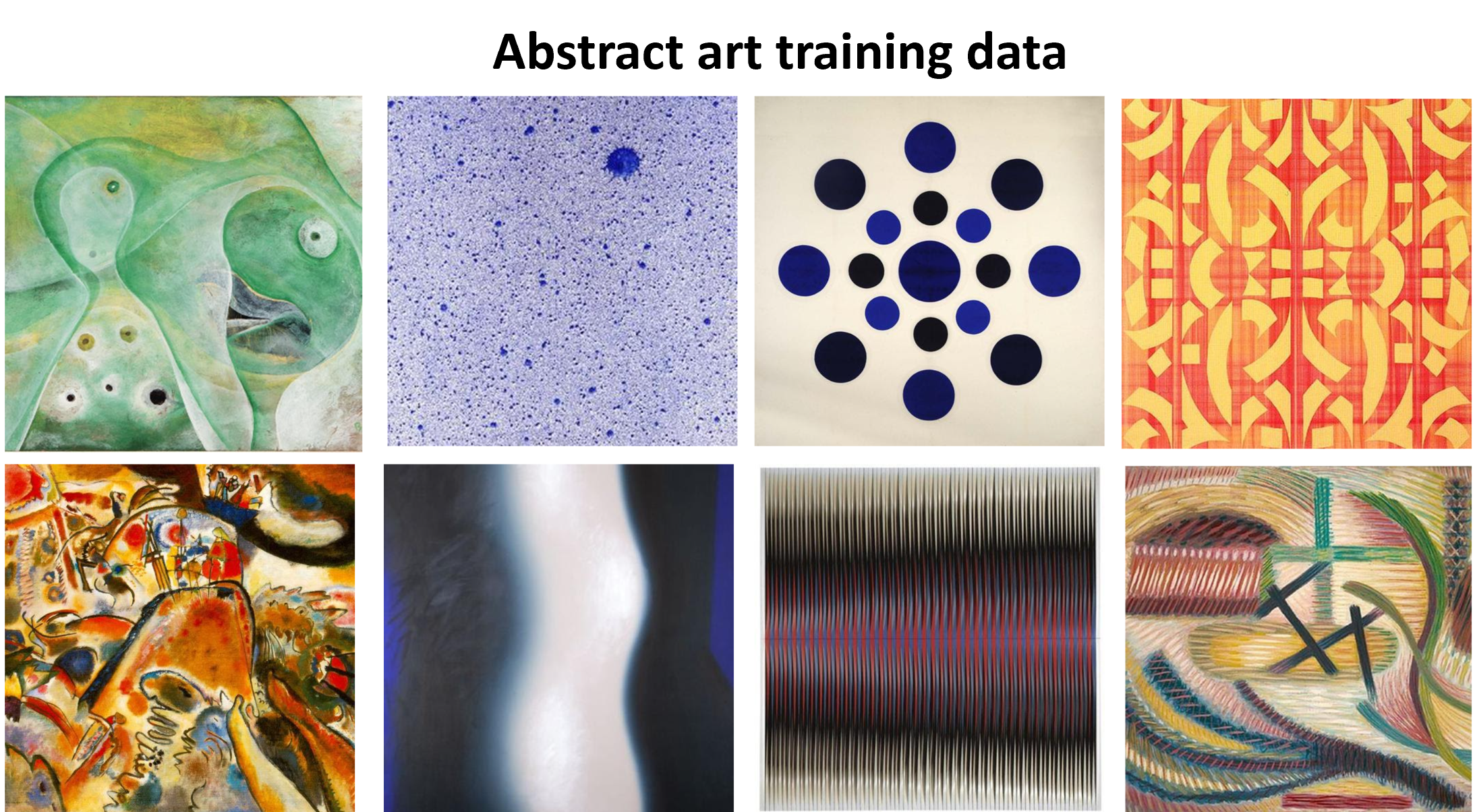
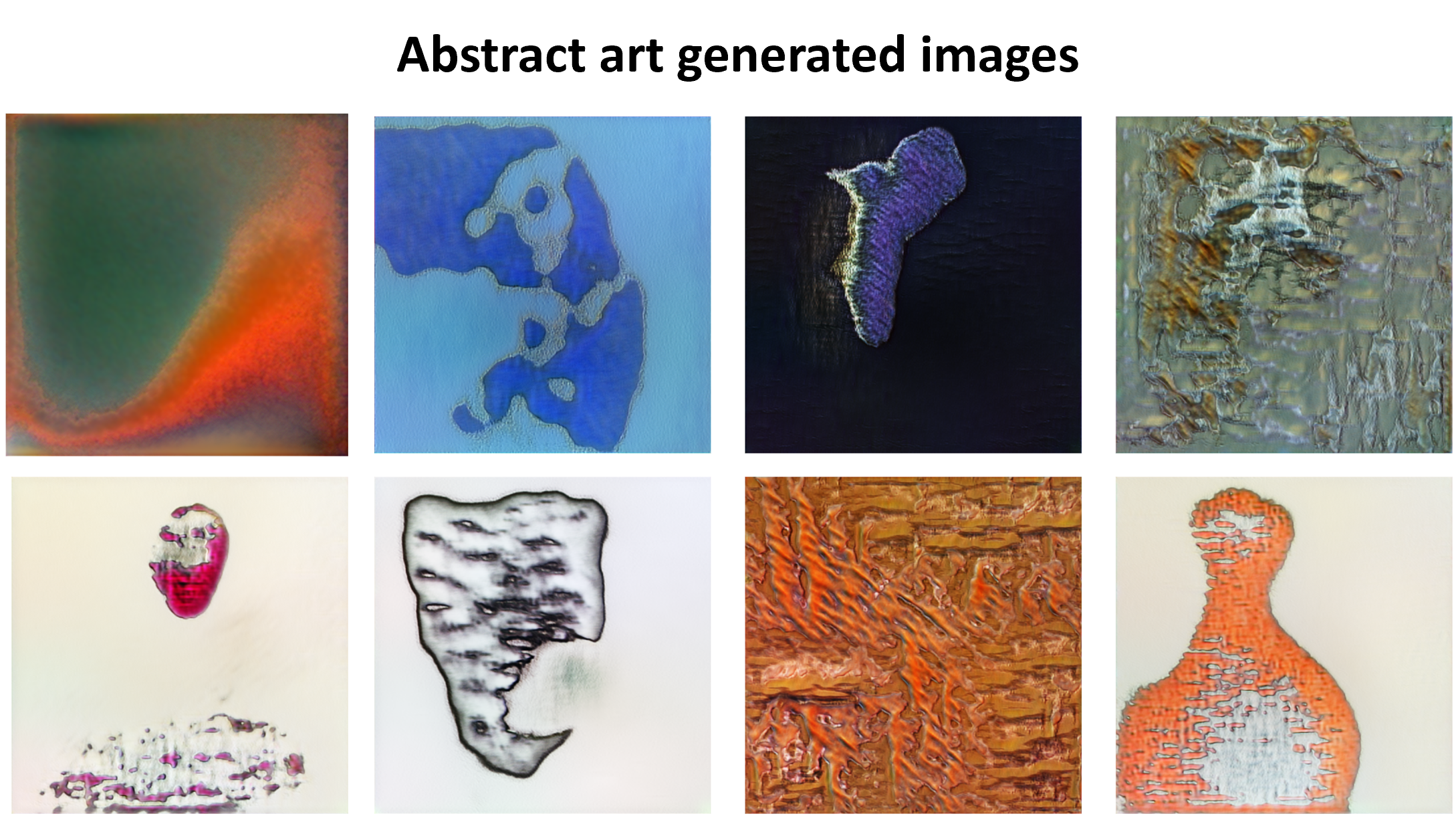
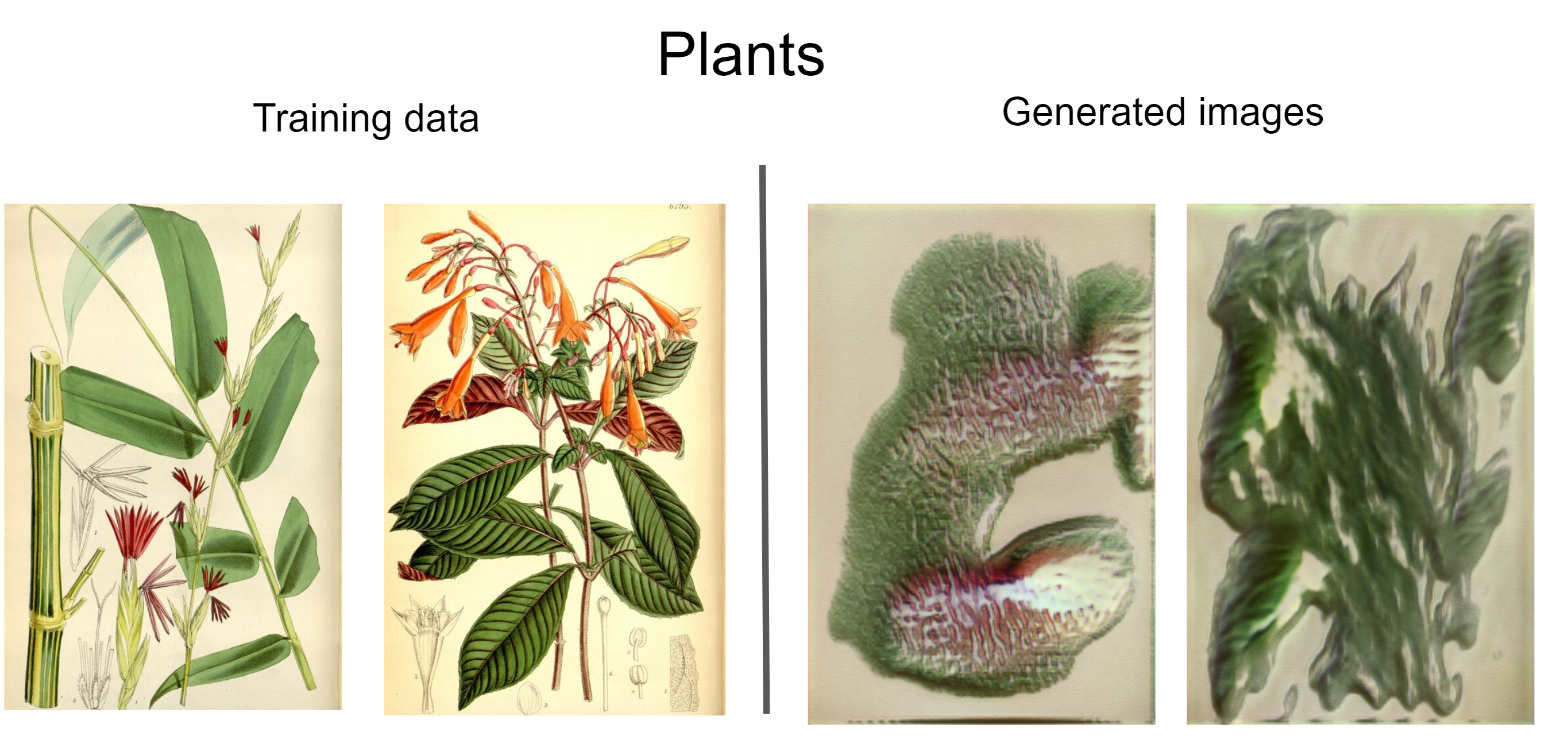
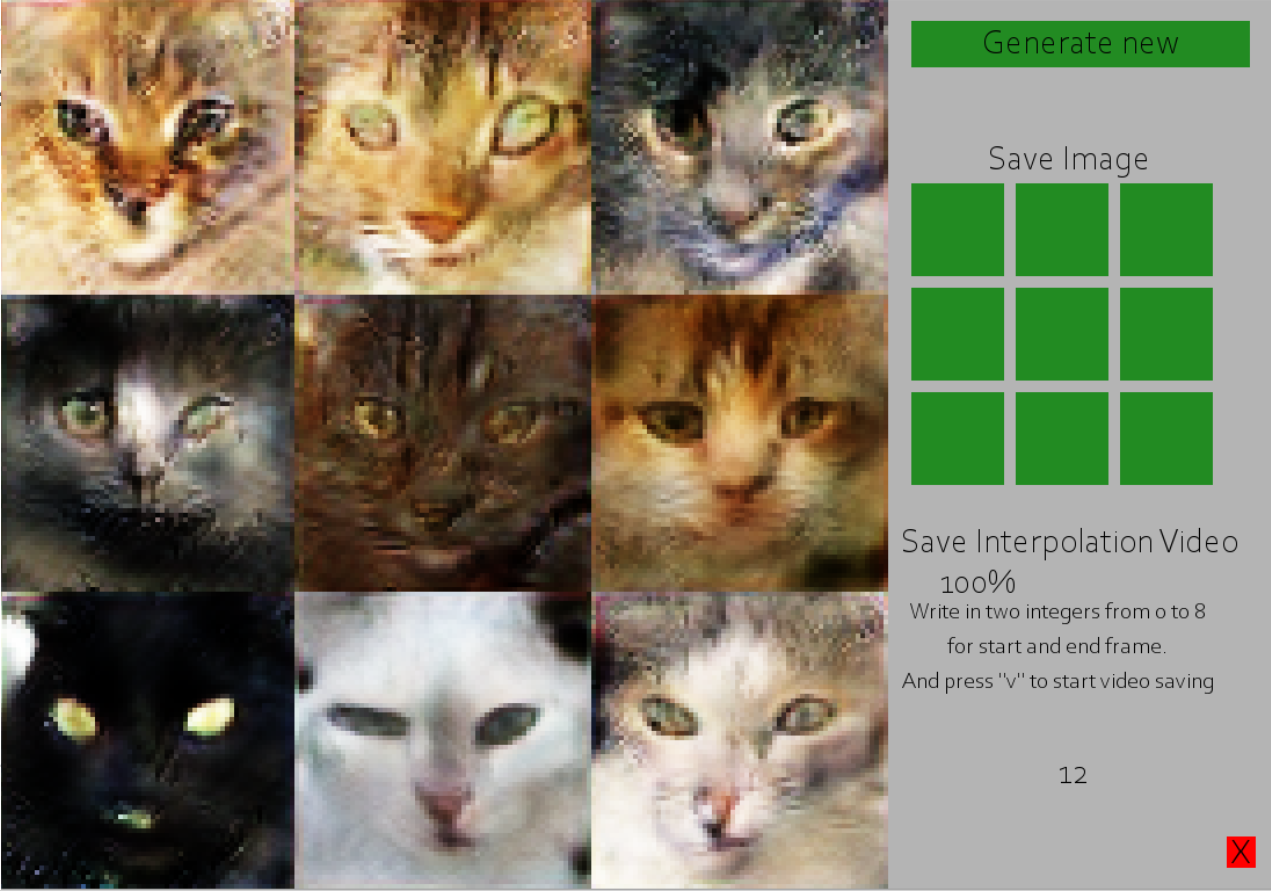
The image below shows an pygame application to easily create new images, save them, and make interpolation videos between them similar to this
The easiest change we could make would be to train the system longer. NVIDIA ran their model for 51 GPU-years with Titan graphic cards, while we trained the models on a couple of days with modern graphic cards.
Another major improvement would be to use a month worth of training time to really hone in the right learning rate, model size and model shape before commiting to letting the model train for real.
We could also consider hosting an application on a website with different models to make our creation more usable.
The current h5 files take up around 50GB of space for 512x512 resolution! So we will rather give the steps to how you can train your own version.
-
First you need to install python. 3.6 and 3.7 is proven to work. Other python versions are used at your own risk
-
Run pip install -r requirements.txt in the project folder. This will install all the required libraries.
-
Download a dataset of images you want to train on. They need to be square shaped.
-
Change config.py to suit your dataset. You will at least need to change IMG_SIZE and IMAGES_TO_CONVERT.
IMG_SIZE is the resolution of both the x and the y axis of the images.
IMAGES_TO_CONVERT is the folder with the training images you downloaded in the last step. -
Run prep_data.py
-
Run training_loop.py. You can see how your network performs by looking in the generated_images folder. Your model weights will be saved in the weights folder. Increase or decrease SAVE_INTERVAL inconfig.py if you want your network to be saved more or less often.
-
To use the app you need to first change MODEL_APP_WEIGHTS in the config to the generator weights you are using. Then run app.py