
- Team Lead: Rohit M R - CUSAT
- Member 2: Shenes Eapen Koshy - CUSAT
Ghost Protocol is a creepy prank program that simulates paranormal activity on your computer by moving the mouse randomly, typing eerie messages, showing ghostly popups, playing scary videos and audios, and more — all without user interaction.
Who wants a peaceful, quiet computer anyway? Not you, right? That’s why we turned your PC into a digital haunted house — complete with a mouse that acts like it’s possessed, creepy messages typing themselves (because privacy is overrated), random ghostly glitches that’ll make you question your sanity, and surprise jumpscares to keep your heart rate up. Because honestly, why settle for calm when you can have chaos — spooky, supernatural chaos?
Our solution? A digital poltergeist — basically a mischievous little ghost trapped in your computer, ready to prank you by hijacking your mouse, typing spooky messages you didn’t ask for, popping up creepy alerts like it owns the place, and blasting scary sounds and videos just to mess with your nerves. It’s like having a haunted house inside your PC — without the creepy basement or the weird smells, just pure, unadulterated digital terror… with a side of laughs.
For Software:
- Python
- None explicitly used
- pyautogui,tkinter,threading,time,random,sys,os,math,datetime,pathlib,subprocess
- FFmpeg
For Software:
https://www.gyan.dev/ffmpeg/builds/packages/ffmpeg-2025-08-04-git-9a32b86307-full_build.7z
Extract this at C:/ffmpeg
Add C:ffmpeg/bin as new path in System Variables in Environment Variables
Then at our main python scripts directory:
pip install pyautogui
pip install tkinter
pip install pillow
Ghost Protocol -> dist -> poltergeist.exe (double click)
For Software:
(https://drive.google.com/file/d/1zXubRmXWbBEVHfw0gETMDfP7M_iysry-/view?usp=sharing)
This workflow diagram clearly illustrates the main logic and options of the program—from starting, asking the user for confirmation, setting the haunting scene, running various parallel “ghost” behaviours, providing user controls, monitoring for emergency stop, to finally exiting gracefully. Each step is enclosed in a box, with arrows showing the path and decisions, making the application's operations easy to visualize and understand.
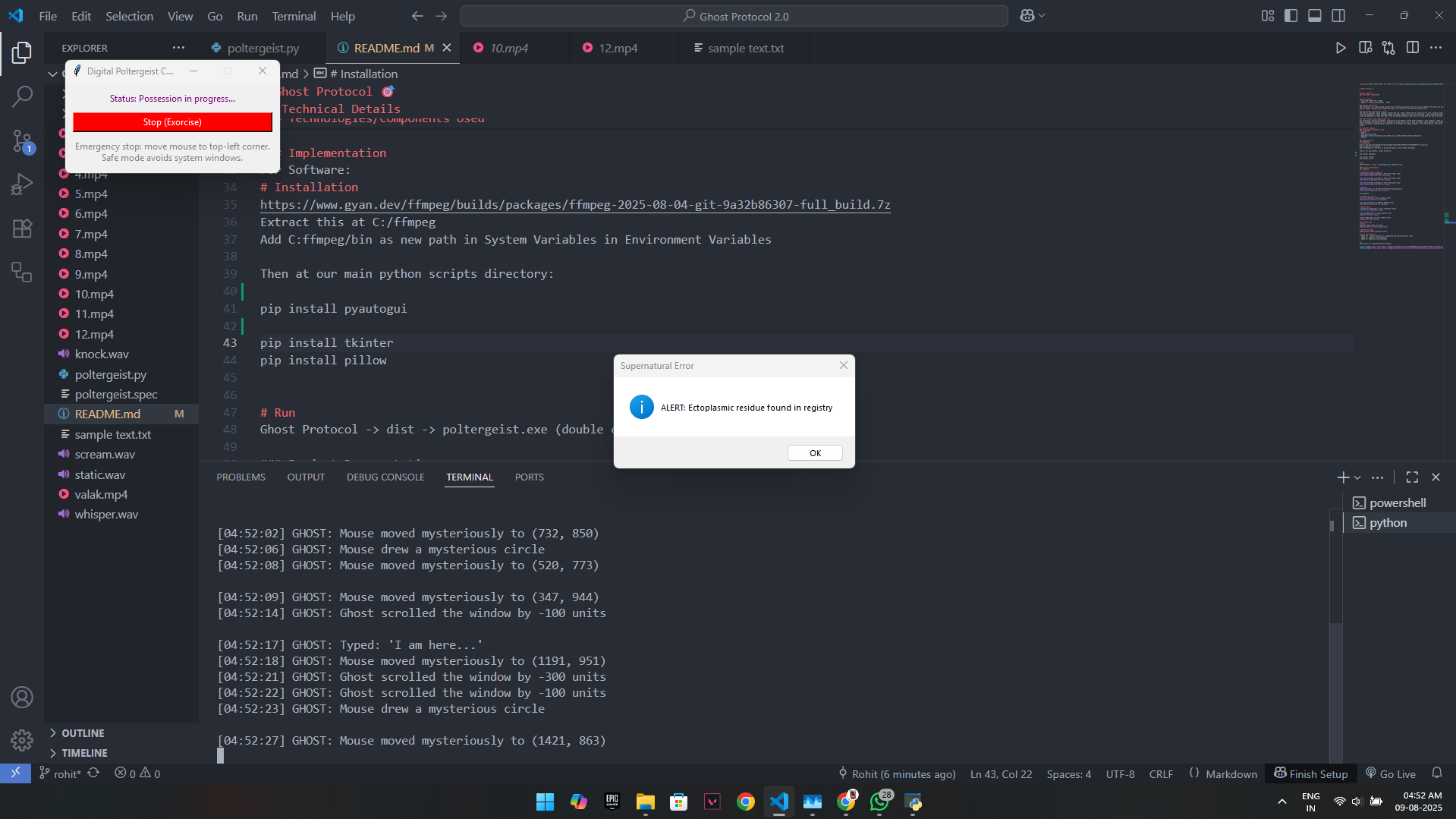
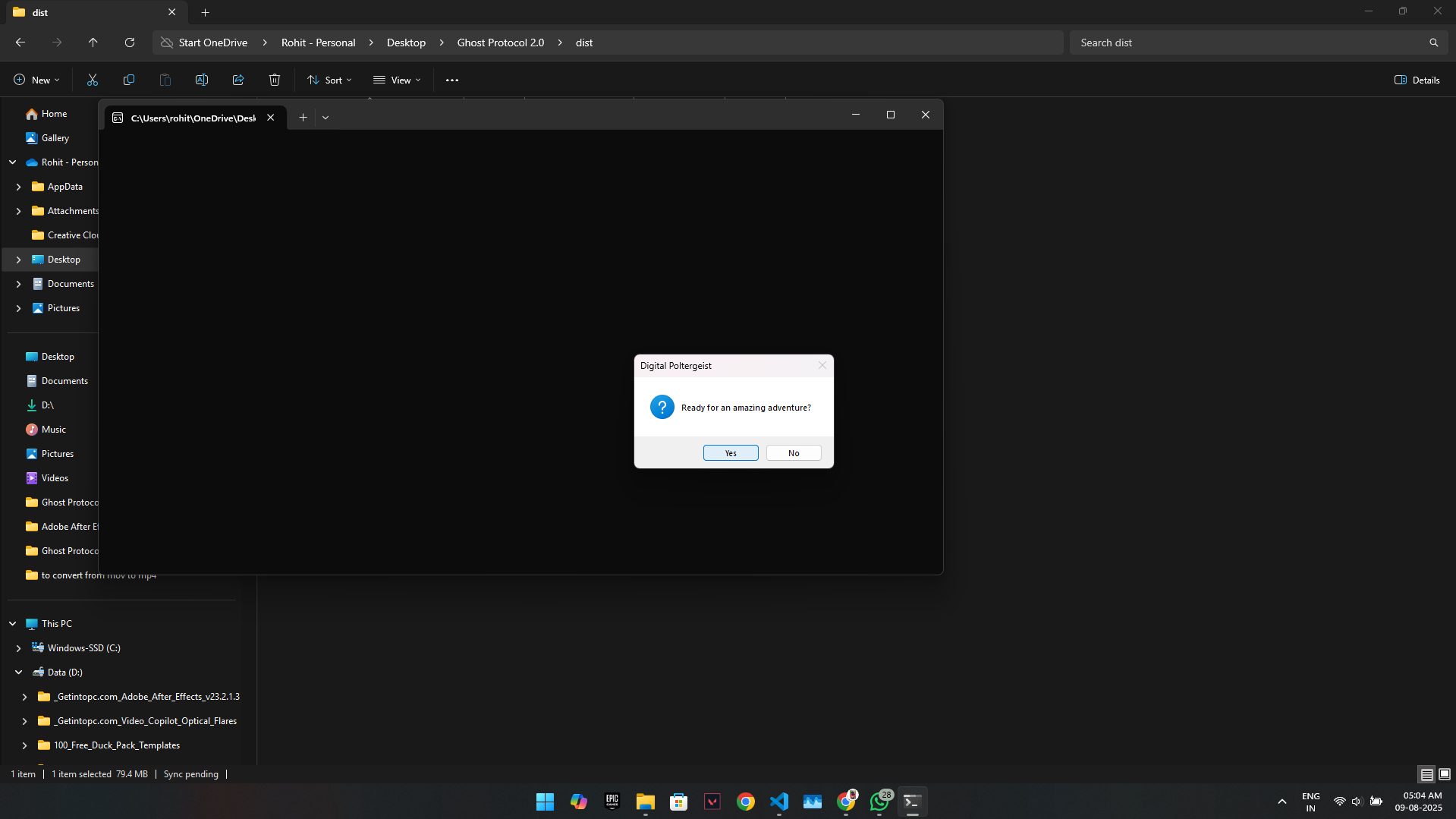
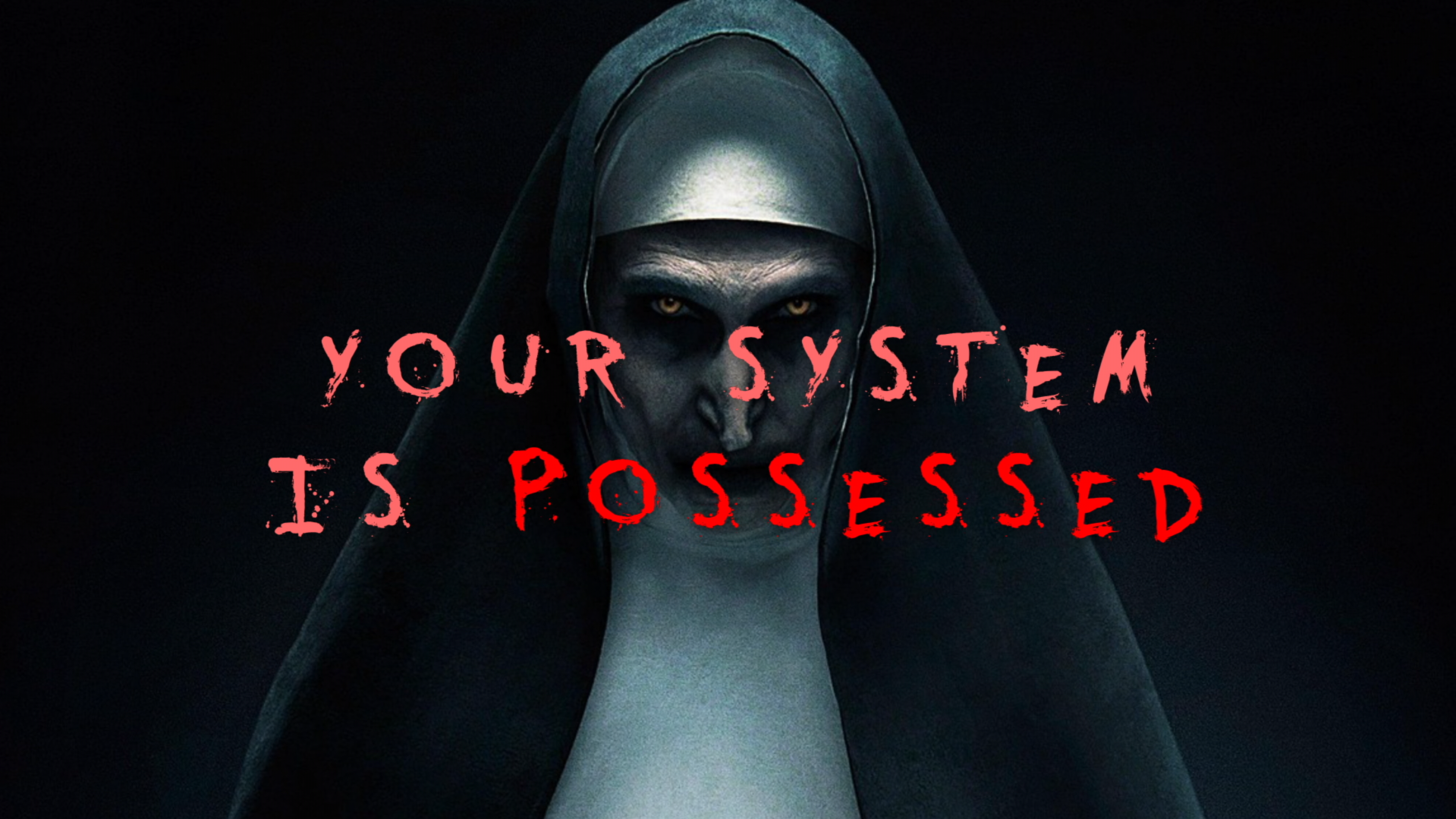
(https://drive.google.com/file/d/1lXuatK3Y5zUx-CqmwfF7Ro2vOii7kk9i/view?usp=sharing) Demonstrates the starting of the exe file... the Valak's intro... random mouse movement, circular movement, zigzag movement, random clicking (because notepad was open but suddenly it went behind the file manager tab indicating that file manager tab was clicked), automatically typing messages (in the notepad it started typing messages, fyi : it was really hard to open the notepad just to show you guys that the typing works). Additional jumpscares and sfx to scare you.... Random popups showing spooky messages etc....
[Add any extra demo materials/links]
- Rohit M R : Video creations for jumpscares during startup, clicking effect, automatic typing
- Shenes: Video creations for jumpscares, scrolling, mouse movement, sfx
Made with ❤️ at TinkerHub Useless Projects

