


This is One Dark color scheme for JetBrains Fleet.
To install the One Dark theme in JetBrains Fleet, follow these steps:
-
Download the
one-dark.jsonfile from this repository. -
Put this file inside:
Windows:
C:\users\<USER>\AppData\Roaming\JetBrains\Fleet\themesLinux:
/home/<USER>/.config/JetBrains/Fleet/themes/macOS:
~/Library/Application Support/Jetbrains/Fleet/themes/ -
Open JetBrains Fleet.
-
Go to Settings > Themes and pick
One Darkfrom the list -
Enjoy your colors!
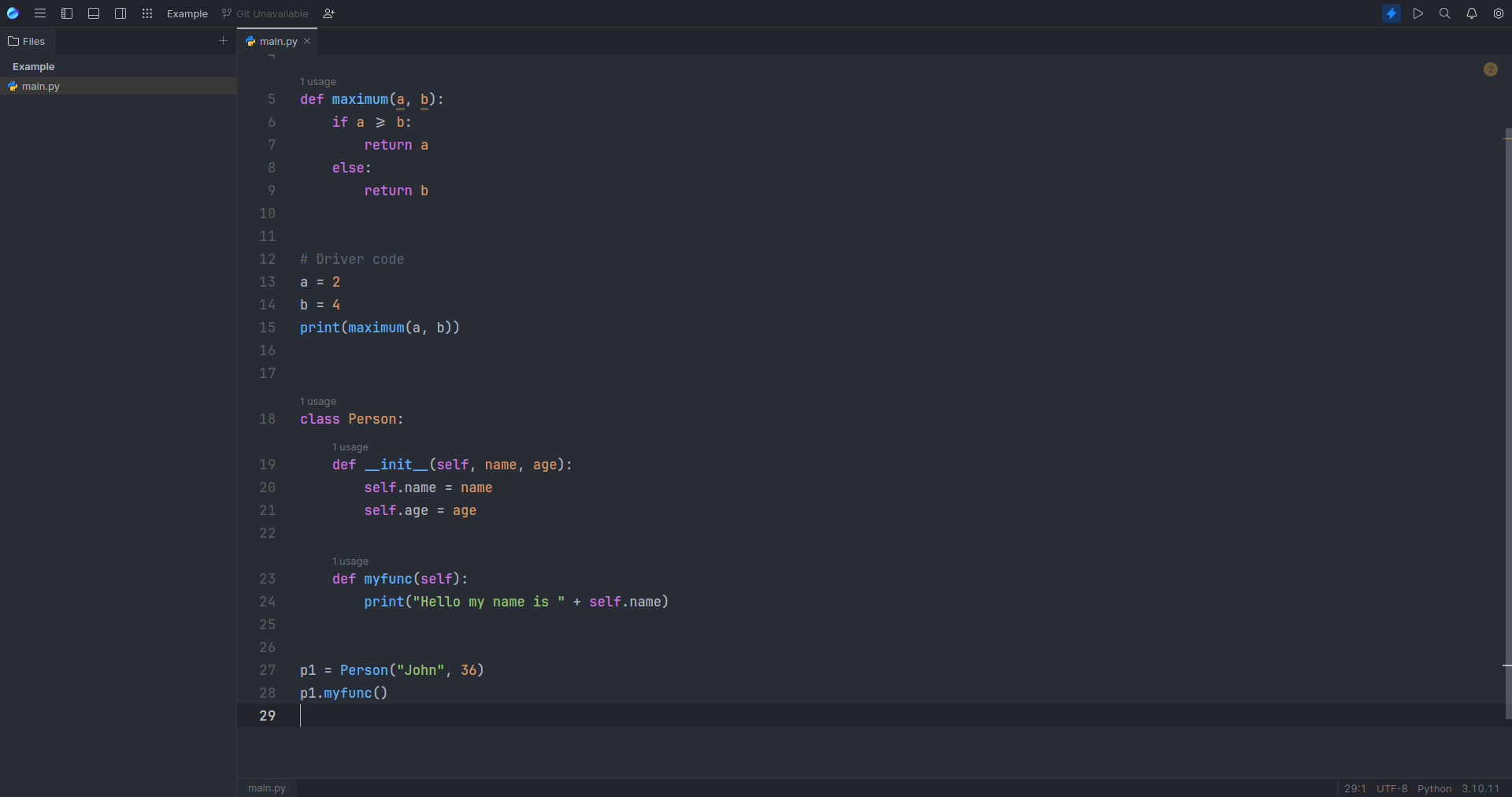
If you have any issues or suggestions, please open an issue.
This color scheme is licensed under the MIT License.
Enjoy coding with the One Dark color scheme! 🥳