Releases: Hitheshkaranth/OpenTerminalUI
Releases · Hitheshkaranth/OpenTerminalUI
v0.1.1

v1.0.0 — OpenTerminalUI Public Release
OpenTerminalUI v1.0.0 — Public Release
Analyze. Trade. Optimize.
Open-source Bloomberg-style terminal for India (NSE/BSE) and US (NYSE/NASDAQ) markets.
Highlights
- Multi-Asset Terminal — Equities, F&O derivatives, crypto, mutual funds, and fixed income in one workspace
- Advanced Charting — TradingView-style chart workstation with 40+ technical indicators, drawing tools, multi-chart sync, and volume profile overlays
- Pro Analytics — Portfolio monitoring, backtesting lab, risk dashboard, and sector rotation (RRG) analysis
- Real-Time Data — WebSocket-driven live quotes, order book depth, and market heatmaps
- Stock Screener — Custom filter expressions with real-time screening across NSE/BSE/US exchanges
- Keyboard-First UX — Command palette (Ctrl+K), workspace hotkeys, and terminal-noir dark theme
- AI Research Copilot — Natural-language equity research assistant
- Economic Data Terminal — Macro indicators and central bank data dashboard
Downloads
| Asset | Description |
|---|---|
OpenTerminalUI-Container.tar |
Pre-built Docker image — load with docker load -i OpenTerminalUI-Container.tar then docker run -p 8000:8000 openterminalui |
OpenTerminalUI-Windows-App.zip |
Standalone Windows desktop app — extract and run OpenTerminalUI.exe |
Docker Quick Start
# Load the pre-built image
docker load -i OpenTerminalUI-Container.tar

# Run the terminal
docker run -p 8000:8000 openterminalui

# Open in browser
# http://localhost:8000
Windows Quick Start
- Download and extract
OpenTerminalUI-Windows-App.zip - Run
OpenTerminalUI.exe - The terminal opens automatically at
http://127.0.0.1:8000
Build from Source
# Clone
git clone https://github.com/Hitheshkaranth/OpenTerminalUI.git
cd OpenTerminalUI

# Backend
pip install -r backend/requirements.txt

# Frontend
cd frontend && npm install && npm run build && cd ..

# Run
uvicorn backend.main:app --host 0.0.0.0 --port 8000
Tech Stack
Python 3.11 · FastAPI · React 18 · TypeScript · Vite 6 · Tailwind CSS · SQLAlchemy · Redis · WebSocket · Docker
Screenshots
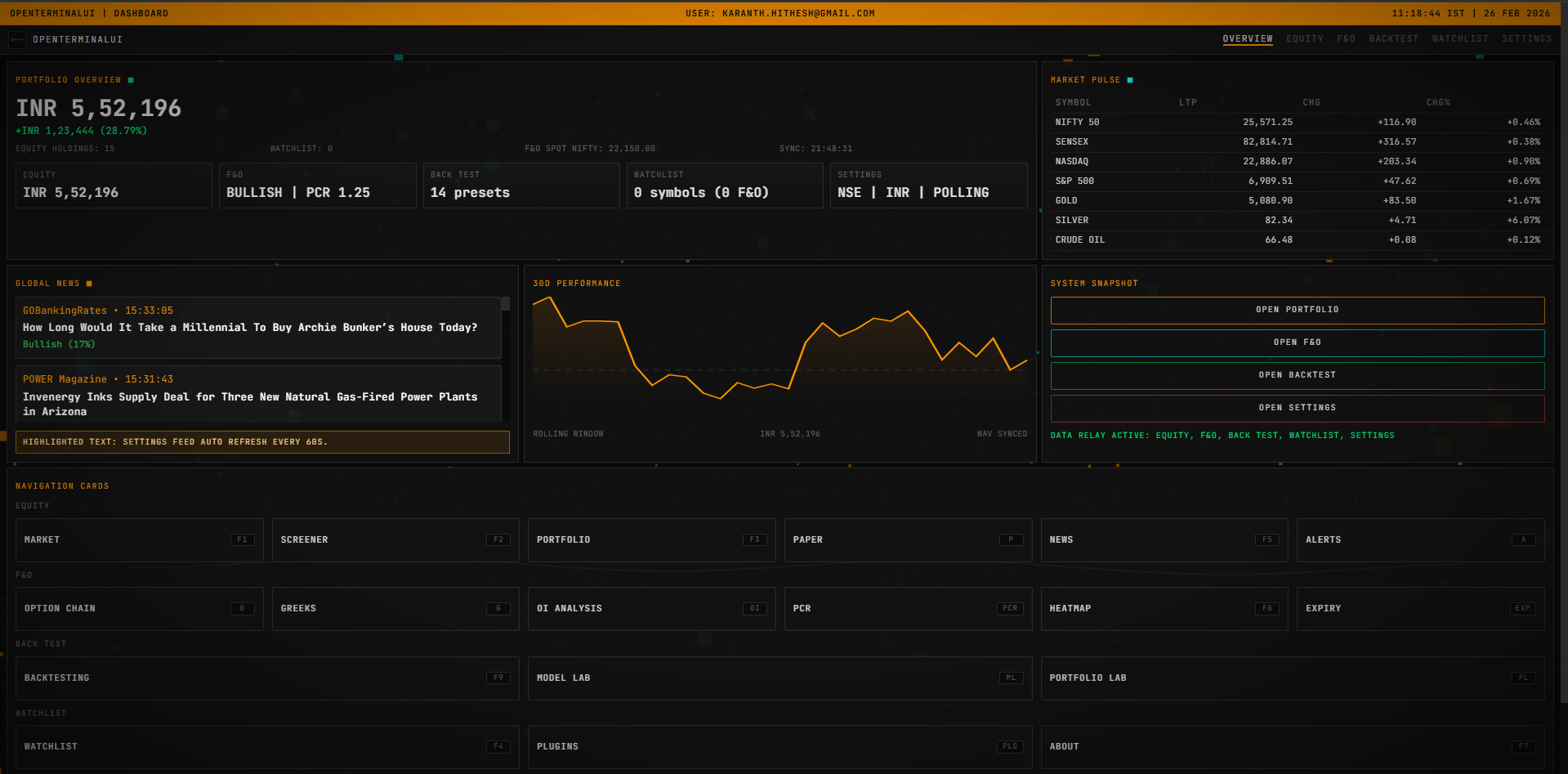
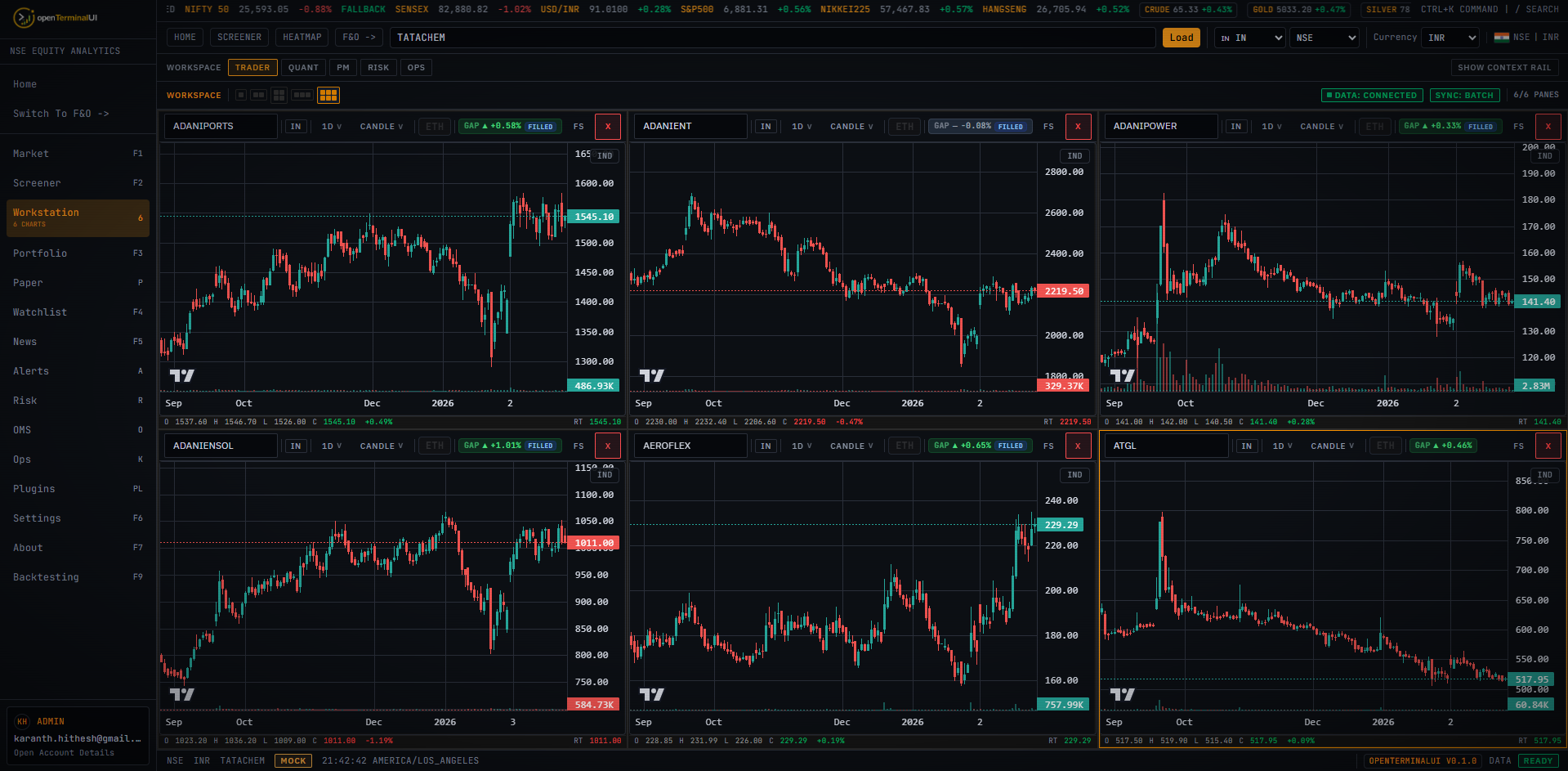
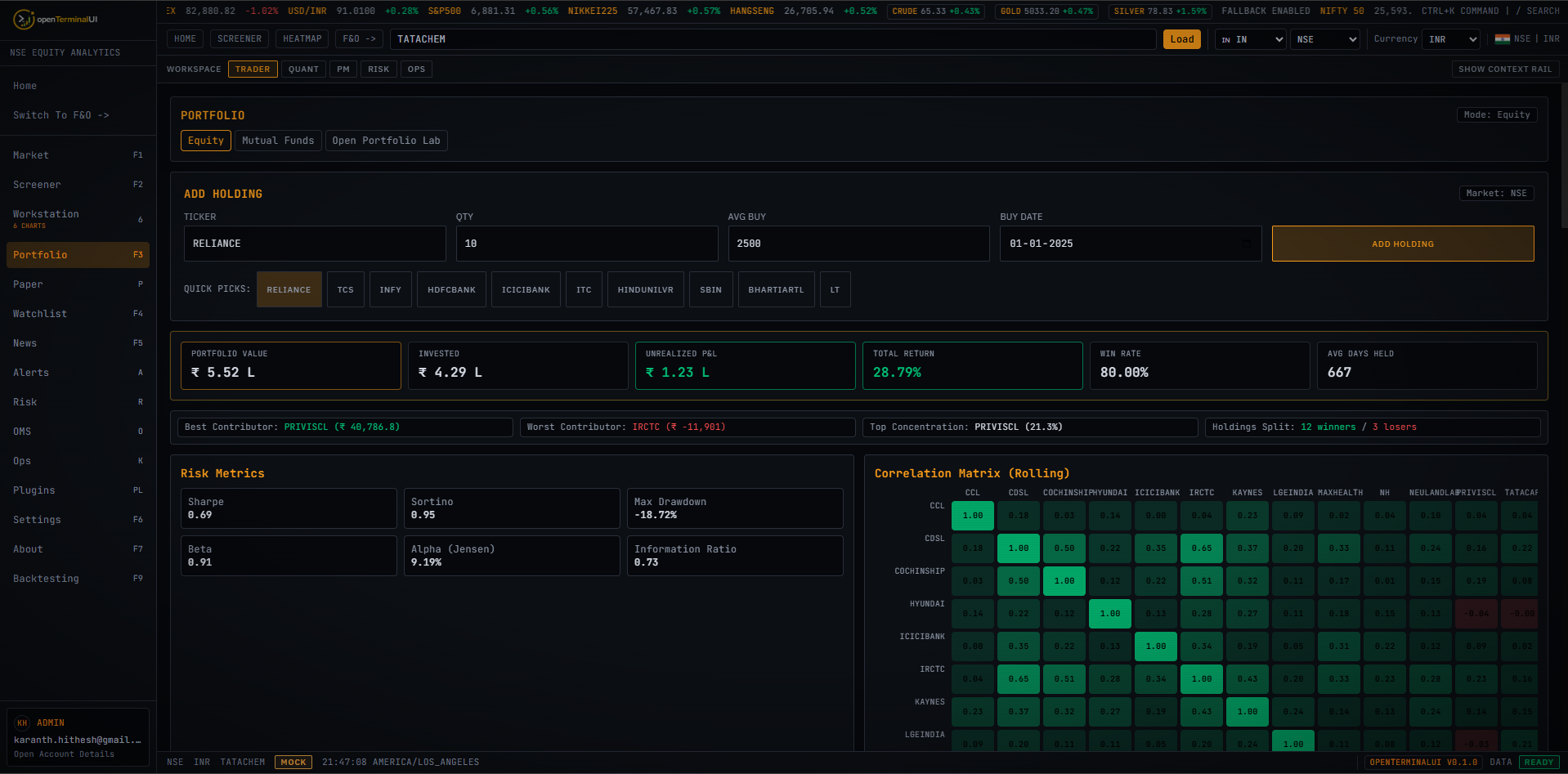
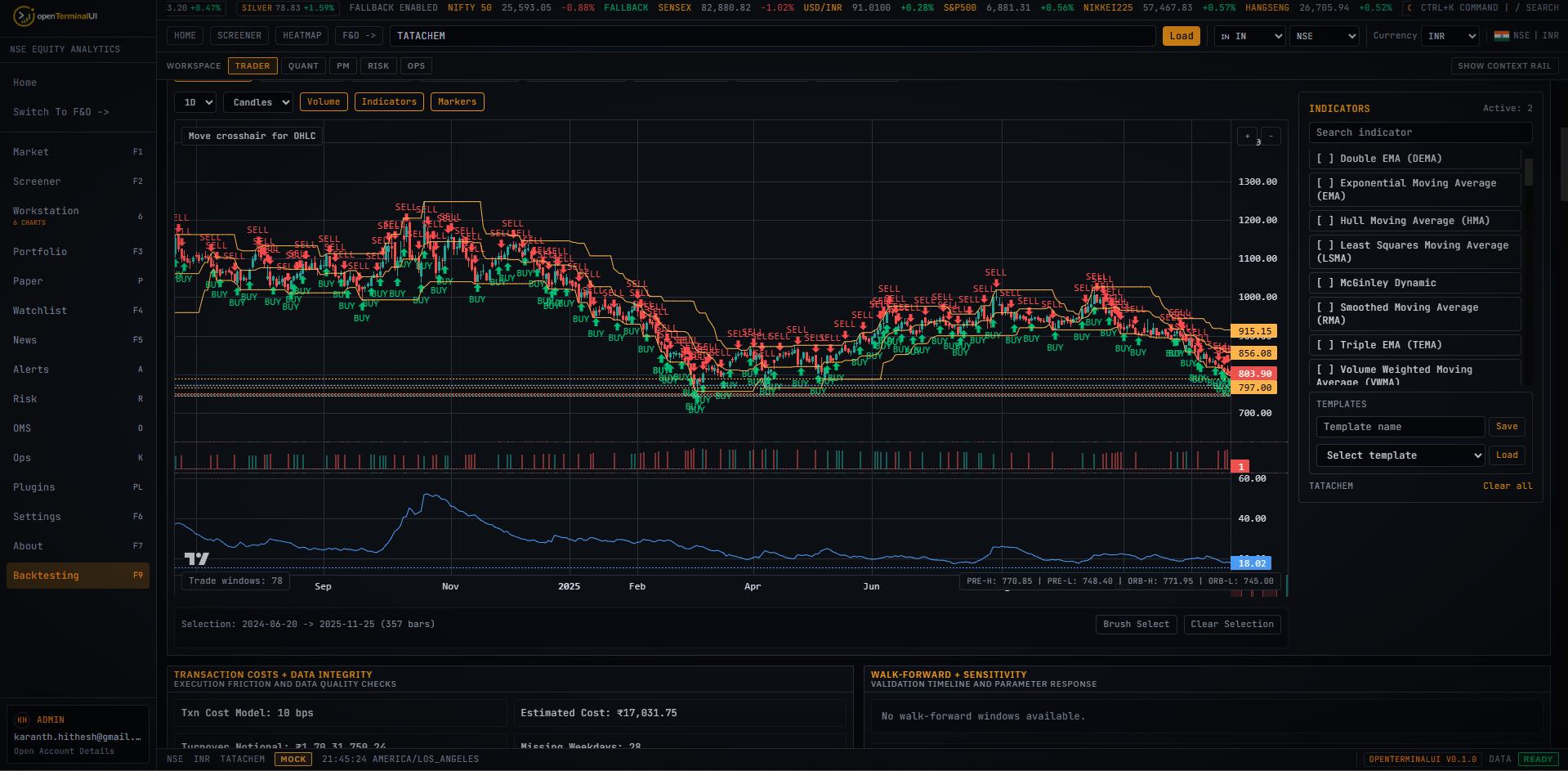
MIT License · Built with Claude Code