
ashell is a ready to go Wayland status bar for Hyprland and Niri.
Feel free to fork this project and customize it for your needs or just open an issue to request a particular feature.
Refer to the Getting Started page on website
- Automatic Hyprland/Niri compositor detection
- Multi-monitor support (all monitors, active monitor, or specific targets)
- Hot-reload configuration (changes apply automatically via file watch)
- Bar positioning (top or bottom) with configurable layer (Bottom, Top, Overlay)
- Theming: Islands, Solid, and Gradient styles with custom colors, opacity, scale, and fonts
- OS Updates indicator with configurable check interval
- Hyprland/Niri Active Window (title, class, or initial title/class)
- Hyprland/Niri Workspaces with naming, color coding, and per-monitor visibility
- System Information (CPU, RAM, Disk, IP address, Network speed, Temperature) with warn/alert thresholds
- Hyprland/Niri Keyboard Layout with custom labels
- Hyprland Keyboard Submap
- System Tray with context menus
- Clock with calendar, weather, timezone cycling, and format cycling (Tempo)
- Privacy indicators (microphone, camera, and screenshare usage)
- Media Player with album art and track info
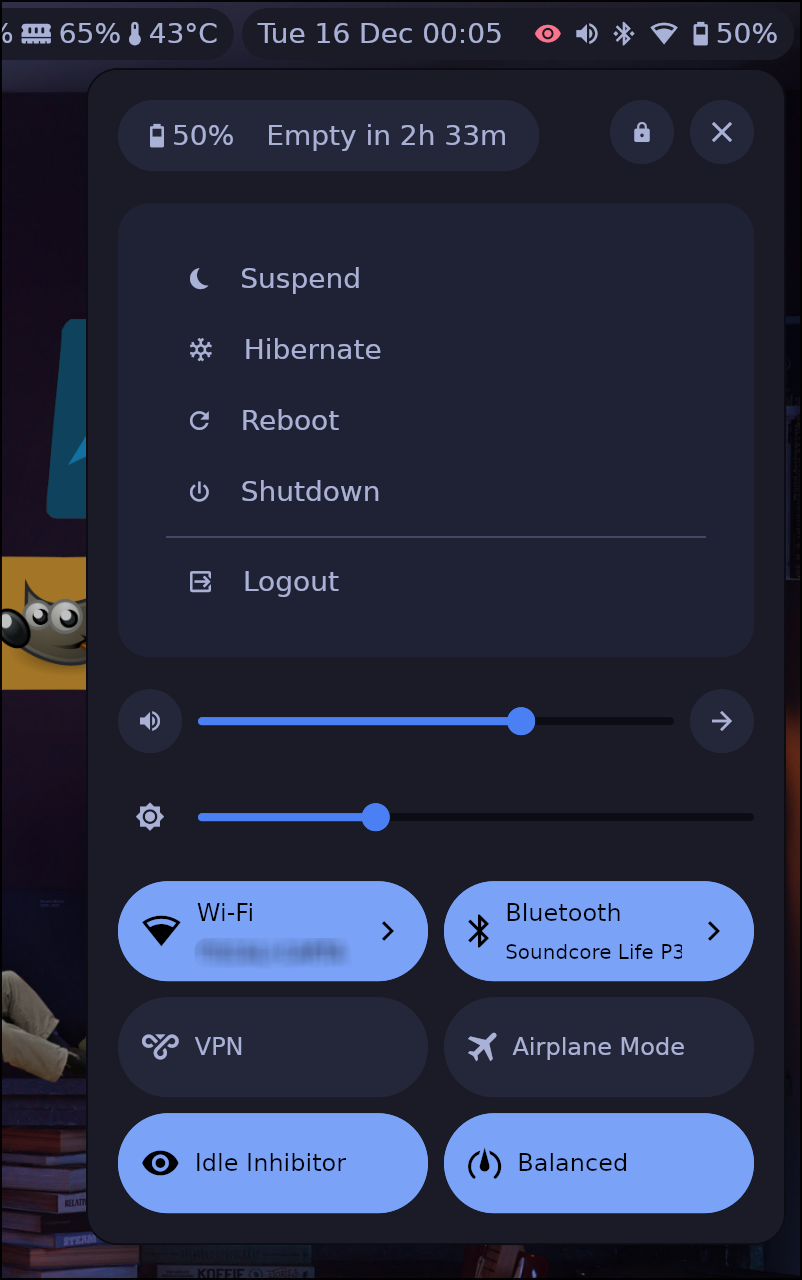
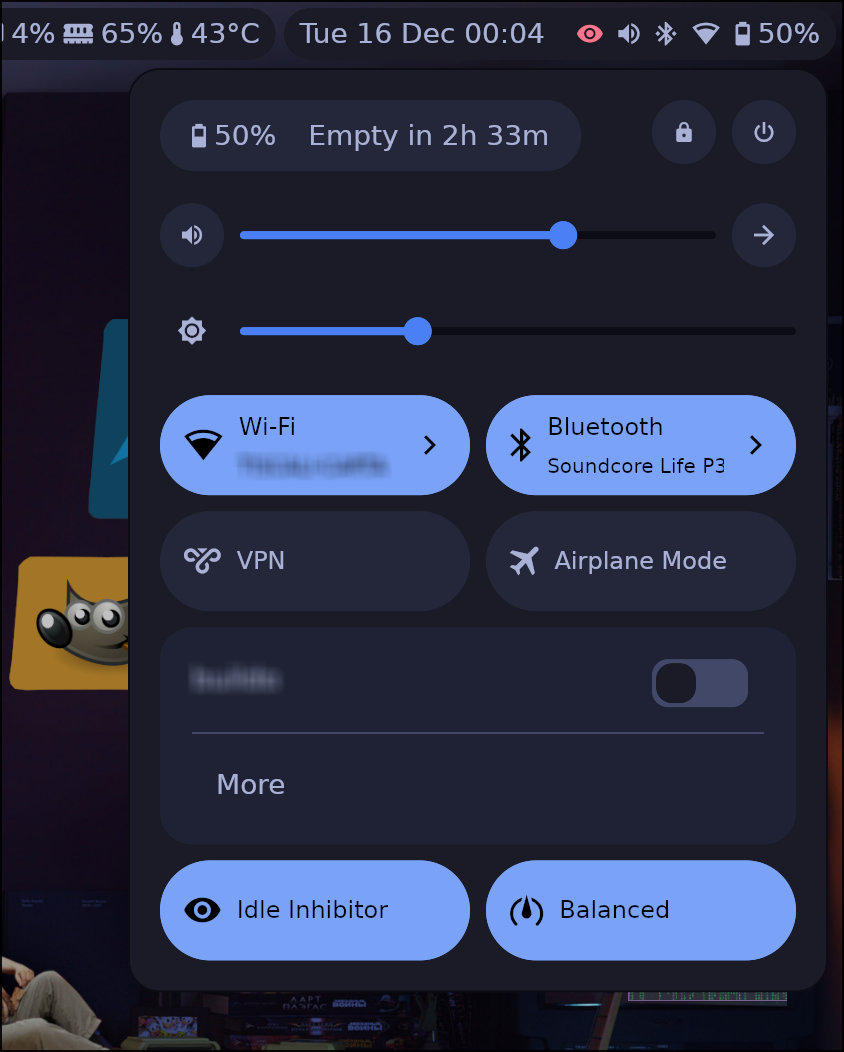
- Settings panel
- Power menu (shutdown, suspend, hibernate, reboot, logout, lock)
- Battery and peripheral battery information
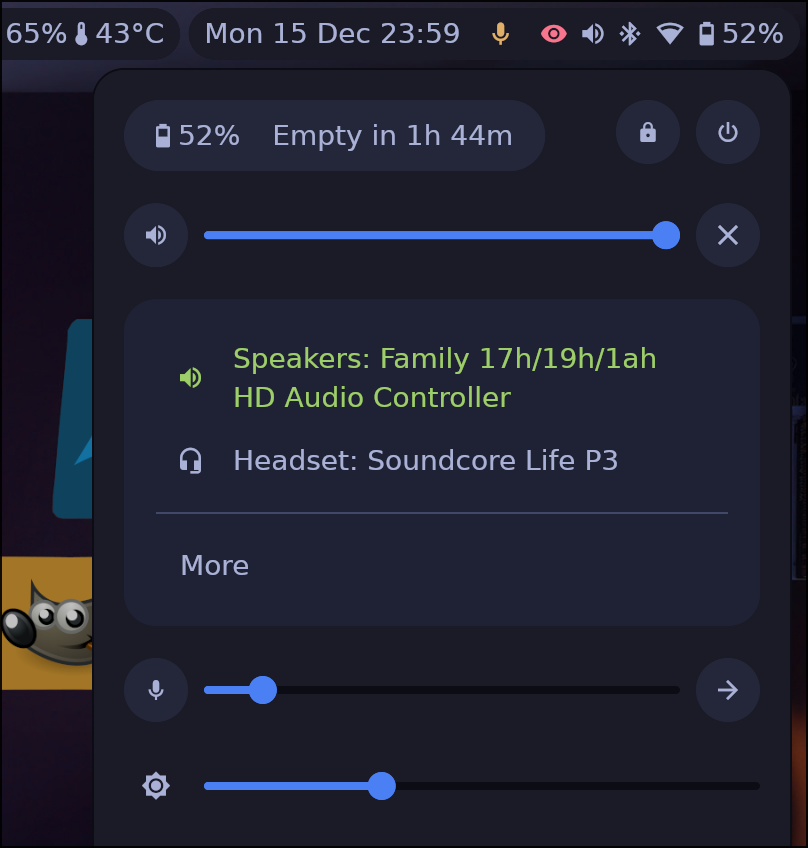
- Audio sources and sinks (with microphone)
- Screen brightness
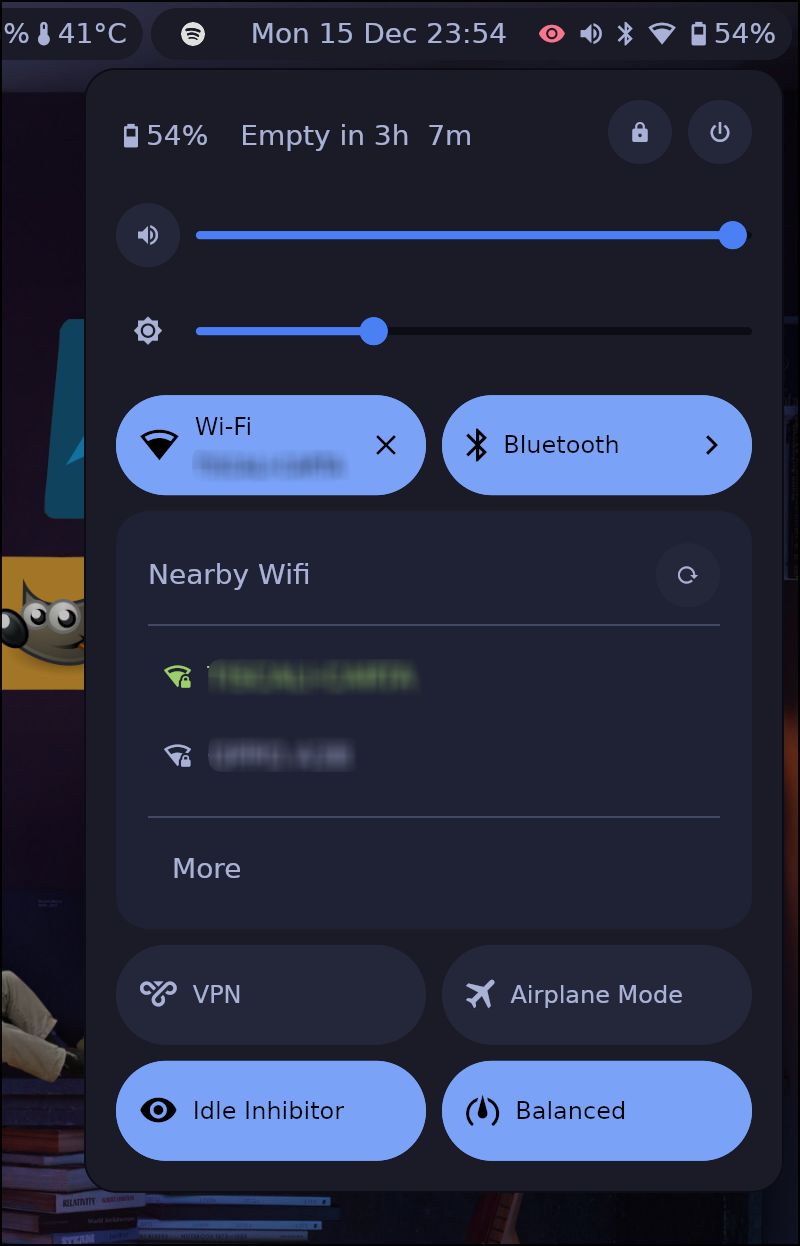
- Network (WiFi scanning, password entry; supports NetworkManager and IWD backends)
- VPN
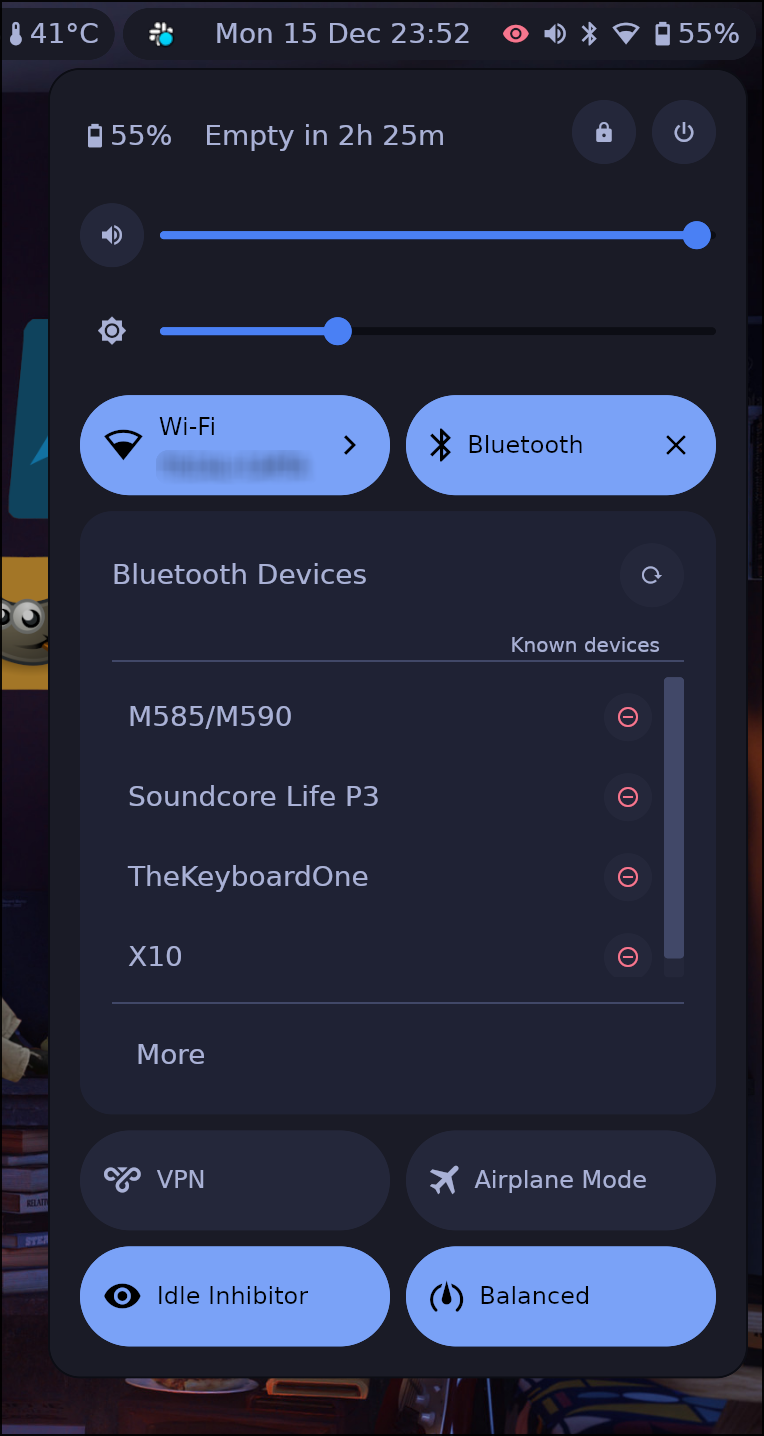
- Bluetooth
- Power profiles
- Idle inhibitor
- Airplane mode
- Custom quick-action buttons with status commands
- Custom Modules
- Button (execute command on click)
- Text (display-only, update UI with command output via
listen_cmd) - Regex-based icon mapping and alert states

Refer to the Installation page for more details.
ashell comes with a default configuration that should work out of the box.
If you want to customize it you can refer to the Configuration page for more details.
If you want to contribute or understand the codebase, check out the Developer Guide.
AI-assisted contributions are accepted — the same quality standards apply regardless of how
the code was written. Frontier-class models (e.g., Claude Opus or equivalent) are strongly
recommended. You are responsible for the code you submit: review AI output carefully,
ensure make check passes, and be prepared to explain your changes.
Before working on a feature or large change, discuss it with maintainers first. Small, incremental PRs are preferred — code review is manual and remains the bottleneck.
For the full AI contribution guide, see the Developer Guide.
I will try my best to keep these screenshots as updated as possible but some details could be different



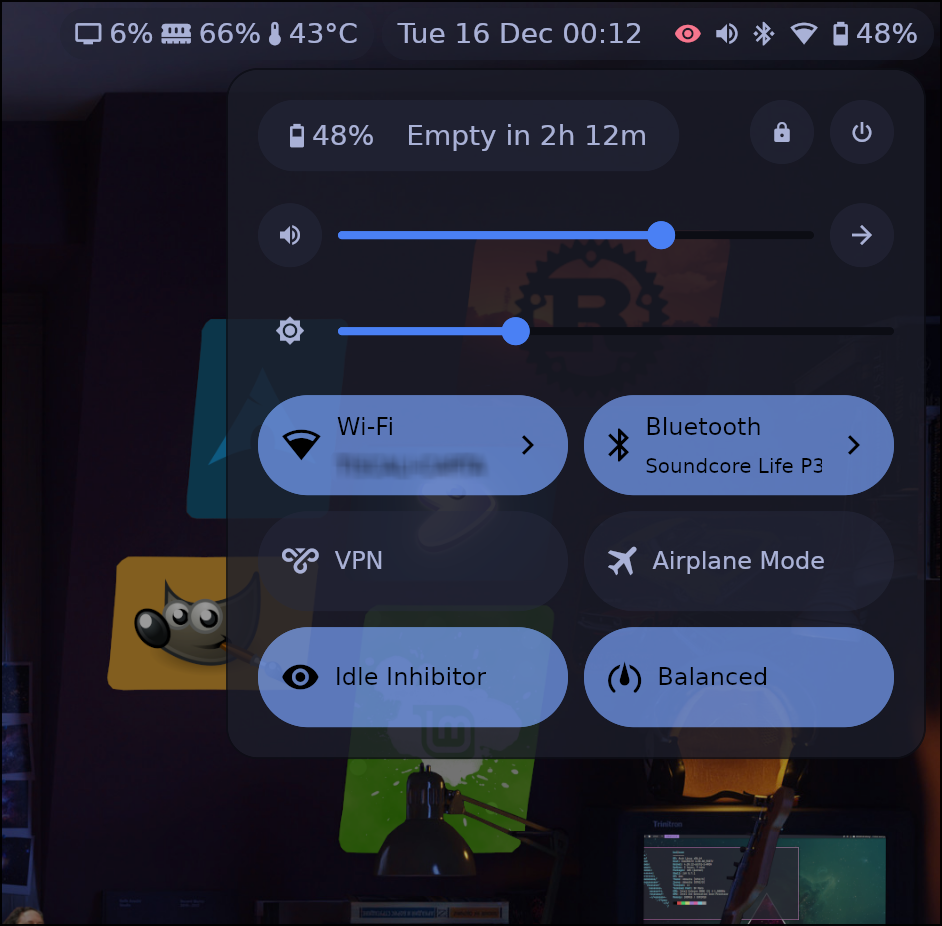
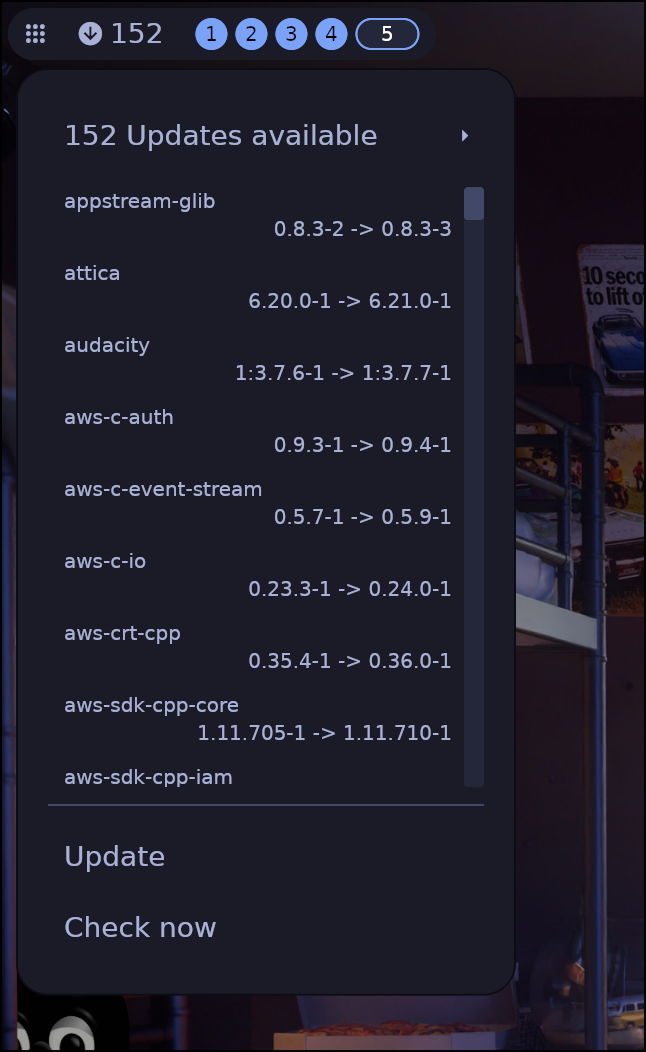 |
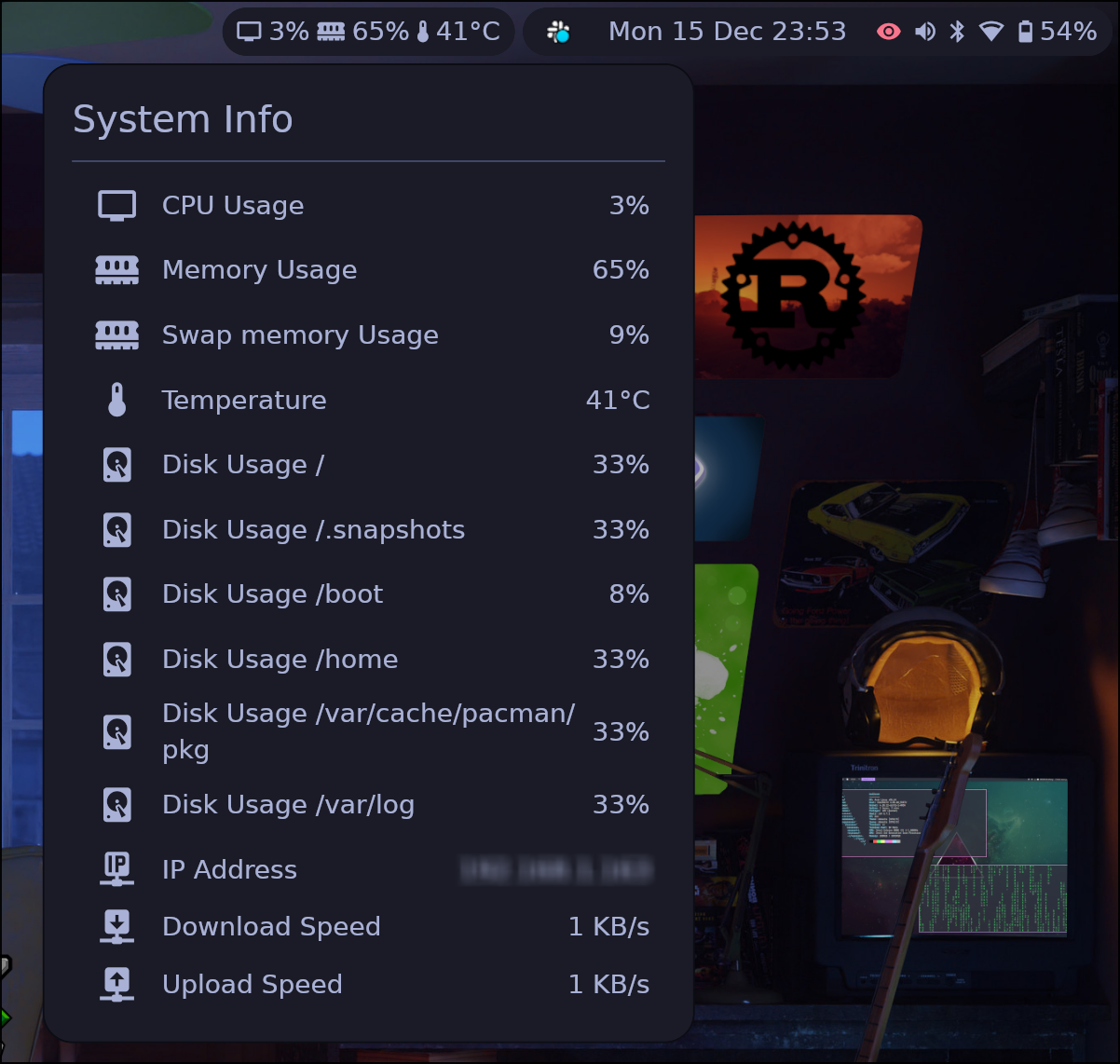 |
|---|---|
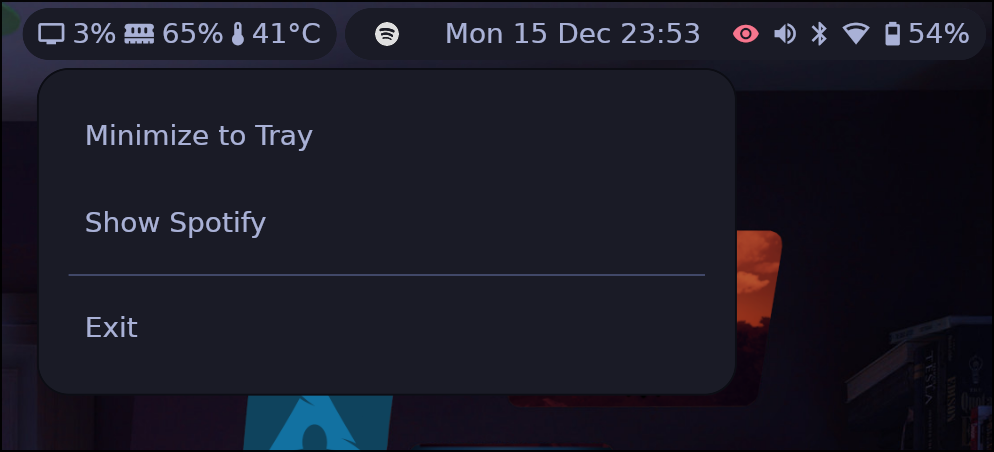 |
 |
 |
 |
 |
 |