
CSS snippets for use by Discord client mod users and theme developers.

Click to view snippet gallery
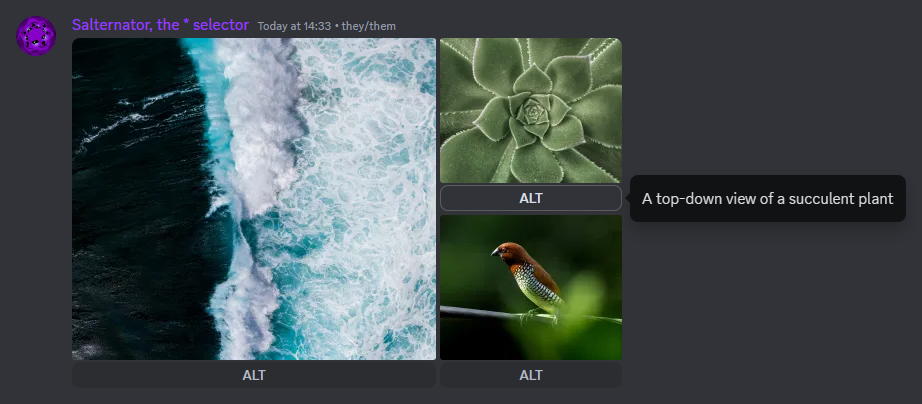
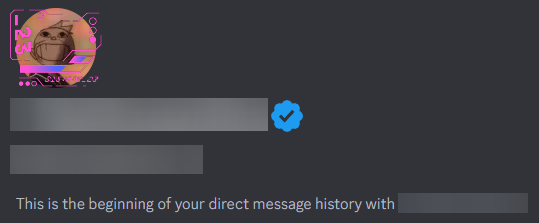
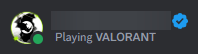
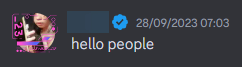

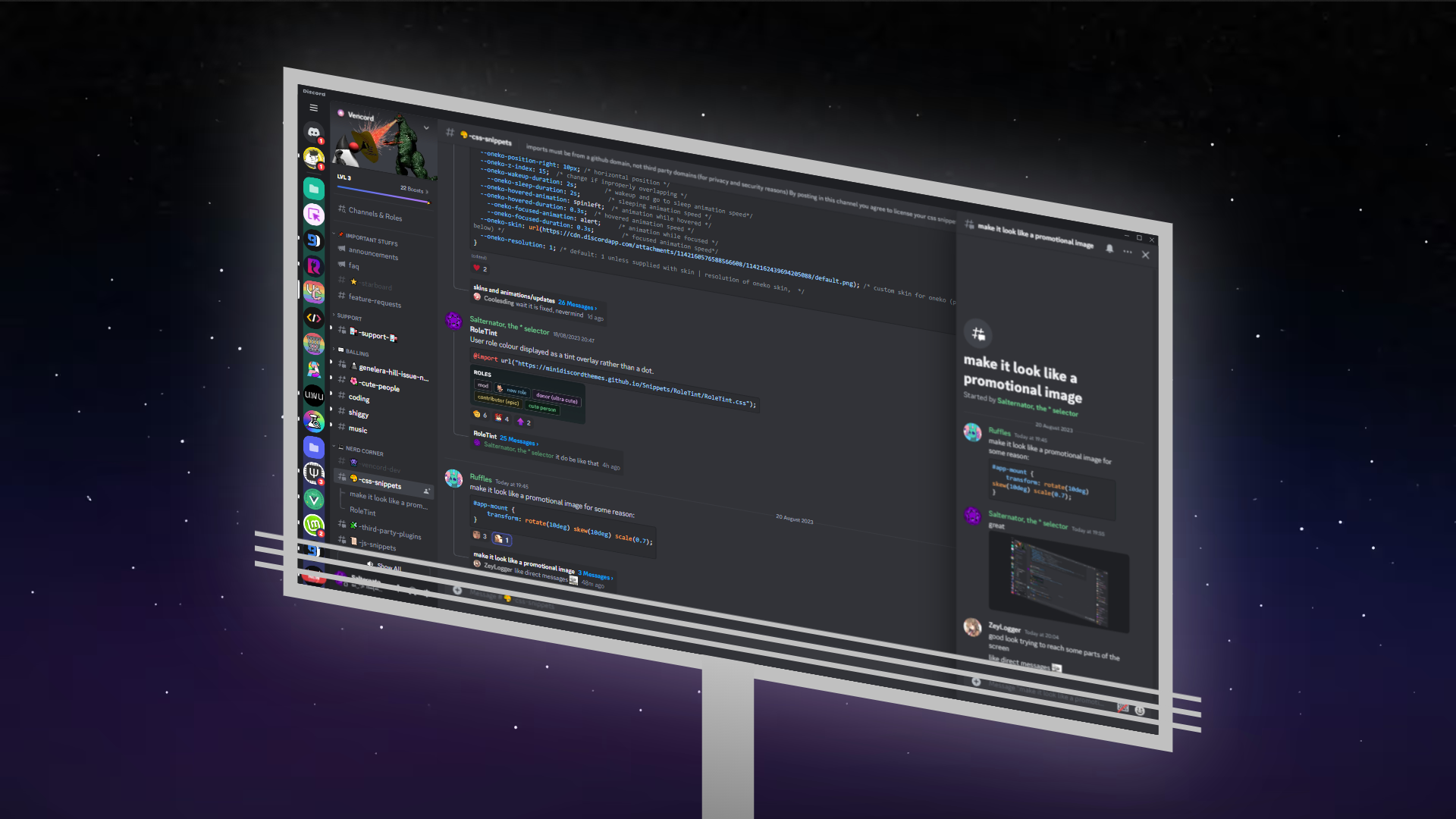
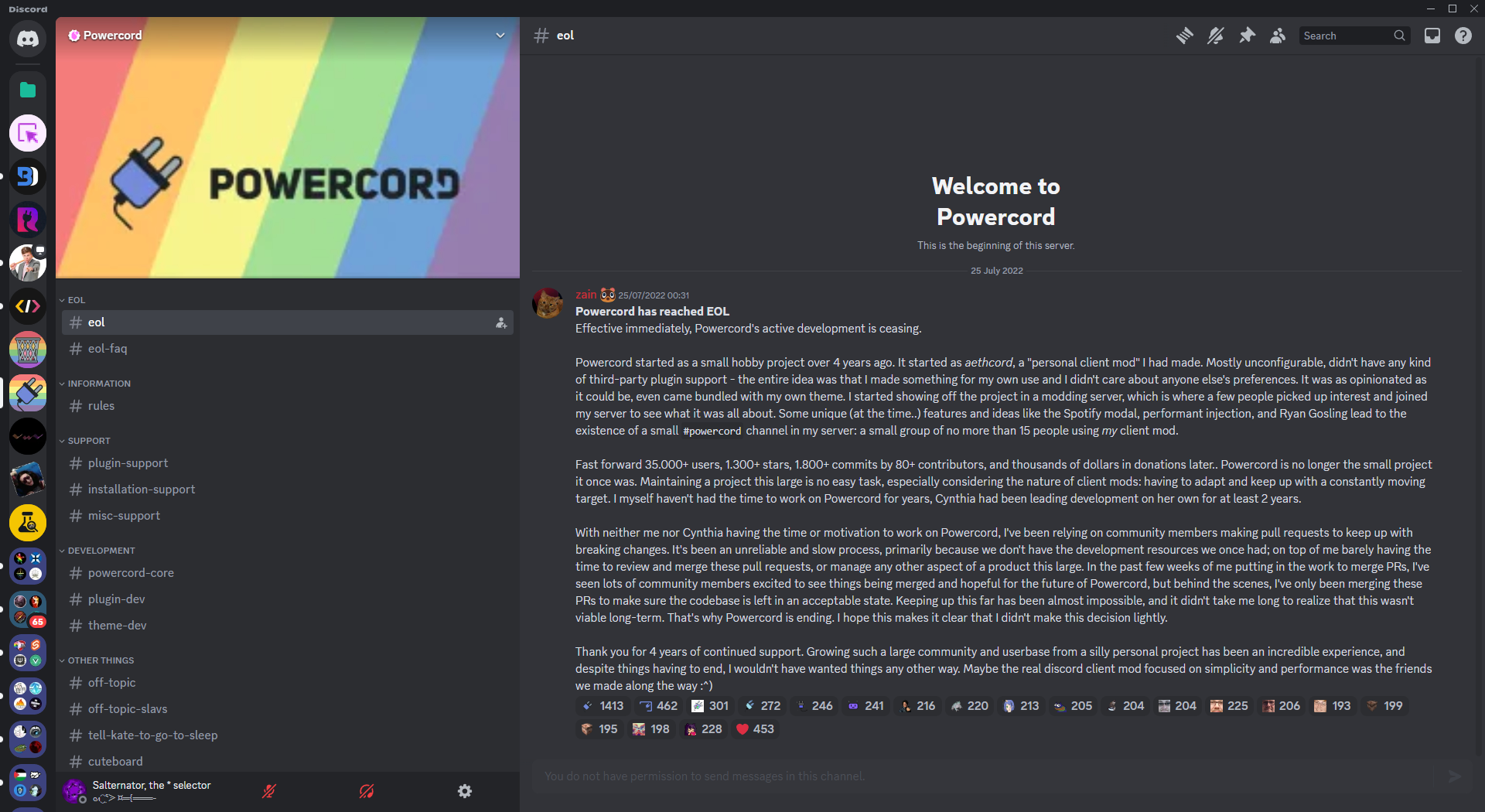
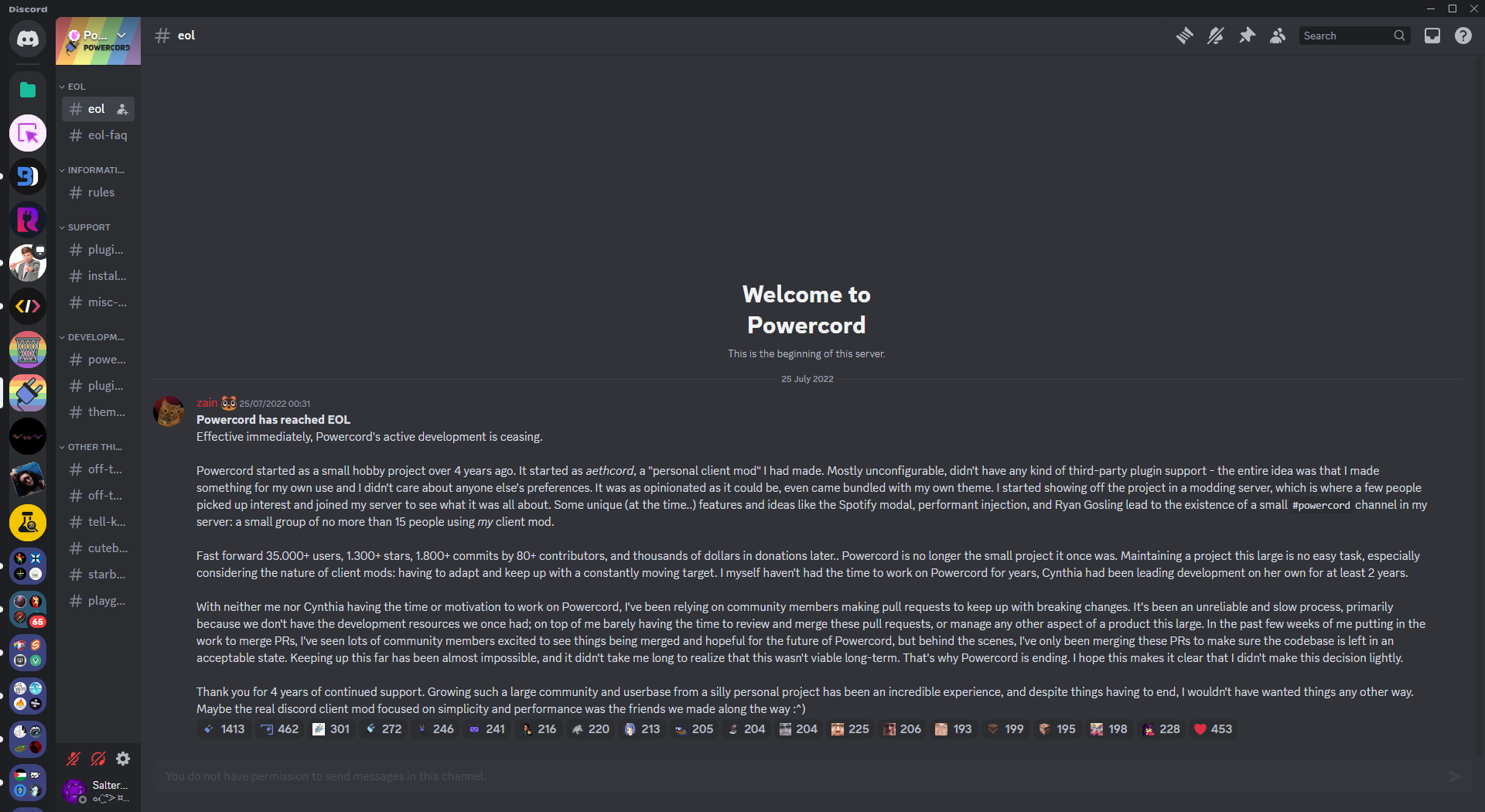
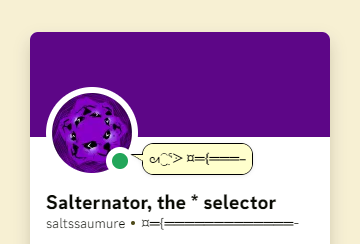

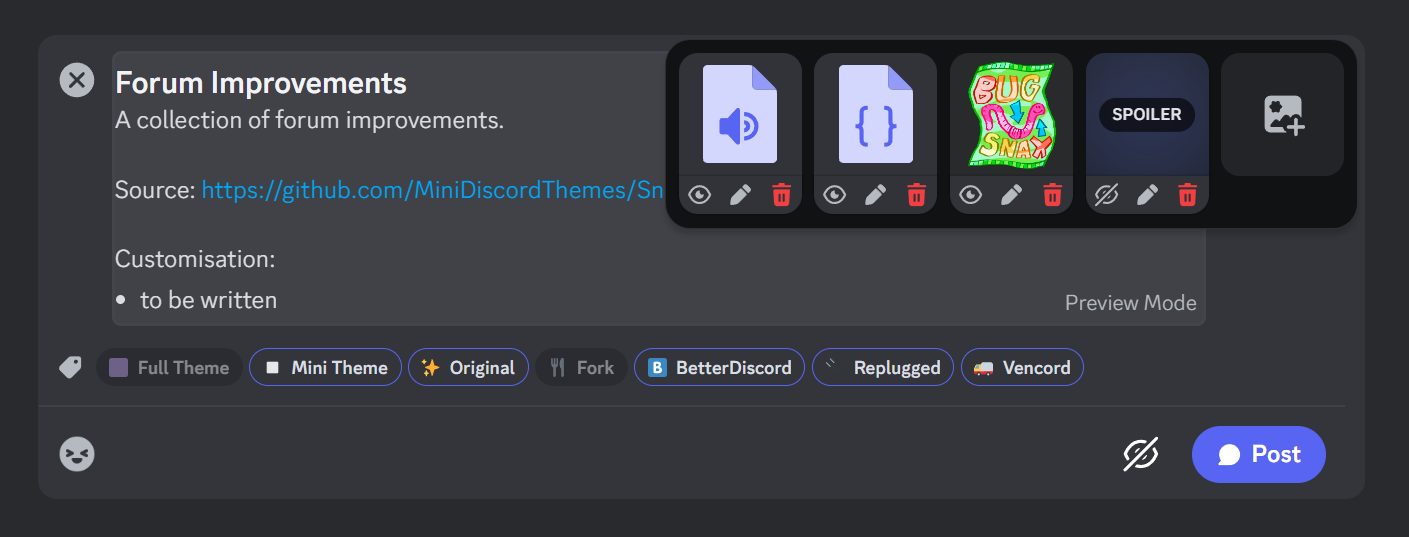



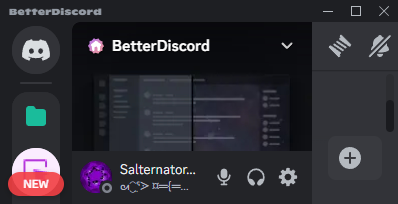

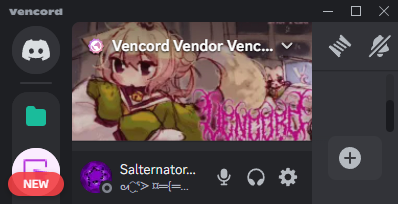
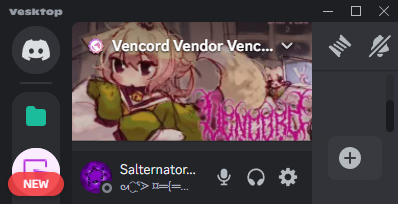
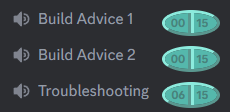
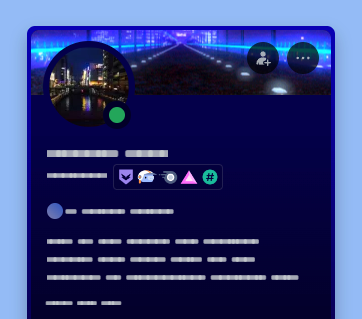
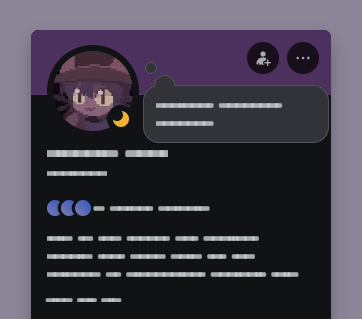
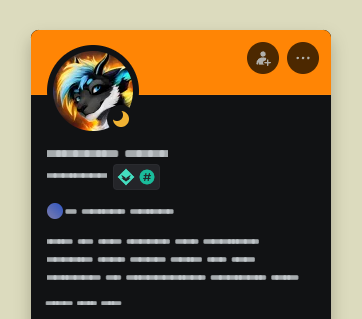
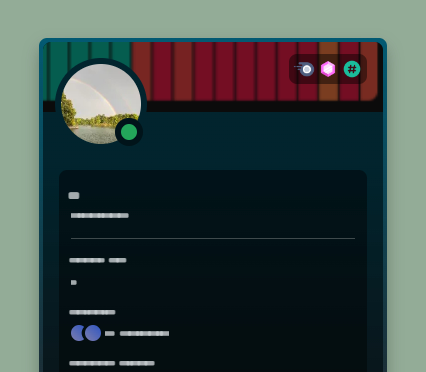
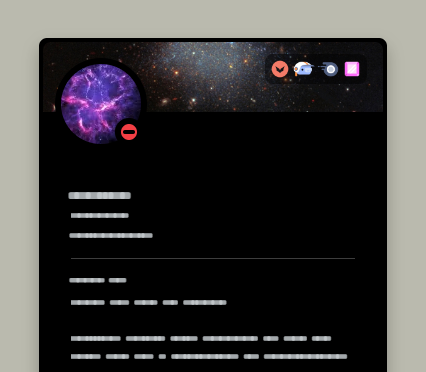
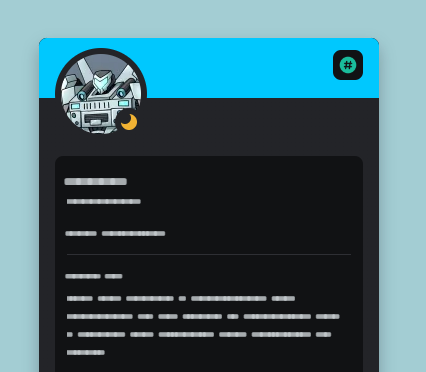
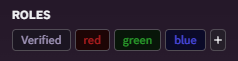
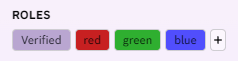
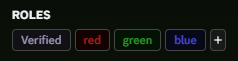
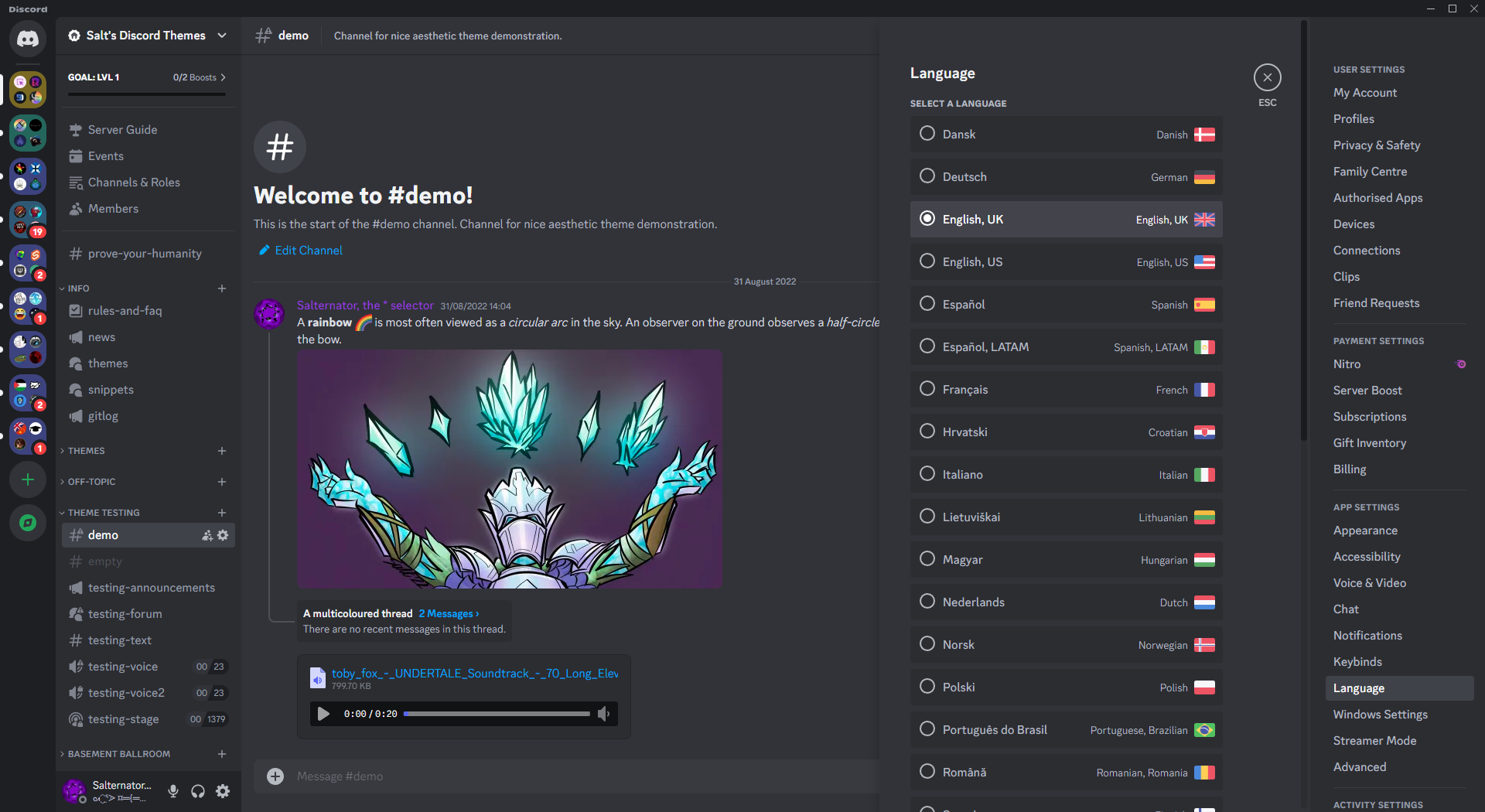



- Discord Reimagined → MiniDiscordThemes/DiscordReimagined
- Minimal Addon Cards → MiniDiscordThemes/MinimalAddonCards

See each snippet's README for the import, Replugged install link, Vencord online theme link, and customisation options.
Click to expand
- Open
Settings>BetterDiscord>Custom CSS. - Add the
@importto the top of your Custom CSS file. - Add any
:rootcustomisation options to the end of your Custom CSS file.
Click to expand
- Click the Replugged install link.
- Open
Settings>Replugged>Quick CSS. - Add any
:rootcustomisation options to the end of your Quick CSS file.
- Download the
.asarfrom latest release. - Place the
.asarin your Replugged themes folder.Settings>Replugged>Themes>Open Themes Folder
- Click
Load Missing Themesand toggle on the theme card. - Open
Settings>Replugged>Quick CSS. - Add any
:rootcustomisation options to the end of your Quick CSS file.
- Open
Settings>Replugged>Quick CSS. - Add the
@importto the top of your Quick CSS file. - Add any
:rootcustomisation options to the end of your Quick CSS file.
Click to expand
- Add the Vencord online theme link to your Online Themes.
Settings>Vencord>Themes>Online Themes
Enable Custom CSSinSettings>Vencord>Vencord.- Click
Open QuickCSS File. - Add any
:rootcustomisation options to the end of your QuickCSS file.
Enable Custom CSSinSettings>Vencord>Vencord.- Click
Open QuickCSS File. - Add the
@importto the top of your QuickCSS file. - Add any
:rootcustomisation options to the end of your QuickCSS file.
See CONTRIBUTING.md.
This collection of snippets is licensed under the MIT license.
See each snippet's README for credits.
- Post an issue on GitHub.
- Post in
#theme-supporton my support server.