Skip to content

A Gesture Controlled Home Automation using Opencv in Python that interfaces with an Arduino to control LEDs based on hand gestures.

License

Notifications You must be signed in to change notification settings

Namith-kp/Flick-Control

Folders and files

NameName
Last commit message
Last commit date

Latest commit


History

15 Commits


Repository files navigation

🚀 Flick Control

A Gesture Controlled Home Automation using Opencv in Python that interfaces with an Arduino via a COM port to control LEDs based on hand gestures.
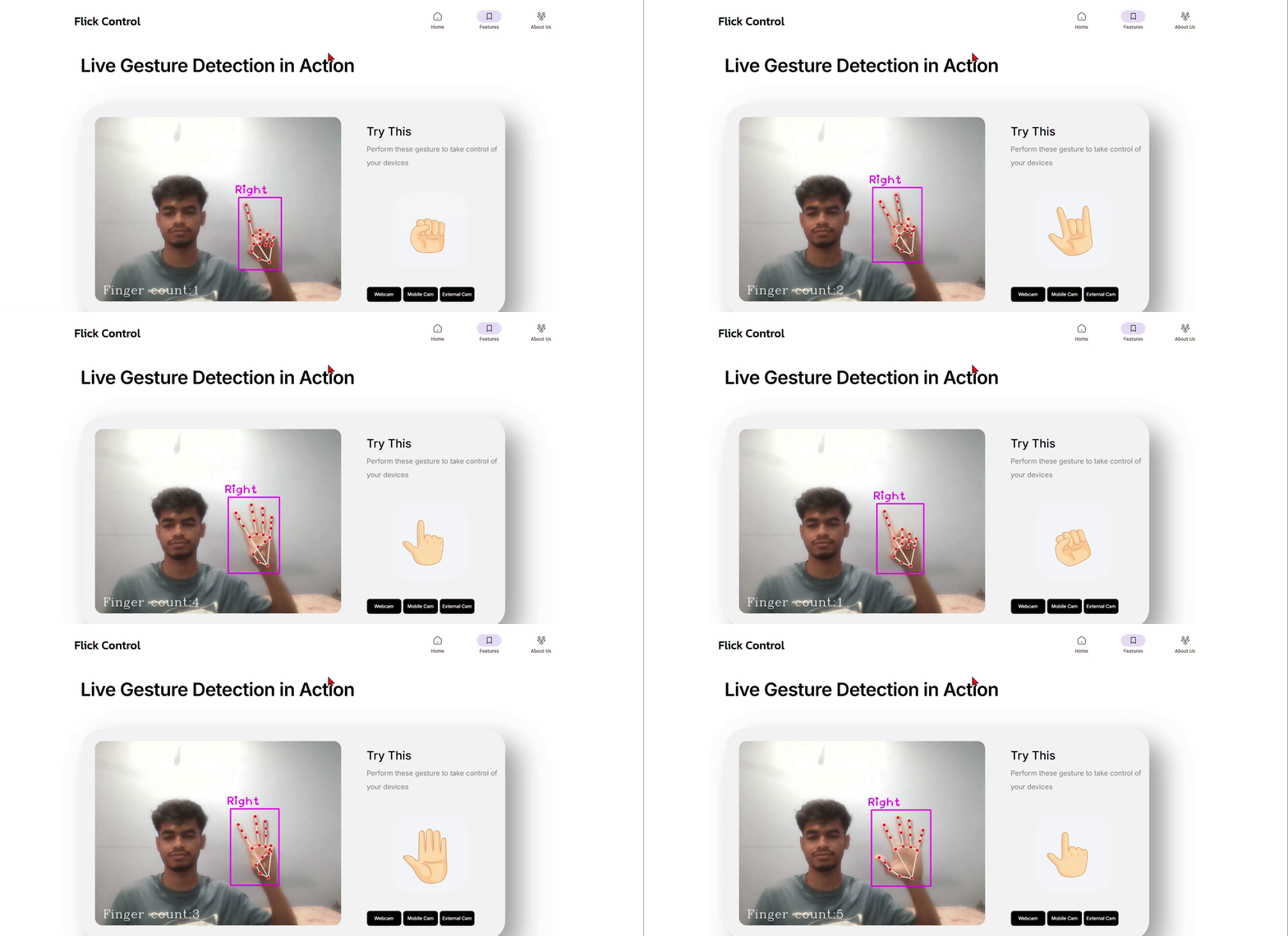
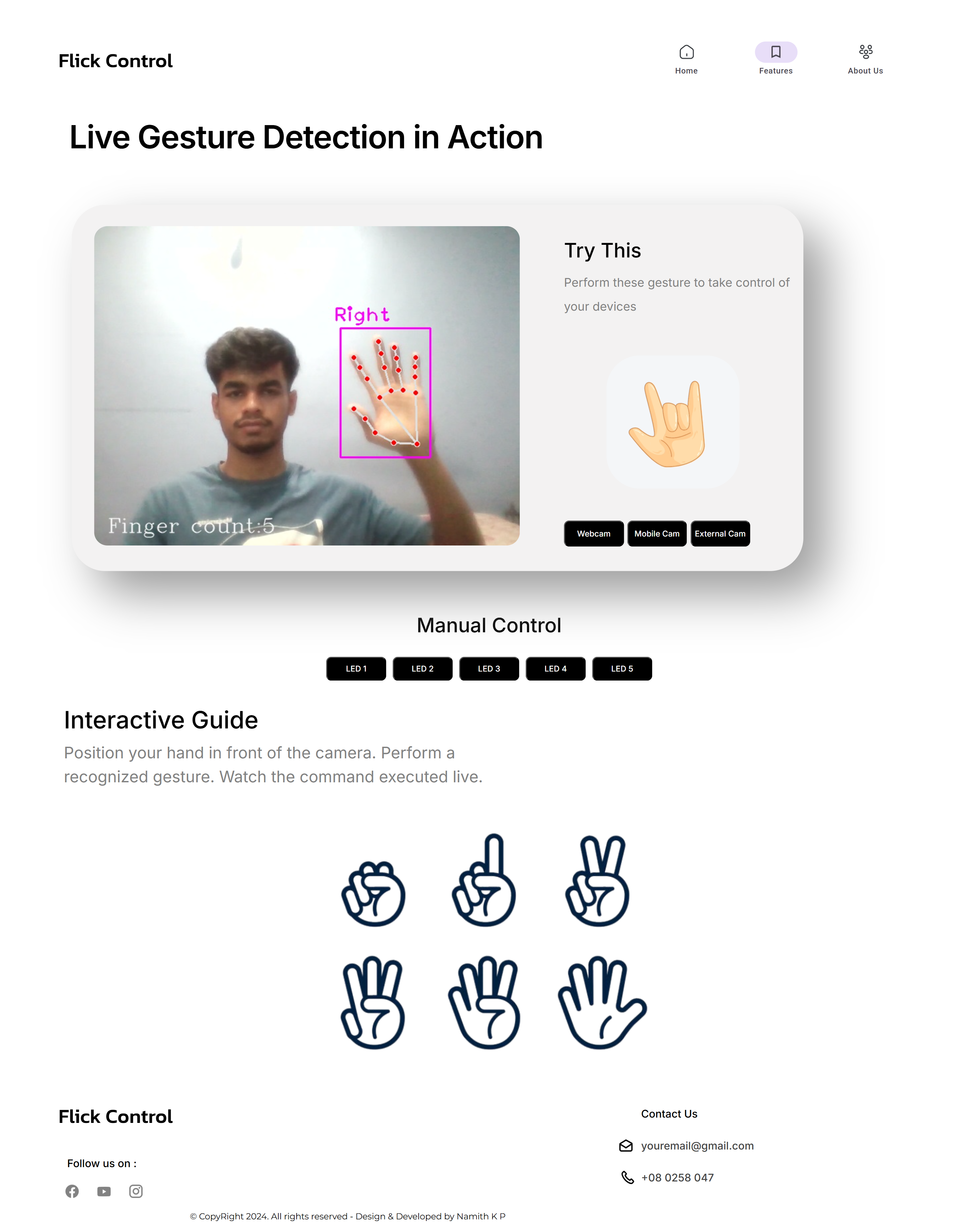
📸 Demo

Demo

📦 Installation & Run Locally

  • Clone the project
  git clone https://github.com/Namith-kp/Flick-Control.git
  • Go to the project directory
  cd Flick-Control
  • Install dependencies
  pip install opencv-python
  pip install tensorflow
  • Upload the arduino/arduino.ino to the Arduino Board, connect it to the PC to run the project

  • Connect LEDs to Arduino board as declared in arduino/arduino.ino

  • Start the server

  python3 app.py

🌟 Features

  • Seamless Single Hand Gestures Detection (can modify to 2 hands)
  • Live gestures previews
  • Manual Control of LEDs via Buttons
  • Can switch to Muiltiple connected cameras
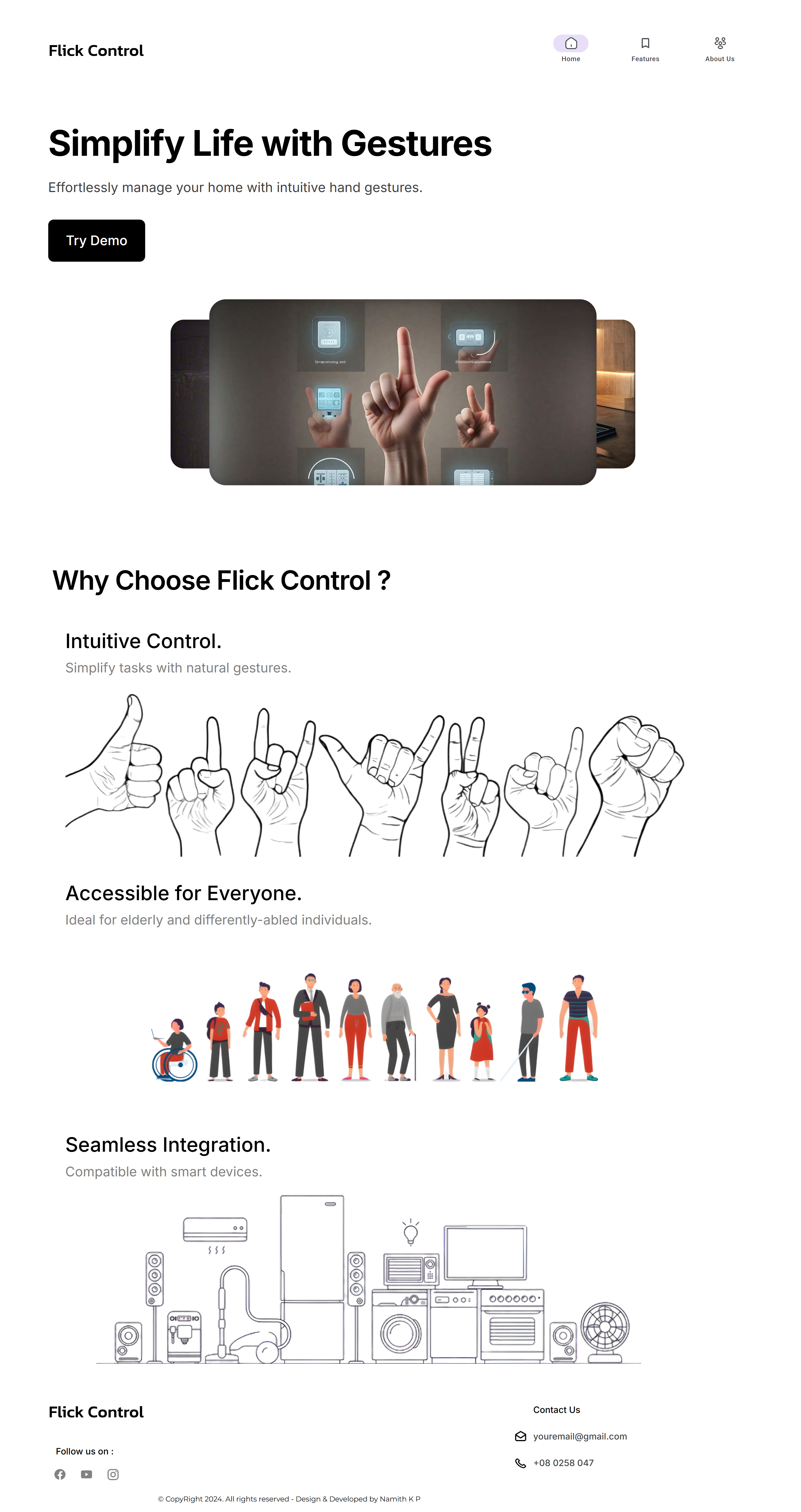
📸 Screenshots

App Screenshot 1

App Screenshot 2

🔗 Links

Github linkedin

About

A Gesture Controlled Home Automation using Opencv in Python that interfaces with an Arduino to control LEDs based on hand gestures.

Resources

License

Stars

Watchers

Forks

Releases

No releases published

Packages

No packages published