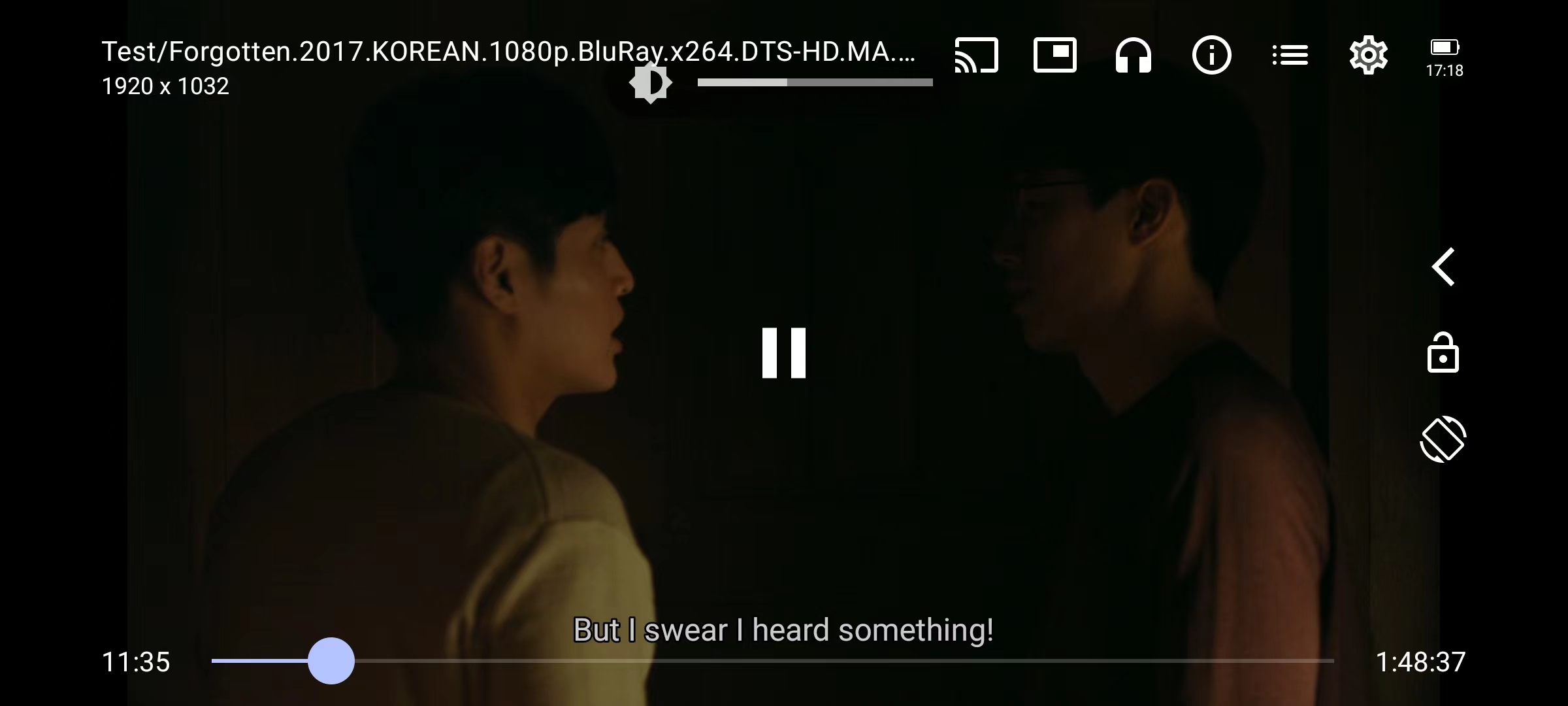
Rclone Alist For Android
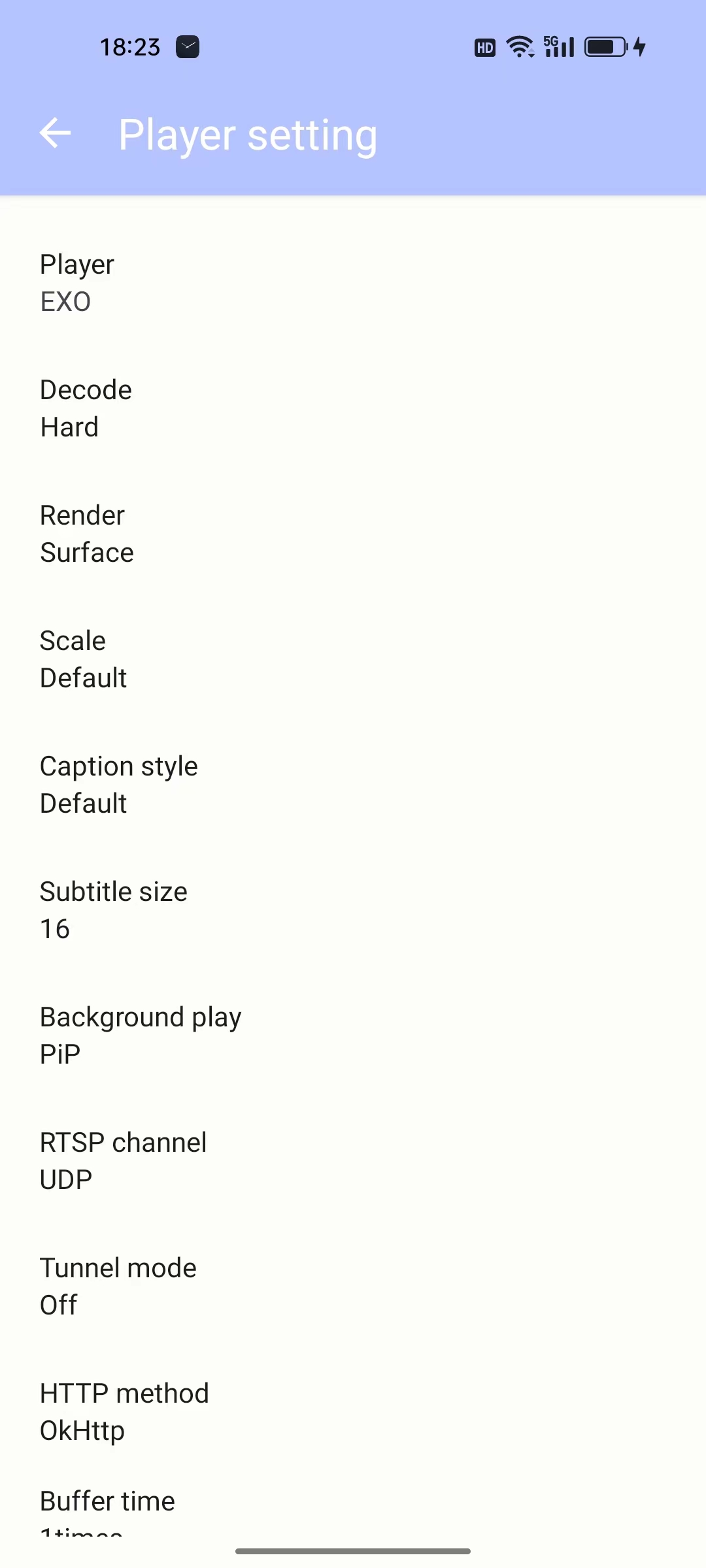
- Support EXO IJK System kernel
- Audio/subtitle track selection
- Playback speed control
- Horizontal swipe and double tap to quickly seek
- Vertical swipe to change brightness (left) / volume (right)
- PiP (Picture in Picture) on Android 8+ (resizable on Android 11+)
- Resize (fit/crop)
- Background playback
- Skip opening and ending
- Timing
- DLNA
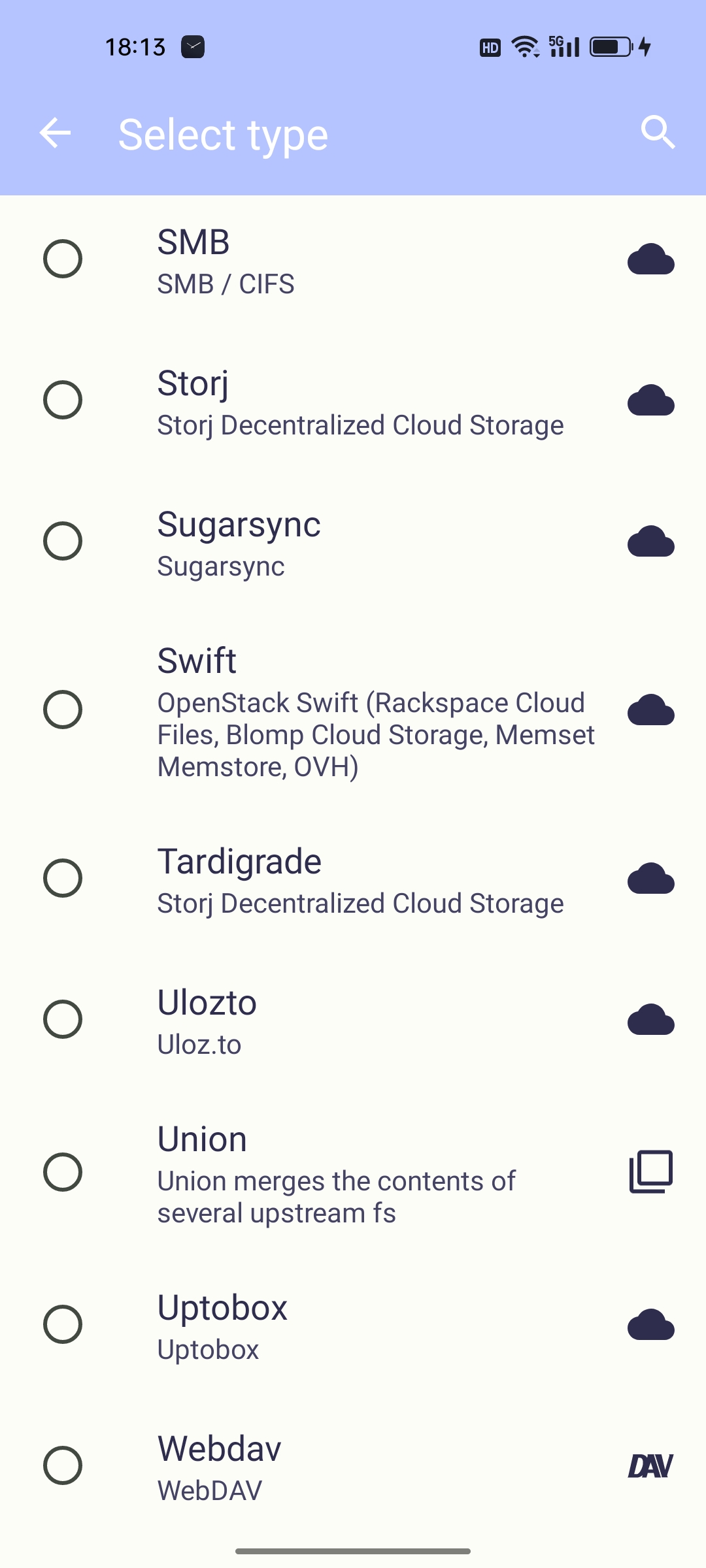
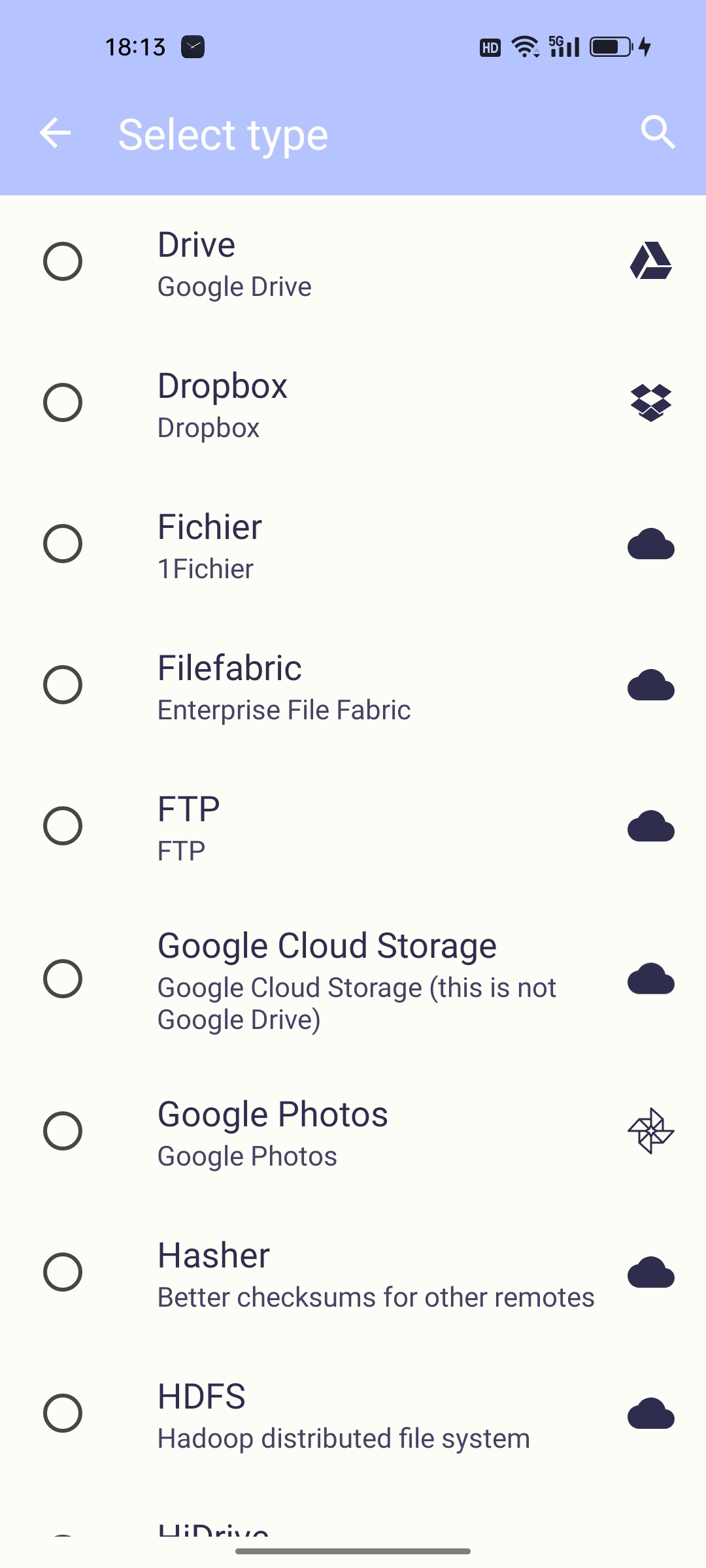
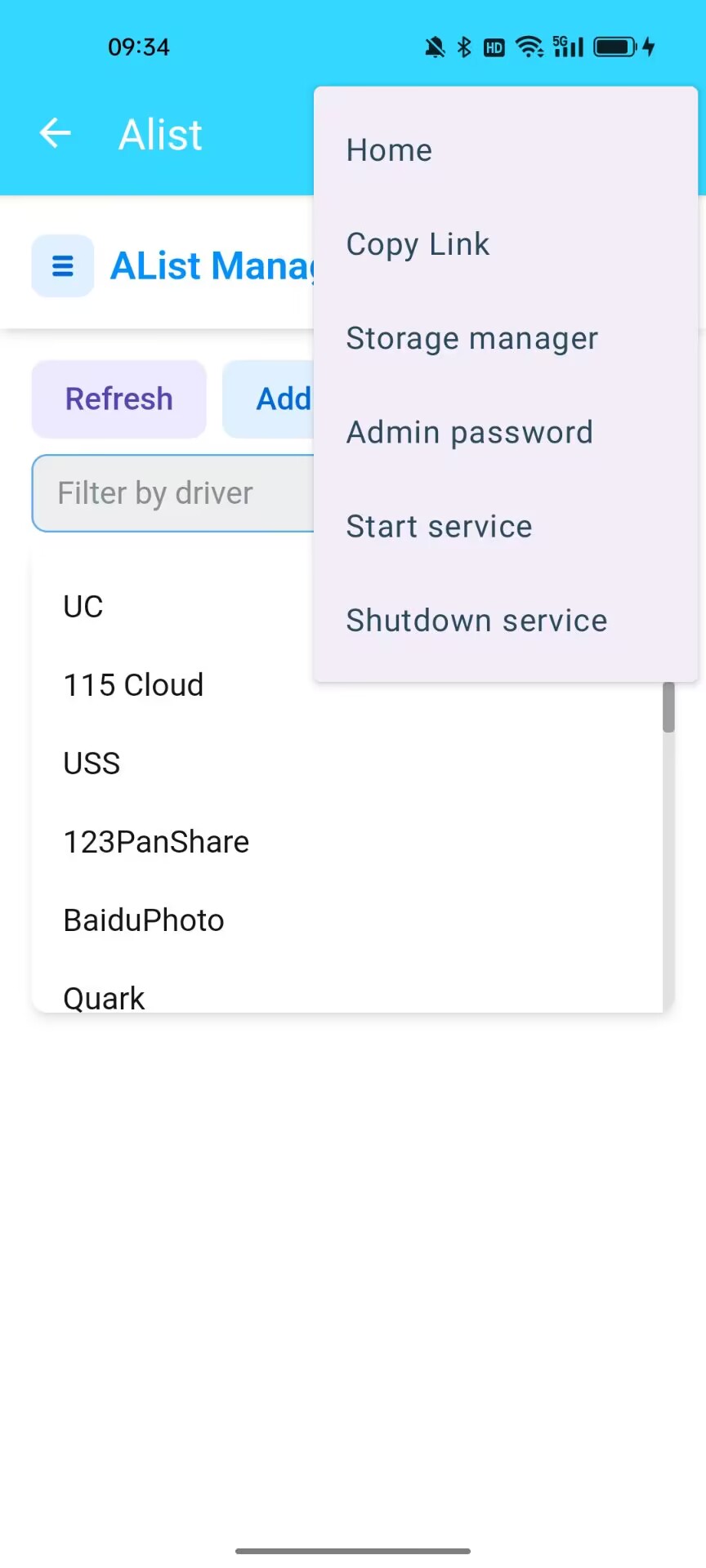
Enable Alist service-> Add cloud storage->Click the Add button on the homepage Select Webdav address http://127.0.0.1:5244/dav Default account admin Password 123456
|
 |
 |
 |