This is a modification of VRCPlayersOnlyMirror, v0xie gave instructions on how to convert the mirror shader to be CVR compatible (_ReflectionTexLeft/_ReflectionTex1 to _ReflectionTexLeft/_ReflectionTexRight and some coordinate changes)
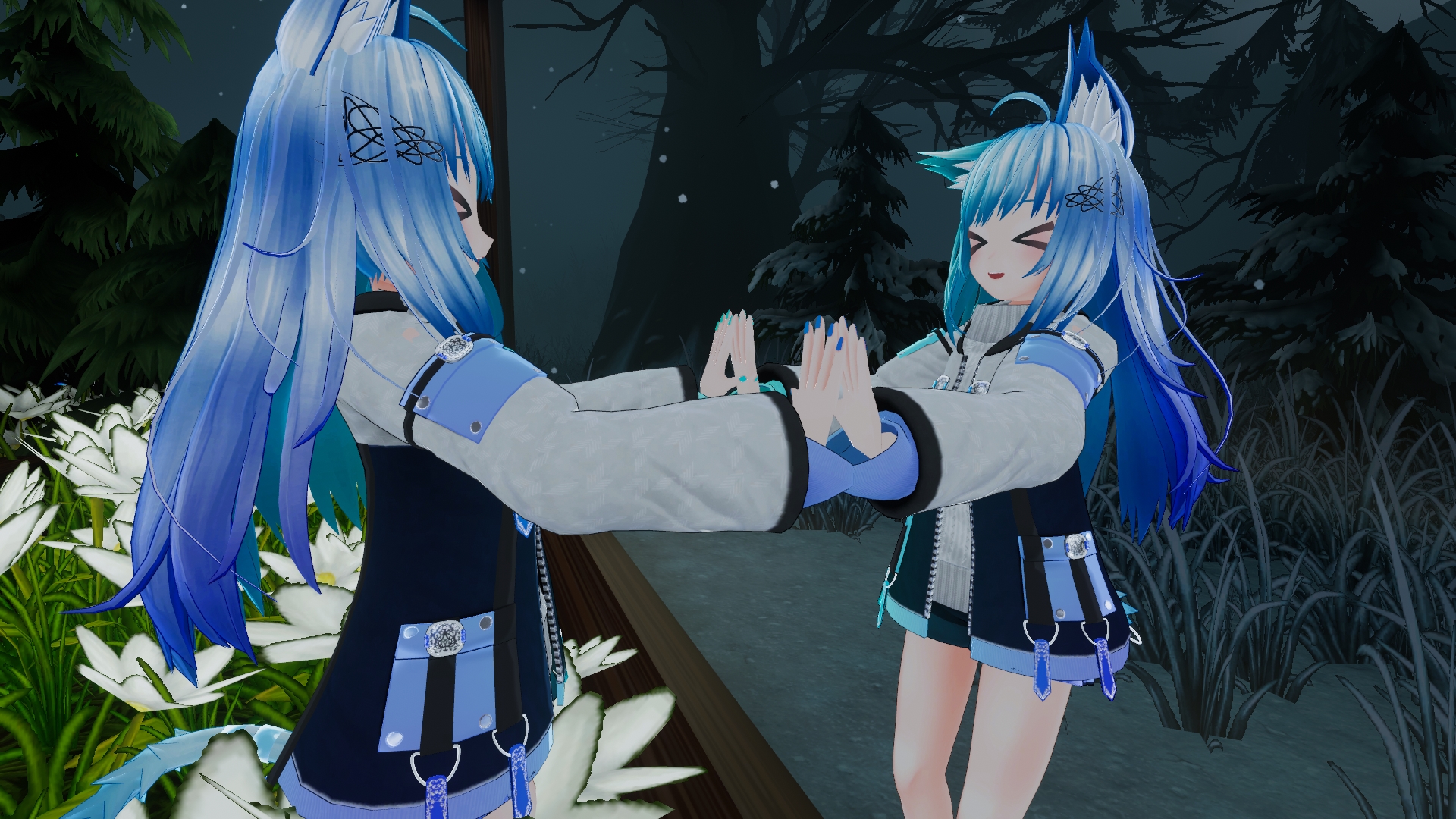
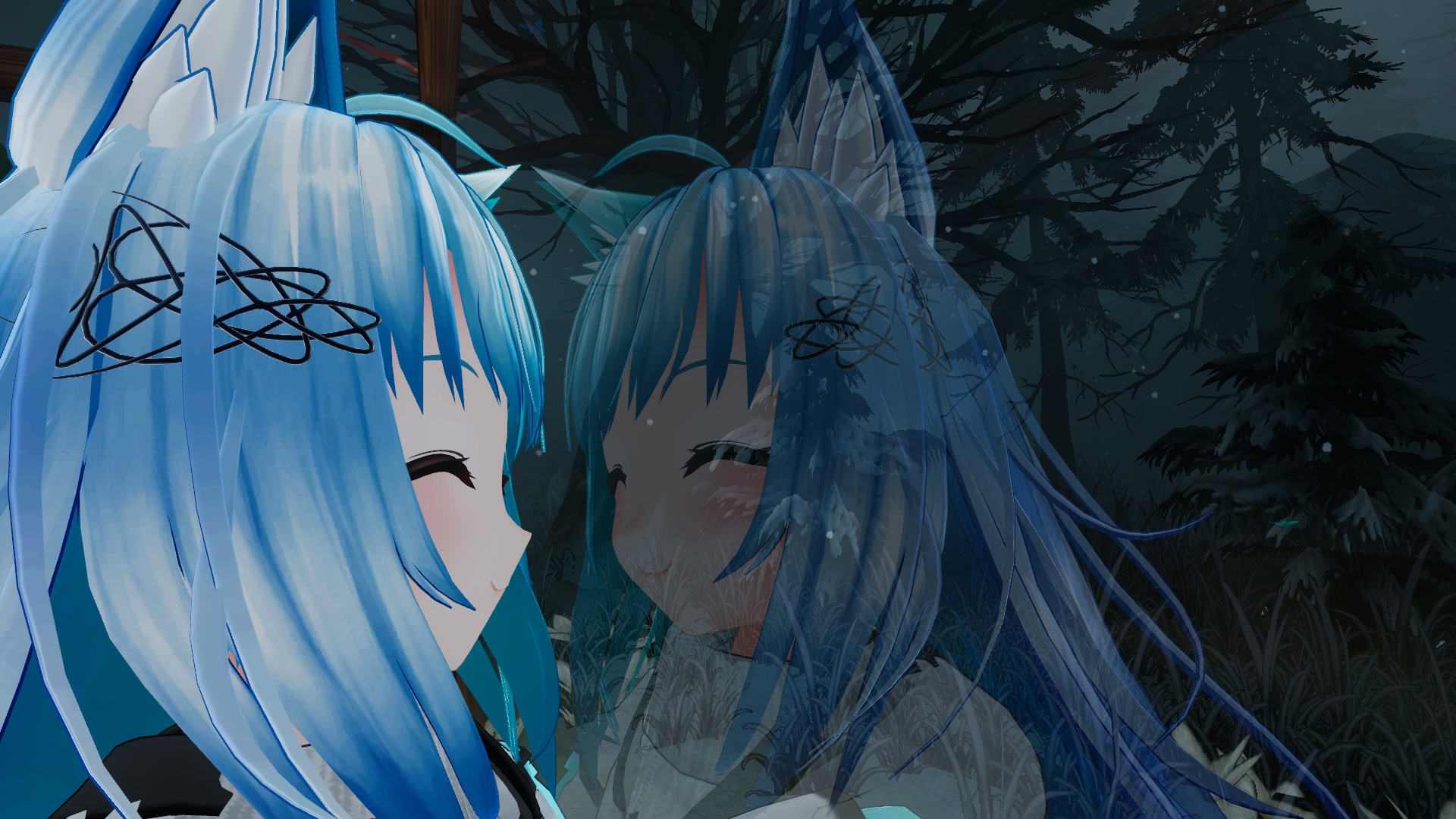
Tired of having to choose between admiring the scenery in a nice map or staring at your own reflection? Now you can do both at the same time! PlayersOnlyMirror is a simple mirror prefab that shows players only without any background. This is NOT a 2D camera cut out, it is a full 3D mirror.
- Player reflections in mirrors without any background
- Adjustable mirror transparency
- Simple distance fade
- Performance cost more or less the same as a LQ mirror, with 1 additional drawcall
- Download the Asset files in this Github repo, or get the UnityPackage from the Releases section on the right.
- Example scene is provided as well as a prefab
- The "TransparentBackground" is required for the mirror to work properly, however if you have other mirrors in your scene that are not using PlayersOnlyMirror, consider putting it on a different layer and show it on PlayersOnlyMirror's layers only. Other wise it will show up in other mirrors, such as a full mirror if PlayersOnlyMirror is also on. Resize as needed.
- In the prefab "TransparentBackground" defaults to layer 30.
- PlayersOnlyMirror - Regular version with transparency and distance fade
- PlayersOnlyMirrorCutout - Variant with just cutout, no transparency or distance fade.
- Base (RBG) - Overlays a texture onto the reflection, same behavior as the default mirror shader
- Hide Background - Hides the background, requires the TransparentBackground shader acting as a fake background for the mirror for this to work
- Ignore Effects - Attempts to Ignore effects like particles, lens flare. Will still show up if they are in front of your character however.
- Transparency - Adjust transparency of the mirror
- Transparency Mask - Texture mask that adjusts the transparency of the mirror, goes from white for fully opaque, to fully transparent with black.
- Distance Fade - Distance before the mirror starts fading to zero alpha. Disabled at 0.
- Distance Fade Length - The length of distance traveled needed to fade to zero alpha.
- Smooth Edge - Make edge smoother and avoid transparent object will be rendered opaque.
- Alpha Tweak Level - Adjust smooth edge power.
- If you turn off Smooth Edge,
- Most transparent materials will appear opaque in the mirror
- Particles, additive materials etc will have black outlines
- Transparent materials behind or in front of the mirror may overwrite or be overwritten by the mirror, adjusting the render queue can help, or as a last resort using stencils.
If you'd like to see this mirror in action you can find it in the world "CVRPlayerOnlyMirror Example" on CVR
Credits appreciated but not required.