A full-stack application to translate videos into multiple Indian languages using AI. The app allows users to upload a video, automatically transcribes and translates the audio, and provides a downloadable translated video with captions. Built with React (frontend), Node.js/Express (backend), and Docker for easy deployment.
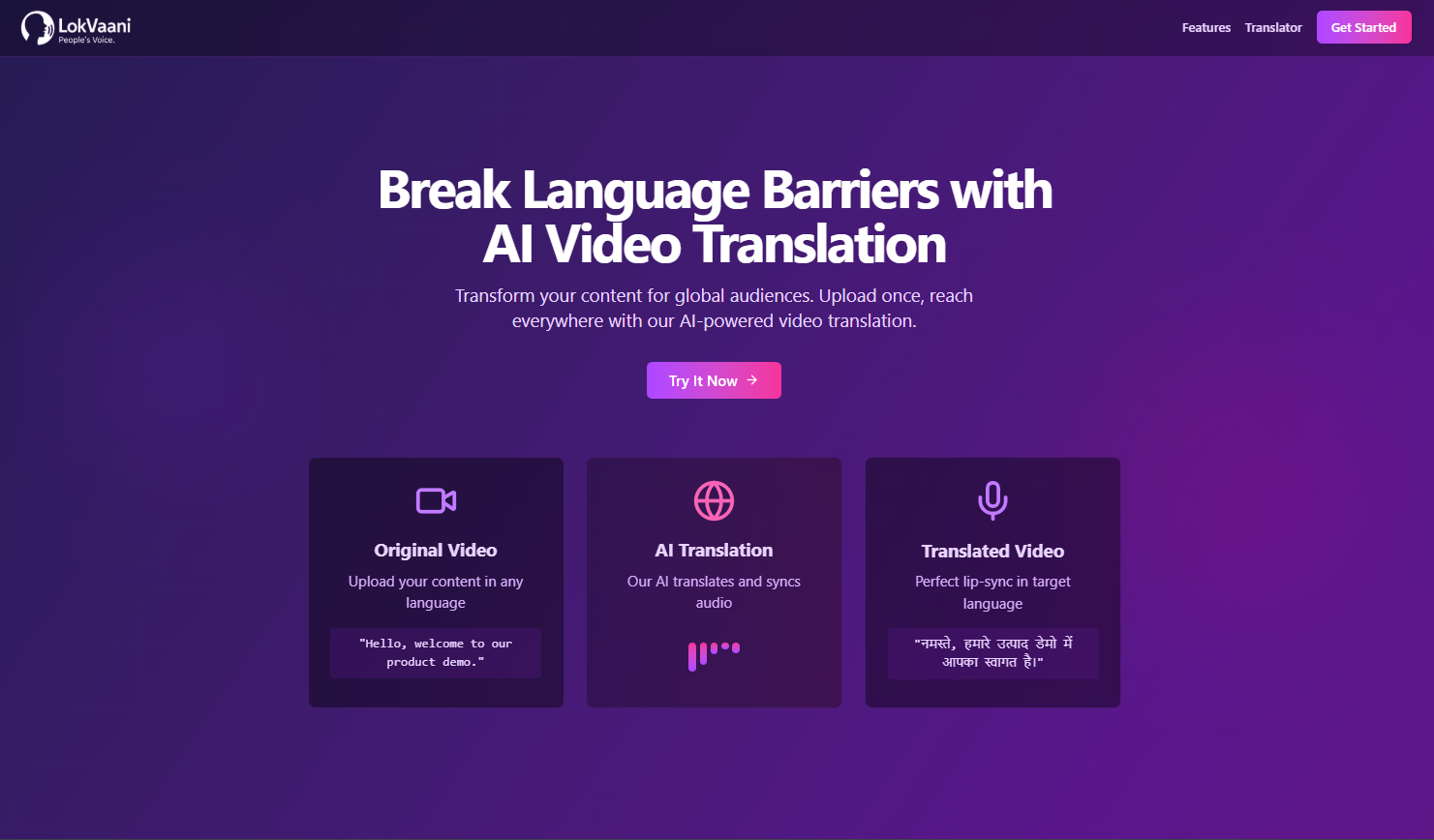
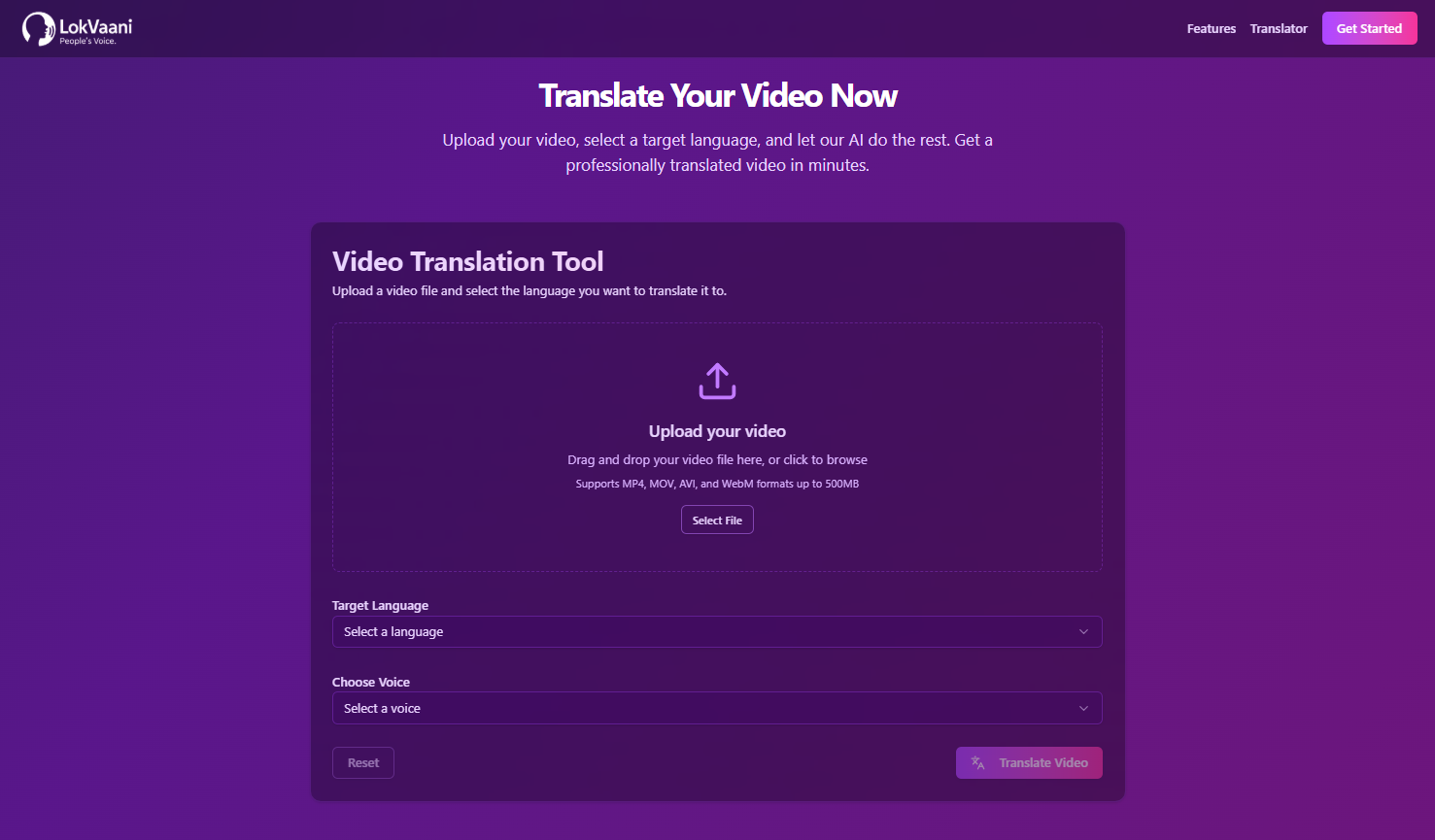
- Video Upload: Upload videos for processing.
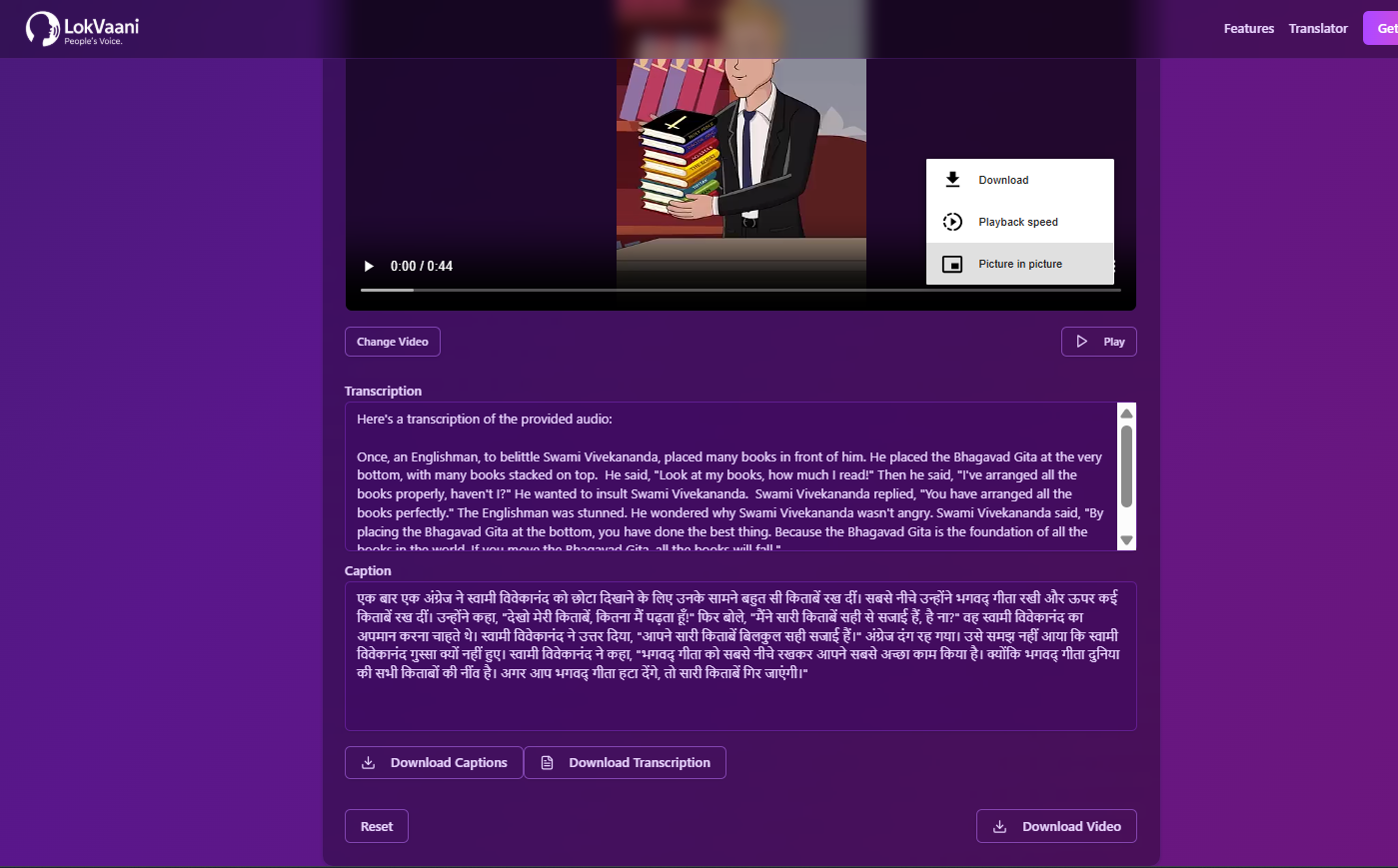
- Automatic Transcription: Uses Google Gemini AI for speech-to-text.
- Translation: Translates the transcript into the selected Indian language.
- Text-to-Speech: Uses Sarvam AI for high-quality voice synthesis.
- Cloud Storage: Stores videos and audio in Cloudinary.
- Downloadable Results: Get the translated video and captions.
- Frontend: React, Vite, Tailwind CSS, Shadcn UI.
- Backend: Node.js, Express.
- AI Services: Google Gemini, Sarvam AI.
- Storage: Cloudinary (organized in dedicated folders).
- Containerization: Docker, Docker Compose.
Choose one of the following setups:
- Localhost: Node.js (v18+), npm or yarn
- Docker: Docker & Docker Compose
git clone https://github.com/RahulJha93/LokVaani.git
cd LokVaaniCreate .env files in both backend and frontend:
GEMINI_API_KEY=your_gemini_api_key
CLOUDINARY_CLOUD_NAME=your_cloud_name
CLOUDINARY_API_KEY=your_cloudinary_api_key
CLOUDINARY_API_SECRET=your_cloudinary_api_secret
SARVAM_API_KEY=your_sarvam_api_key
SARVAM_TTS_ENDPOINT=https://api.sarvam.ai/text-to-speech
VITE_BACKEND_URL=http://localhost:5000
cd backend
npm install
npm run dev
The backend will run at http://localhost:5000
Open a new terminal and run:
cd frontend
npm install
npm run dev
The frontend will run at http://localhost:5173
docker-compose up --build- Frontend: http://localhost:4173
- Backend: http://localhost:5000
Regional-AI/
├── backend/           # Express backend
│   ├── controller/
│   ├── routes/
│   ├── utils/
│   └── ...
├── frontend/          # React frontend
│   ├── Pages/
│   ├── Components/
│   └── ...
├── docker-compose.yml
└── README.md
- You can deploy using any VPS/cloud that supports Docker Compose (e.g., DigitalOcean, AWS EC2, Hetzner).
- For CI/CD, see
.github/workflows/for GitHub Actions example.
Pull requests are welcome! For major changes, please open an issue first to discuss what you would like to change.