Create a 3D visualization of a star cluster with Unity
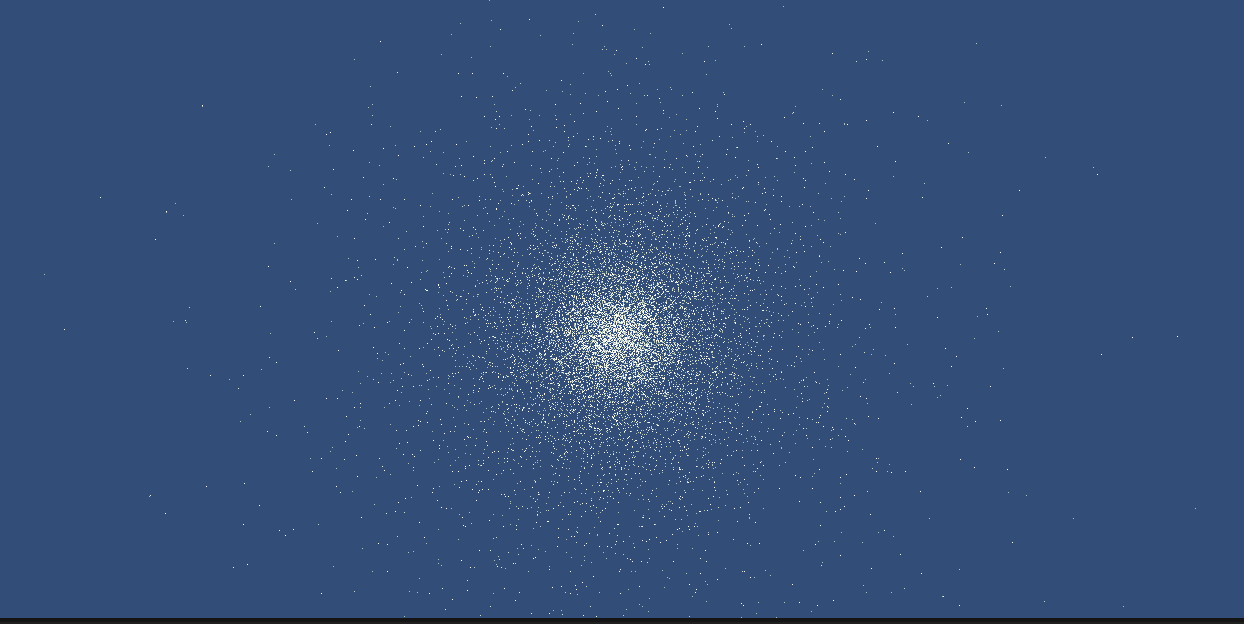
- Clone the code to your computer
- Generate a new unity project with the contents of the 3d-unity-cluster folder
- Place your text file as an asset in Unity
- Select your text file and make it an Addressable Asset
- In the InitializeStars set the location path of your Addressable Asset in the Asset File Location
- Press Play
- Generate stars from 6-field (position - velocity) comma deliniated file
- Make the camera move in play mode with keyboard operations
- Automated Camera scene to zoom in and out of the star cluster when 'play' is pressed
- Adjustable size, colour, and luminosity for star initialization
- Create a 3D Milky Way prefab
- Create different scenes based on the outcome of the visualiation
- Add velocity vectors to the stars to be visible
- Unity 2020