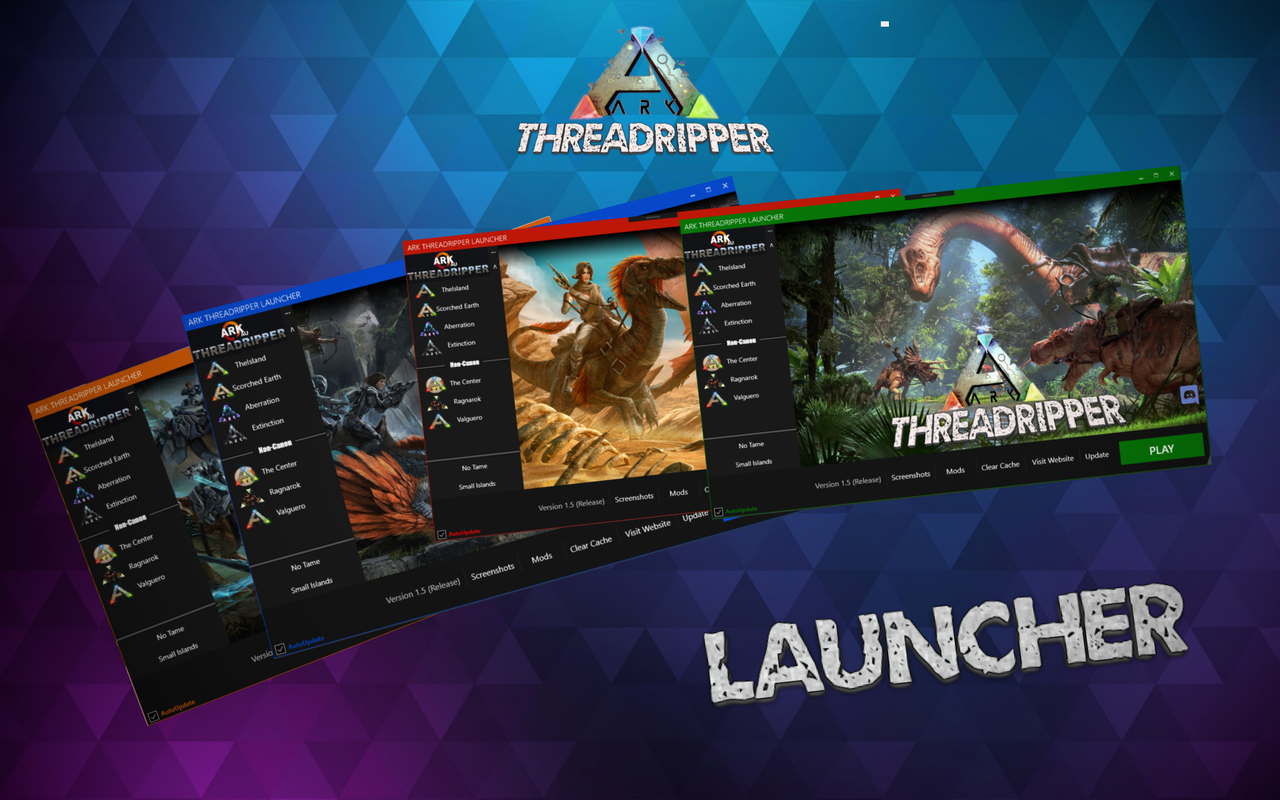
 This GIF shows much of the functionality of the launcher.
The Ark Threadripper Launcher is a WPF application created in Visual Studio using .NET C#. It also integrates MahApps Metro (learn more here: https://mahapps.com/), providing a modern and sleek look to the launcher.
The application allows users to connect directly to the Ark: Threadripper server cluster, which serves the Ark: Survival Evolved and Ark: Survival Ascended community. You can check the servers here. Or visit the community's official website here.
This launcher offers several convenient features for users, including direct server connection, Discord integration, customizable themes, game optimization, and a built-in update system.
-
Direct Connection to Ark Servers:
Users can connect to the Ark: Threadripper servers through Steam. The launcher uses Steam server links likesteam://run/346110//+connect%20ark.yukitsuki.com:27016to automatically connect the user to the domain where the Ark Threadripper servers are hosted. -
Discord Integration:
The launcher integrates with Discord, allowing users to see who is online, view a list of users in the server, and check who is currently voice chatting. -
Customizable Themes:
Users can change the theme of the launcher by customizing the bezel and button colors, giving them full control over the appearance of the launcher interface. -
Cache Clearing for Game Optimization:
The launcher provides a cache-clearing feature that helps optimize the game by removing unnecessary cached data. This ensures smoother performance for players. -
Access to Screenshots Folder:
The launcher includes quick access to the screenshots folder, allowing users to view and manage their in-game screenshots directly from the launcher. -
In-App Game News:
Users can stay informed about the latest Ark: Survival Evolved and Ark: Survival Ascended news and updates within the launcher itself. -
Manual and Automatic Updating System:
The launcher features both manual and automatic updating options, depending on the user’s preference. It connects to Dropbox to host the latest versions. When the current version of the launcher doesn’t match the hosted version, users are prompted to update to ensure they’re using the latest build.
Additionally, the launcher includes a patch notes section that provides a history of new features and fixes introduced in each version.
This project began as a freelance project during my time in high school at SUGS Nikola Karev. Although it wasn’t part of my official coursework, I took on the project independently. Recently, I revisited and updated the launcher, optimizing the code based on my current programming knowledge. I significantly reduced the size of the launcher while enhancing its performance.
 This GIF shows the automatic updating system of the launcher.
- WPF (Windows Presentation Foundation): Used to create the front-end UI of the launcher, making it interactive and user-friendly.
- .NET C#: Handles the backend logic and functionality of the launcher.
- MahApps Metro: Integrated for providing a modern and customizable interface. More about it can be found here: https://mahapps.com/.
- Steam Server System: The launcher connects users to Ark servers using the Steam server system for seamless connections.
- Discord Integration: Allows the launcher to show online users, including voice chat participants, providing users with live social updates.
- Dropbox: Used for managing the automatic updating system by hosting the latest launcher version.
The Ark Threadripper Server Cluster is part of a vibrant community in the Ark: Survival Evolved and Ark: Survival Ascended games. These servers provide a well-managed and enjoyable experience for players. For more information, you can check the server cluster here. Or visit the official website here: https://yukitsuki.com/.