An E-Commerce Platform for IPL Fans for IPL Teams Accessories.
Click Here To See The Live App
- User Auth (Create New Account, Log In, Use Guest Login)
- Search Products By Using Product Name or Team Name.
- Filter Products By Catagory, Team, Price.
- Sort Products By Price and Names.
- Cart Management.
- Wishlist Management.
- User Details and Address Management.
- Trying to Access Profile, Cart or Wishlist Page With out Logging In Will redirect to Login Page.
- After LogIn Or SignUp User will redircted to Product Page.
- Trying To Access Login or SignUp Page after Login will redirect to Home Page.
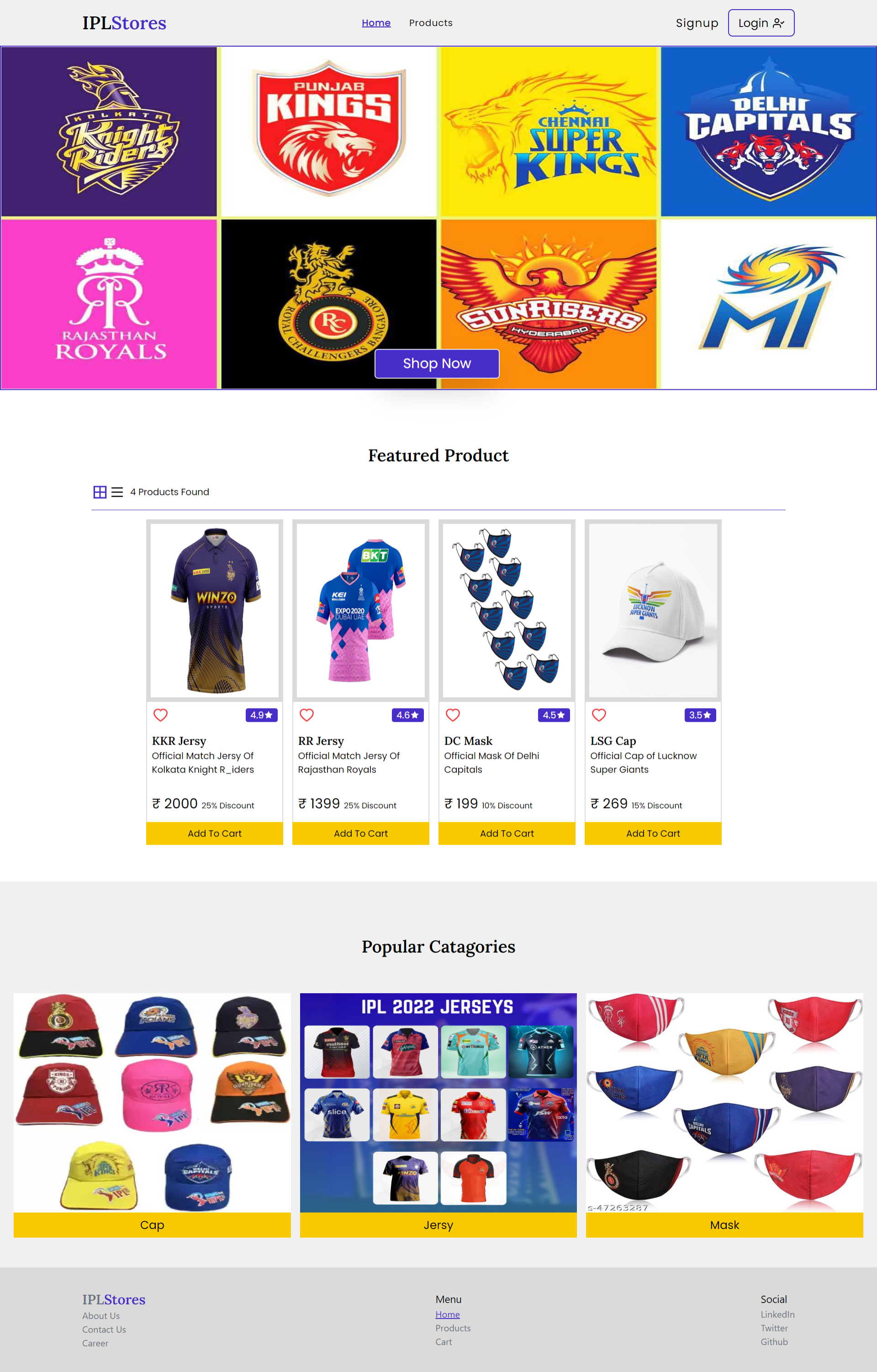
- Clicking On Shop Now Button In Home page will redirect to Product Page.
- Clicking On Any Catagory Of Popular catagory in Home Page will redirect to Product Page and Will only show products of that catagory.
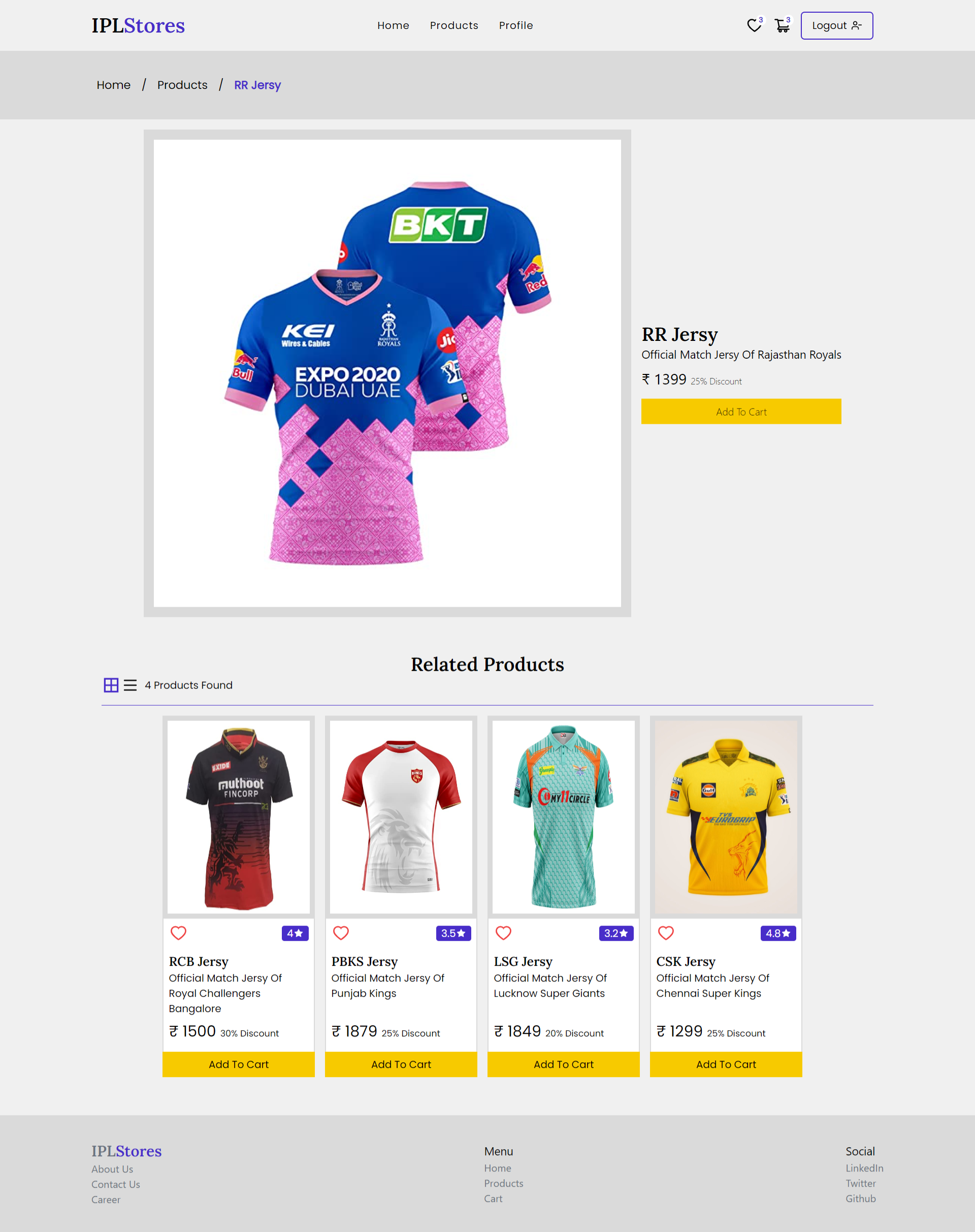
- Clicking on image of any product will redirect to product details page and will show the details of that product.
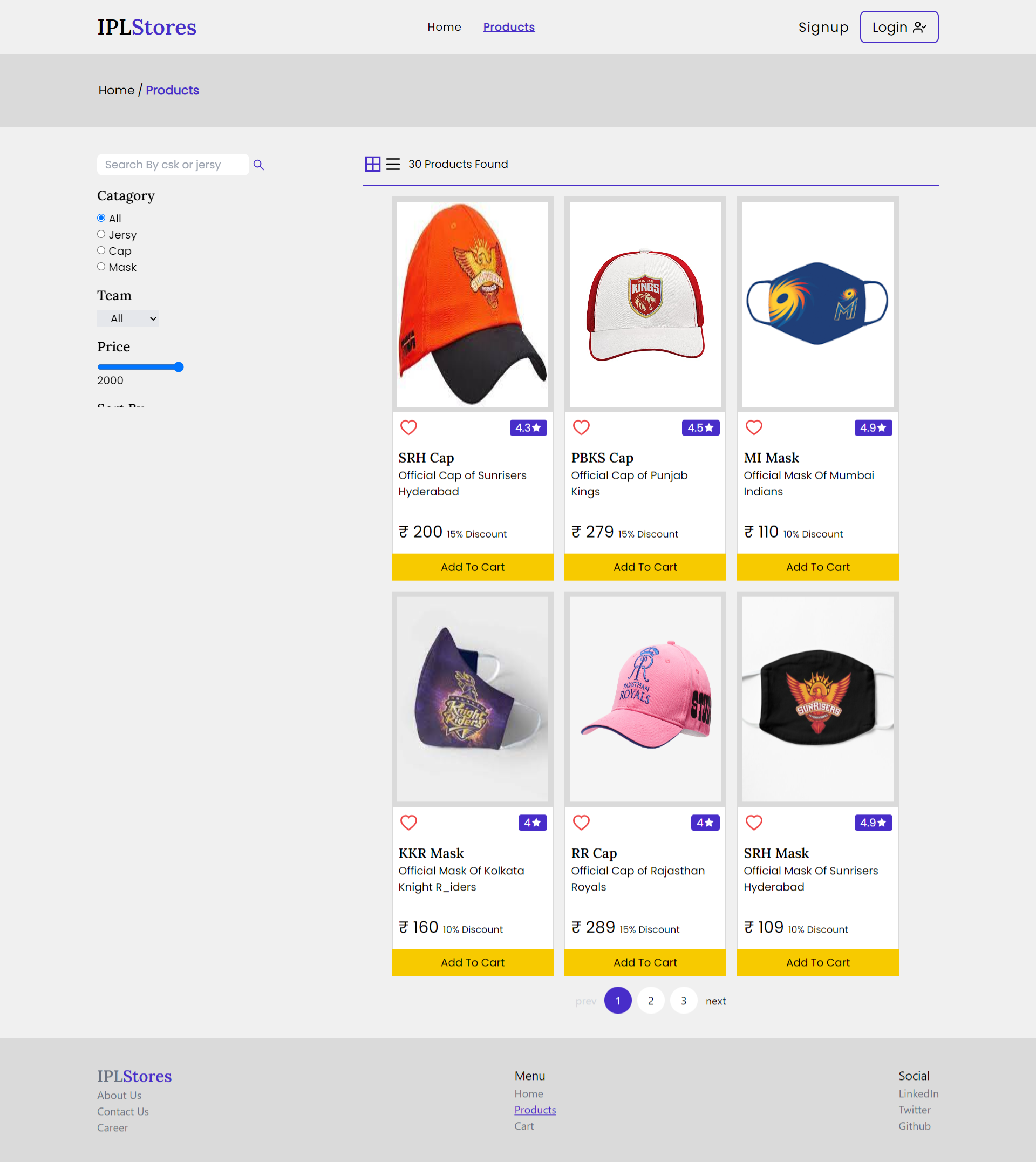
- Filters List: Catagory of products(Jersy,Cap,Mask), Individual Teams Products, Price Range, Sort By Price and Product Name.
- Clicking on clear filter will clear all the applied filters. Also if user log out the filters will be cleared.
- If user add a filter before login then that filter will stay active after Login also.
- Added Pagination in Product page to show all the products. Each page will display 6 Products.
-
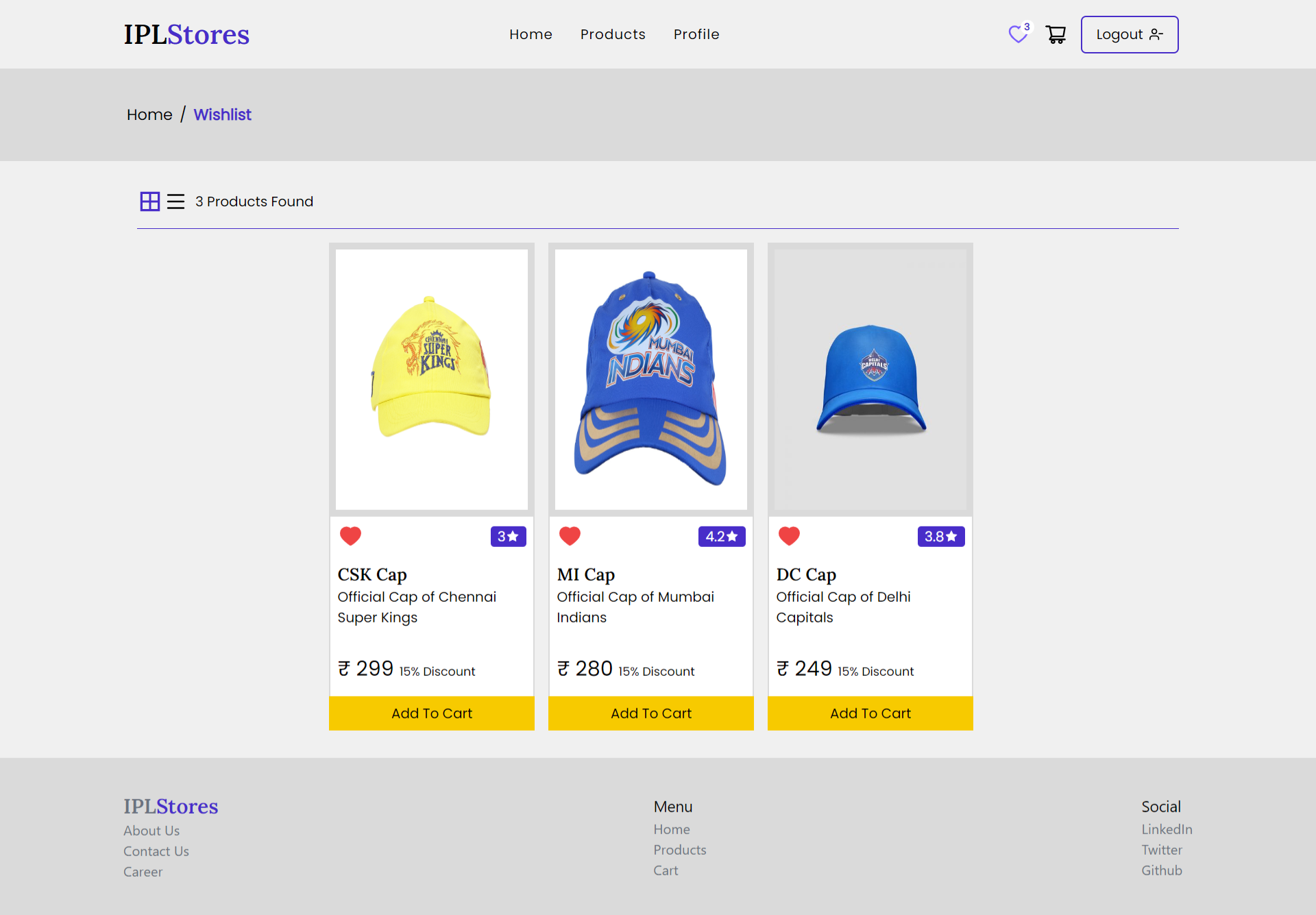
User Can Add/Remove to/from Wishlist by clicking on Heart button (toggle)
-
Also user can add products to cart from wishlist and vice versa.
-
User can add products to Cart.After the product added the Add to Cart button changes to Go to Cart,which redirects to cart page.
-
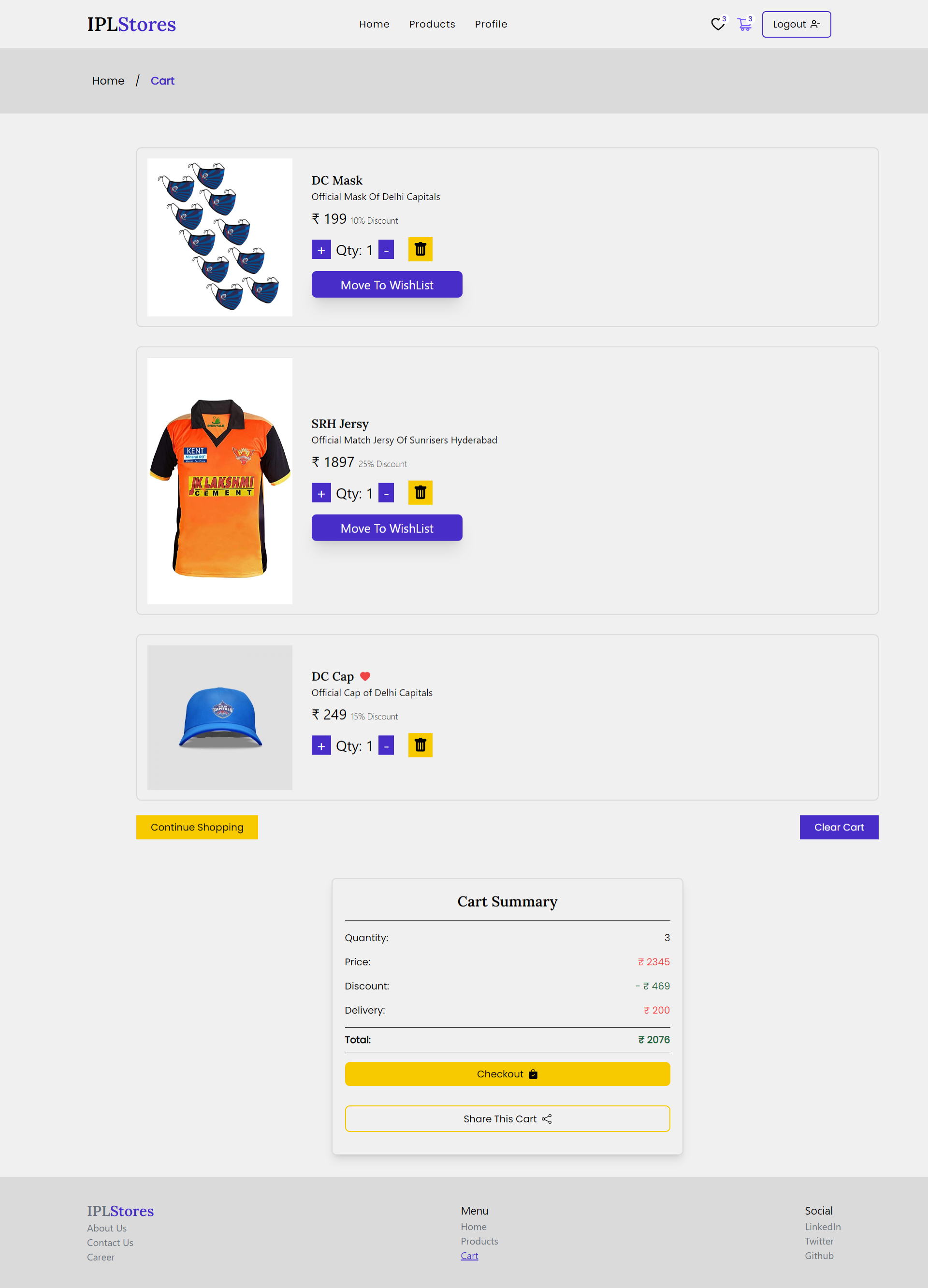
In the cart page user can increase or decrease the products quantity. Also can remove any product from cart.
-
User can move a product to wishlist from cart only if it is already not added to wishlist. This will remove the product from cart.
-
Clicking on Clear Cart button in cart page will clear the cart completely.
-
Cart page shows a Cart Summary which includes Total Quantity, Total Price, Discount, Delivery Charge and Actual Price.
-
Discount has a range based on Total Price.
- Price is less than 1000:- 5% Discount
- Price is in between 1001-3000:- 20% Discount
- Price is in between 3001-5000:- 25% Discount
- Price is more than 5000:- 30% Discount
-
Clicking on the 'Share This Cart' button in cart page will copy an url to clipboard. This url will redirects to product page and will only show the products which were there in the cart from where the url get copied.
-
Number of products in Wishlist and Carts gets live updated in Navbar.
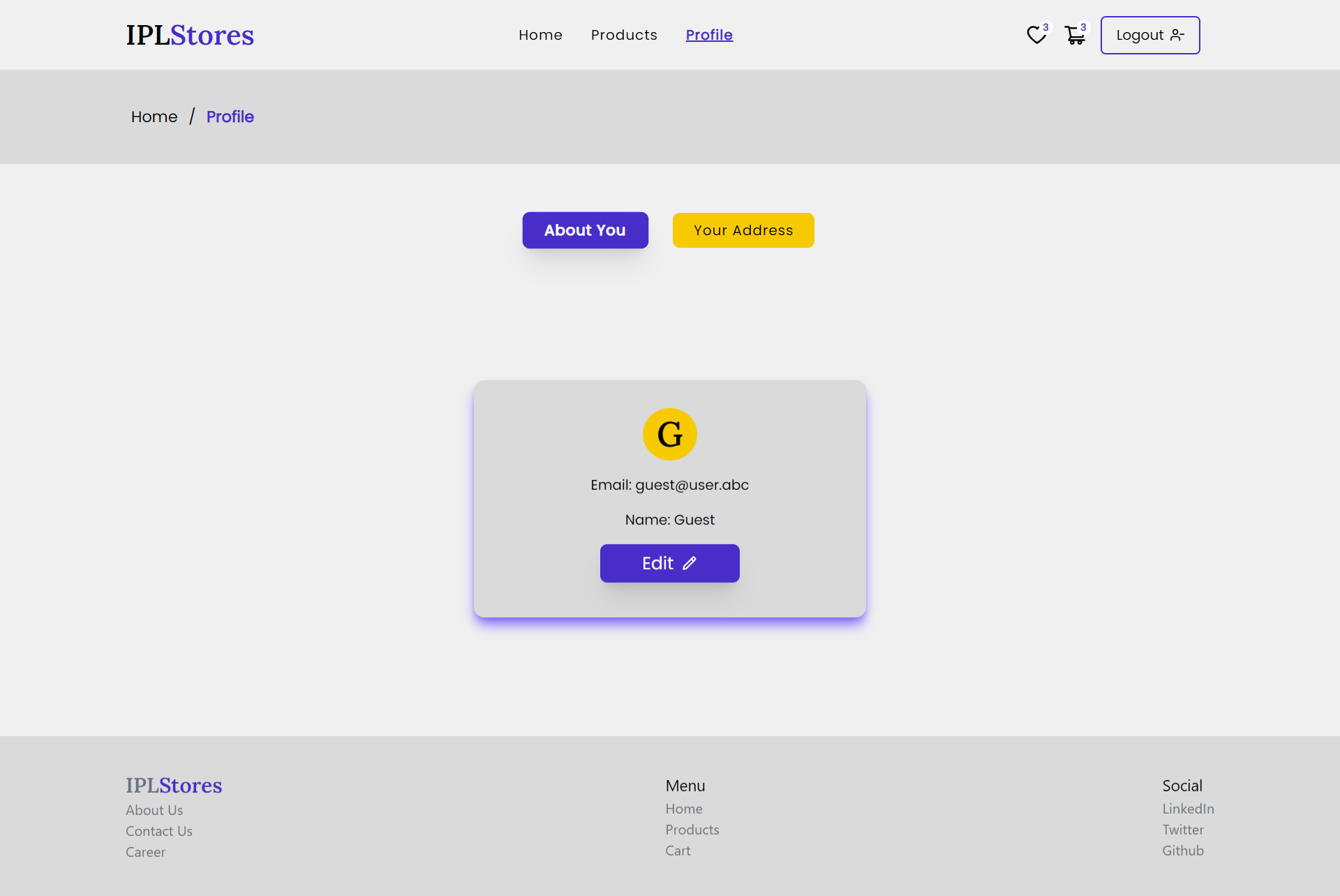
- In the profile page About You Button will shoe the user Name and email.
- USer can change their name by clicking on Edit button.
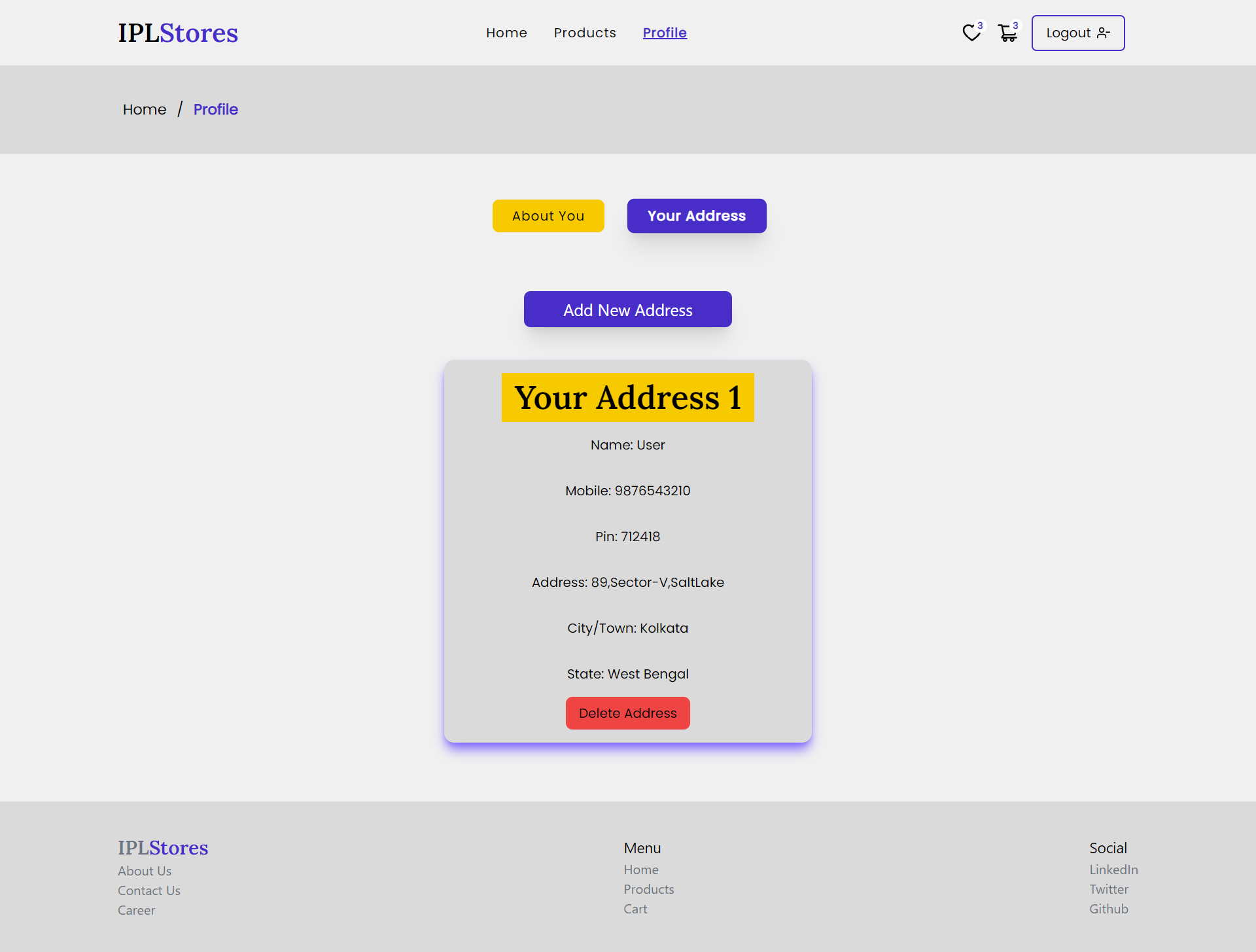
- In the profile page Your Address Button will show the address of the user added by them.
- Use can add multiple address by clicking on Add New Address Button.
- User can also delete each address individually.
- These below actions will followed up by Toast.
- Successfull Signed Up
- Successfull LogIn
- Any error while logging in or signing up. Like- Email Not Found, Email Already exist, Password Does Not Match.
- Added or Removed to/from cart and wishlist.
- Successfully copied cart URL to clipboard.
- Changing name.
- Adding or deleting address.
- React JS
- Tailwind CSS
- MockBee Backend
- React Hooks
- React Context API
- React Router
- React Icons
- React Toastify
- About You:-
- Your Address:-