Voice-cloned TTS notifications for Claude Code using Chatterbox Turbo on Apple Silicon.
When Claude finishes deep work, hear a brief AI-generated summary spoken aloud—so you know it's ready without watching the screen.
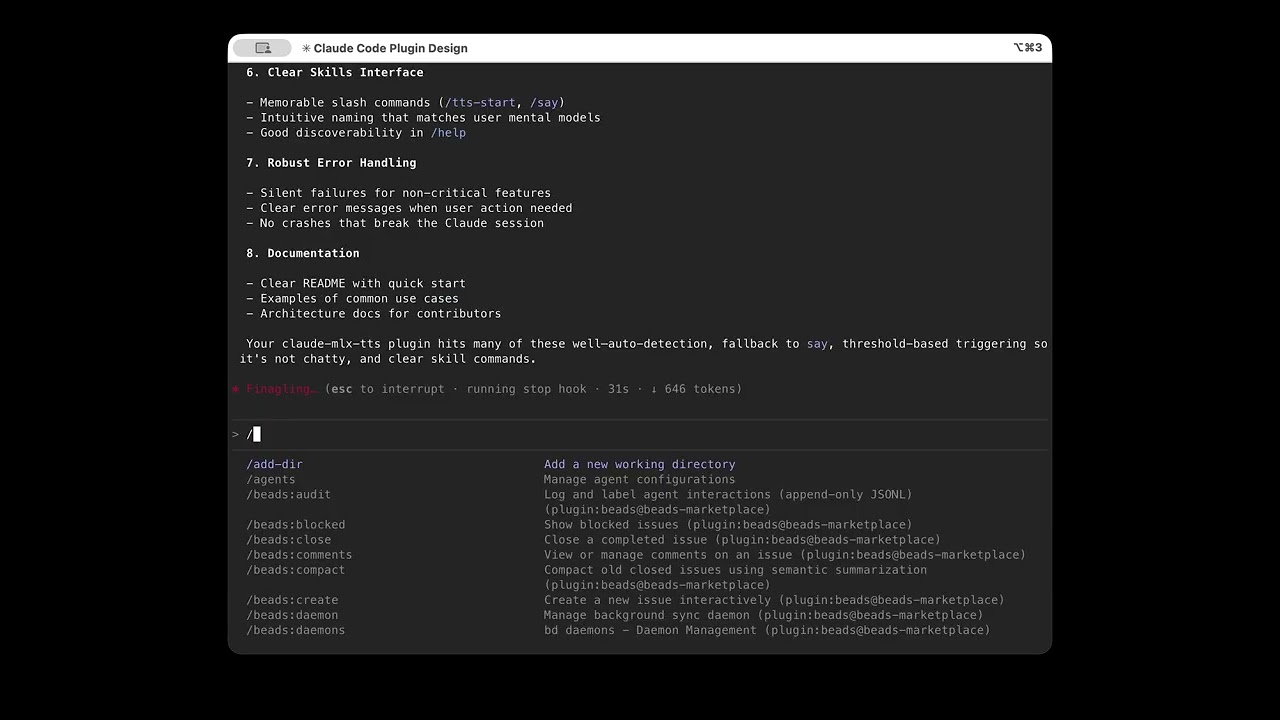
Click to watch the plugin in action
- Streaming TTS - Audio starts in ~200ms instead of waiting for full generation
- 6 bundled voices -
default,alex,jerry,scarlett,snoop,c3poready to use - Customization TUI - Full terminal UI for voice, audio, and prompt configuration
- Voice cloning - Create new voices from WAV samples via Clone Lab
- Dynamic compressor - Professional-grade audio processing for consistent, punchy volume
- AI-powered summaries - Condenses Claude's response into a 10-15 word spoken update
- Smart detection - Only triggers on deep work (15+ seconds, 2+ tool calls, or thinking mode)
- Zero config - Works out of the box with bundled voice
First, add this repo as a plugin marketplace:
# From terminal
claude plugin marketplace add aperepel/claude-mlx-tts

# Or from within a Claude Code session
/plugin marketplace add aperepel/claude-mlx-tts
Then install the plugin:
# From terminal
claude plugin install claude-mlx-tts

# Or from within a Claude Code session
/plugin install claude-mlx-ttsAfter installation, enable MLX voice cloning:
# Install uv (if needed)
brew install uv        # or: curl -LsSf https://astral.sh/uv/install.sh | sh
Then in a Claude Code session:
/tts-init   # Install dependencies and download model (one-time, ~4GB)
/tts-start  # Start the TTS server (recommended)
Why /tts-start? Pre-warms the model in GPU memory for fast responses. Without it, each TTS request cold-loads the model (~10s delay). See ARCHITECTURE.md for the full backend fallback chain.
Note: The default fp16 model is ~4GB and may take a while to download. See Model Options for smaller quantized alternatives.
/plugin marketplace list                  # View all marketplaces
/plugin marketplace update claude-mlx-tts # Refresh plugins
/plugin marketplace remove claude-mlx-tts # Remove marketplaceVerify the install with a smoke test:
/claude-mlx-tts:say Everything checks out and seems to be working. Great job!
Or trigger deep work to hear an automatic summary:
> think about what makes good API design
Clone your voice in seconds using Clone Lab:
- Record a WAV sample (see RECORDING.md for tips)
- Run
/tts-statusand launch the TUI - Open Clone Lab tab → select your WAV → create voice
| Command | Description |
|---|---|
/tts-init |
Install MLX dependencies and download model (~4GB) |
/tts-status |
Show config overview, available voices, and server status |
/tts-mute [duration] |
Mute TTS (30m, until 5pm, or indefinitely) |
/say <text> |
Speak text directly (smoke test) |
/summary-say <text> |
Summarize long text and speak it |
/tts-start |
Start server (pre-warms model for faster responses) |
/tts-stop |
Stop server (reclaims ~4GB GPU memory) |
Run /tts-status and launch the TUI to configure:
- Voice Lab — Per-voice audio controls (compressor, limiter, gain)
- Clone Lab — Create voices from WAV samples
- Prompt Lab — Customize voice and message per notification type
The default model is chatterbox-turbo-fp16 (~4GB). For smaller memory footprint:
| Model | Size | Quality |
|---|---|---|
mlx-community/chatterbox-turbo-fp16 |
~4GB | Best |
mlx-community/chatterbox-turbo-8bit |
~2GB | Good |
mlx-community/chatterbox-turbo-4bit |
~1GB | Acceptable |
See TROUBLESHOOTING.md for common issues.
Basic (macOS say):
- macOS (any Mac)
- Claude Code installed
Voice Cloning (MLX):
- macOS on Apple Silicon (M1/M2/M3/M4)
- Claude Code installed
- ~4GB disk space for the model
MIT