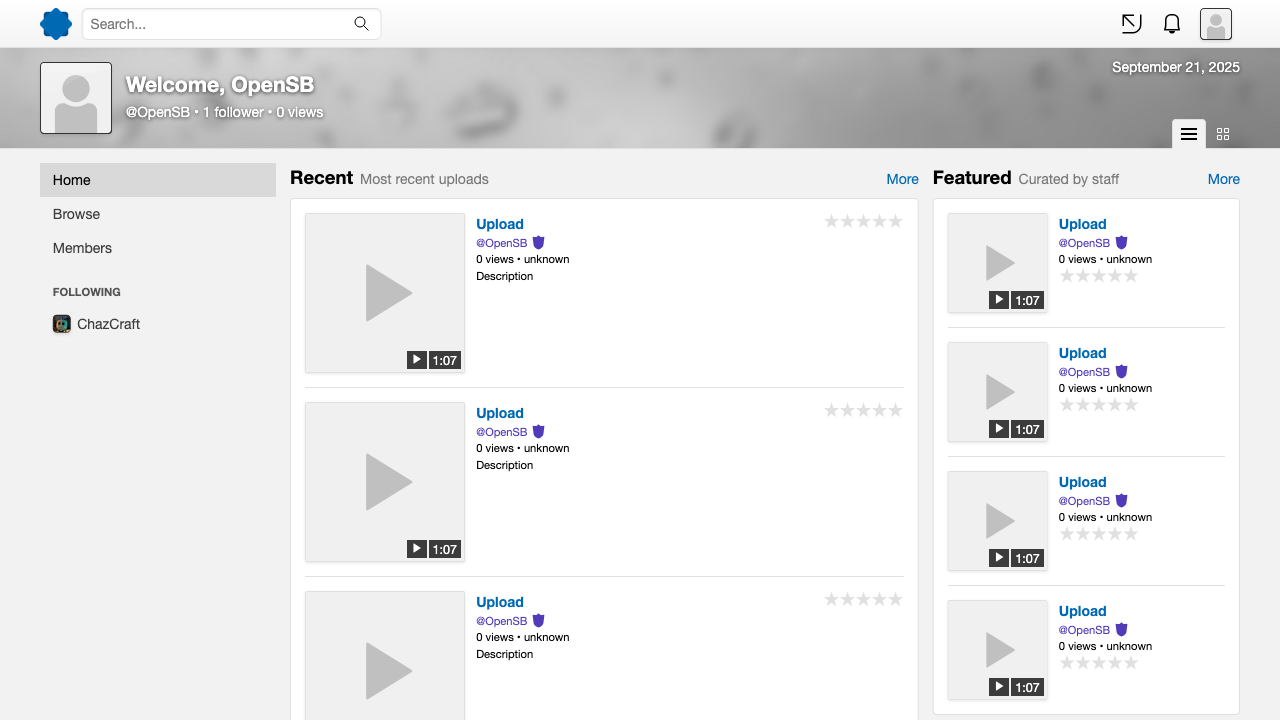
- Get a webserver (Apache or NGINX) with PHP and MariaDB or MySQL up and running, including Composer, the PHP GD library extension, and the PHP intl extension.
- Configure your webserver. Look below the steps for an example.
- Run
git submodule initandgit submodule updatefrom the terminal. - Run
composer updatefrom the terminal. - Copy
config.sample.phpinprivate/config, rename it toconfig.phpand fill in your database credentials. - Import the database template found in
sql/into the database you want to use. - Run the
compile-scssshell script available in the tools directory to generate the required stylesheets. You may find Dart-Sass here at https://github.com/sass/dart-sass/releases/. Ruby Sass is deprecated, do not use it.
- Use Linux for anything related to production.
- Instead of installing dependencies using
composer updateyou docomposer update --no-dev - Make the
dynamic/andprivate/skins/cache/directories writable by your web server. - Modify branding settings to replace the default OpenSB branding with your custom branding. Check the
public/assets/placeholderdirectory for reference.
- Enable debugging features by setting
modetoDEV. - If you want to be able to upload during development, make the
dynamic/directory and the directories inside it writable by your web server.
If you are trying to setup an instance of OpenSB on a Linux installation with SELinux enabled (eg: Fedora installs by default). There may be some issues.
Run these commands as root or through an utility like sudo (replace /var/www/opensb with the location of your instance):
setsebool -P httpd_can_network_connect on
semanage fcontext -a -t httpd_sys_rw_content_t "/var/www/opensb/dynamic(/.*)?"
restorecon -Rv /var/www/opensb/dynamic
You will have to modify the directories to match your instance's location.
<VirtualHost *>
    ServerName localhost
    DocumentRoot "/var/www/opensb/public"

    Alias /dynamic "/var/www/opensb/dynamic"

    <Directory "/var/www/opensb/">
        Options Indexes FollowSymLinks
        Require all granted
        AllowOverride All
    </Directory>
</VirtualHost>
Please note that this example uses php-fpm.
You will have to modify this to match your instance's location and/or distro.
server {
    listen       80;
    server_name  localhost;
    root   /var/www/opensb/public/;

    location / {
        try_files $uri /index.php$is_args$args;
    }

    location /dynamic/ {
        alias /var/www/opensb/dynamic;
    }

    location ~ \.php$ {
        include fastcgi_params;
        fastcgi_index index.php;
        fastcgi_pass unix:/var/run/php/php-fpm.sock;
        fastcgi_param SCRIPT_FILENAME $document_root$fastcgi_script_name;
    }
}