
Chrome extension that adds more keyboard shortcuts to Trello.
Configure shortcuts from the Keyboard Shortcuts menu accessible via the link at the bottom of
chrome://extensions
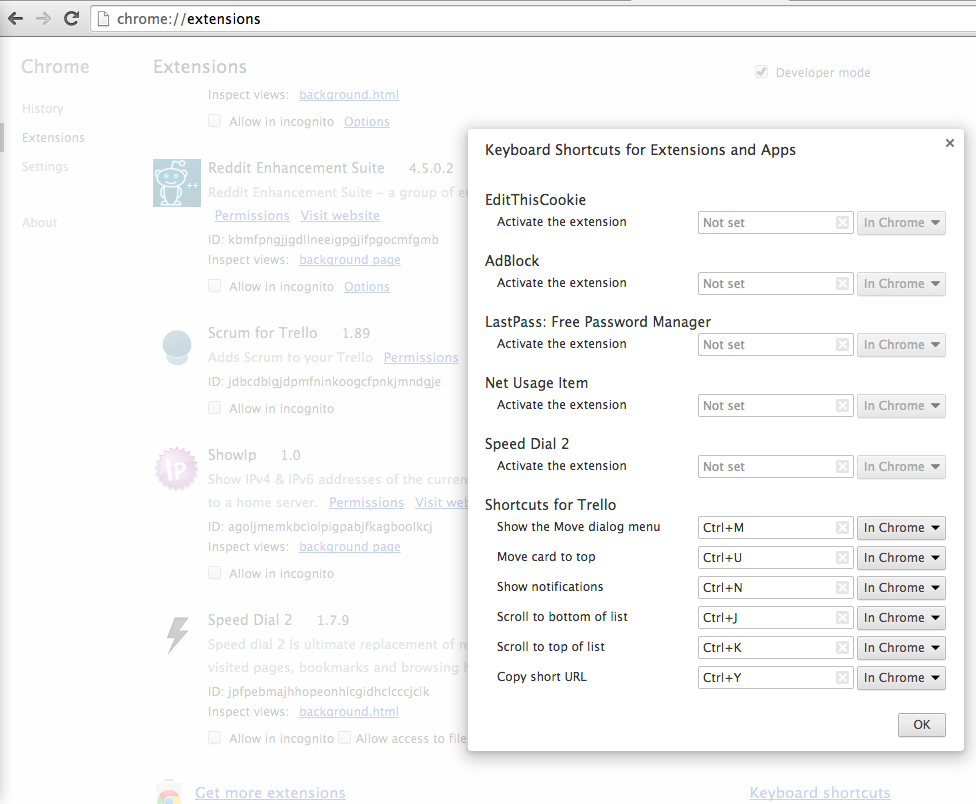
- Copy the link (permalink) to the clipboard
- Open the
Move Cardpopup dialog - Move to the top the list
While not hovering over a card;
- Scroll to the top
- Scroll to the bottom
- Open the notifications dialog
Install via Google Chrome Webstore.