






Most commonly used R packages available for network analysis, such as
{igraph} or {sna}, are mainly oriented around directed or undirected
one-mode networks. But researchers are increasingly interested in
analysing multimodal (one-, two-, or three-mode), multilevel (connected
multimodal networks), or multilayer (multiplex or signed) networks.
Existing procedures typically involve ‘projecting’ them into one-mode
networks so that they can be used with those tools, but thereby
potentially losing important structural information, or require one or
more other specific packages. Translating between packages various
syntaxes and expectations can introduce significant transaction costs
though, driving confusion, inefficiencies, and errors. {migraph}
includes functions for inferential network analysis.
{migraph} builds upon
{manynet} to offer smart
solutions to these problems. Since it is based on {manynet}, every
function works for any compatible network format - from base R matrices
or edgelists as data frames, {igraph},
{network}, or
{tidygraph}
objects. This means it is compatible with your existing workflow, is
extensible by other packages, and uses the most efficient algorithm
available for each task.
- About the package
- How does migraph help?
- Tutorials
- Installation
- Relationship to other packages
- Funding details
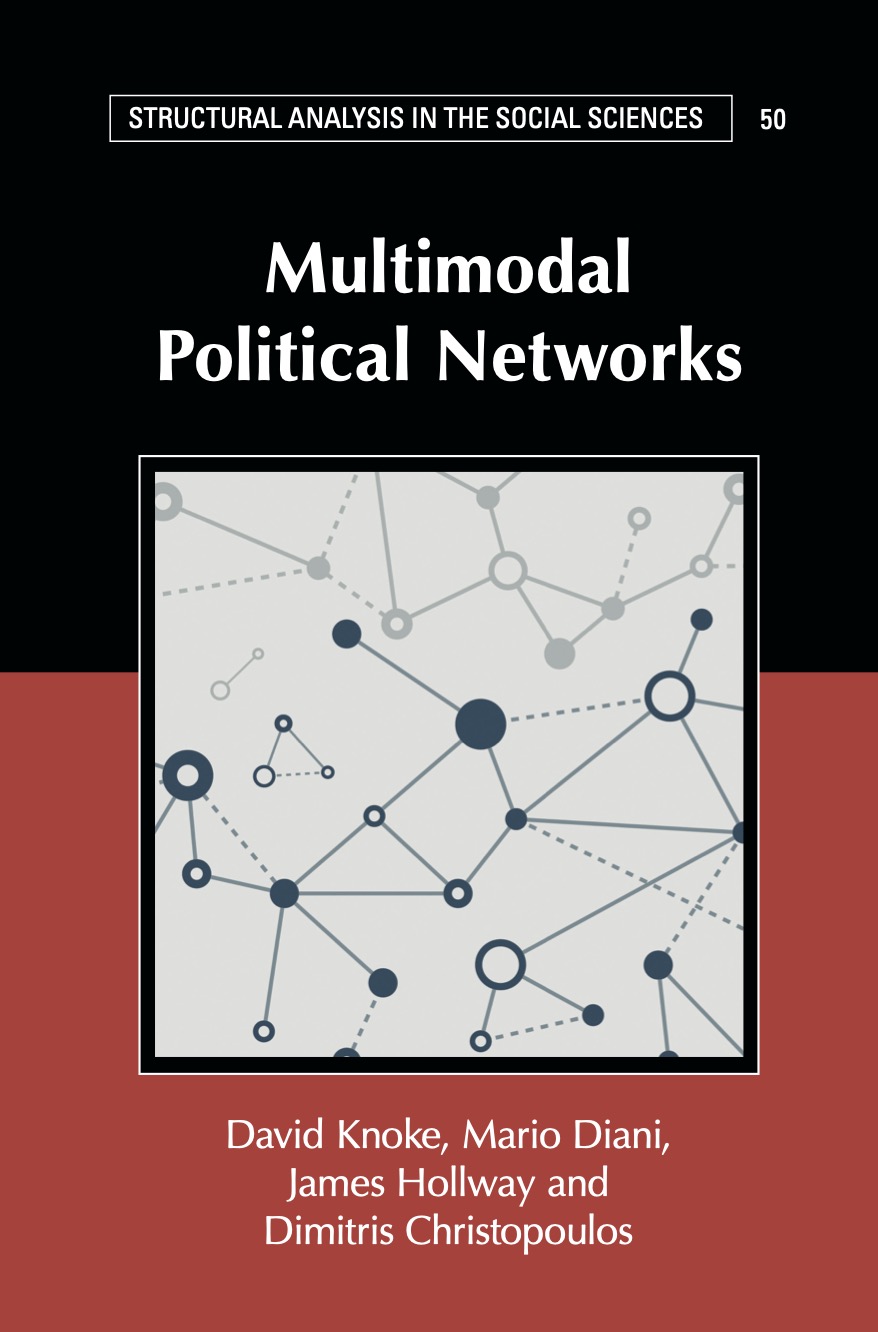
The package is intended as a software companion to the book:
David Knoke, Mario Diani, James Hollway, and Dimitris Christopoulos (2021) Multimodal Political Networks. Cambridge University Press: Cambridge.
Most datasets used in the book are included in this package, and
{manynet} and {migraph} together implement most methods discussed in
the book. Since many of theses datasets and routines are discussed and
analysed more there, if you like the package(s) please check out the
book, and vice versa.
{migraph} allows the testing of {manynet} measures against
conditional uniform graph (CUG) or quadratic assignment procedure (QAP)
distributions using:
test_configuration(),test_distribution(),test_fit(),test_gof(),test_permutation(),test_random(),test_tutorials()

Hypotheses can also be tested within multivariate models via multiple (linear or logistic) regression QAP:
network_reg()

{migraph} is the only package that offers these testing frameworks for
two-mode networks as well as one-mode networks.
This package makes available interactive {learnr} tutorials to help
new and experienced users learn how they can conduct social network
analysis using the stocnet packages. The easiest way to access the
tutorials is via run_tute(). If no tutorial name is provided, the
function will return a list of tutorials currently available in either
package:
library(migraph)
run_tute()
#> Checking tutorials in stocnet packages ■■■■■■■■■■■ 33% | …
#> # A tibble: 10 × 3
#>    package   name      title
#>    <chr>     <chr>     <chr>
#>  1 manynet   tutorial0 Intro to R
#>  2 manynet   tutorial1 Data
#>  3 autograph tutorial2 Visualisation
#>  4 manynet   tutorial3 Centrality
#>  5 manynet   tutorial4 Cohesion and Community
#>  6 manynet   tutorial5 Position and Equivalence
#>  7 manynet   tutorial6 Topology and Resilience
#>  8 migraph   tutorial7 Diffusion and Learning
#>  9 migraph   tutorial8 Diversity and Regression
#> 10 migraph   tutorial9 Modelling with ERGMs
#> ℹ You can run a tutorial by typing e.g `run_tute('tutorial1')` or `run_tute('Data')` into the console.
# run_tute("tutorial5")
For more details on the {learnr} package, see
here.
The easiest way to install the latest stable version of {migraph} is
via CRAN. Simply open the R console and enter:1
install.packages('migraph')
You can then begin to use {migraph} by loading the package:
library(migraph)
This will load any required packages and make the data contained within the package available.
{migraph} relies on some packages only for one or two rather specific
functions. By default these are not installed together with {migraph},
but we make it easy to install them as and when needed for the first
time with a console prompt. If you would prefer not to encounter these
prompts, or plan to use the package for the first time through
tutorials, you can make sure all the dependencies are installed with:
install.packages('migraph', dependencies = TRUE)
For the latest development version, for slightly earlier access to new features or for testing, you may wish to download and install the binaries from Github or install from source locally.
The latest binary releases for all major OSes – Windows, Mac, and Linux – can be found here. Download the appropriate binary for your operating system, and install using an adapted version of the following commands:
- For Windows:
install.packages("~/Downloads/migraph_winOS.zip", repos = NULL) - For Mac:
install.packages("~/Downloads/migraph_macOS.tgz", repos = NULL) - For Unix:
install.packages("~/Downloads/migraph_linuxOS.tar.gz", repos = NULL)
To install from source the latest main version of {migraph} from
Github, please install the {remotes} or {devtools} package from CRAN
and then:
- For latest stable version:
remotes::install_github("stocnet/migraph") - For latest development version:
remotes::install_github("stocnet/migraph@develop")
Those using Mac computers may also install using Macports:
sudo port install R-migraph
{migraph} draws together, updates, and builds upon many functions
currently available in other excellent R packages such as
{bipartite},
{multinet},
{tnet}, and
{xUCINET}.
Most work on this package has been funded by the Swiss National Science Foundation (SNSF) Grant Number 188976: “Power and Networks and the Rate of Change in Institutional Complexes” (PANARCHIC).
Footnotes
-
Macs with Macports installed may also install from the command line using Macports. ↩