Welcome to my personal website project, hosted at dileepa.dev. This site showcases my portfolio, shares information about me, and serves as a platform for my thoughts, work, and experiences.
- Framework: Next.js 16
- Library: React 19
- Language: TypeScript
- Runtime: Node.js
- Package Manager: npm
- Linting: ESLint
- Formatting: Prettier
- Styling: Tailwind CSS 4
- Animations: Framer Motion
- Theming: Next Themes
- Deployment: Vercel
- Analytics:
- Image Optimization: Next.js Image
- API Communication: api.dileepa.dev
- Icons: React Icons
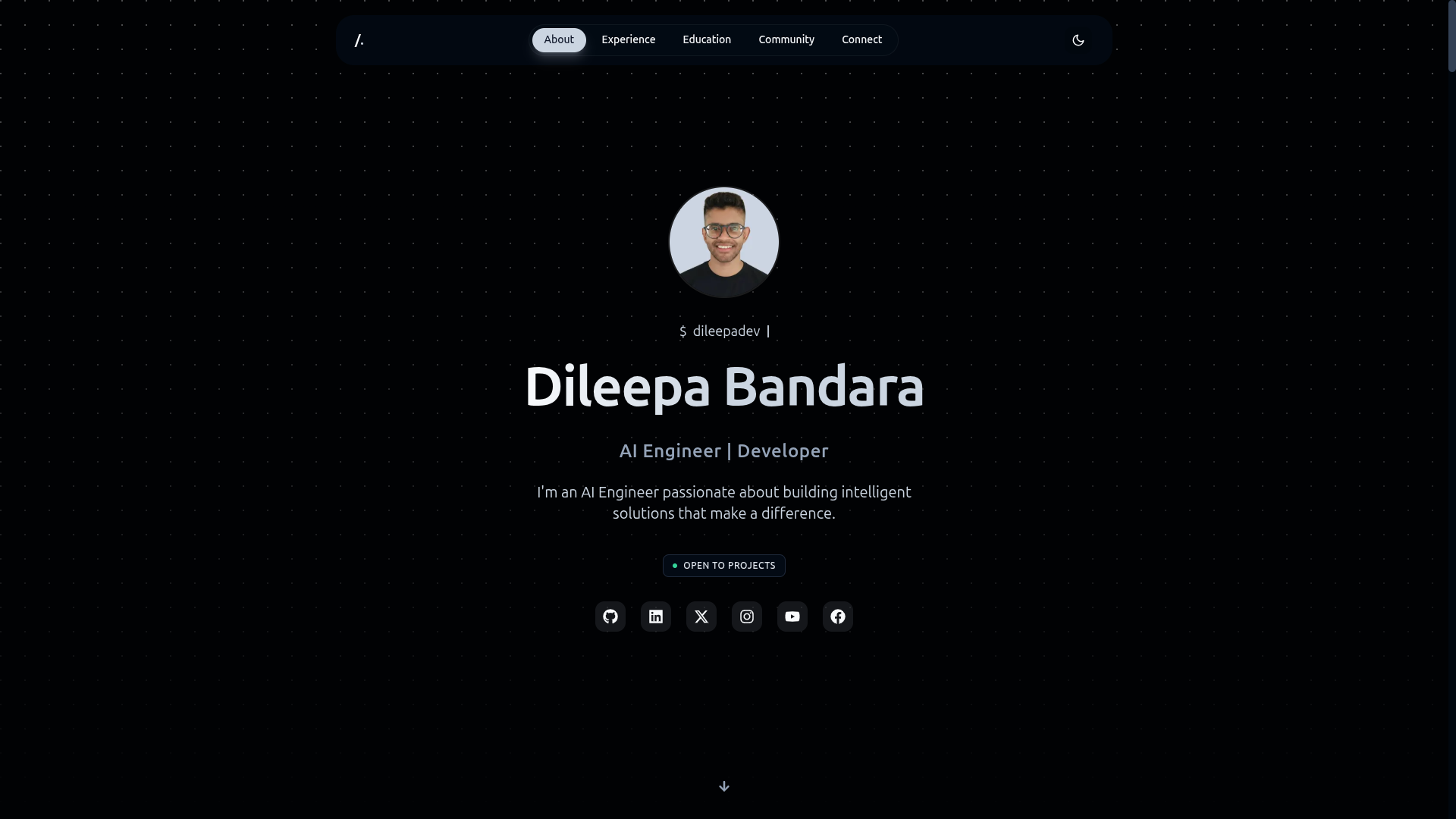
- Hero: Introduction and call to action.
- About: General profile information and biography.
- Experience: Professional journey, skills, and technologies.
- Education: Academic background and qualifications.
- Community:
- Communities: Tech communities I am part of.
- Events: Events I have attended or spoken at.
- Videos: Video content and tutorials.
- Blog: Articles and thoughts on technology.
- Connect: Social media links and contact information.
To get a copy of this project up and running on your local machine, follow these steps:
-
Clone this repository:
git clone https://github.com/dileepadev/dileepa-dev.git
-
Navigate to the project directory:
cd dileepa-dev -
Install the dependencies:
npm install
# or
yarn install
# or
pnpm install
# or
bun install
-
Start the development server:
npm run dev
# or
yarn dev
# or
pnpm dev
# or
bun dev
# or
npx next dev
Note: The
next dev --turbopackcommand can be used to start the development server with Turbopack. Click here link for more information. -
Open http://localhost:3000 with your browser to see the result. To change the port, use the
-pflag. For example,npm run dev -- -p 4000.Note: The
--flag is required to pass arguments like-pto the development server script.npm run dev -- -p 4000 # or yarn dev -- -p 4000 # or pnpm dev -- -p 4000 # or bun dev -- -p 4000 # or npx next dev -- -p 4000
-
You can start editing the page by modifying
app/page.tsx. The page auto-updates as you edit the file. -
Copy the example environment file and update it with your configuration:
cp .env.example .env
# Then edit .env as needed
- This website is hosted on Vercel, a cloud platform for static sites and Serverless Functions.
- Any changes pushed to the
mainbranch will be automatically deployed to dileepa.dev. - Any changes pushed to the
devbranch will be automatically deployed to preview.dileepa.dev.
-
Branches are an important part of this project. They are used to develop new features, fix bugs, and make changes to the source code. The following branches are used in this project:
main- The source code for the latest stable and production-ready release of the website.dev- New features and bug fixes that are being worked on but not yet ready for production. Only for preview upcoming changes.feat/*- Branches used to develop new features.fix/*- Branches used to fix bugs.- ... and more.
-
Check out the branch naming guidelines for more information.
This project follows a versioning pattern similar to Semantic Versioning (SemVer) for managing releases. For detailed versioning information, see the VERSIONING.md file.
Contributions are welcome! Please read the following before contributing:
- CONTRIBUTING.md
- CODE_OF_CONDUCT.md
- BRANCH_NAMING_GUIDELINES.md
- COMMIT_MESSAGE_GUIDELINES.md
- PULL_REQUEST_GUIDELINES.md
For any issues or feature requests, please use the issue templates provided in the repository. You can also check the CHANGELOG.md for updates and changes.
If you discover any security vulnerabilities, please report them as described in SECURITY.md.
This project is licensed under the terms of the LICENSE file.
For any inquiries or feedback, please reach out to me via email or through my website.