The Blue boat is a research vehicle we aim to control for various automated tasks.
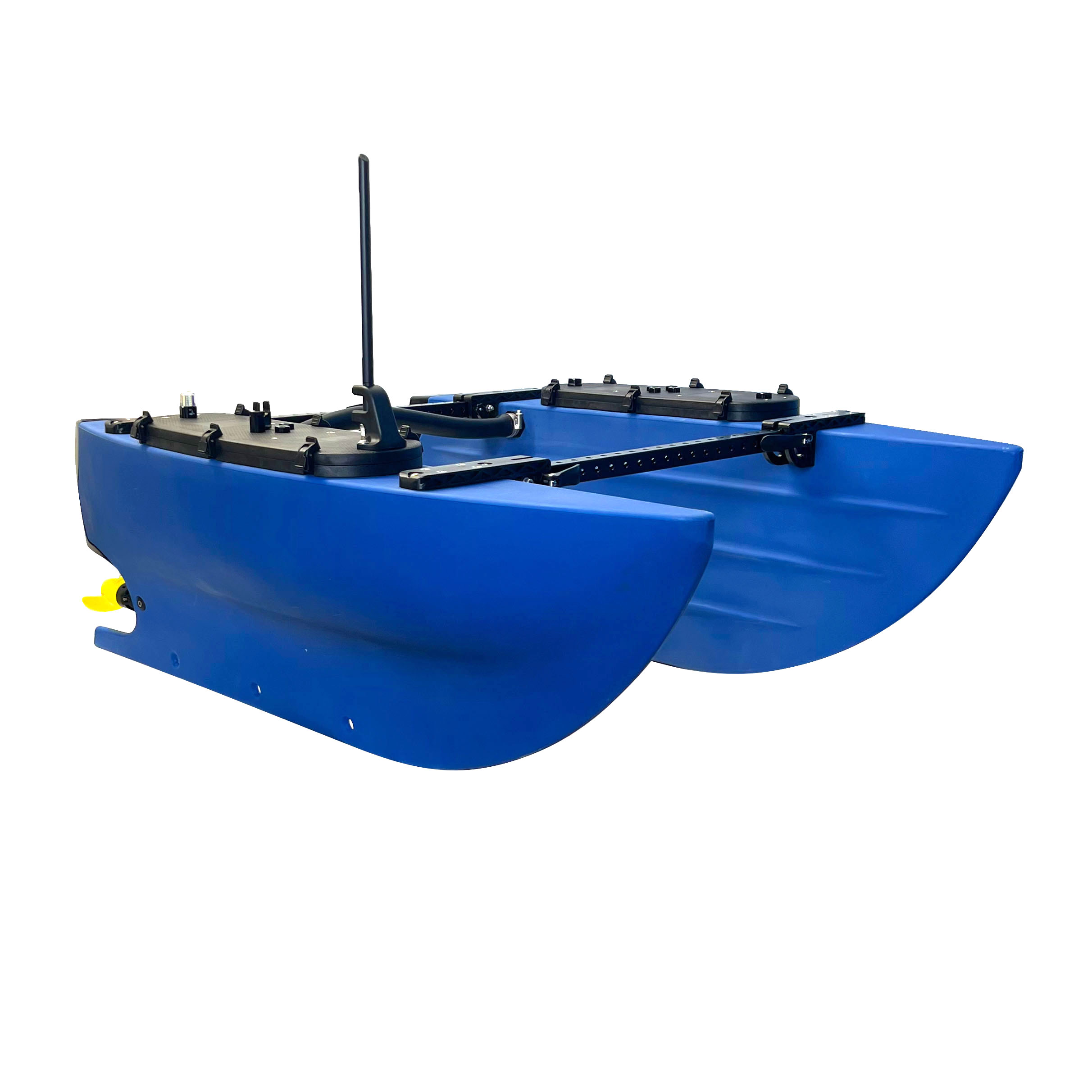
Its physics are coded in a simple scipy ODE solver, with control interfaces being developed for PWM and RL-based solutions.
Run python3 blueboat_control.py to play with the keyboard only, or python3 blueboat_control.py xbox to play with a joystick controller.
Controls for moving the boat:
- Xbox Controller: Left stick to accelerate, right stick to steer
- Keyboard: Arrows to control the steering and throttle with increments
Other controls:
- Press "r" to reset the simulator.
- Hold "p" to freeze time. Release "p" to resume.
- Press "a" to toggle auto control. When in auto control, the boat follows a reference path (choose with "1", "2", "3", "4", "5").
- Press "t" to toggle auto trailer following.
- Press "v" to toggle velocity profiles display.
- Press "c" to toggle continuous control (vs. discontinuous driving modes).