A minimal and responsive Hugo theme inspired by the system console, crafted for optimal performance with an average page load time of under one second.
Theme is based on a modern and minimal Terminal CSS framework.
- Fast Performance: Optimized for speed with sub-second load times
- Responsive Design: Works perfectly on desktop, tablet, and mobile devices
- Console-Inspired: Clean, terminal-like aesthetic with modern typography
- Photo Gallery Support: Built-in gallery functionality for photo collections
- Blog Ready: Full support for blog posts with metadata
- Easy Customization: Simple configuration and extensible design
- Hugo v0.146.0+ Compatible: Updated for the latest Hugo template system
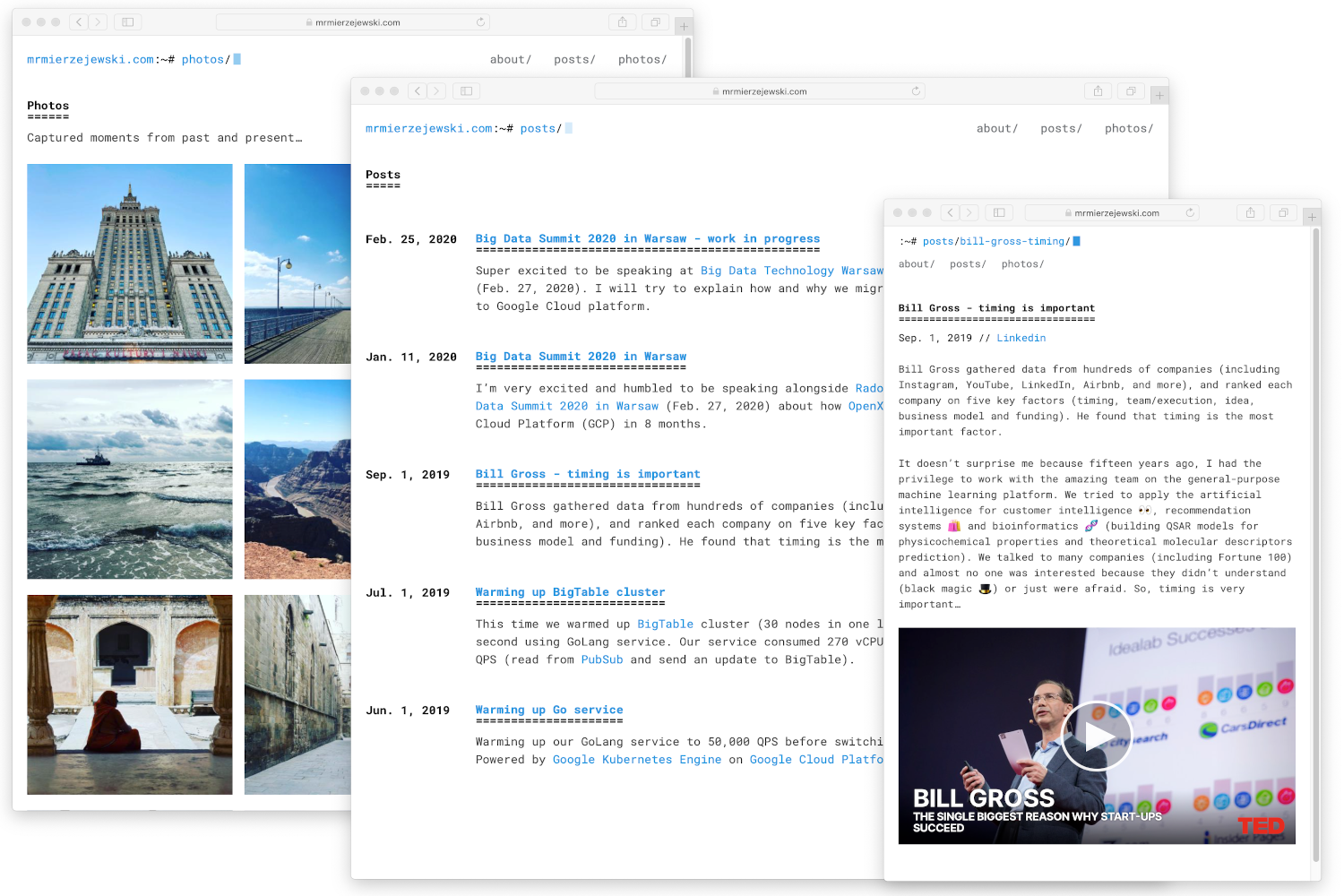
From the root of your Hugo site, clone the theme into themes/hugo-theme-console by running:
$ git submodule add https://github.com/mrmierzejewski/hugo-theme-console.git hugo-theme-consoleSee the Hugo documentation for more information.
From the root of your Hugo site, turn your site into a Hugo module by running:
$ hugo mod init github.com/my-username/my-new-site
Next declare the Console theme module as a dependency for your site.
$ hugo mod get github.com/mrmierzejewski/hugo-theme-consoleFinally, add this section to your config file hugo.toml:
[[module.imports]]
path = "github.com/mrmierzejewski/hugo-theme-console"Set theme parameter in your config file:
theme = "hugo-theme-console"Add these parameters to your hugo.toml file for basic customization:
[params]
  description = "Your site description"
  animateStyle = "animate-fade-up" # Animation style for content

[[params.navlinks]]
  name = "About"
  url = "/about/"

[[params.navlinks]]
  name = "Posts"
  url = "/posts/"

[[params.navlinks]]
  name = "Photos"
url = "/photos/"After installation, take a look in the exampleSite folder. This directory contains an example config file and the content for the demo.
exampleSite
├── hugo.toml
├── content
│   ├── about
│   │   └── index.md
│   ├── photos
│   │   └── arizona-us
│   │       ├── arizona-us.jpg
│   │       └── index.md
│   └── posts
│       └── introduction
│           └── index.md
├── layouts
└── static
Copy at least the hugo.toml in the root directory of your website. Overwrite the existing config file if necessary.
Hugo includes a development server, so you can view your changes as you go—very handy. Spin it up with the following command:
hugo serveNow you can go to http://localhost:1313 and the theme should be visible.
To build your site for production:
hugo --minifyThis will create a public/ directory with your optimized site ready for deployment.
To run the example site, please type the following command.
make hugo-server
This theme has been updated to be compatible with Hugo v0.146.0 and the new template system. For detailed information about the changes made, please see TEMPLATE_UPGRADE.md.
Copyright © 2024 Marcin Mierzejewski. This theme is released under the MIT License.