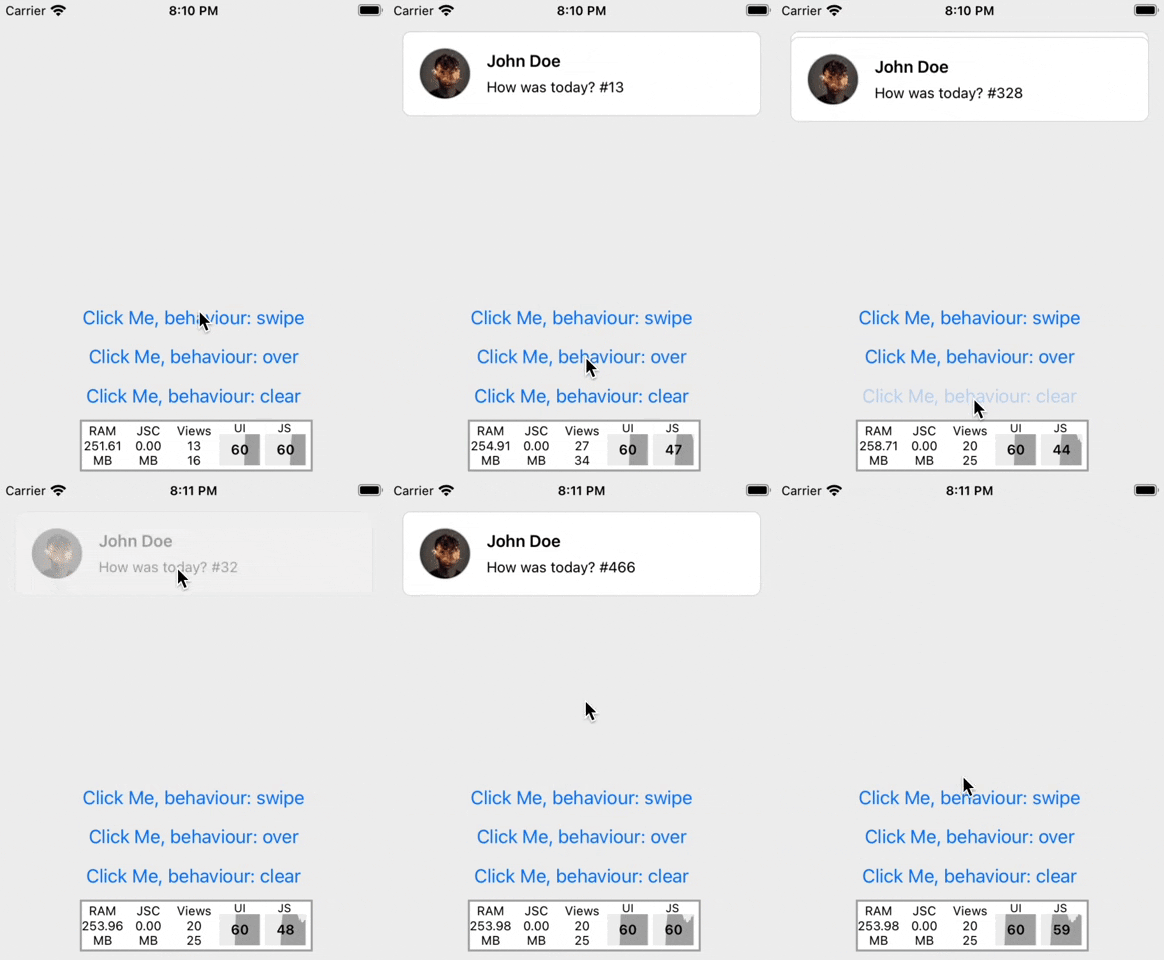
Notifly allows you to show application notifications within the application and with your own components
npm install --save react-native-notiflyFirst you have to add Notifly to App
//App.js
import React from "react";
import { Notifly } from "react-native-notifly";

export default function App() {
  return (
    <View>
      {/* ... */}
      <Notifly />
    </View>
  );
}
After that just you need to call `fire` methods from anywhere in your app. 🎉
import React from "react";
import { Button } from "react-native";
import { fire } from "react-native-notifly";

export default function ExampleScreen() {
  return (
    <Button
      title="Fire Notification"
      onPress={() =>
        fire({
          title: "Title",
          message: "Some text message",
          avatar: { uri: "image url" },
          options: {
            behaviour: "swipe",
            duration: 2000,
          },
          onPress: (args) => console.log(args),
        })
      }
    />
  );
}
You can use Notifly with your own components. See below example
export default function ExampleScreen() {
  return (
    <Button
      title="Fire Notification"
      onPress={() =>
        fire({
          title: "Title",
          message: "Some text message",
          component: (args) => (
            <View>
              <Text>{args.title}</Text>
            </View>
          ),
        })
      }
    />
  );
}| Property | Default | Description |
|---|---|---|
| title | none | Title of notification |
| message | none | Message of notification |
| avatar | none | Avatar icon of notification |
| onPress | none | onPress callback for notification press |
| component | none | Set a your custom component |
| options | FireOptions | Notification options |
| Property | Default | Description |
|---|---|---|
| behaviour | swipe | The behaviour prop set the behaviour of notification. You can use one of them. swipe, clear, over |
| duration | 2000 | The duration prop set the notification duration. |