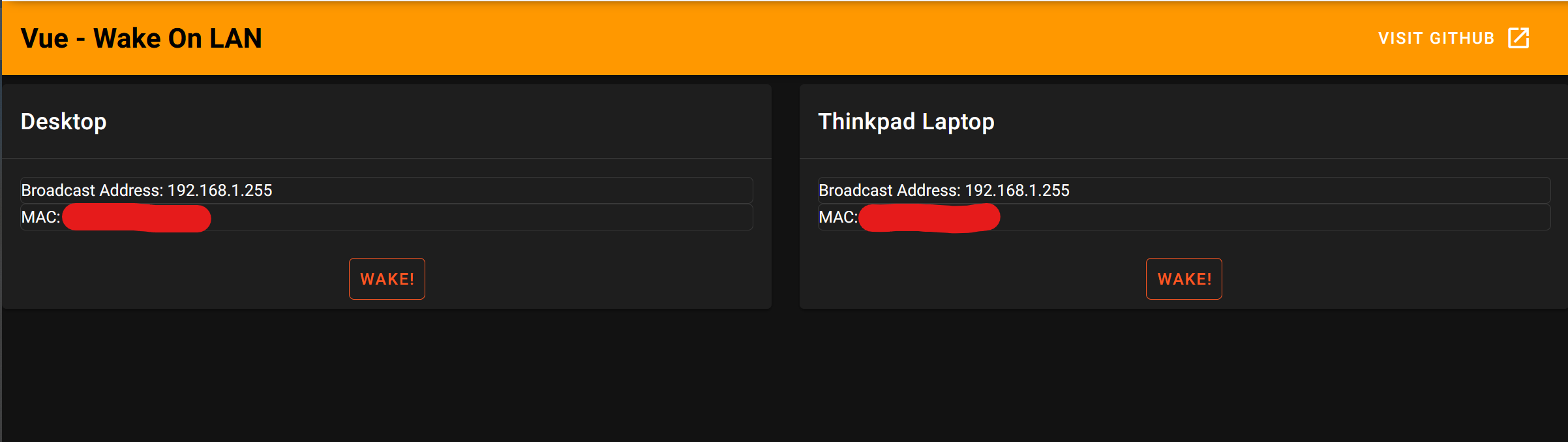
Wake-On-LAN Web UI server powered by Node.js backend and Vue.js frontend.
- Install and build wol-front
cd wol-front
npm install
npm run build- Install and run wol-back
cd wol-back
npm install
npm startClient list is loaded from /wol-front/src/config.json. Keep in mind you need to recomple frontend after edit.
Following is an example configuration. If you are not sure, broadcast IP of 255.255.255.255 will do the job.
[
  {
    "Name": "Main Desktop",
    "Broadcast": "192.168.1.255",
    "MAC": "AA:AA:AA:AA:AA:AA"
  },
  {
    "Name": "Samsung Laptop",
    "Broadcast": "192.168.1.255",
    "MAC": "BB:BB:BB:BB:BB:BB"
  }
]Port binding can be configured from /wol-back/bin/www. You can edit 3000 part with port of your choice at following line.
var port = normalizePort(process.env.PORT || '3000');