Our application offers people a solution that will automate their music choices and make this selection in a way that suits their mood and prevents people from making the wrong choices.
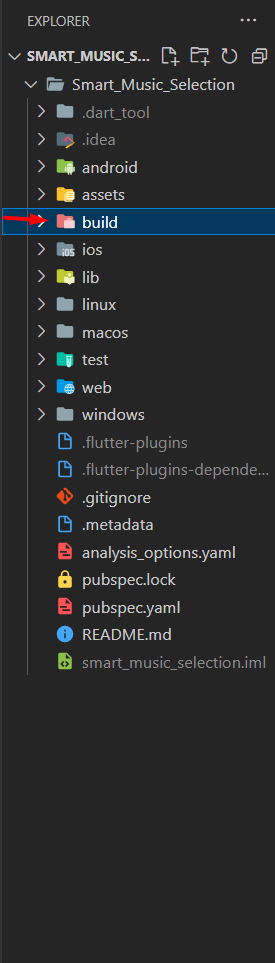
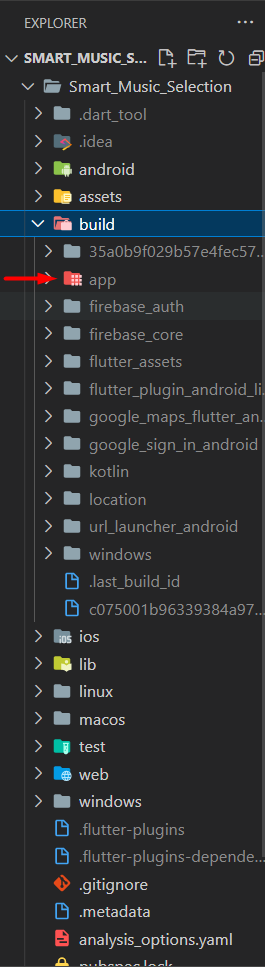
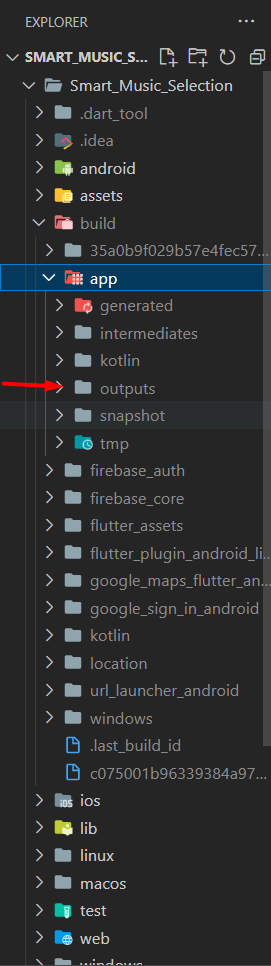
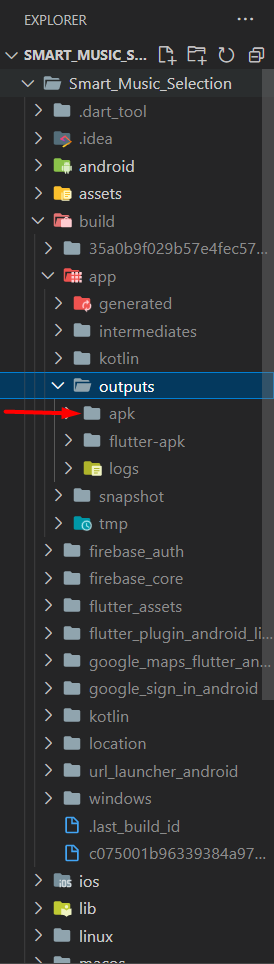
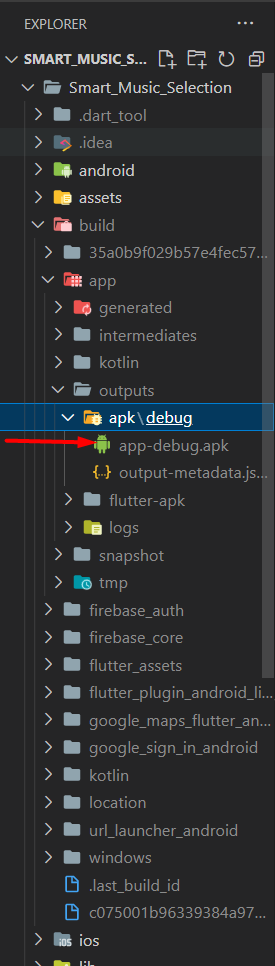
You can run our application by installing it from the apk in the build/app/outputs/apk/debug/app-debug.apk path as shown in the steps above, or you can access our application from your own device by running it from the file in the lib/main.dart path. Since our application can only be tested on Android devices for now, we ask you to test it on Android devices.
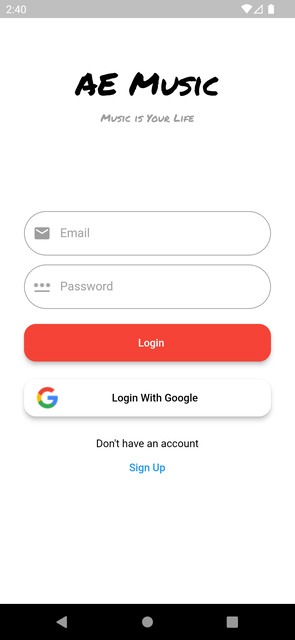
In our application, if you don't have an account, you need to create one first. In addition, you can use the option to sign in with Google to create an account even if you don't have one.
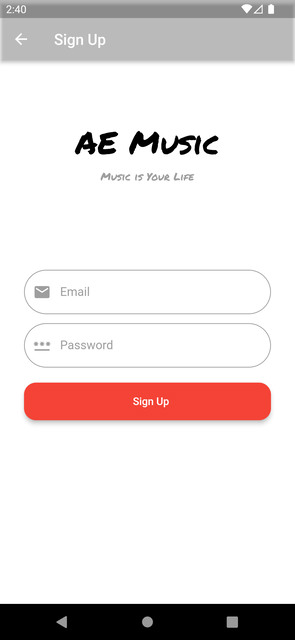
After creating your account, you need to press and hold the button that appears in front of you until the button turns white. Once our button turns white, it will take you to the page where music recommendations are available. As our application cannot currently retrieve data through health applications, it will not keep you waiting for data processing. However, it will take you to pages that explain the purpose of the application and show you what you will encounter after the data processing is added.
aa.mp4
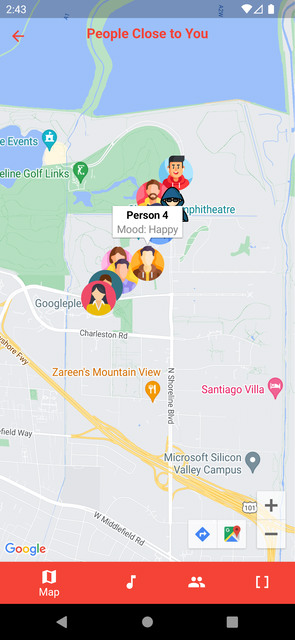
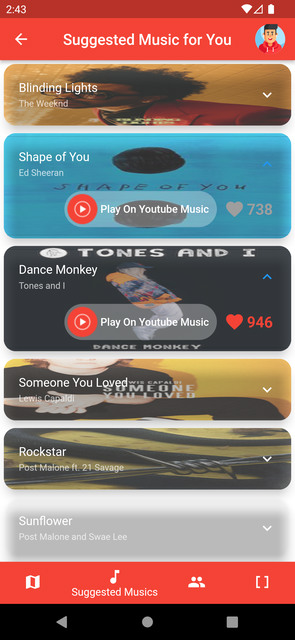
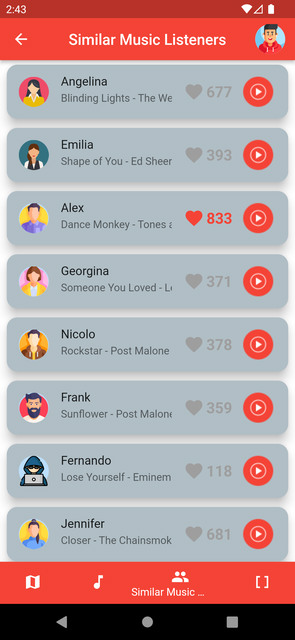
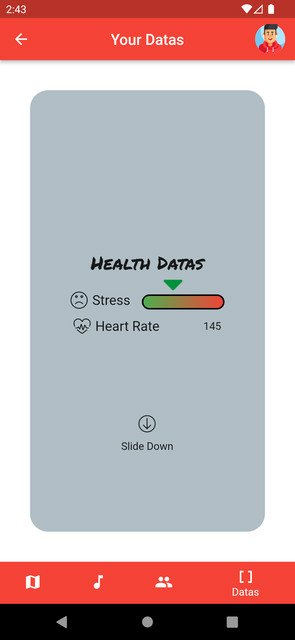
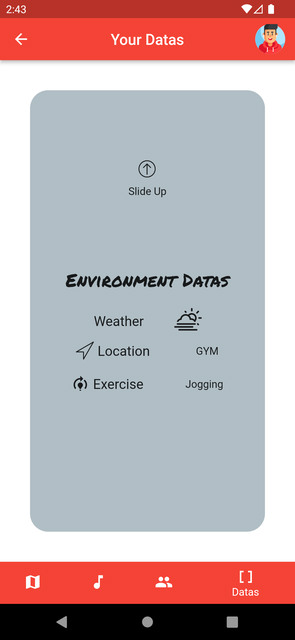
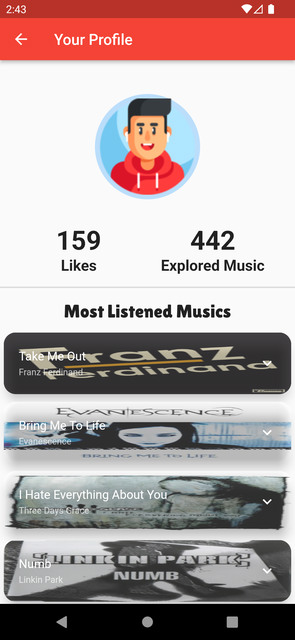
From these pages, you can allow location access on our first page and see the people closest to your location and their mood by clicking on their avatars. The second page is a demonstration of the page where our application will recommend music for you. You can click on the songs and see the "Play on Youtube Music" button and like button. Our third page takes you to an example page where you can see and like what people with similar moods to yours are listening to and play them on Youtube Music. On our fourth page, an example page shows how data will be displayed in real-time. Also if you slide down the page you can see environmental datas and you slide up again you can see health datas.When you click on the avatar on the app bar on the top, your profile page opens. This page is filled with randomly selected example values to show how the display works. You can go back to the first page with the back arrow on the left side of the app bar. If you click on the top right button, you can log out of your account in the application.