Makes it easy to transfer files over the network to your local machine. Functions as your local webserver that files can be uploaded to.
If you have docker installed you can run the following command to build the container
$ make build-docker
then when the build is complete you can run the following command
$ make run-docker
It will start the docker container. The first line will be your local IP. Your files will be saved in in the /tmp/skicka directory.
If you want to compile the binary yourself. Follow the instruction below.
$ make build
You will now have the binary skicka built and placed inside the bin directory.
When the binary is compiled all the html/js/css files are embedded into the binary so it can be moved to whatever place you see fit. Start skicka from your teminal like this
$ ./bin/skicka
the first log message will include your local IP-address and what port it is running on. By default it is running on port 8000.
{
  "level": "info",
  "msg": "IP-address: 192.168.1.123 Port: 8000",
  "time": "2020-12-24T13:37:00+01:00"
}
Send your IP address shown in the first message to your friend on the local network and ask them to connect to port 8000. If no IP address is shown in the first message, just check what your local IP address is and send it to your friend. Open a browser and go to the IP address. See screenshot below when I access localhost on port 8000 having skicka running on localhost.
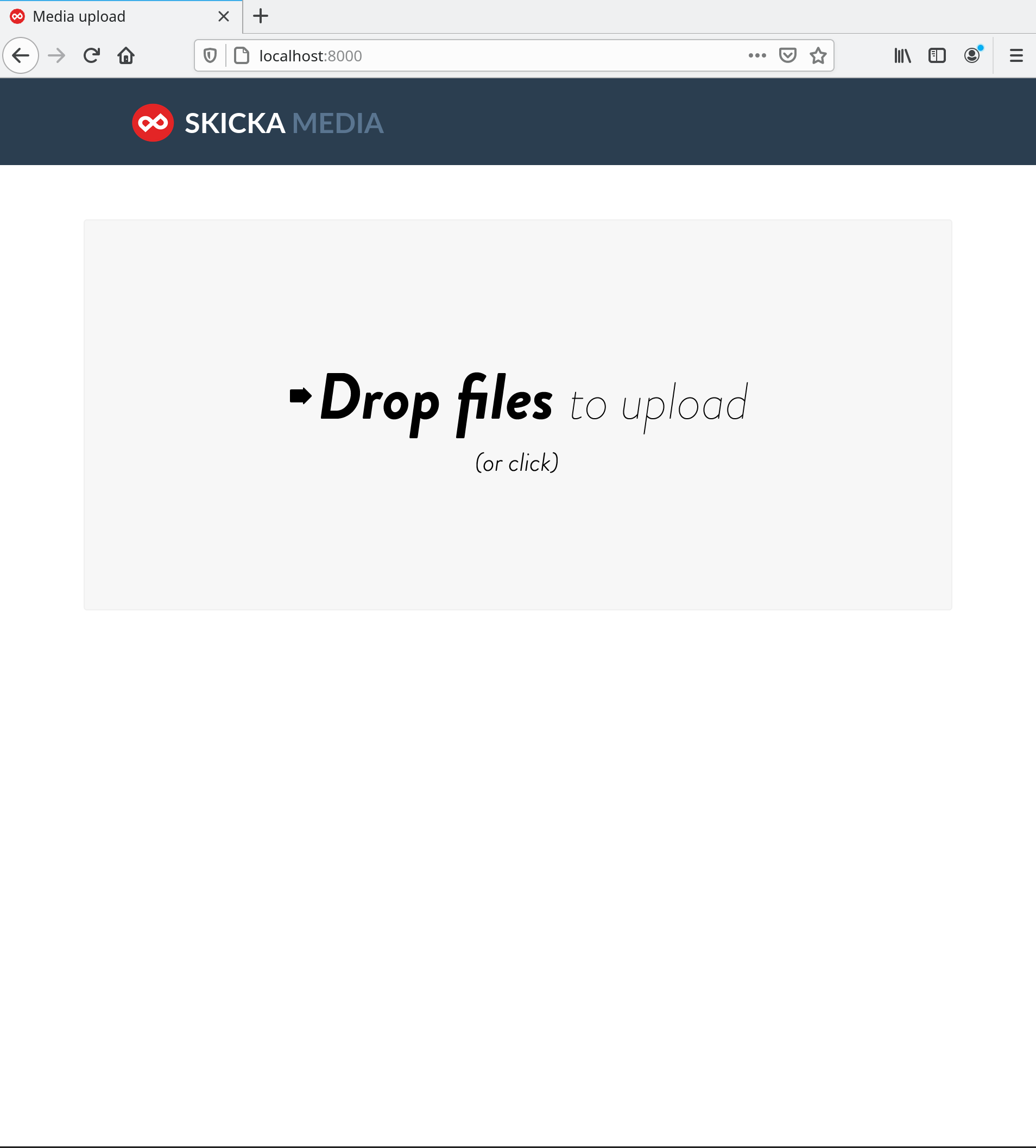
Now your friend can just drag and drop any file and it will be uploaded to your computer. The files will be saved in /tmp/skicka
If you want to change the default media directory or maybe what port skicka should listen to. You can do that by setting config flags. To get a list of all the configuration flags skicka supports.
./bin/skicka --help
If the person that wants to upload files does not exist on your local network you can use skicka in collaboration with ngrok. First you start skicka as usual. When skicka is running, start ngrok by running the following command.
$ ngrok http 8000
you will then get a link by ngrok which you can send to your friend (use the HTTPS link for security reasons) and your friend will be able to upload files over the internet to your local computer.