A webserver, running in a Docker container, that can receive and compile LaTeX documents. The server accepts zip-files sent to it via Rest Post-calls to http://localhost:58404/compile, and it unzips the given files, compiles them with pdflatex (by default) and sends the resulting pdf back.
Build and run it with Docker with two simple commands. Note that this will download at least 2-3 GB of data, and the resulting image will be at least 5 GB large!
docker build -t latex-compile-server .
docker run -p 58404:58404 -e API_KEYS="your-secret-key-1,your-secret-key-2" latex-compile-server
API Key Authentication: The server requires valid API keys to process requests. Set one or more comma-separated API keys using the API_KEYS environment variable when running the container.
- Convenient - no need to clutter your file system with LaTeX packages. Just call a Rest service.
- Distributable - you can run this on any computer with Docker installed.
- Small - this will download at least 2-3 GB, and the container will take around 5 GB of disk size.
- Fully secure - this is intended to be run locally or in trusted environments. While API key authentication is required, no additional security hardening has been implemented.
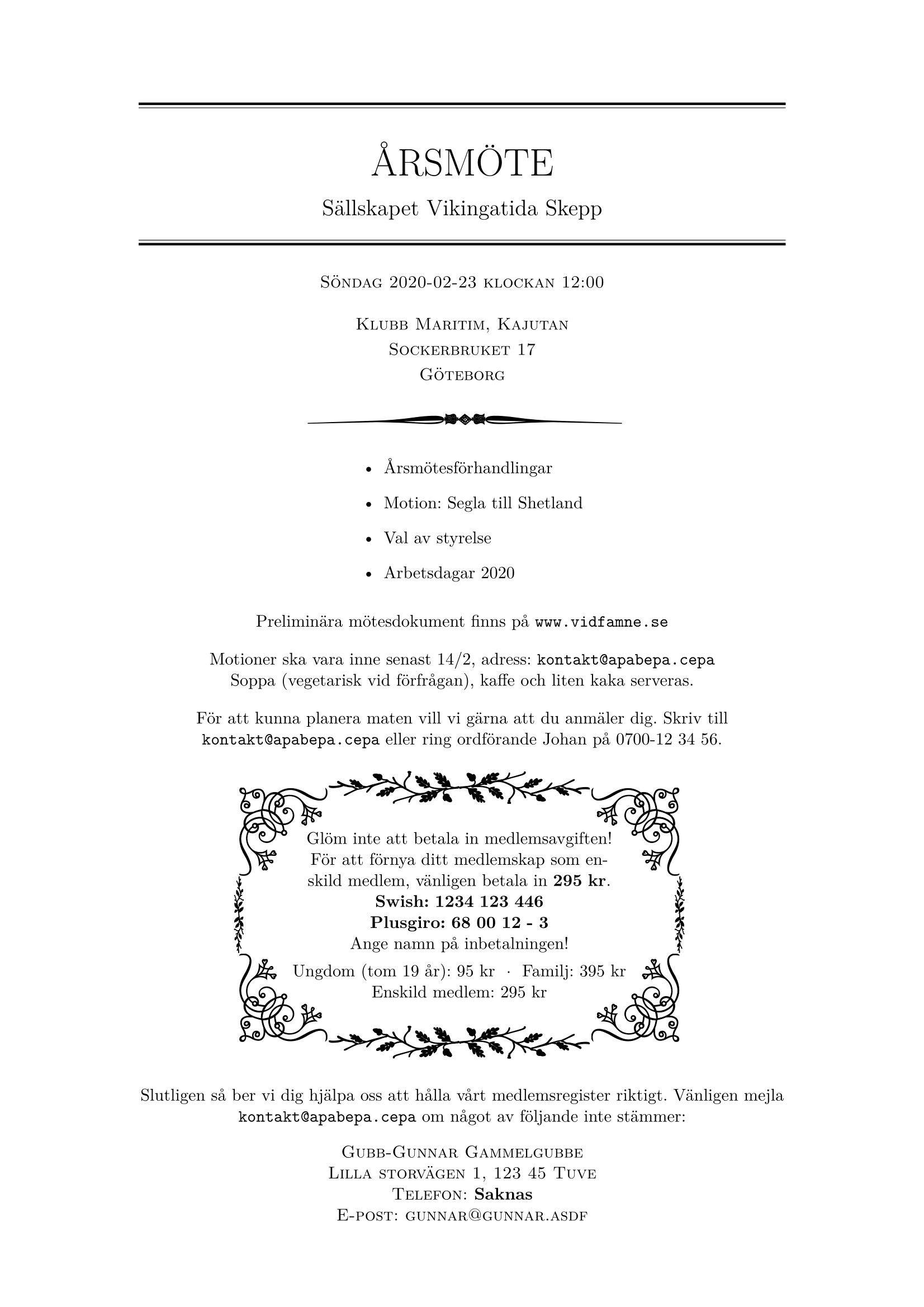
There is a personal invitation sample in the example directory, which will produce a document that is typeset with pgfornament by Alain Matthes et al. The layout and "main document" is in example/invite.tex, and the personal information is in example/personalinfo.tex.
To compile it, run the Docker container. Compress the two files to a zip: zip -rj doc.zip example. Then run:
curl -X POST -H "Content-Type: multipart/form-data" -H "X-API-Key: your-secret-key-1" -F "mainFile=invite" -F "data=@doc.zip" http://localhost:58404/compile --output invite.pdf
In the curl command, we have specified a few things:
-H "X-API-Key: your-secret-key-1"- The API key for authentication (must match one of the keys set in theAPI_KEYSenvironment variable)-F "mainFile=invite"- The main tex file to compile is calledinvite.tex, so we here specify the name of that file (note that we specify "invite", not "invite.tex" in the curl command)-F "data=@doc.zip"- The zip of the documents is calleddoc.zip, so we specify that here--output invite.pdf- latex-compile-server sends a pdf back, and we here specify the name and location of where to save it
LaTeX Engine Selection: By default, the server uses pdflatex for compilation. To use xelatex instead, add the latexEngine parameter to your curl command:
curl -X POST -H "Content-Type: multipart/form-data" -H "X-API-Key: your-secret-key-1" -F "mainFile=invite" -F "latexEngine=xelatex" -F "data=@doc.zip" http://localhost:58404/compile --output invite.pdf
Error Handling: If compilation fails, the server returns HTTP 500 with the full LaTeX compilation output in the response body. The compilation runs in non-interactive mode (-interaction=nonstopmode), so it won't hang waiting for user input on errors.