



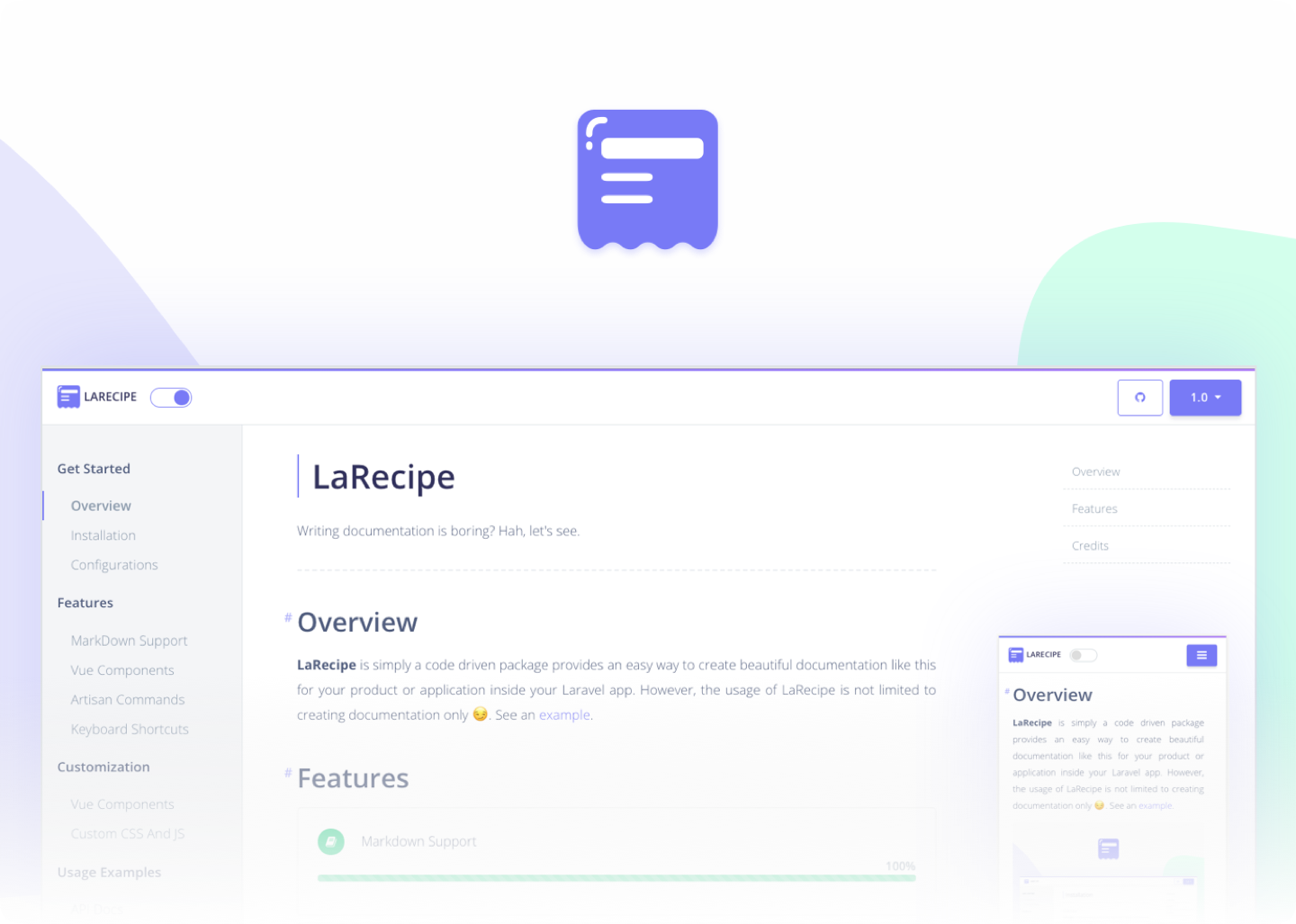
LaRecipe is simply a code-driven package that provides an easy way to create beautiful documentation for your product or application inside your .Net apps.
Note: LaRecipe was originally built to work with Laravel framework and now we're expanding the scope to integrate it with dotnet core applications. Check out the Laravel integration version
- Install the standard Nuget package into your ASP.NET Core application.
LaRecipe for dotnet is still in a very early stage (alpha), use it carefully in production.
# Package manager
Install-Package LaRecipe -Version 0.0.14-alpha

# CLI
dotnet add package LaRecipe --version 0.0.14-alpha- Register LaRecipe as a service and use the middleware
This middleware will be used only when the request path starts with /docs, this is to insure not having any performance hit for the rest of your application.
Minimal API
using LaRecipe.Extensions;

..

var builder = WebApplication.CreateBuilder(args);
builder.Services.AddLaRecipe(); // <- add LaRecipe

...
var app = builder.Build();
if (app.Environment.IsDevelopment())
{
    ...
    app.UseLaRecipe(); // <- Use in development only, but feel free to use it in other/all environments.
}
- Add the markdown documentation files, you can use the LaRecipe CLI to help you with that or you can create them manually if you like:
Check the provided example for more information
# run these commands in the root of your application
dotnet new tool-manifest # if you are setting up this repo
dotnet tool install --local LaRecipe.Cli --version 0.0.4-alpha
dotnet larecipe install
The above CLI command will generate the initial docs files as follow:
.(root)
├─ Documentation
|  │─ index.md
│  └─ overview.md
- If you're using docker image to build and deploy your application, make sure to include the documentation files in the published image. Add this configuration to your application
xxx.csproj
<ItemGroup>
    <Content Include="Documentation\**\*" CopyToPublishDirectory="Always" />
</ItemGroup>
Finally, run the app and visit /docs endpoint. Enjoy documenting.
Support this project by becoming a sponsor. Your logo will show up here with a link to your website. [Become a sponsor]
Thank you, JetBrains for sponsoring the license ❤️
This project exists thanks to all the people who contribute. [Contribute].

This library is licensed under the MIT License - see the LICENSE.md file for details.
