Linux & macOS System Optimizer and Monitor
The only free, open-source, cross-platform all-in-one system optimizer, monitor, and manager




- Dashboard -- Real-time CPU, memory, disk, GPU, and network monitoring with circular gauges
- Hardware Info -- Detailed system, processor, graphics, and memory information at a glance
- Kiosk Mode -- F11 fullscreen dashboard-only mode for dedicated monitoring displays
- GPU Monitoring -- GPU utilization tracking for NVIDIA, AMD, and Intel (Linux); Apple Silicon (macOS)
- System Cleaner -- Remove package caches, crash reports, application logs, and app caches
- Scheduled Cleaning -- Automated background cleaning via systemd, launchd, or cron
- Process Manager -- View, sort, and manage running processes
- Service Manager -- Start, stop, and toggle system services (systemd / launchd)
- Startup Apps -- Manage auto-start applications with configurable delay
- Package Uninstaller -- Uninstall packages via APT, DNF, Pacman, Snap (Linux) or Homebrew (macOS)
- Resource Monitor -- Historical charts for CPU, memory, GPU, network, and disk I/O
- Docker Management -- GUI for managing Docker images, containers, and volumes
- Battery & Disk Health -- Battery cycle count and capacity degradation, SMART disk health (NVMe + SATA)
- Hosts File Editor -- Manage
/etc/hostsentries - APT Source Manager / Homebrew Taps -- Manage package repositories
- Desktop Settings -- Adjust GNOME (Linux) or macOS desktop preferences
- Theme Support -- Dark, light, and system-auto color schemes
- Internationalization -- 34 languages supported
| Nexis | Stacer | CleanMyMac X | BleachBit | |
|---|---|---|---|---|
| Real-time monitoring | ✅ | ✅ | Partial | ❌ |
| System cleaning | ✅ | ✅ | ✅ | ✅ |
| Process/service management | ✅ | ✅ | ❌ | ❌ |
| Package management | ✅ | ✅ | ✅ | ❌ |
| GPU monitoring | ✅ | ❌ | ❌ | ❌ |
| Battery & disk health | ✅ | ❌ | ❌ | ❌ |
| Docker management | ✅ | ❌ | ❌ | ❌ |
| Scheduled cleaning | ✅ | ❌ | ✅ | ❌ |
| Kiosk mode | ✅ | ❌ | ❌ | ❌ |
| Linux support | ✅ | ✅ | ❌ | ✅ |
| macOS support | ✅ | ❌ | ✅ | ❌ |
| Actively maintained | ✅ | ❌ (since 2020) | ✅ | ✅ |
| Open source | ✅ | ✅ | ❌ | ✅ |
| Price | Free | Free | ~$50/year | Free |
Nexis began as a fork of Stacer, a popular Linux system optimizer created by oguzhaninan. After the original project went inactive in 2020, development continued here -- porting to Qt 6 and C++17, adding native macOS support, GPU monitoring, a hardware info panel, kiosk mode, and fixing 38+ bugs inherited from the upstream codebase. As the feature-set diverged, the project was rebranded as Nexis to reflect that it had become something new. Stacer laid the foundation; Nexis is where it goes from here.
Pre-built binaries are available on the Releases page:
- Linux x86_64:
.debpackage,.AppImageportable, standalone binary - Linux ARM64 (aarch64):
.debpackage,.AppImageportable, standalone binary - macOS Apple Silicon:
.dmgdisk image
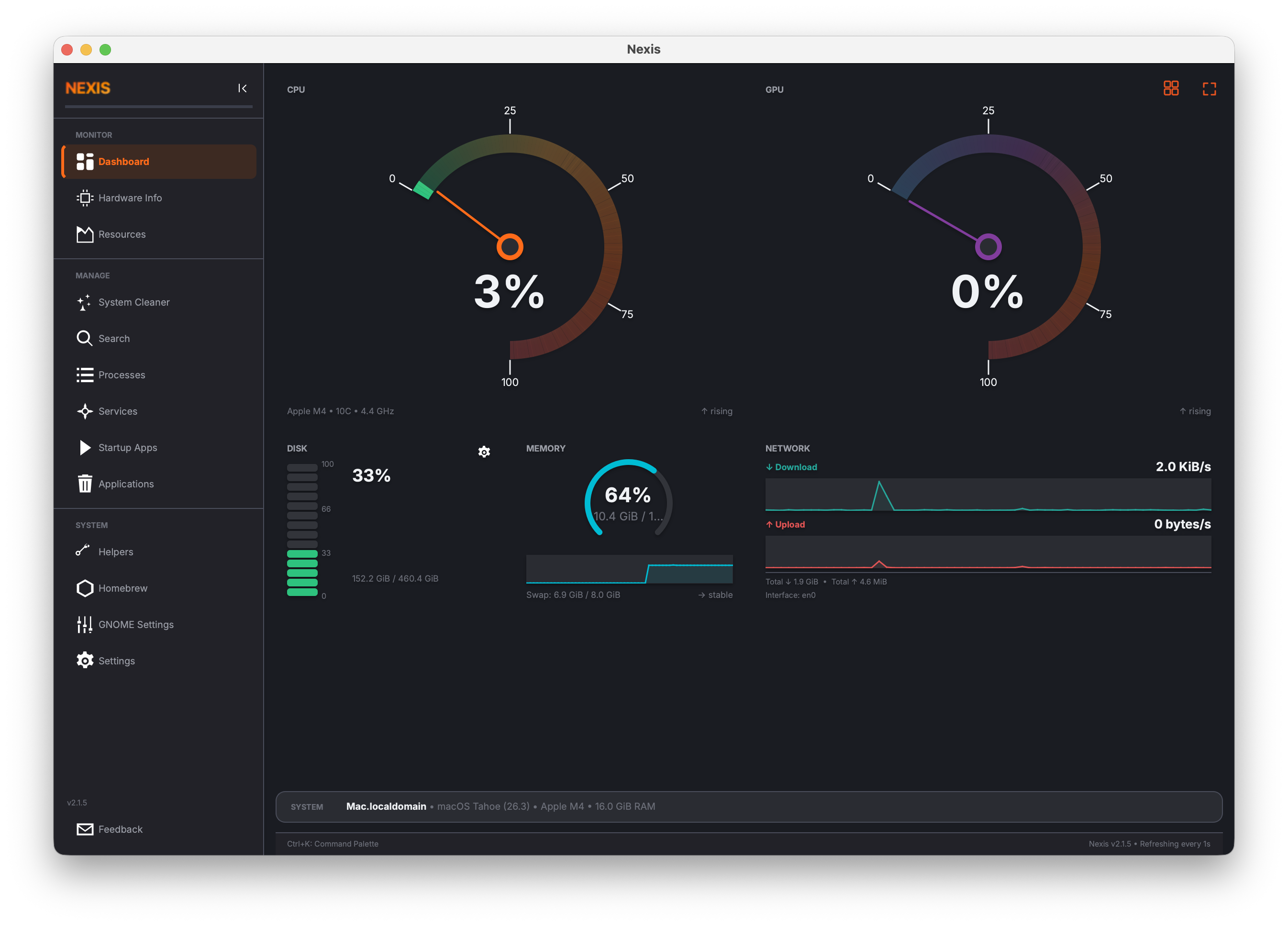
Dashboard -- real-time system monitoring
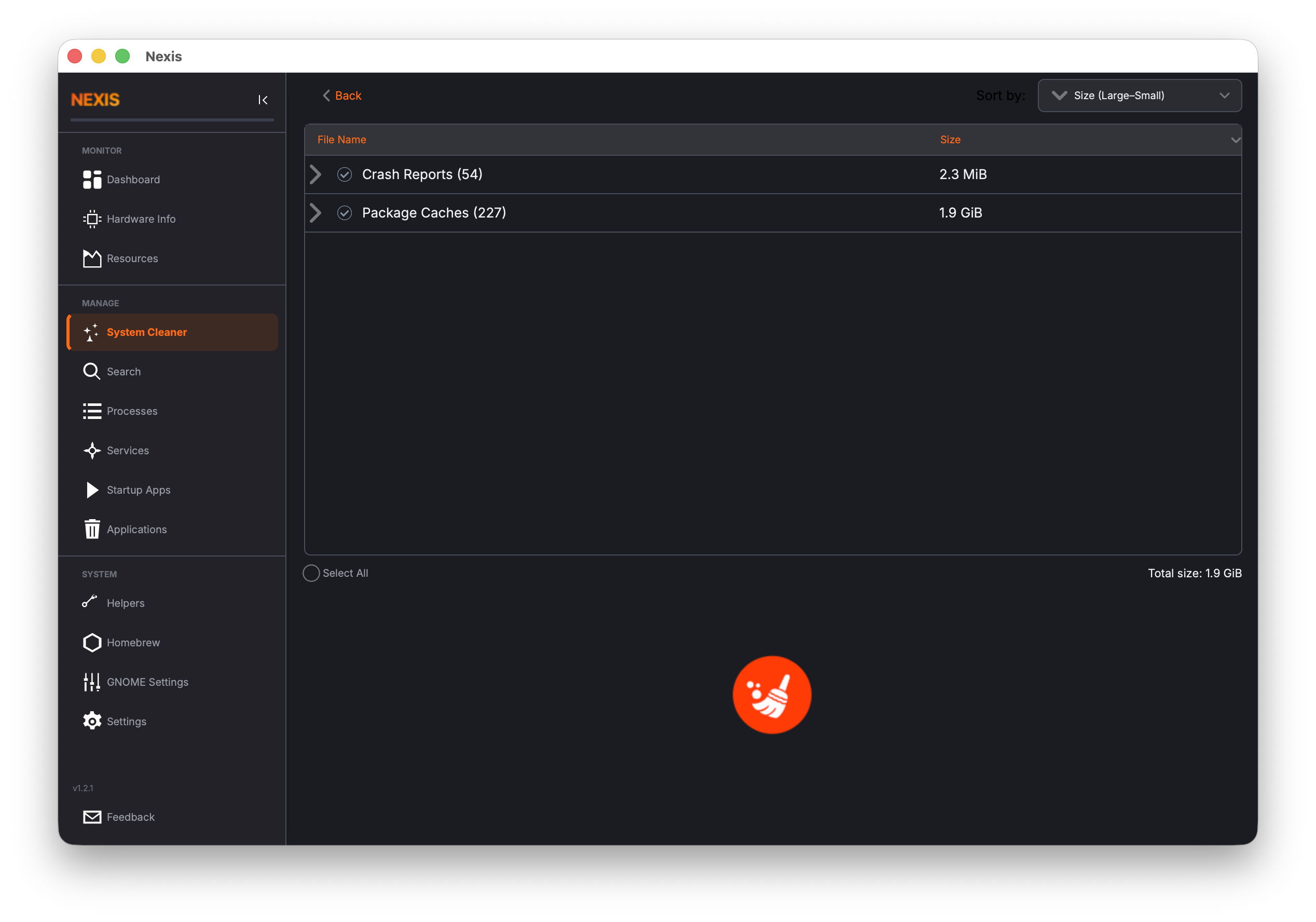
System Cleaner -- remove caches, logs, and crash reports
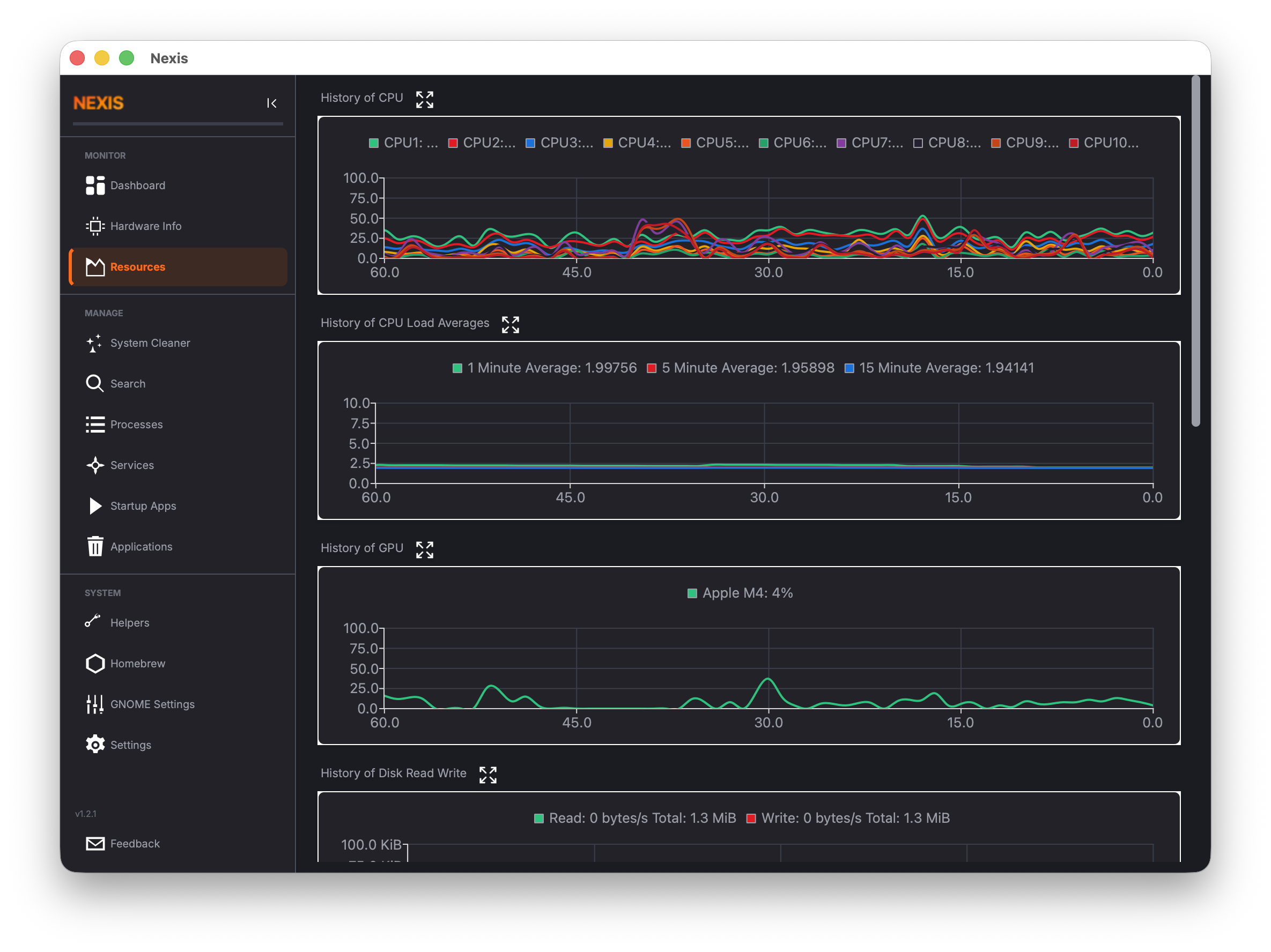
Resources -- historical CPU, memory, GPU, network, and disk I/O charts
View all screenshots
| Page | Screenshot |
|---|---|
| Hardware Info | 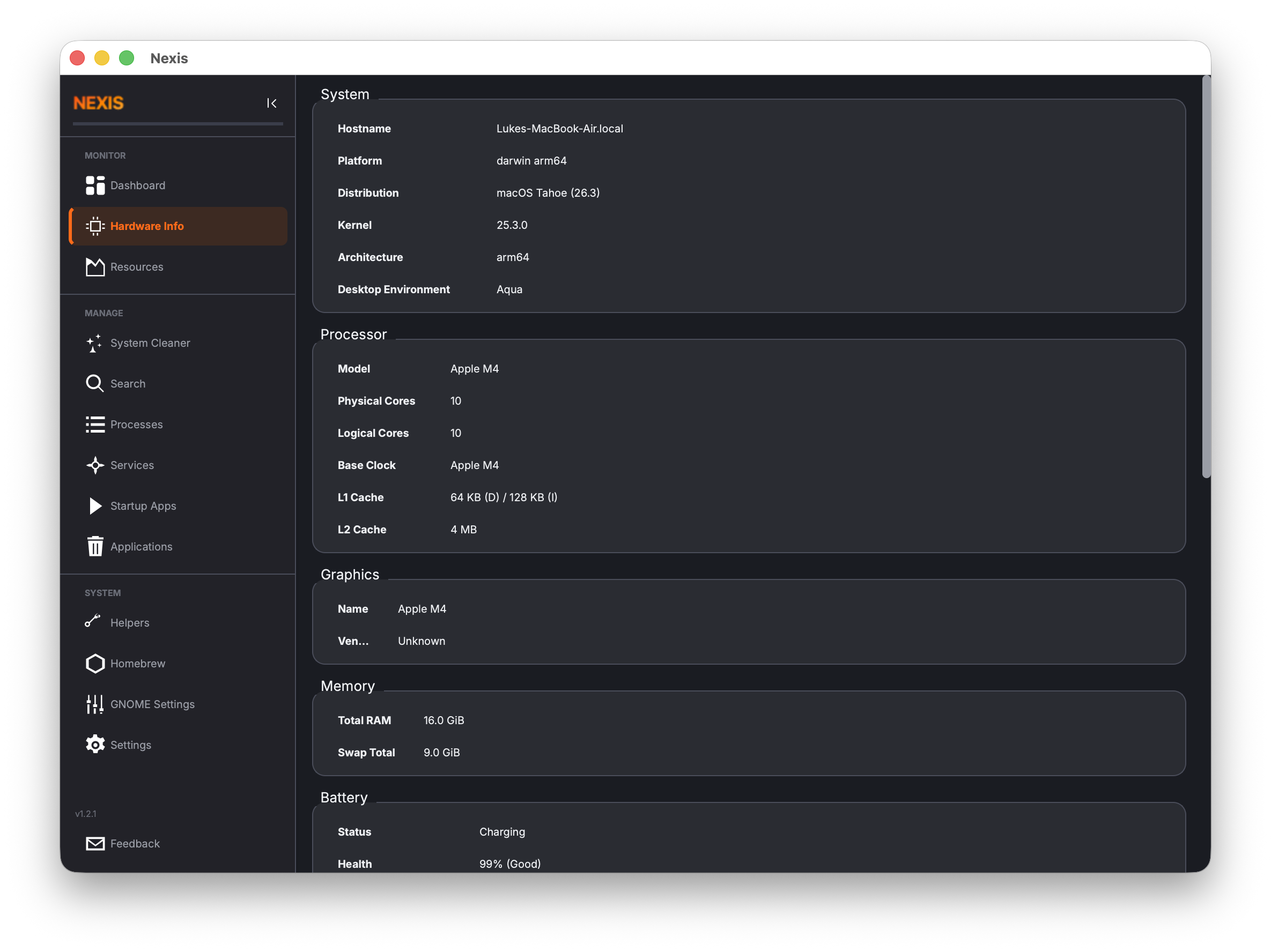 |
| Startup Apps | 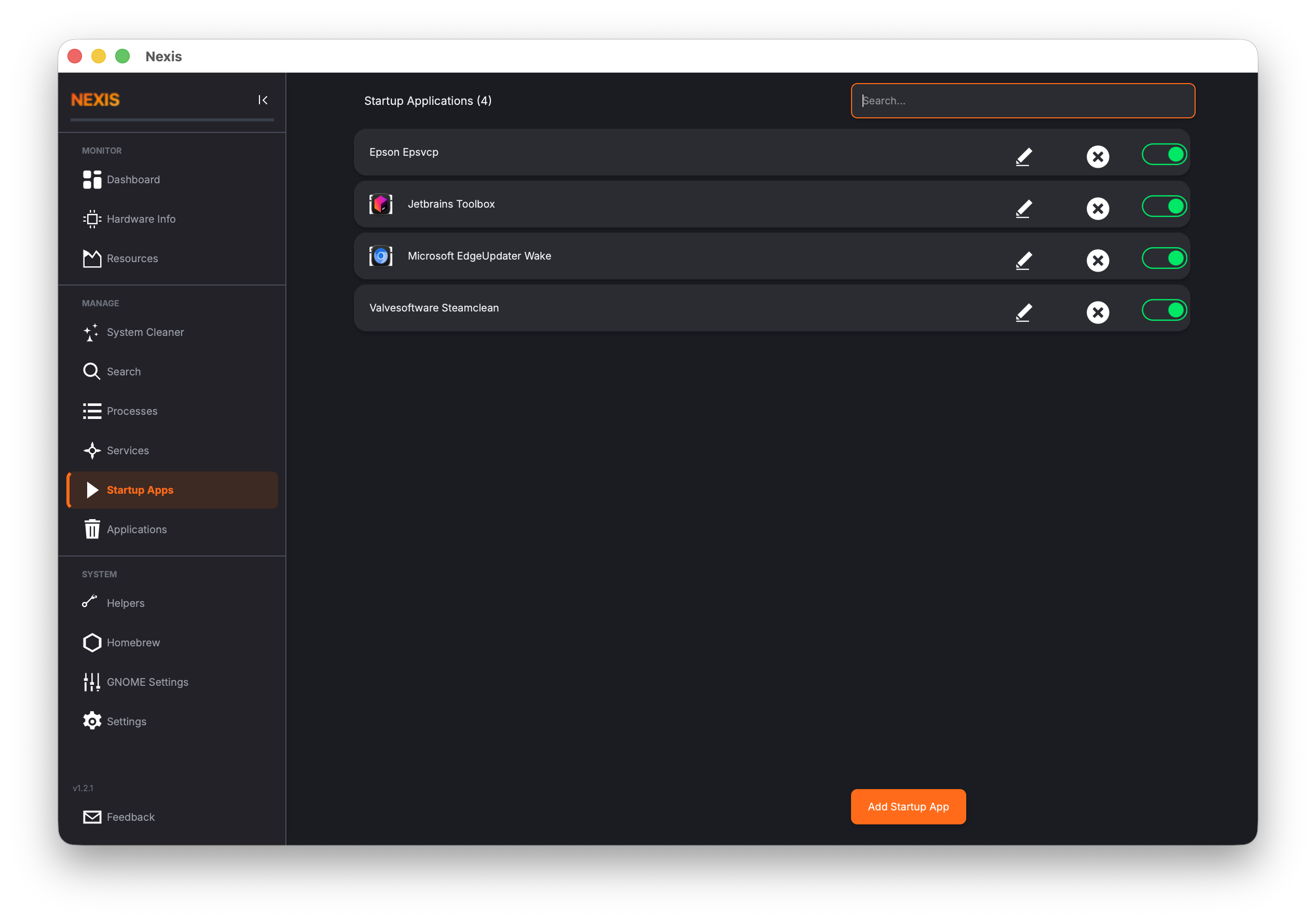 |
| Search | 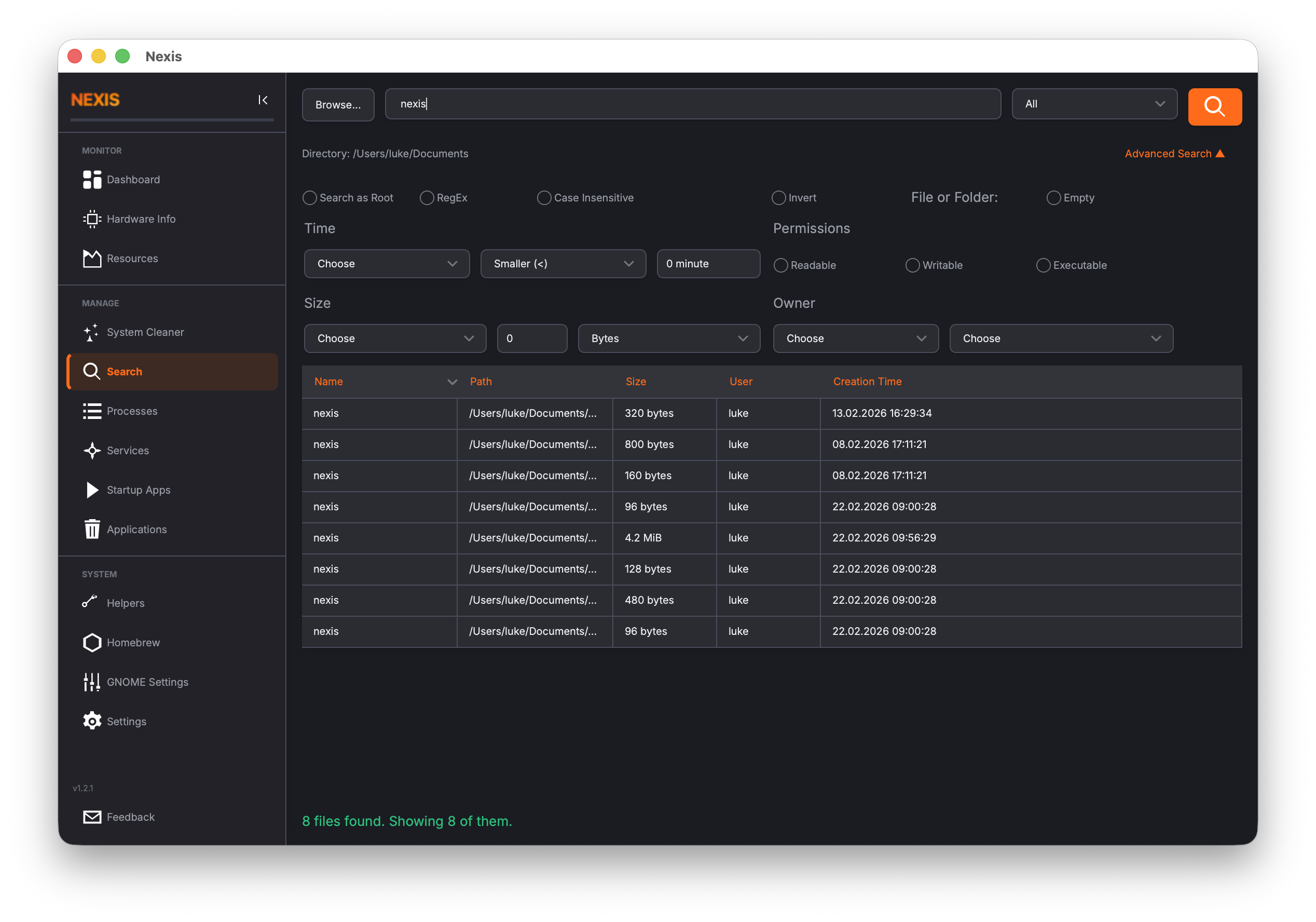 |
| Services | 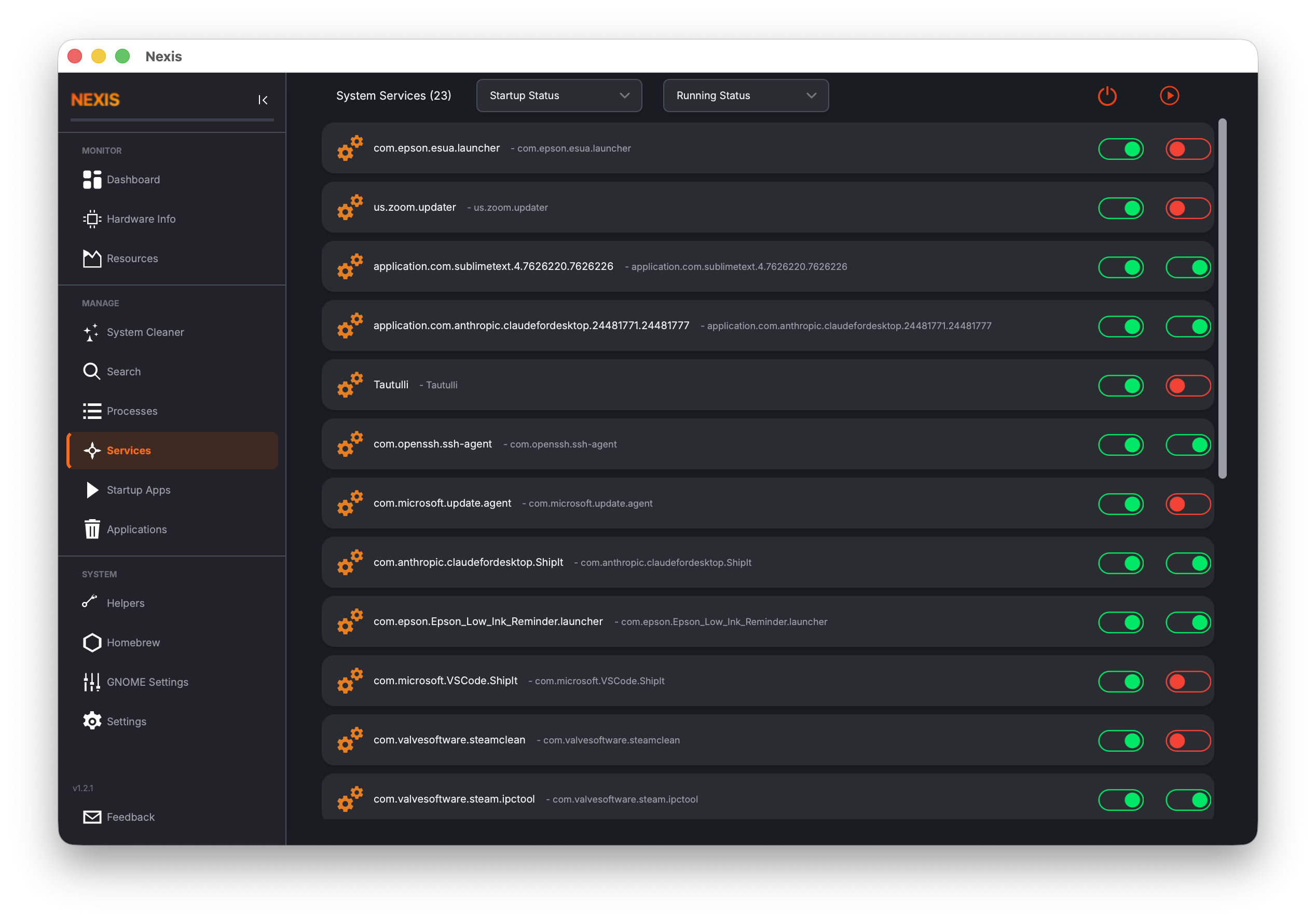 |
| Processes | 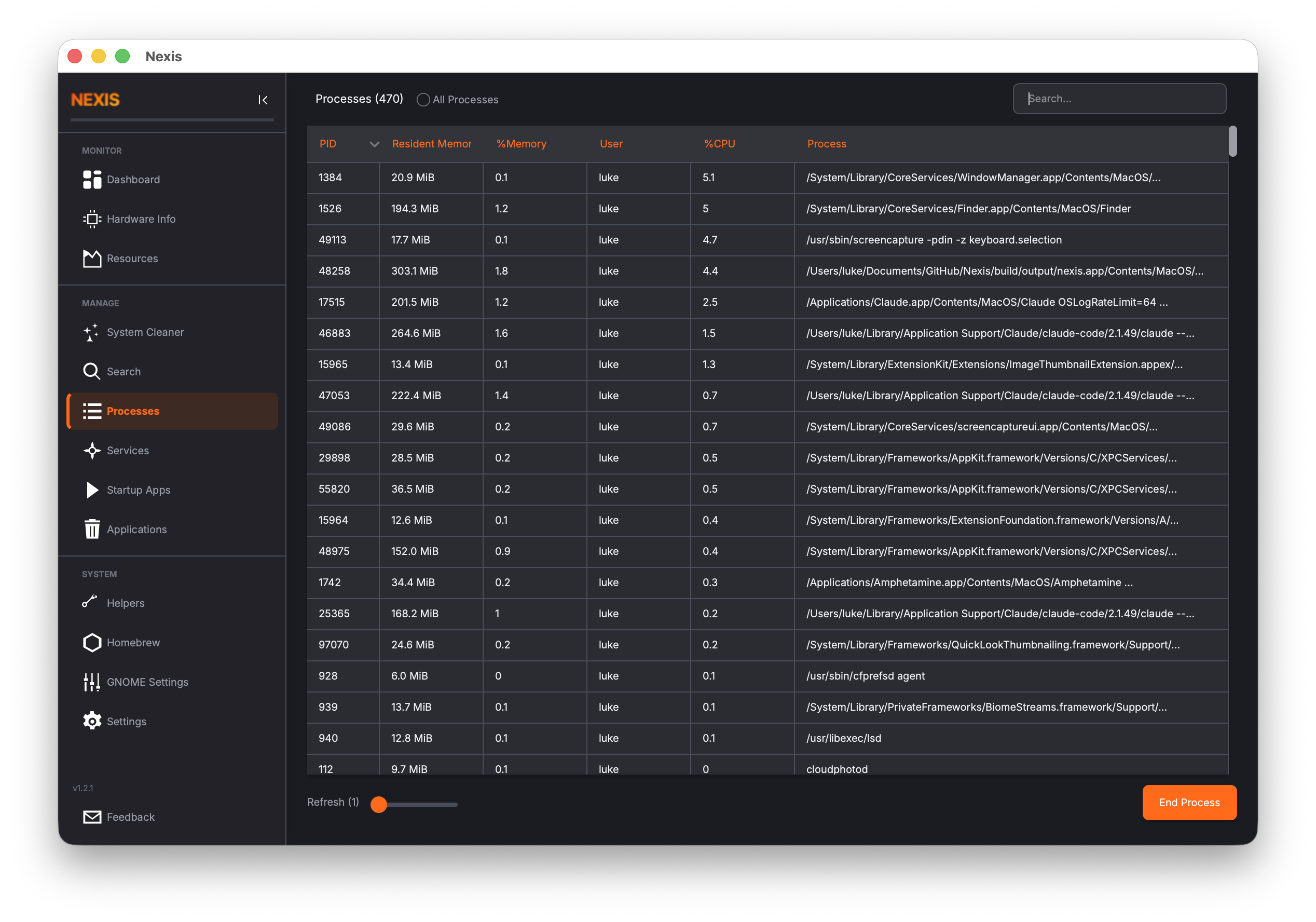 |
| Uninstaller | 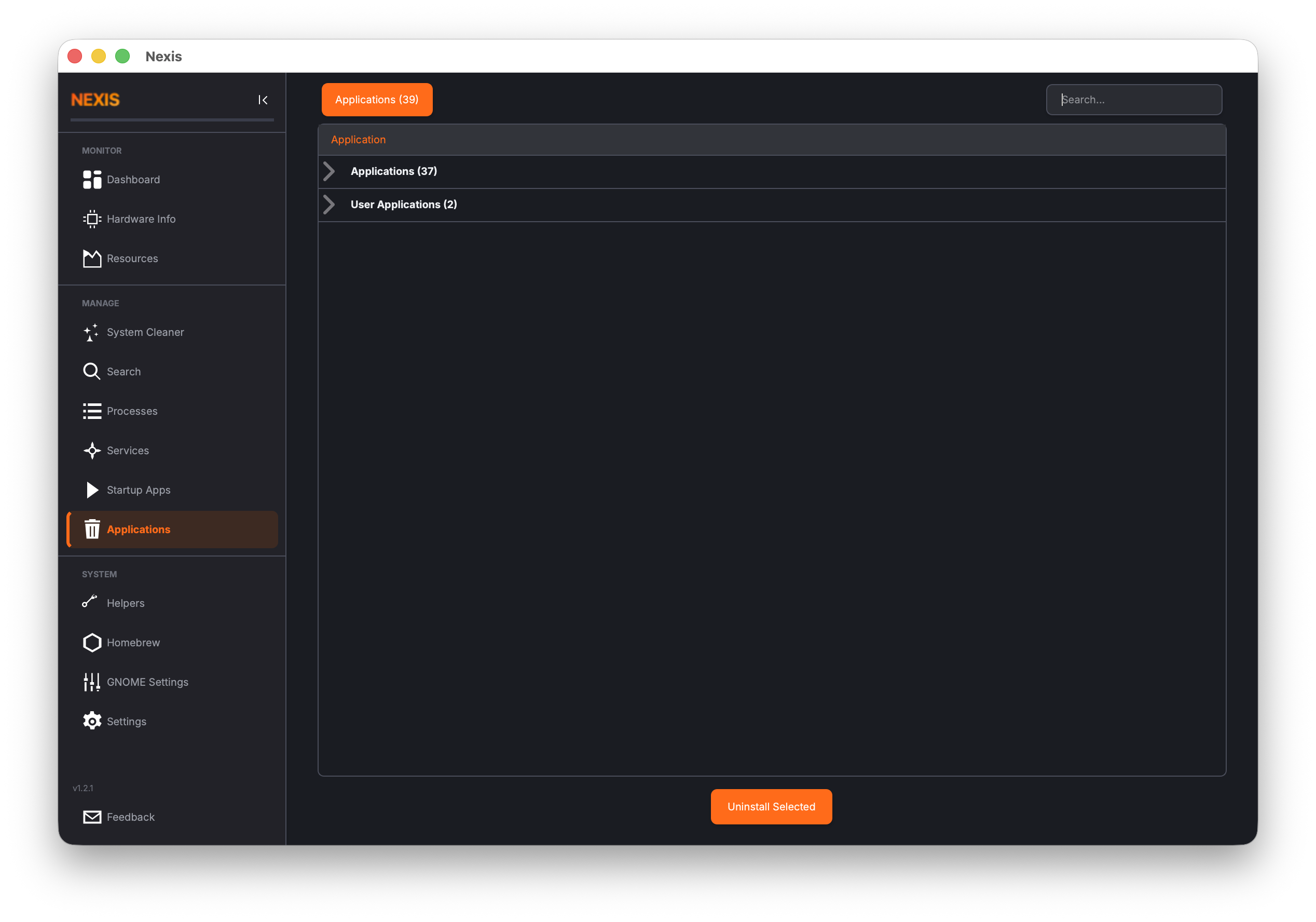 |
| Docker |  |
| Resources | 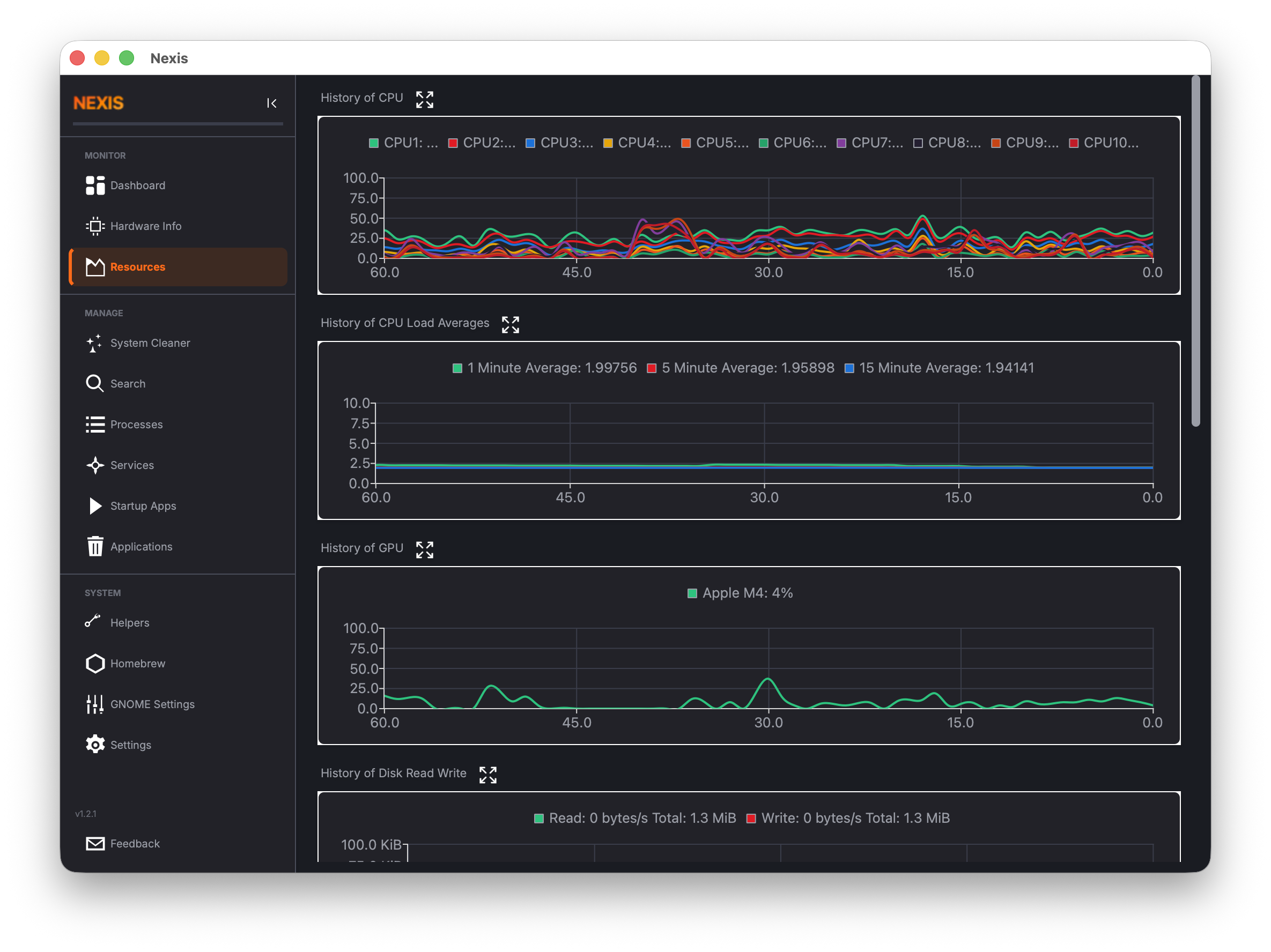 |
| Helpers | 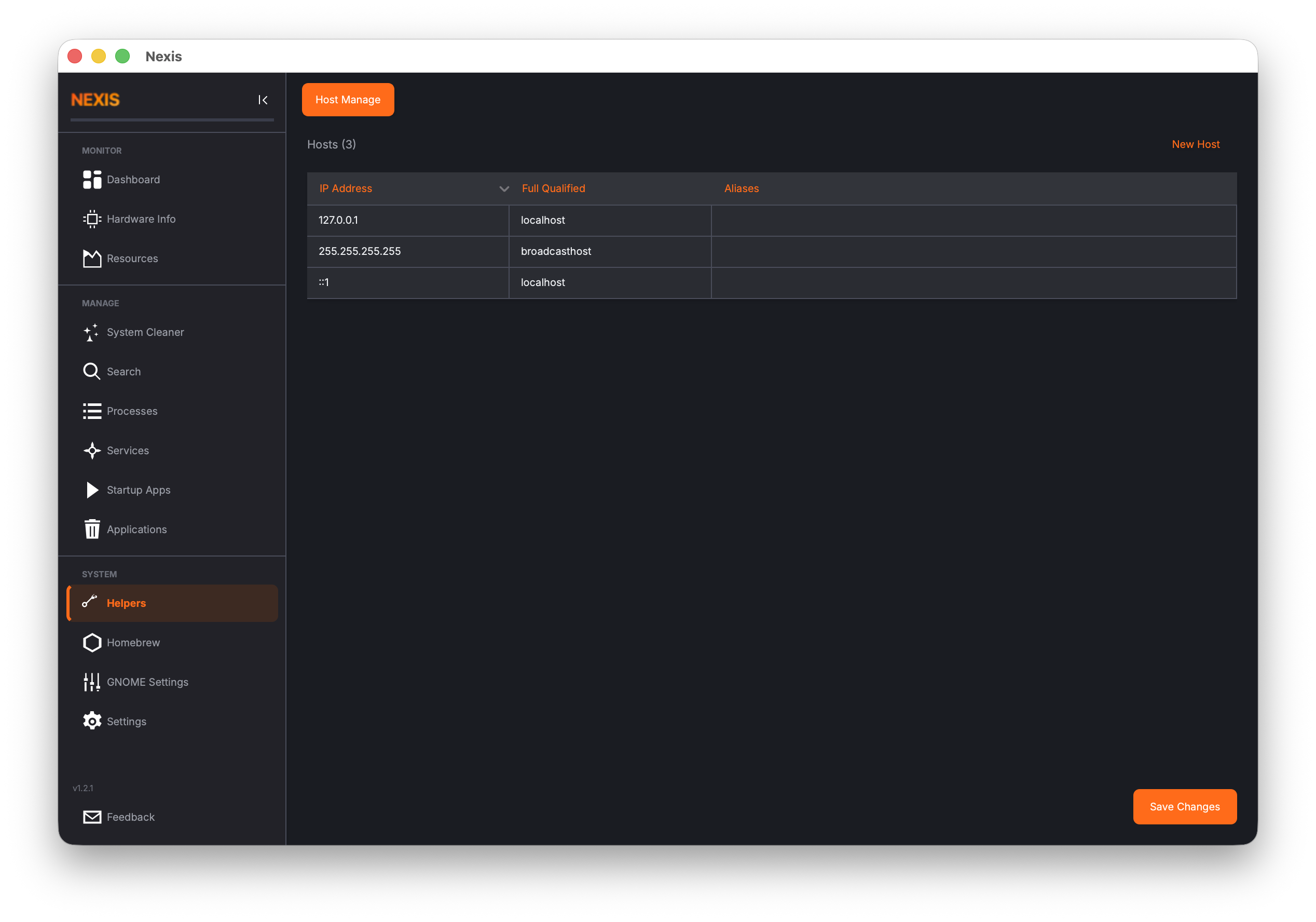 |
| APT Repository Manager | |
| GNOME Settings | 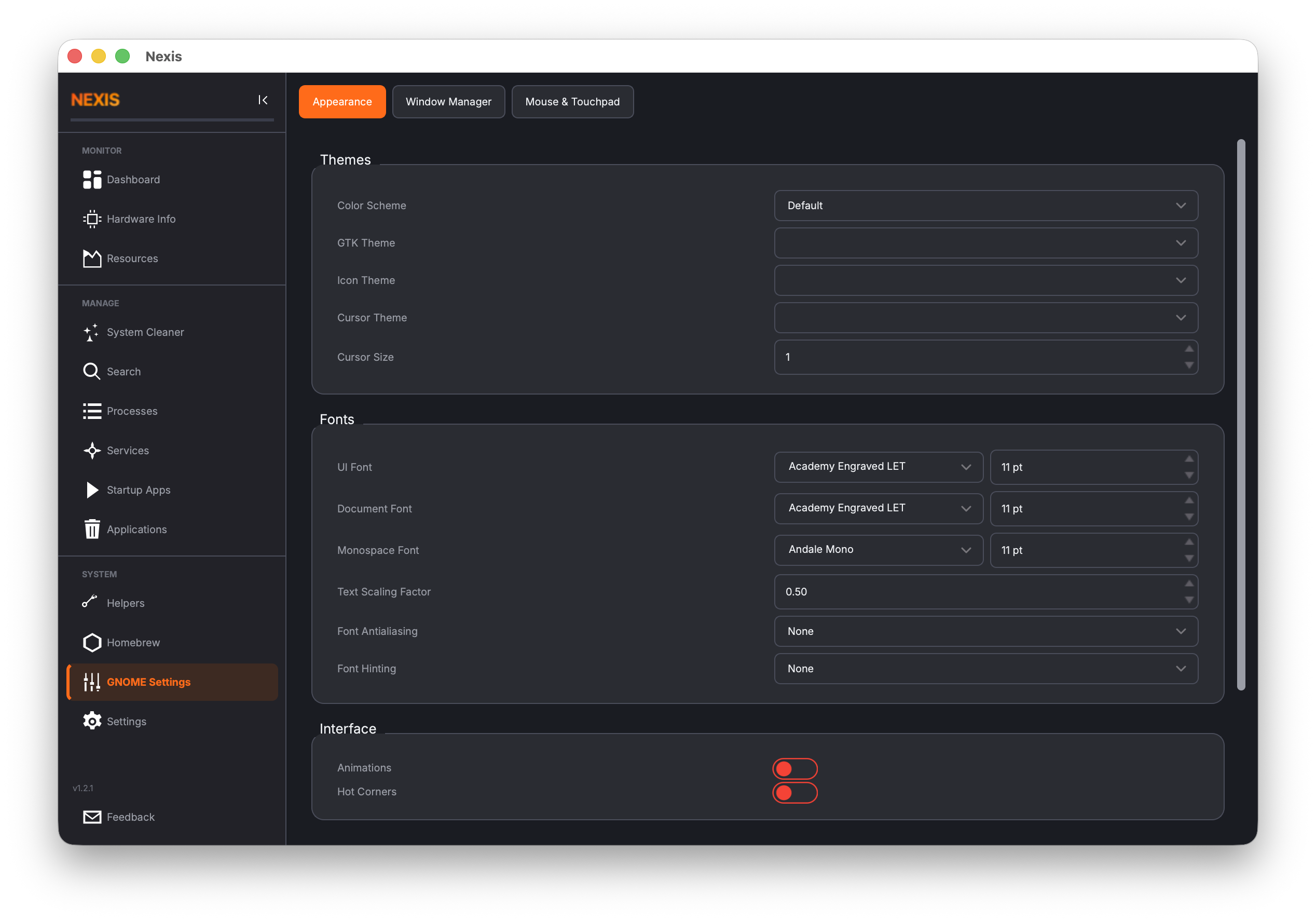 |
| GNOME Settings (Window Manager) | 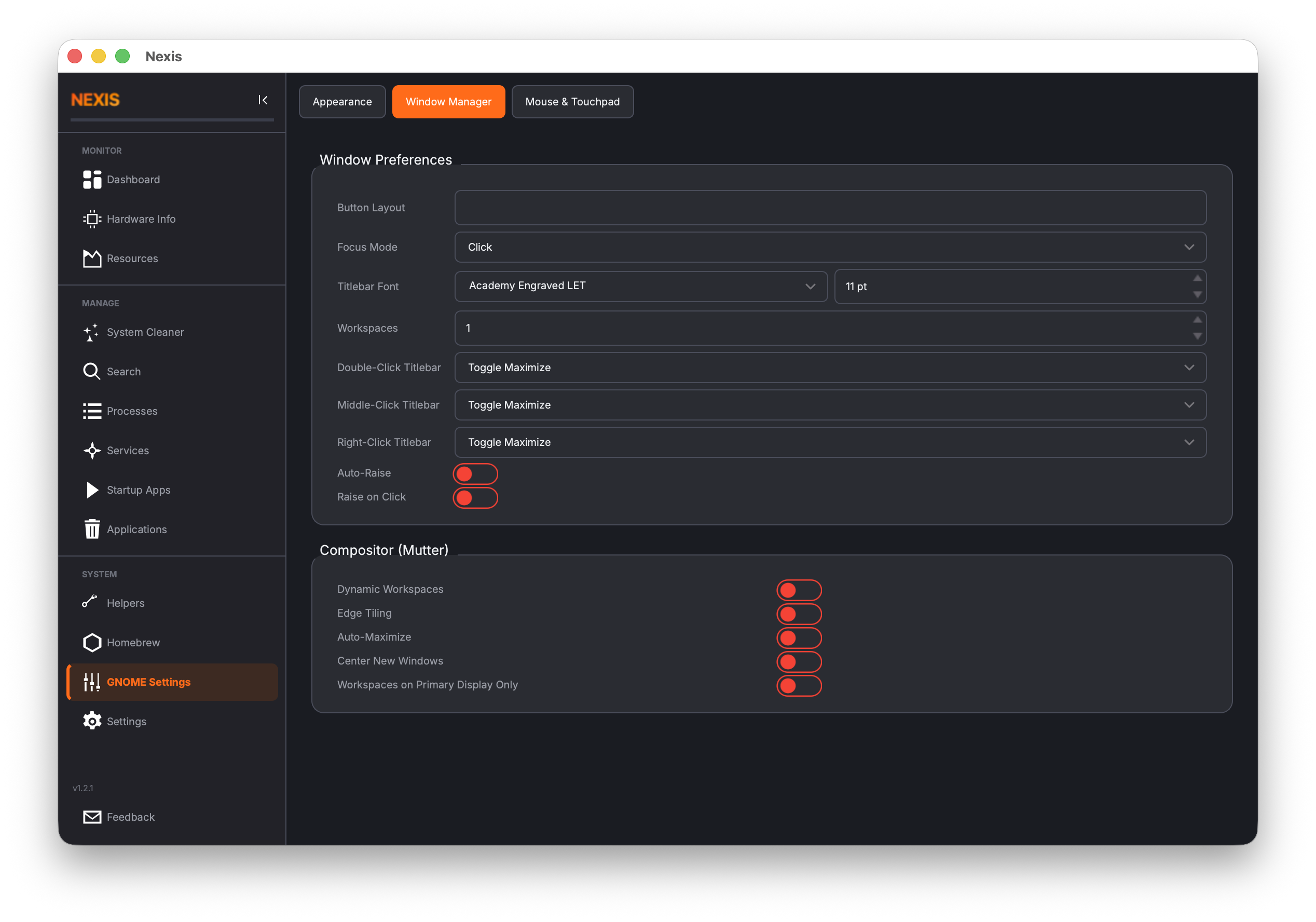 |
| GNOME Settings (Mouse/Touchpad) | 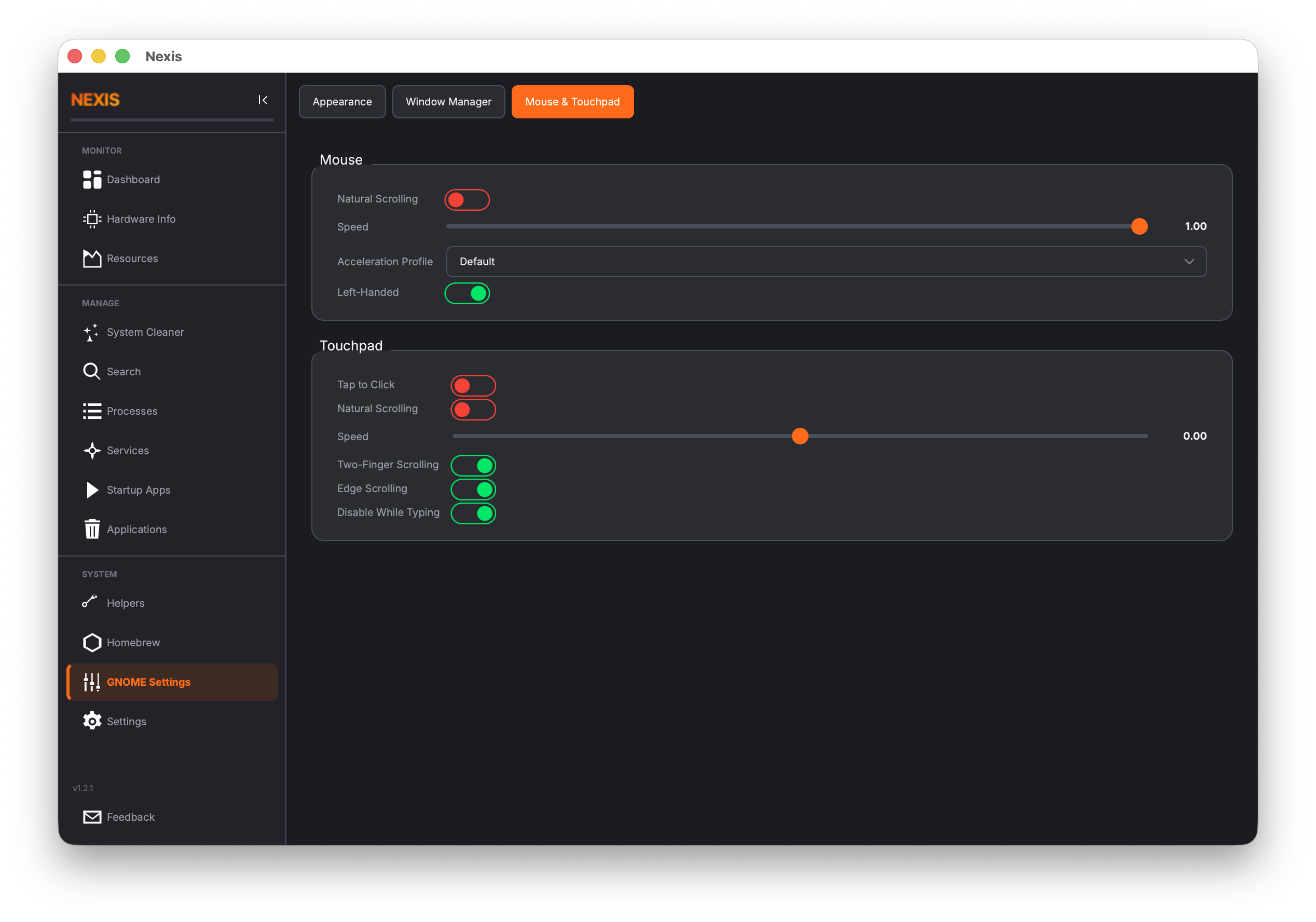 |
| Settings | 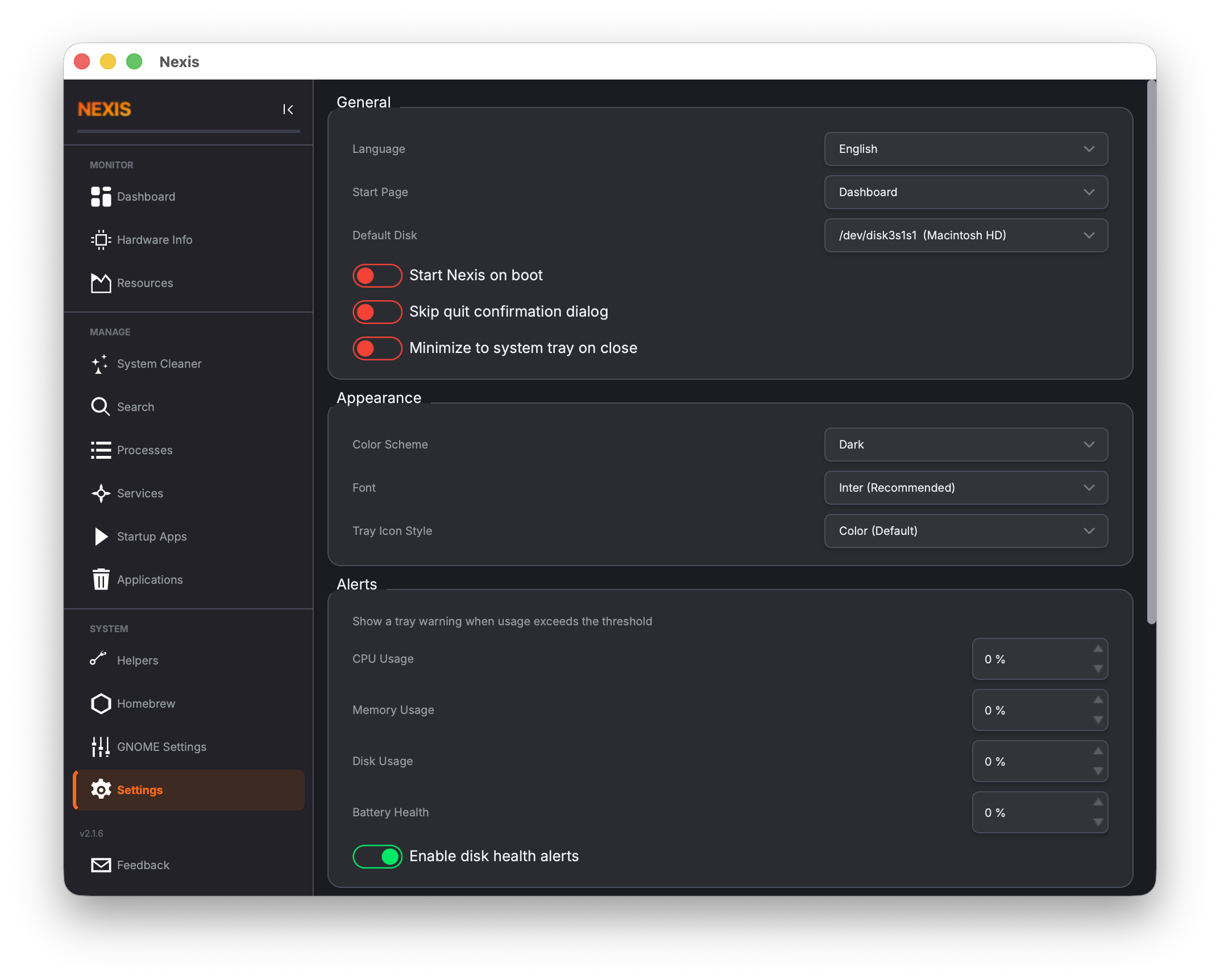 |
| Feedback | 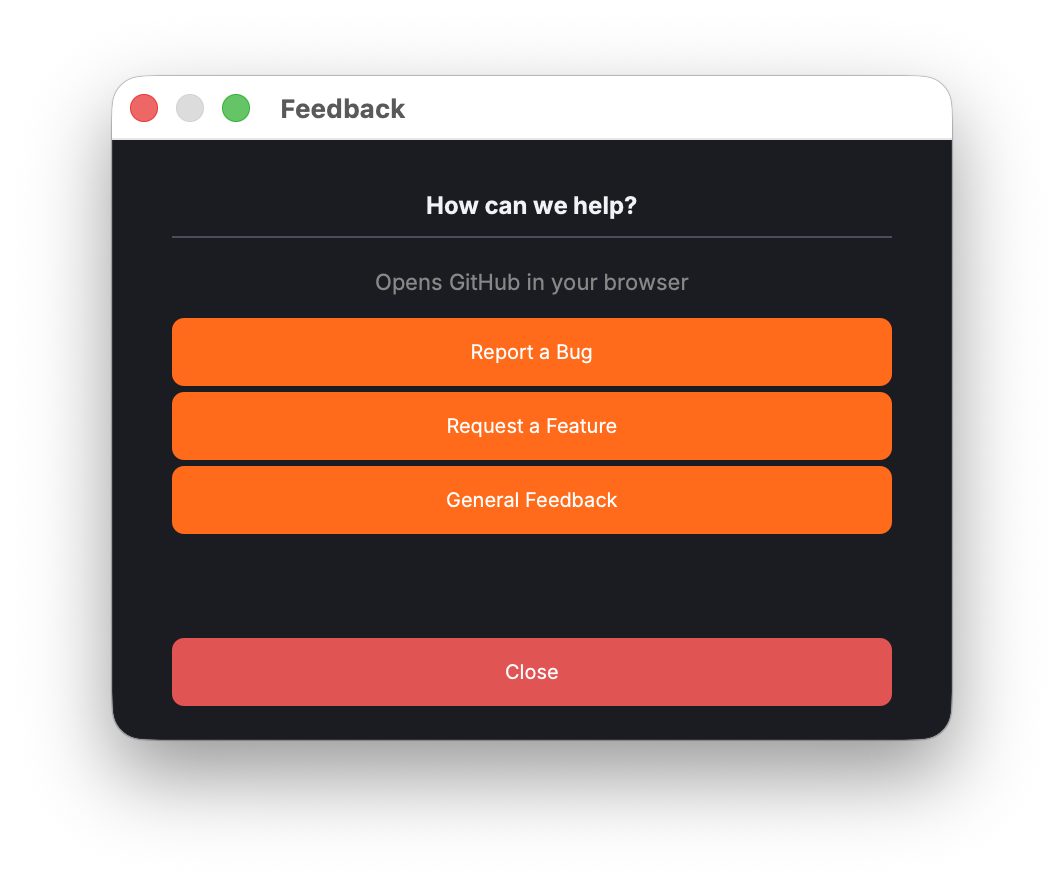 |
Install Qt 6 development libraries and the Adwaita icon theme:
Ubuntu / Debian:
sudo apt install qt6-base-dev qt6-charts-dev qt6-svg-dev qt6-tools-dev-tools \
  libqt6concurrent6 adwaita-icon-theme cmake g++
Fedora / RHEL:
sudo dnf install qt6-qtbase-devel qt6-qtcharts-devel qt6-qtsvg-devel \
  qt6-linguist adwaita-icon-theme cmake gcc-c++
Arch Linux:
sudo pacman -S qt6-base qt6-charts qt6-svg qt6-tools adwaita-icon-theme cmakeInstall dependencies via Homebrew. The adwaita-icon-theme package is required for consistent icon rendering -- without it, many UI icons will appear blank.
brew install qt@6 cmake adwaita-icon-themeAfter installing, ensure Qt is in your path:
export PATH="$(brew --prefix qt@6)/bin:$PATH"mkdir -p build && cd build
cmake ..
make -j$(nproc 2>/dev/null || sysctl -n hw.ncpu)Nexis is co-authored by Claude Code, Anthropic's AI coding agent. Claude Code contributes to architecture decisions, feature implementation, bug fixes, CI/CD pipelines, and release engineering -- working alongside the human maintainer as a pair-programming partner.
Nexis supports 34 languages. Translations are managed via Crowdin -- no coding required to contribute. Sign up, pick a language, and start translating in your browser.
New translations are automatically synced back to this repository via pull request.
To enable the Crowdin sync pipeline for a new fork:
- Create a project at crowdin.com (free for open source).
- Add two repository secrets in GitHub Settings > Secrets:
CROWDIN_PROJECT_ID-- numeric project ID from the Crowdin dashboard.CROWDIN_PERSONAL_TOKEN-- personal access token from Crowdin account settings.
- Seed the project with existing translations (one-time):
brew install crowdin                # macOS
export CROWDIN_PROJECT_ID=<id>
export CROWDIN_PERSONAL_TOKEN=<token>
crowdin upload sources --config crowdin.yml
crowdin upload translations --config crowdin.yml --auto-approve-imported
- The
crowdin-sync.ymlGitHub Action handles ongoing sync automatically.
Bug reports and feature requests are welcome! Please open an issue or submit a pull request. See CHANGELOG.md for release history.