


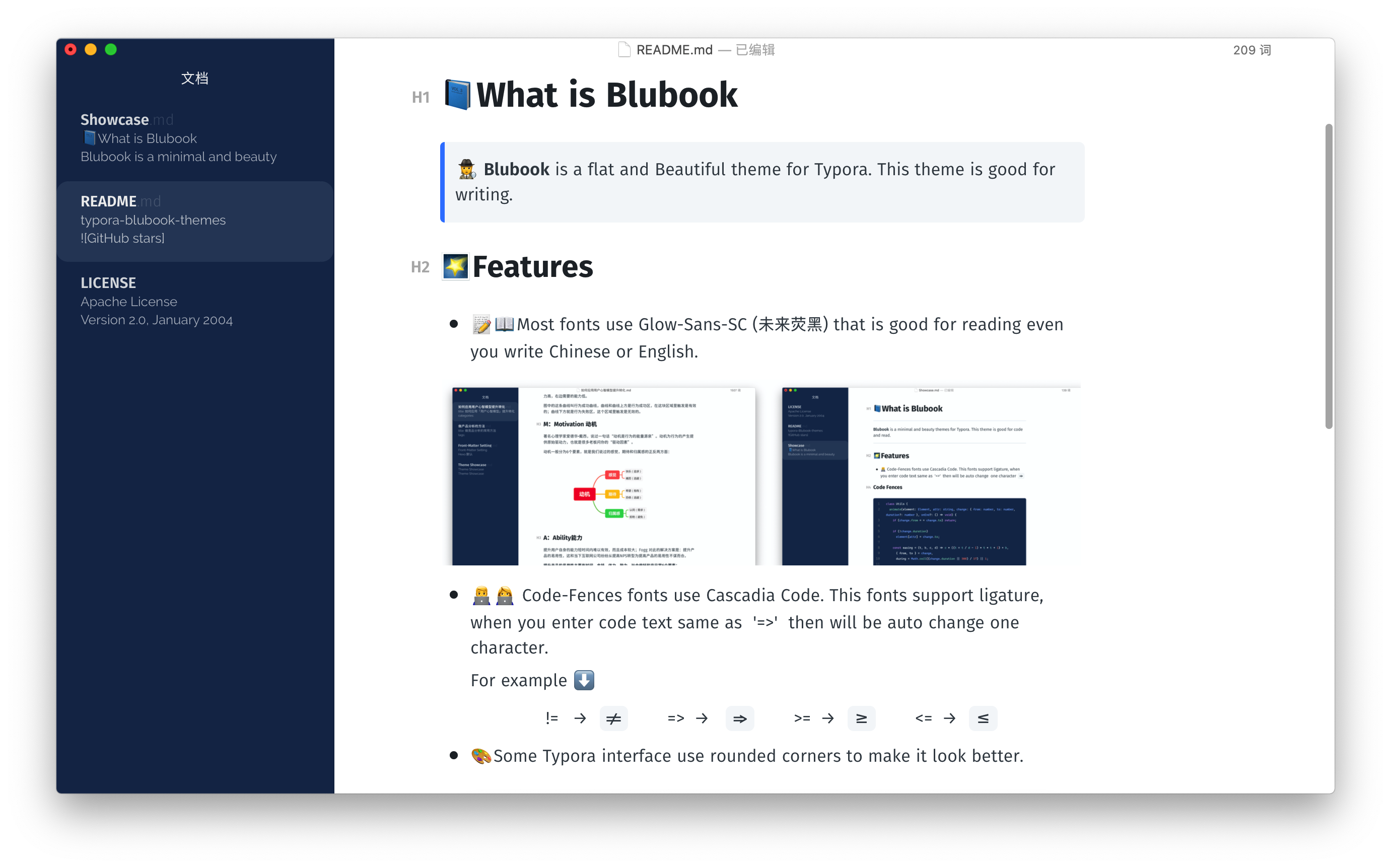
🕵️ Blubook is a flat and Beautiful theme for Typora. This theme is good for writing.
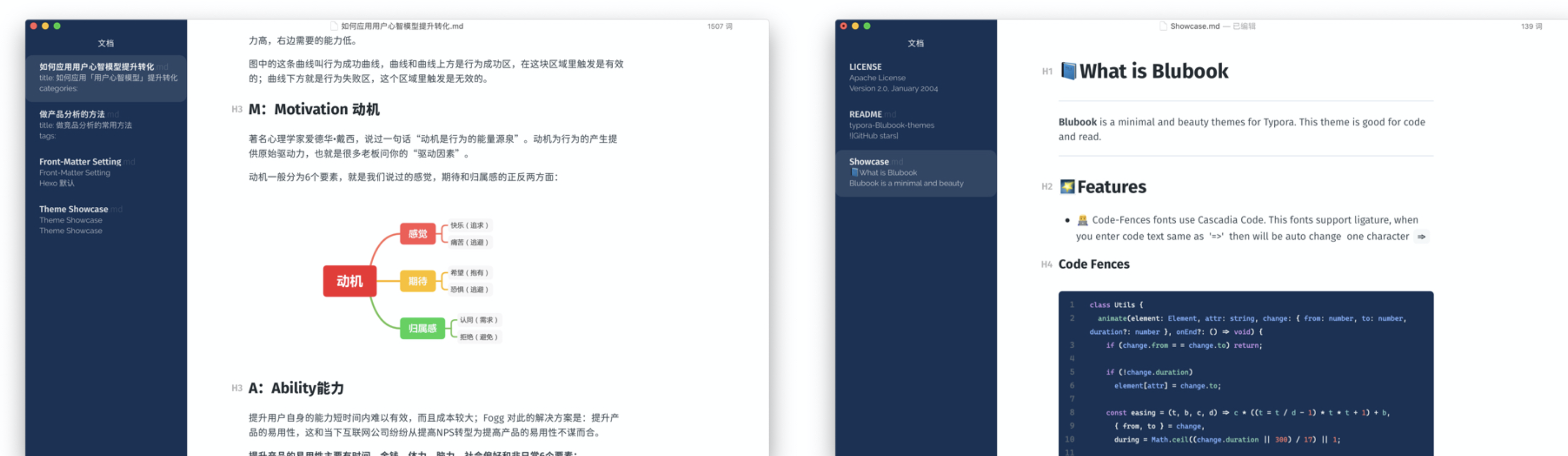
- 📝📖Most fonts use Glow-Sans-SC (未来荧黑) that is good for reading even you write Chinese or English.
- 🎨Some Typora interface use rounded corners to make it look better.
-
👨💻👩💻 Code-Fences fonts use
Cascadia Code. This fonts support ligature, when you enter code text same as '=>' then will be auto change one character.For example ⬇️
-
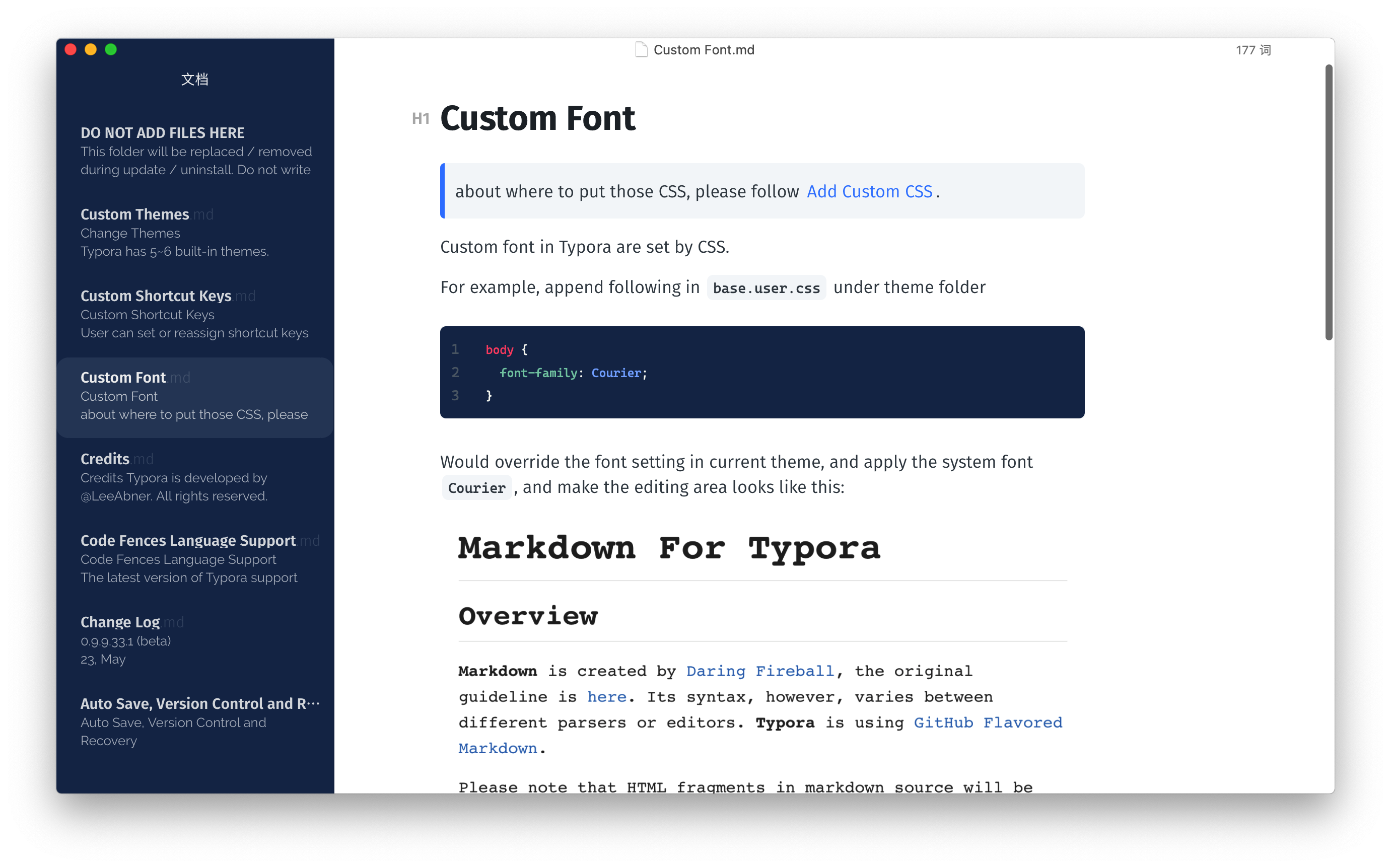
⌨️Improve the experience of writing code notes as much as possible. Use a rich enough highlighting effect.


- Download this zip from Github, extract this file, then you can get the
blubookfolder andblubook.css. - Open typora, click
Preference→Apperance→Open Theme Folder. - Put
blubookfolder andblubook.cssinto the open folder. - Close Typora totally, reopen Typora and select
Theme→Blubookfrom the menu bar.