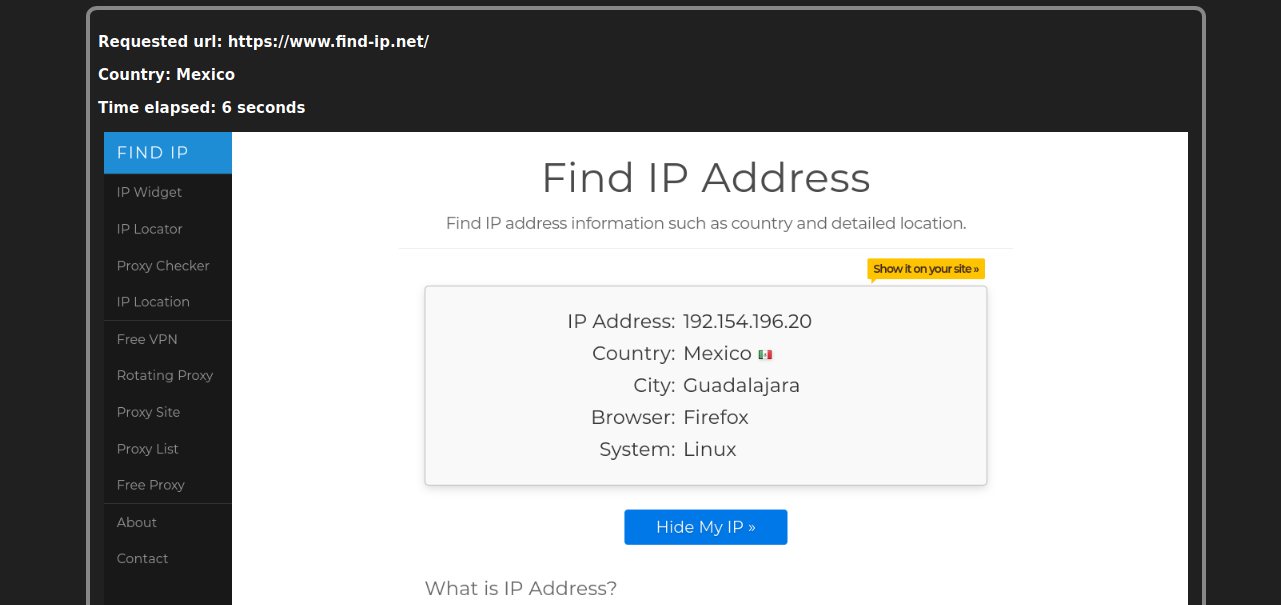
Get screenshot of given website for given country using VPN. Supports NordVPN.
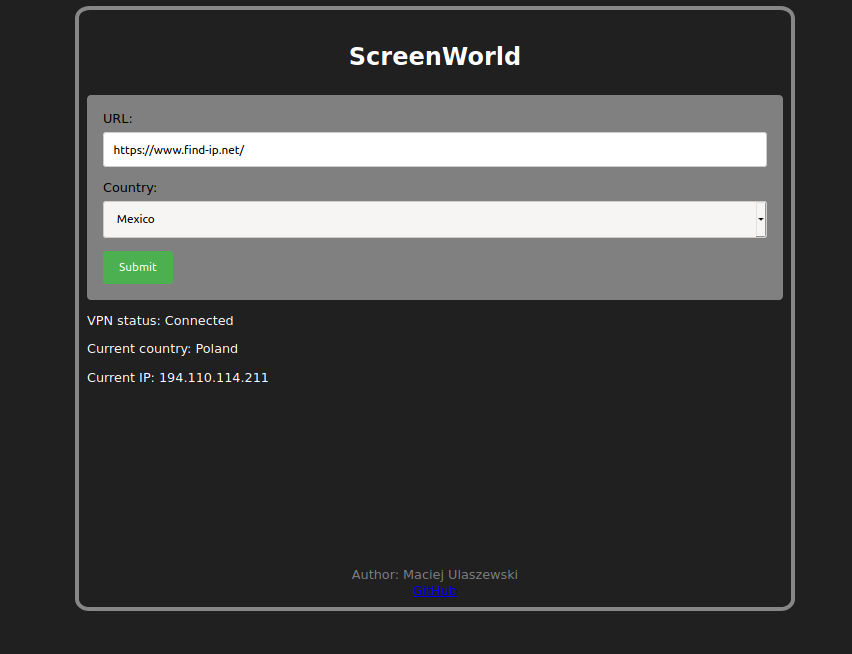
1. Open localhost:56777 in your browser.
2. NordVPN installed Installation on Linux
$ nordvpn account
Account Information:
Email Address: youremail@example.com
VPN Service: Active (Expires on Dec 10th, 2021)
git clone https://github.com/ulaszewskim/ScreenWorld.git
cd ScreenWorldmkdir venv
python3 -m venv venv/
source ./venv/bin/activatepip3 install -r requirements.txtwget https://github.com/mozilla/geckodriver/releases/download/v0.27.0/geckodriver-v0.27.0-linux64.tar.gz
tar -zxvf geckodriver-v0.27.0-linux64.tar.gz
rm geckodriver-v0.27.0-linux64.tar.gzwget https://download-installer.cdn.mozilla.net/pub/firefox/releases/81.0.1/linux-x86_64/pl/firefox-81.0.1.tar.bz2
tar -xvf firefox-81.0.1.tar.bz2
rm firefox-81.0.1.tar.bz2Warning! If you chose to use different versions of geckodriver and Firefox make sure they are compatible with each other
Change path to absolute if you want to run from different directory.
python3 app.py- Finish Docker container support