TF2 Chat To TTS is an exteneral script/app, made using TypeScript and Deno, that reads from a TF2 Log File and prints out any chat messages. Note: This is tested and built for windows since it relys on Microsoft TTS voices.
(THIS SHOULD ALSO WORK FOR ANY SOURCE GAME BUT I HAVE ONLY TESTED IT WITH Team Fortress 2)
- Team Only mode
- Filter Out "Trade Chat"
- Swear Filter:
- None (no filter)
- Light (slurs and extremes)
- Heavy (Filters Everything basically)
- Changable TTS Voice
- Disable the reading of names
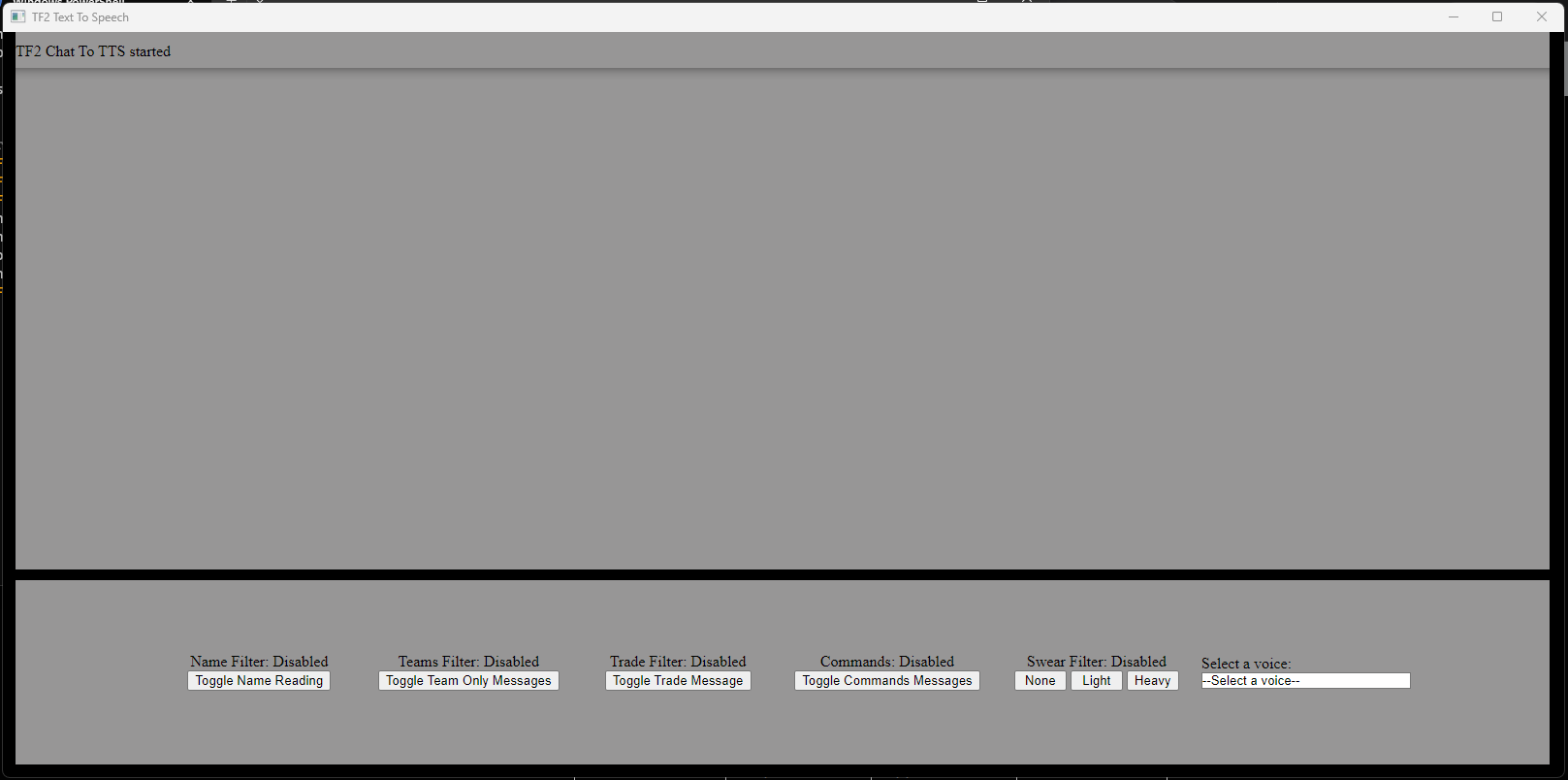
Note: there are no compiled binaries due to Deno not supporting the compiling of NPM & Node packages, so it will have to be started by command line or a bat file.
- Open Steam
- Find Team Fortress 2 In your library
- Right click on the name in the library
- Click "properties"
- Under launch options add:
+con_logfile "FILENAME.log"(change "Filename" to whatever you want the file to be named: Default is "ttslog") - Start game.
- Download the Latest Version of Deno.
- Download the Latest Version of TF2 Chat To TTS.
- Extract it to the location of your choosing.
- Optional: edit the config "-settings.json" (Only change the "consoleLogFile" and "autoStart" options)
- Open the folder in Terminal or CMD.
- Start the TTS using the Line:
deno --unstable run --allow-ffi --allow-net --allow-write --allow-read --allow-run app.ts
You can change the TTS voice using the windows built-in voices, go to this url in your browser: ms-settings:speech
- (Possibly Fixed) Sometimes when starting the app it will crash with a "Not Ready State" error, run it again it should fix itself.
- Some languages may not get printed out by the TTS (blame javascript)
- redo basically all of the tts window layout
- compile into an exe when NPM is supported by deno
- allow players to have a different voice than default (set by user)