Futuristic way of taking notes
Notes generator is a web application written using React and Django. It converts
normal markdown notes into a flowchart that makes revision of topic more
efficient and fun.
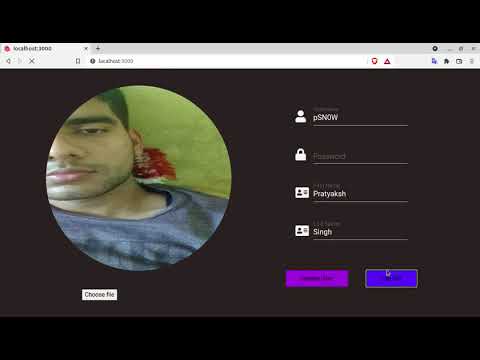
Check out this video to understand the working of
Notesy better.
The idea of this project came when I was working on a project for Object
Oriented Methodology. I had to make class and Use Case diagrams and I completely
hated the idea of dragging and dropping components and then writing to it. I
just wanted to write the hierarchy in a text file and have some software convert
them into a flowchart. I searched for software to do this, but couldn't fine any
so I decided to create one myself.
During research on the topic, I found
out that humans tend to remember concepts longer if they are presented to them
in pictorial form, and that's why teachers use flowcharts for explanation. This
discovery led me to expand my idea and motivated me to create an app that can
convert a normal text file into a flowchart.
Upon further investigation, I
discovered that most of people have already shifted from taking notes using pen
and paper to taking notes on computer and markdown is widely used file extension
for this.
So finally I decided to make an application that can convert a
markdown file into flowchart.
- Create flowcharts quickly by not having to worry about GUI
- Save your notes for future read
- Customize the look of your flowchart
- Share note globally or with your friend
- Easy sign up
- Beautiful looking note to make learning fun
Following tech stacks have been used to create this project
React
React is used for frontend of the application because it works
on the concept of building webpage from components and this concept is helpful
for this app as flowchart is also build from small components (nodes).
Pybind11
I wrote the function that converts markdown into JSX string
in C++ language as it is fast. Pybind11 was chosen as it is a header only
library that can easily convert a C++ function to a python function.
Django
Django was used for backend as it is also a python framework
and hence can use the python module generated by Pybind11.
Make sure that python > 3.8 and npm > 6.14.4 is installed on your system
Follow the instructions in
COMMANDS.md file to start the app
Want to contribute to this project?
Fork this repository, read about the
code structure in
HACKING.md
file, make the desired changes and then create a pull request.