Link of Figma design :
@Figma
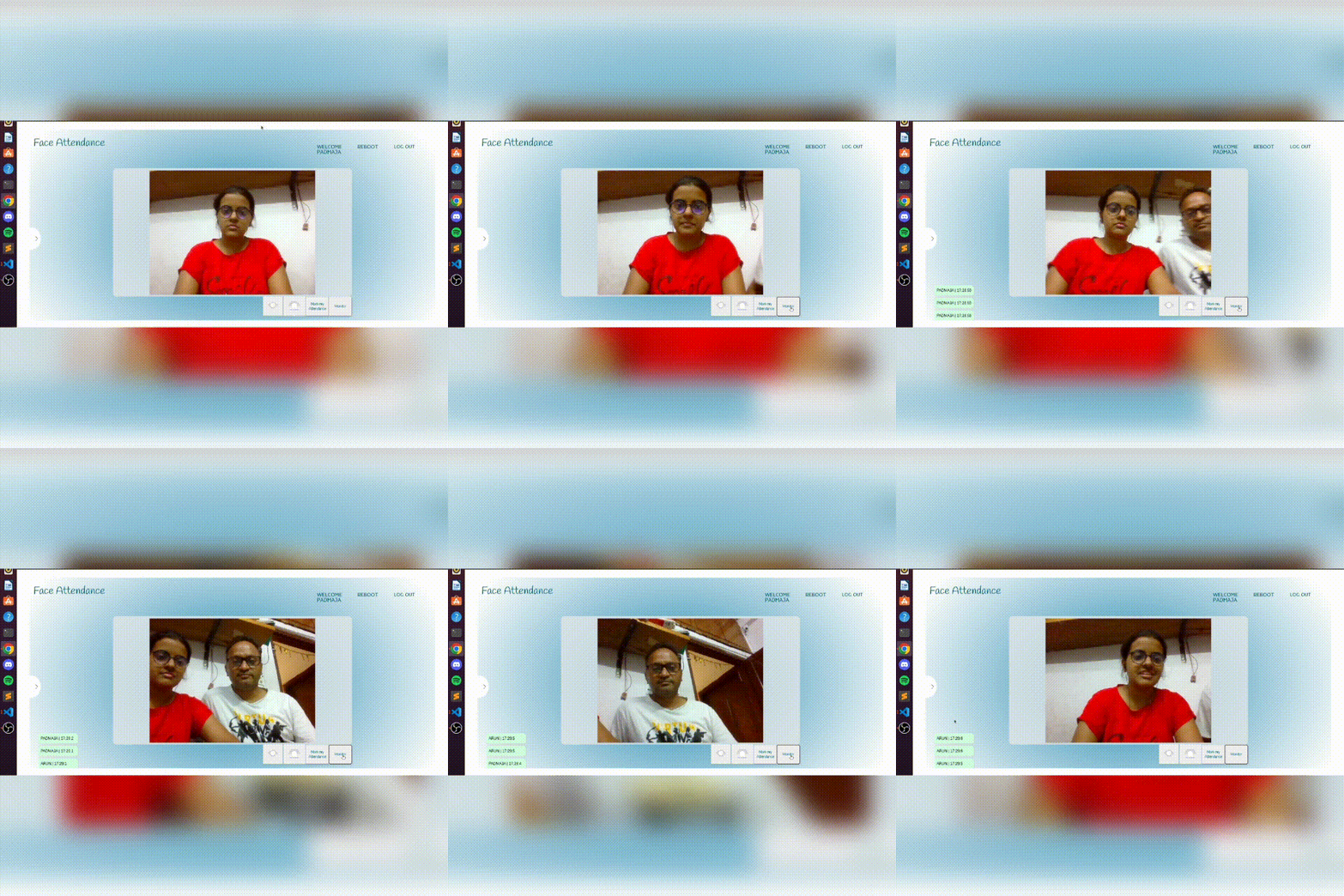
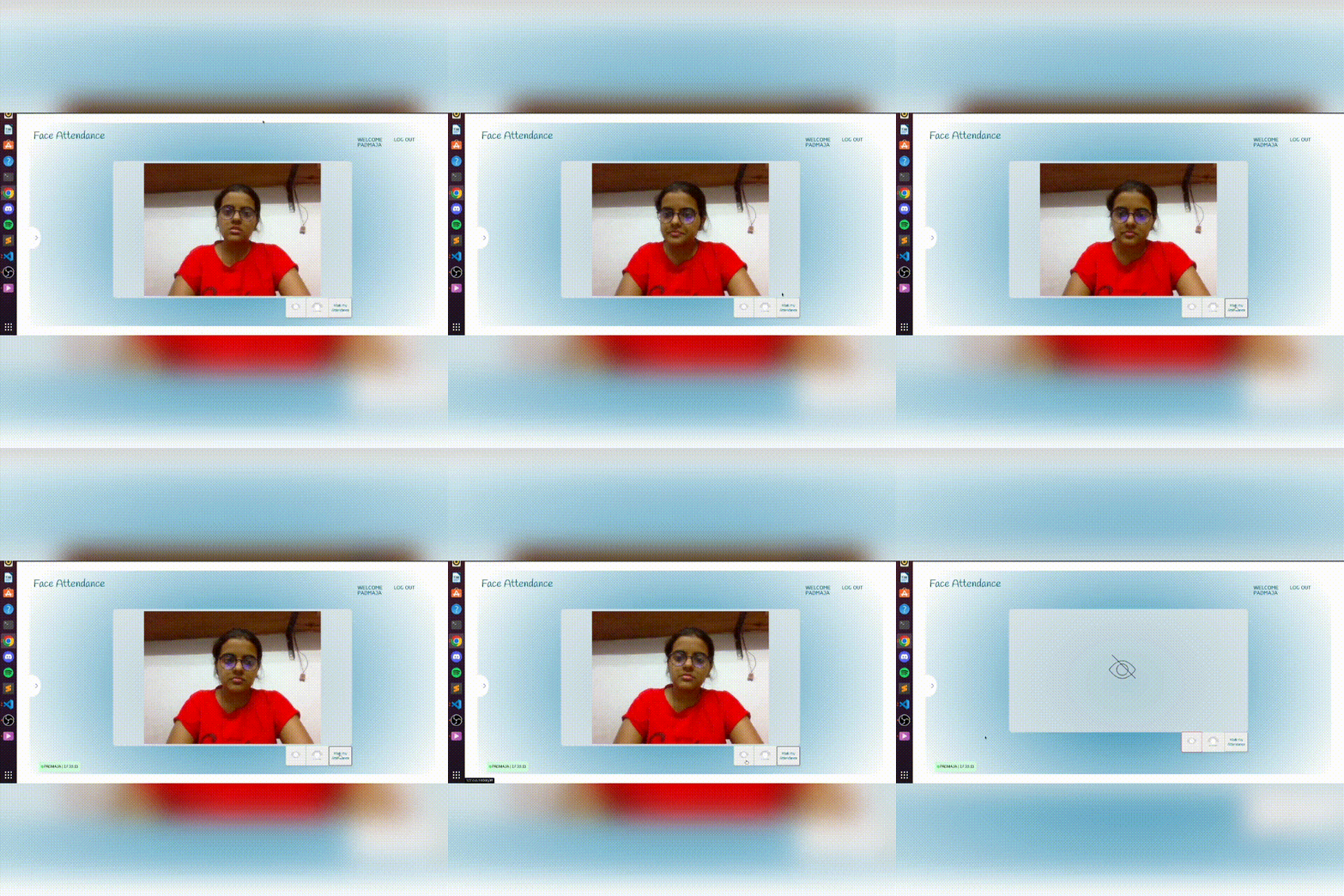
- Detects face in Real time and Create attendance Logs
- Mark my attendance option for students/attendees
- Password authentication for user signup and login
- User can download attendance report in CSV format for current month
- Profile Update option for user
- Monitor Attendees feature for admin user to monitor all the attendees in real time
- Admin can add new user to the system and upload training image from admin panel
- Report Download option for admin user to download attendance report in CSV format for all user for the given year & month
- Data visualization for attendance report for the current month
- Option for admin to retrain newly added image data
- Attendance log view feature with filter and pagination for Admin user
Running development server in Local Mechine
- Python 3.6 or above
- dlib library
- python-virtualenv
- clone the repository
git clone https://github.com/padmaja2305/engage-face_recognition.git
- Open terminal and navigate to the directory
cd engage-face_recognition
- Create virtual environment
python -m venv venv
- Activate virtual environment
source venv/bin/activate
- Install dependencies
pip install -r requirment.txt
- Run the server
python manage.py runserver
- Open browser and navigate to http://127.0.0.1:8000/
Username:admin
Password:msengage
- Mark attendance easily by using face recognition api.
- Can directly download the attendance of every student in excel format.
- It is Cost-Effective as it can save business resources by automatic student time tracking.
- More Accurate and Better Student Attendance because no proxy system will be there.
- As compared to manual attendance systems, AI-based attendance systems are highly automated and easy to manage.

-
This system have 2 types of user
-
Normal user can mark their attendance, but before that
- User has to signup
- User has to login using their email and password
- Admin has to verify the user and add his/her training image
- Admin has to restart the server using the reboot button in the admin home page
- There are 2 image fields in the Attendee table , one is for the training image and other is for the user profile image
- user can update and add profile image
- For trainingg image only admin has the permission to update that and reload the server
-
Admin home page has monitor attendance option
- Admin can monitor all the attendees in real time
- Admin can download attendance report in CSV format for all user for the given year & month
- Admin can retrain newly added image data
- Admin can view attendance log view feature with filter and pagination for Admin user