Version 1.1.1 - Fixed for modern Ubuntu with Qt 5.15+ and high-core-count CPUs

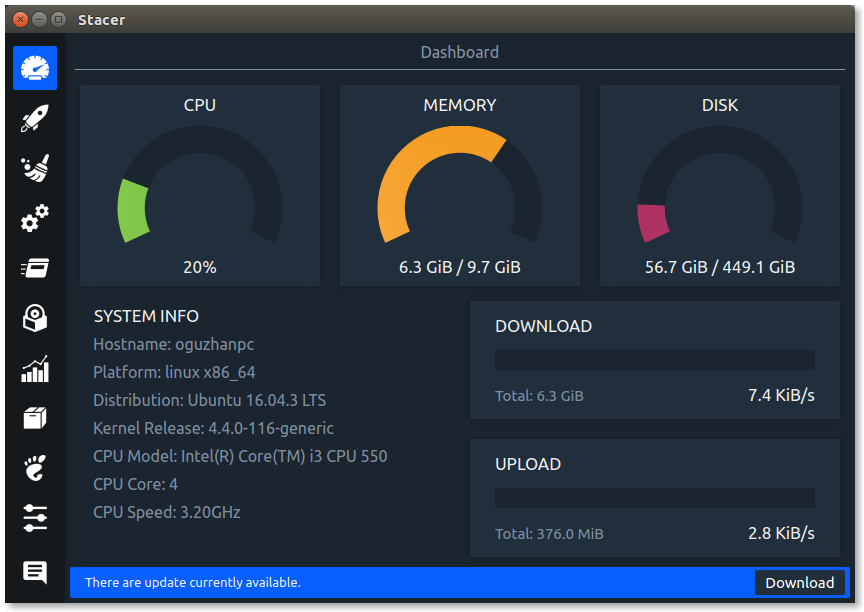
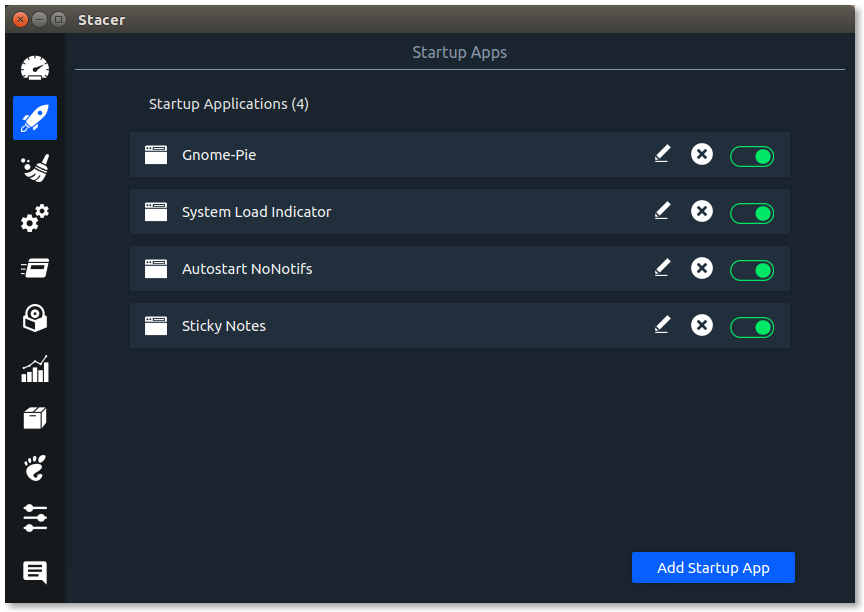
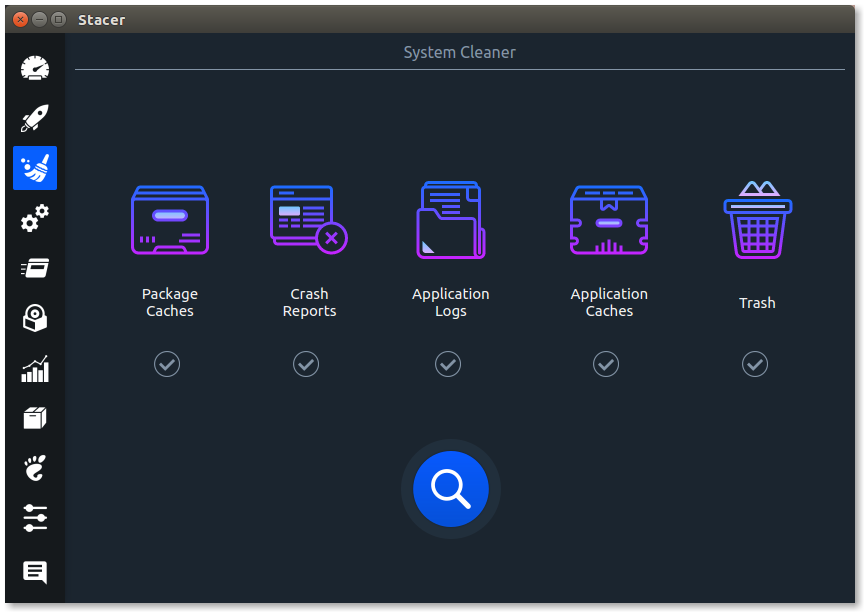
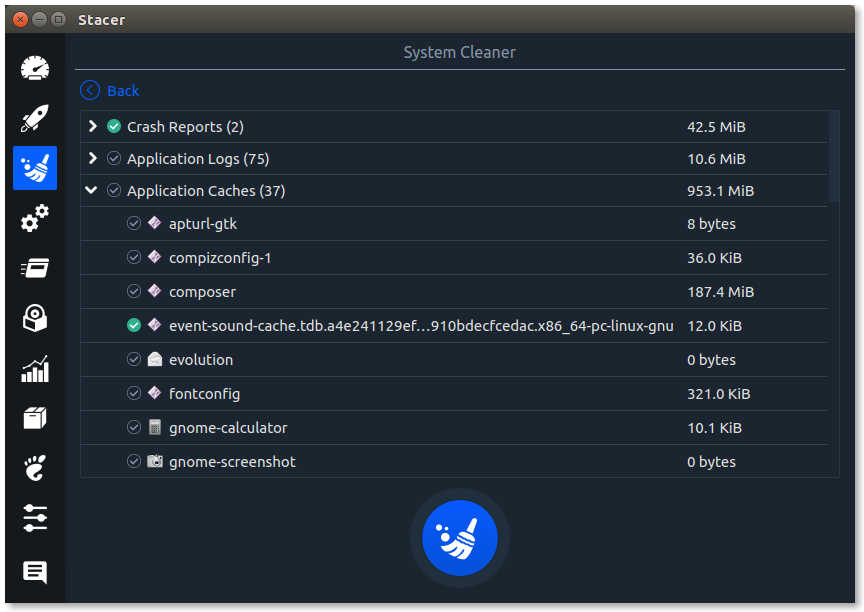
Linux System Optimizer and Monitoring







- Fixed segmentation fault on modern CPUs: CPU frequency detection now properly handles CPUs that report "CPU max MHz" instead of "CPU MHz" (stacer-core/Info/cpu_info.cpp:68-85)
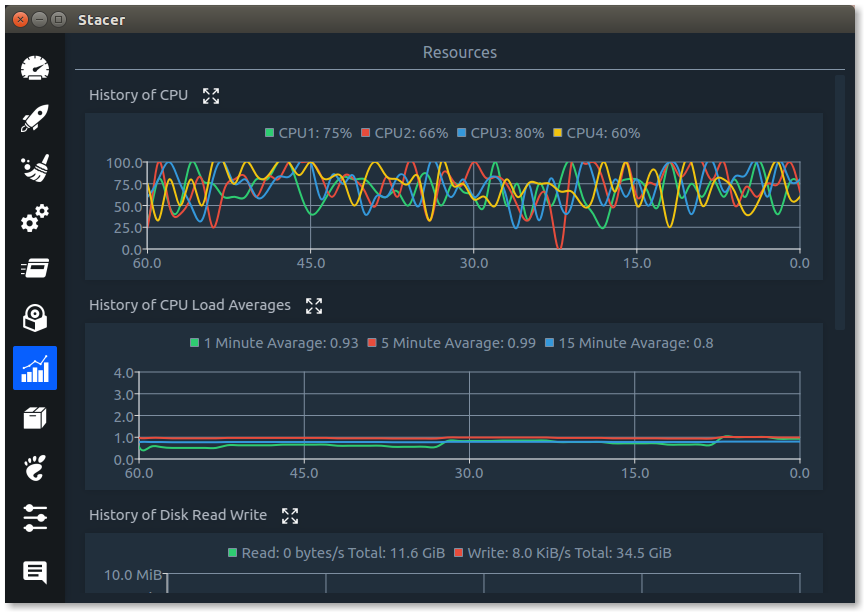
- Fixed crash on high core-count CPUs: Color palette now wraps correctly for CPUs with >20 cores/threads using modulo operator (stacer/Pages/Resources/history_chart.cpp:51)
- Fixed all Qt 5.15+ deprecation warnings (~30 instances across 12 files)
- Updated QtCharts API usage for modern Qt
- Replaced deprecated QDesktopWidget with QGuiApplication::screens()
- Modernized string formatting from sprintf() to QString::number()
- Ready for future Qt 6 migration
See stacer/CHANGES_SUMMARY.md for complete technical details.
- Download
stacer_1.1.1-1_amd64.debfrom this repository - Install dependencies:
sudo apt-get install -y curl systemd - Run
sudo dpkg -i stacer_1.1.1-1_amd64.deb - Launch Stacer using the
stacercommand
Quick Start: See the Build from source section below.
Comprehensive Guide: See BUILD.md for detailed instructions including:
- Building .deb packages for Debian/Ubuntu
- Platform-specific dependencies
- Troubleshooting common build issues
- Version management and packaging
Warning: The following installation methods install the original version 1.1.0 which has:
- Qt 5.15+ deprecation warnings and compilation issues on Ubuntu 22.04+
- CPU frequency detection bugs causing segfaults on modern CPUs
- Color palette crashes on CPUs with >20 cores
sudo add-apt-repository ppa:oguzhaninan/stacer -y
sudo apt-get update
sudo apt-get install stacer -y
Note: This PPA is maintained by the original author and does not include the Ubuntu 22.04/24.04 compatibility fixes from this fork.
sudo apt install staceryay -S stacer
# or
paru -S stacersudo dnf install stacersudo apt-get install -y \
build-essential cmake \
qt5-qmake qtbase5-dev \
libqt5charts5-dev libqt5svg5-dev \
qttools5-dev-tools qttools5-dev \
curl systemdmkdir build && cd buildcmake -DCMAKE_BUILD_TYPE=Release ..make -j $(nproc)./output/stacer
The binary will be available at build/output/stacer
If you want to create a .deb package for installation, follow these steps:
sudo apt-get install -y \
    build-essential cmake \
    qt5-qmake qtbase5-dev \
    libqt5charts5-dev libqt5svg5-dev \
    qttools5-dev-tools qttools5-dev \
    debhelper dh-make devscripts \
curl systemdcd stacer
dpkg-buildpackage -us -uc -bThe .deb package will be created in the parent directory as stacer_1.1.1-2_amd64.deb
sudo dpkg -i ../stacer_1.1.1-2_amd64.debIf you encounter dependency errors:
sudo apt-get install -f-us= Don't sign the source package (for local builds)-uc= Don't sign the changes file (for local builds)-b= Binary-only build (don't create source package)
The build process:
- Reads
debian/changelogfor version number (currently 1.1.1-2) - Reads
debian/controlfor package metadata and dependencies - Executes
debian/rules(which calls cmake + make) - Packages everything into a
.debfile
# List package contents
dpkg-deb -c stacer_1.1.1-2_amd64.deb

# Show package information
dpkg-deb -I stacer_1.1.1-2_amd64.deb

# Extract without installing (for inspection)
dpkg-deb -x stacer_1.1.1-2_amd64.deb /tmp/stacer-extractIf you make changes and want to create a new package:
- Edit
stacer/debian/changelogand add a new entry at the top:
stacer (1.1.1-3) stable; urgency=medium

  * Your change description here

 -- Your Name <your@email.com>  $(date -R)
- Rebuild the package:
cd stacer
dh clean
dpkg-buildpackage -us -uc -b

This project exists thanks to all the people who contribute. [Contribute].

Become a financial contributor and help us sustain our community. [Contribute]

Support this project with your organization. Your logo will show up here with a link to your website. [Contribute]